




01. Edit your claim orthotics form online
Type text, add images, blackout confidential details, add comments, highlights and more.

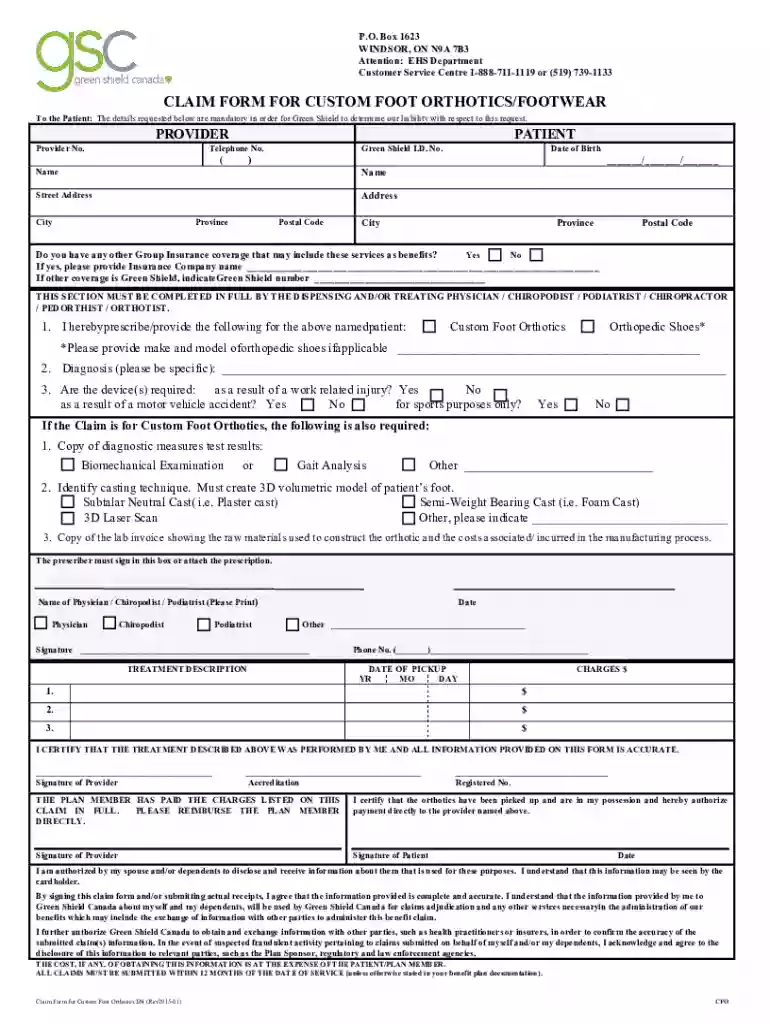
Type text, add images, blackout confidential details, add comments, highlights and more.

Draw your signature, type it, upload its image, or use your mobile device as a signature pad.

Send claim form orthotics via email, link, or fax. You can also download it, export it or print it out.

Start filling out your green shield custom form today using our platform for free!
We've got more versions of the claim orthotics form form. Select the right claim orthotics form version from the list and start editing it straight away!
At DocHub, your data security is our priority. We follow HIPAA, SOC2, GDPR, and other standards, so you can work on your documents with confidence.
The shield emblem is reserved for situations where space for branding is limited or where context allows for a more informal presentation. Thayer Shield Green.Read more
Click it to build a custom PDF with species shown on that page or for all the species within that taxonomic level. To create your own list of species, useRead more
A shield is a defensive tool that can be used to block damage from melee attacks, ranged attacks and explosions. Shields are temporarily disabled when hit


