




Here's how it works

01. Edit your form online
Type text, add images, blackout confidential details, add comments, highlights and more.

02. Sign it in a few clicks
Draw your signature, type it, upload its image, or use your mobile device as a signature pad.

03. Share your form with others
Send it via email, link, or fax. You can also download it, export it or print it out.
How to use or fill out We Are Vertigo Waiver with Our Platform

- Click ‘Get Form’ to open the We Are Vertigo waiver in the editor.
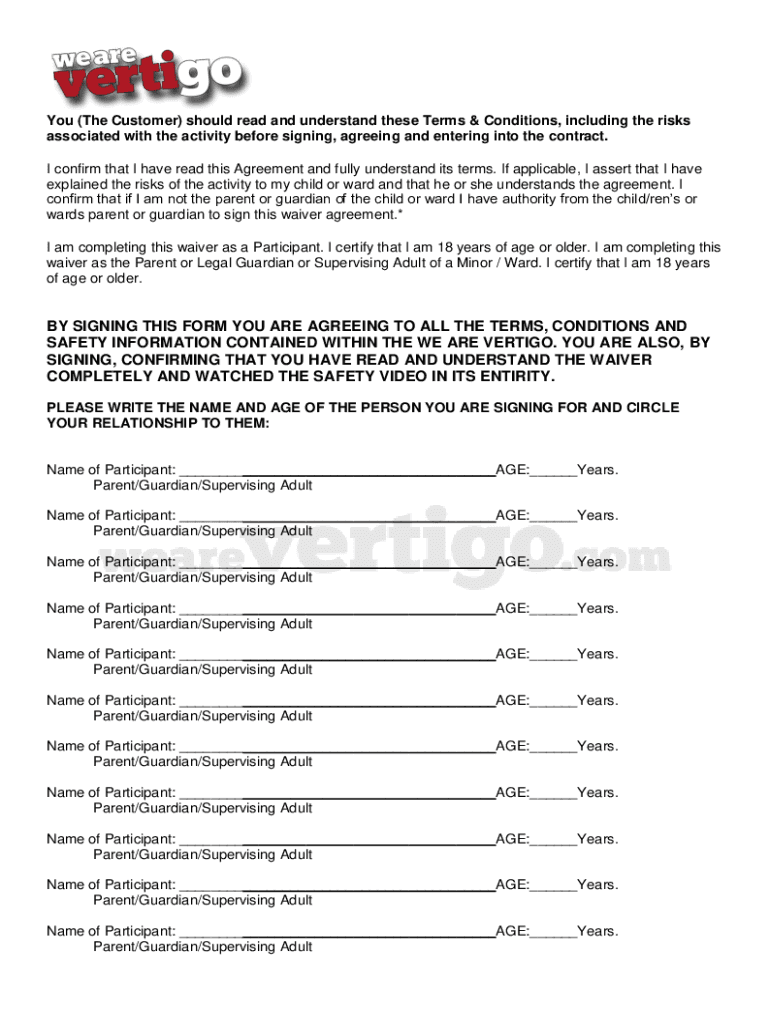
- Begin by reading the waiver carefully. It outlines important safety information and risks associated with participating in activities at We Are Vertigo.
- Fill in your personal details, including your name and age, as well as the names and ages of any minors you are signing for. Ensure accuracy to avoid issues during your visit.
- Review the acknowledgment sections regarding safety instructions and medical conditions. Confirm that you understand these terms by checking the appropriate boxes.
- Sign the waiver electronically. Your signature will be securely stored and valid for 24 months, ensuring a hassle-free experience for future visits.
- Once completed, save your document. You can easily download it or share it directly from our platform if needed.
Start filling out your We Are Vertigo waiver today for free and enjoy a seamless experience!
Fill out we are vertigo waiver online
It's free
It's free
Security and compliance
At DocHub, your data security is our priority. We follow HIPAA, SOC2, GDPR, and other standards, so you can work on your documents with confidence.
Learn more




