
Get any PDF form from the DocHub library of ready-made templates - Page 1145
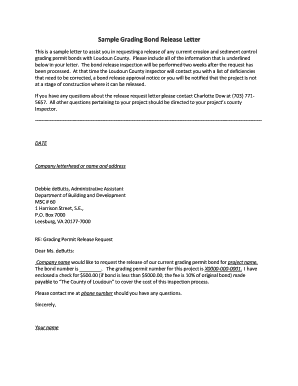
Bond release letter sample
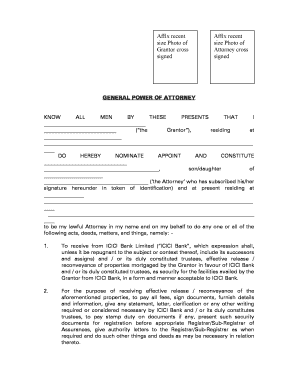
Icici bank power of attorney sample filled

CAT EYE ENDURO 2
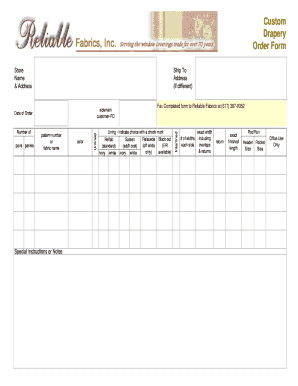
Drapery work order template

Mashreq form

Australia service provider report
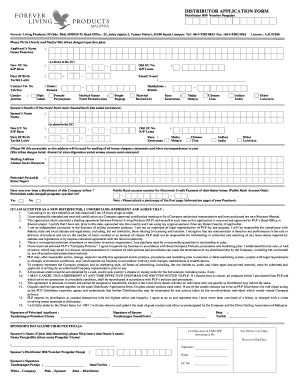
Forever joining form
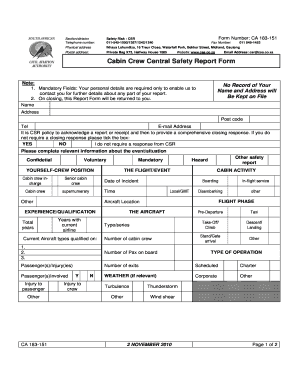
Cabin safety report
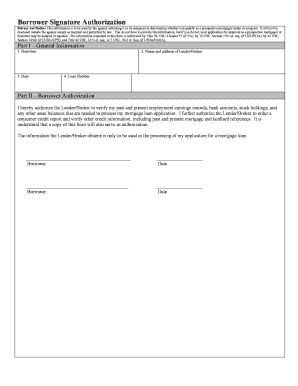
Borrower Signature Authorization - CounselorMax

Employee Name - CPL Healthcare

Fall Protection Plan Form

Gymnastics evaluation sheet
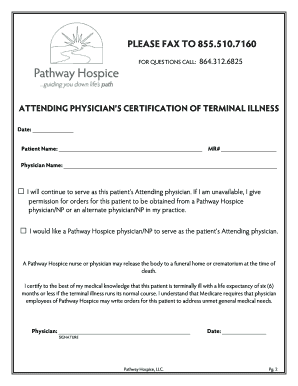
Attending Referral CTI Form
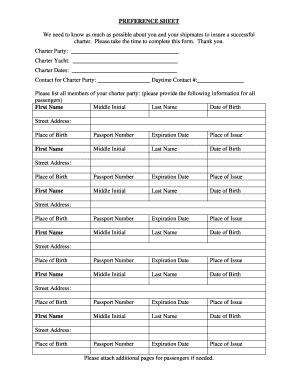
Below deck preference sheet template
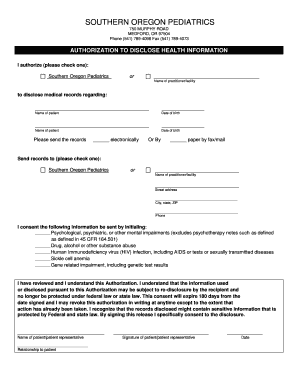
Medical Records Release - Southern Oregon Pediatrics

Occasionswagen
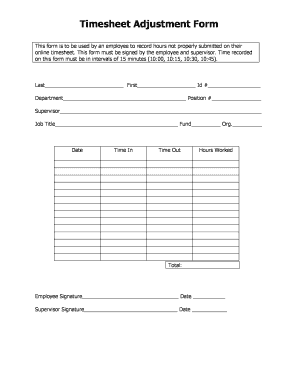
Timesheet adjustment form

Roman father forms
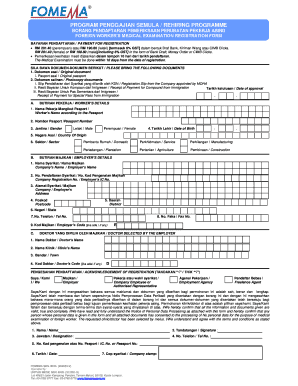
Borang fomema

Aspca claim form pdf
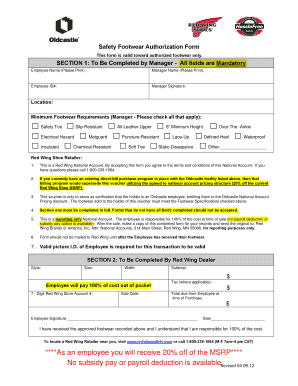
Safety Footwear Authorization Form SECTION 1 To Be

Registration Fee and Payment Form - bTransradialWorldbbcomb

Bbq sign up sheet
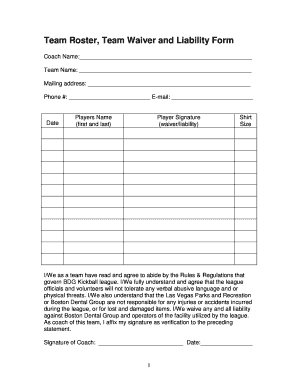
Team Roster Team Waiver and Liability Form - bbdgformebbcomb
BLOCK PARTY PETITION SHEET DATE OF BLOCK PARTY

Uob documentary collection form

Authorization letter to collect luggage from airport

Rezervasyon formu word

D777 ni

Automatic thought record
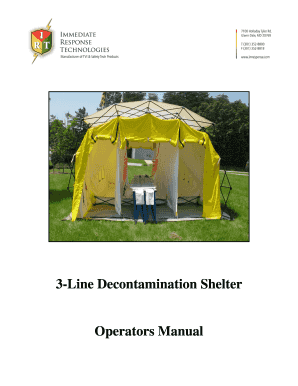
3-Line Decontamination Shelter Operators Manual

Seals pathology

9th grade high school book report template
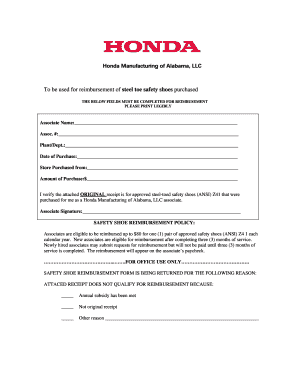
Safety footwear shall be reimbursed on employees paycheck
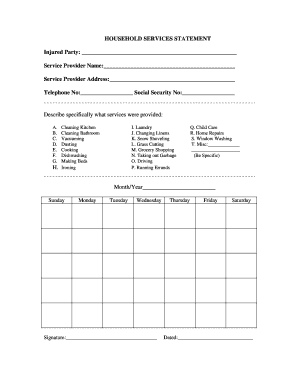
Household services form
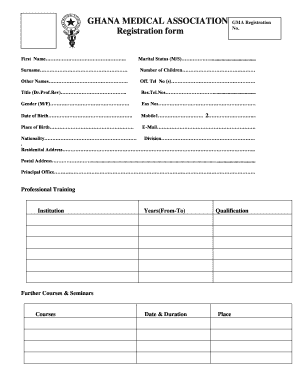
Ghana health declaration form
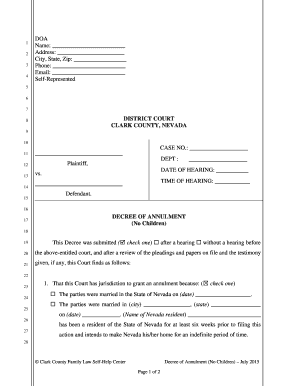
Decree of Annulment No Children (pdf fillable) - Family Law Self
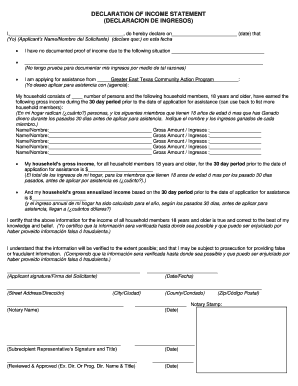
Declaration of income statement
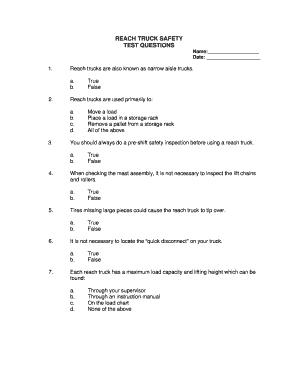
Crown forklift test answers
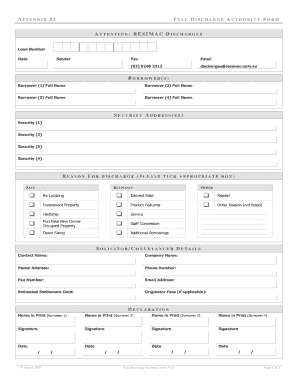
Resimac discharge form

Certified Pool Pump Replacement Program CPPR
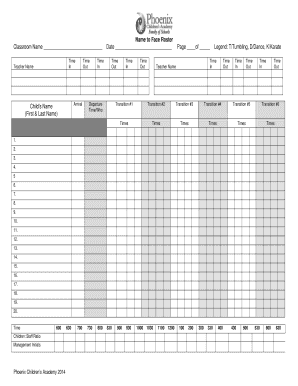
Name to Face Roster Classroom Name Date Page of Legend T
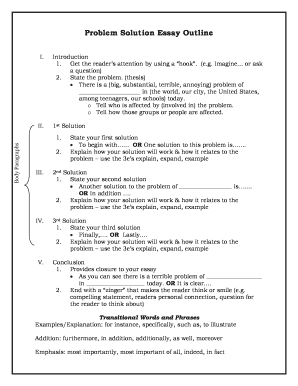
Problem solution essay outline
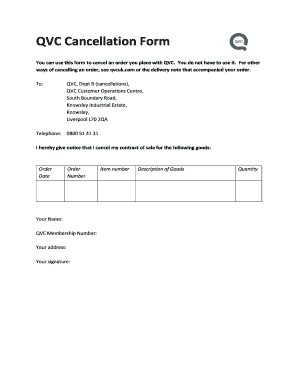
Qvc cancel order

Wellfleet proof of stay 2021

Notice of revised estimated selling price
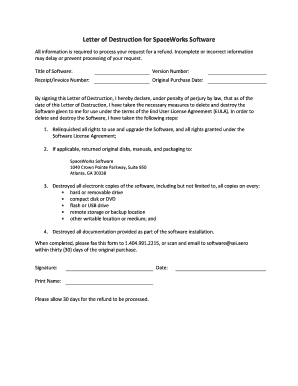
Letter of Destruction for SpaceWorks Software

Tank storage agreement sample
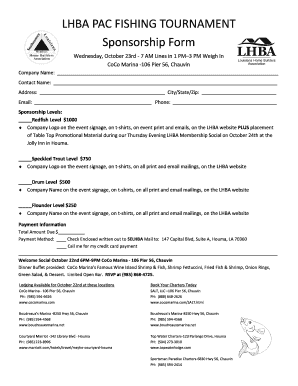
LHA PA FISHING TOURNAMENT Sponsorship Form
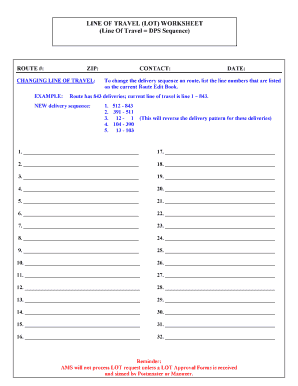
Usps line of travel worksheet
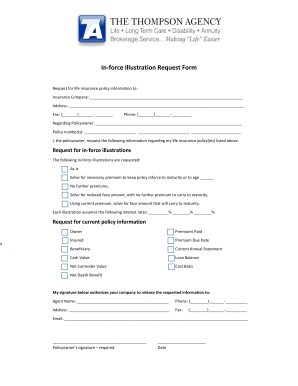
Inforce illustration request form

Scaffolding questions and answers pdf
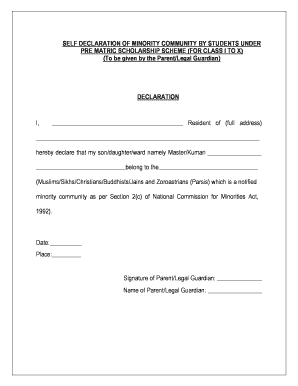
Self declaration form for scholarship
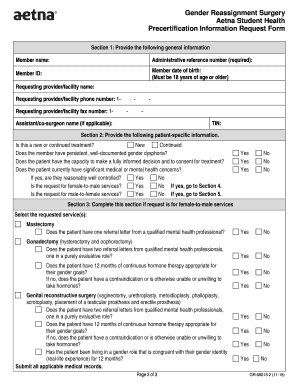
Gender reassignment surgery gender reassignment surgery

LOAD TENDER AND RATE CONFIRMATION - ship-ctscom
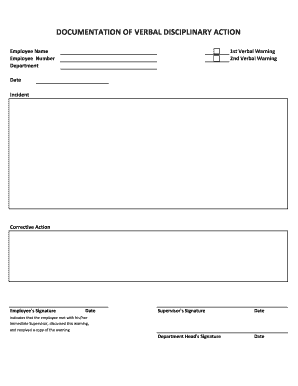
DOCUMENTATION OF VERBAL DISCIPLINARY ACTION
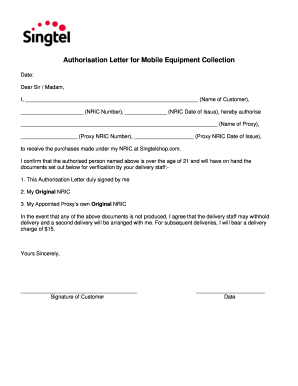
Singtel authorisation letter

AGREEMENT FOR PRE-CONSTRUCTION SERVICES

Hipaa acknowledgement and consent form
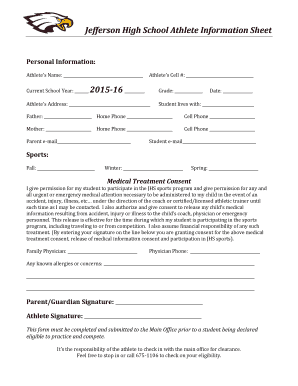
Athlete information sheet

New ministry proposal template
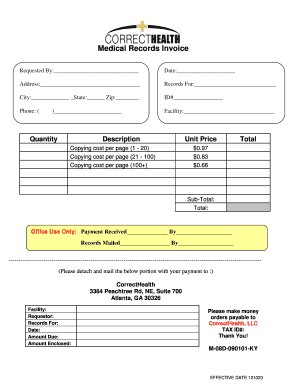
Medical records invoice pdf

UNCONDITIONAL WAIVER AND RELEASE ON FINAL PAYMENT

StopNDrop Daily Report Infant Room
PENNSLVANIA STATE CORRECTIONS OFFICERS ASSOCIATION - PSCOA
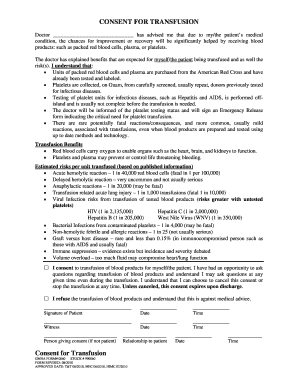
CONSENT FOR TRANSFUSION - Guam Memorial Hospital Authority

Terex th644c service manual

Cheer coach introduction letter to parents

Sanctuary Psycho-Education Manual - Domuskidsorg

Lenox hill radiology referral form

Tender format
Past simple past continuous exercises pdf macmillan
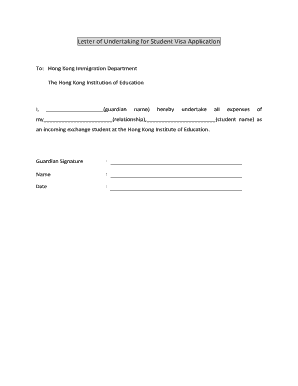
Undertaking letter from parents for visa
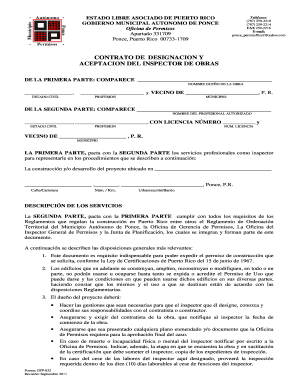
CONTRATO DE DESIGNACION Y ACEPTACION DEL INSPECTOR
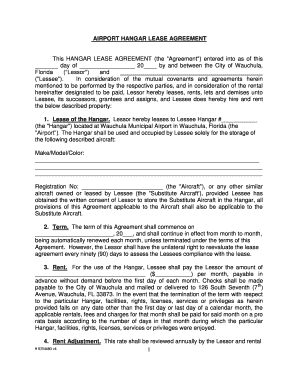
AIRPORT HANGAR LEASE AGREEMENT - cityofwauchulacom
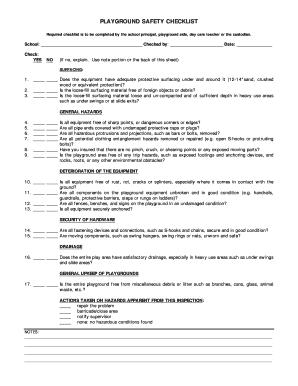
Playground Safety Checklist - Georgia Child Care Association - secceducation
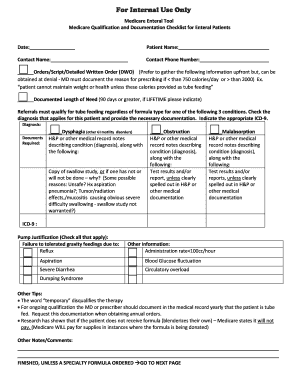
Medicare Qualification and Documentation Checklist for

Elementary Band and Orchestra Instrument Selection Form - harrisoncsd

CARDIAC CLEARANCE Passdoc

NOTICE OF RIGHT TO RECLAIM ABANDONED PROPERTY NOTICE OF RIGHT

Employee Safety Manual
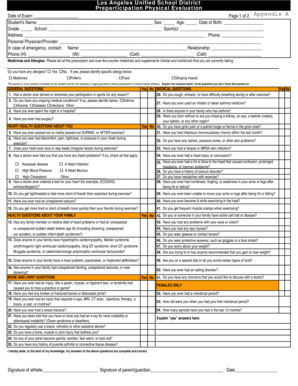
Lausd physical form

Helper's written consent sample

(In addition to Standard Precautions)
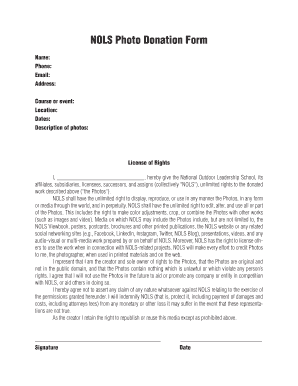
NOLS Photo Donation Form - nols
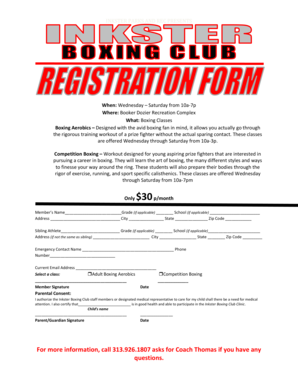
Boxing registration
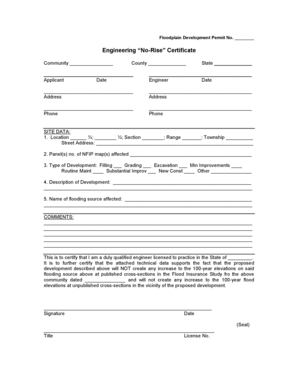
No rise certificate

Engraved Brick Paver Order Form - wakeforestncgov

Neighbor Fence Approval Form - Becker

AFFIDAVIT OF COMPLIANCE - Ocala - ocalafl

City of South San Francisco Plan Check Application
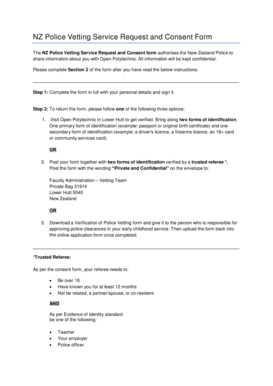
NZ Police Vetting Service Request and Consent Form
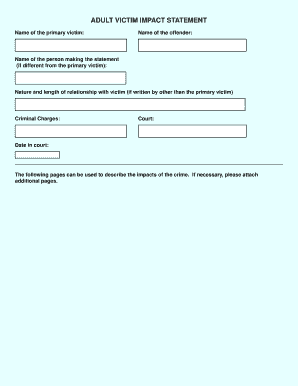
VICTIM IMPACT STATEMENT Information and form
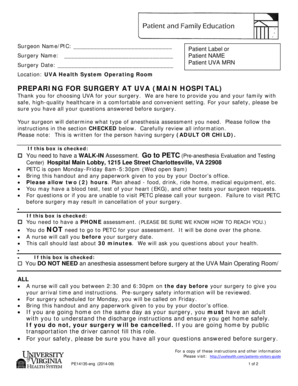
PREPARING FOR SURGERY AT UVA MAIN HOSPITAL
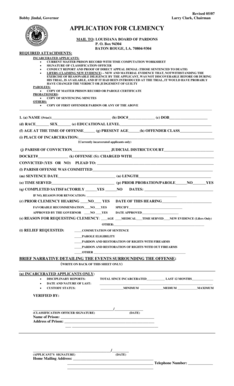
Louisiana pardon application

Gratis huurkontrak download
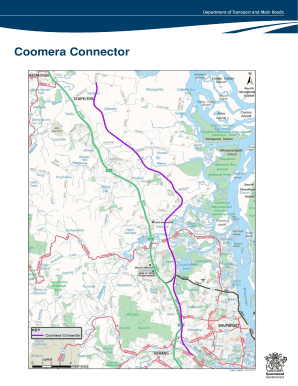
Coomera connector detailed map
Mindmill assessment
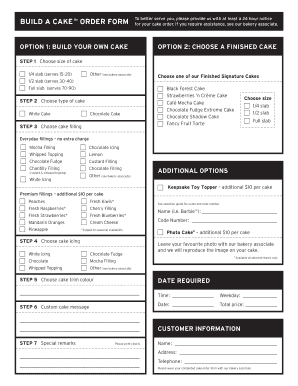
OPTION 1: BUILD YOUR OWN CAKE OPTION 2: CHOOSE A - Metro
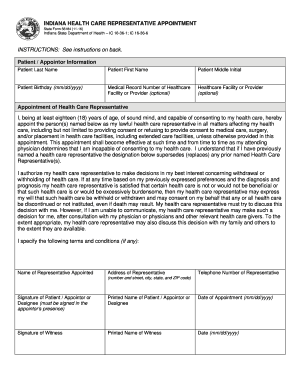
Indiana form 56184
Benefit from the DocHub online library of fillable PDF forms
Searching the PDF forms doesn't have to be a tedious and time-consuming process. With the DocHub online library, it has become easier to find the fillable PDF forms and modify them in your browser. The service allows you to adjust the document to your needs using powerful editing tools.
You can use online document editing features to modify almost any type of document with ease. You just need to find the template of your choice, open it in the editor, and use the toolbar to make the necessary corrections.
Follow this guide to get your document done with DocHub:
- Find the PDF template you need.
- Click the Get Form button to open the file in the editor.
- Use the toolbar to fill out and edit the document.
- Easily add and highlight text, insert images, checkmarks, and symbols.
- Drop new fillable fields, and rearrange or delete pages from your file.
- Save changes and download your record.
DocHub empowers everyone to streamline document editing, signing, and distribution, and form completion. Create an account and benefit from our well-organized PDF Forms library and comprehensive editor.