
Get any PDF form from the DocHub library of ready-made templates - Page 1146

Savannah ga dream maker in depth booklet form
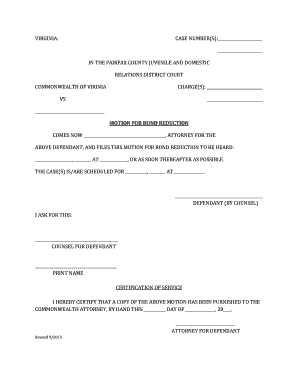
Motion for Bond Reduction Forms - fairfaxcounty
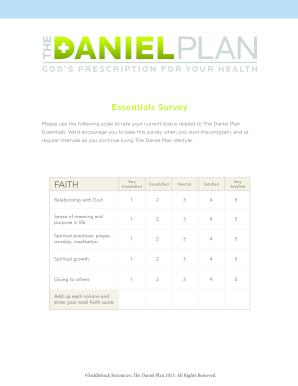
Danielplan com start essentials survey
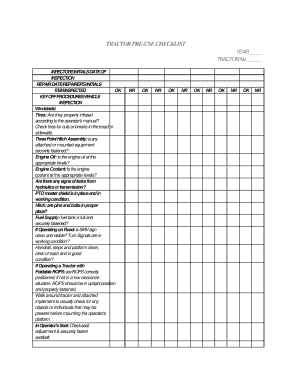
Tractor inspection checklist pdf

Aia0014
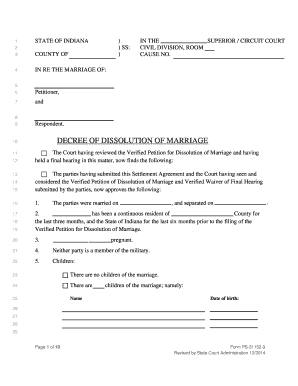
Decree of dissolution form
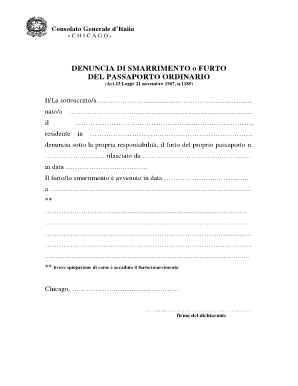
Modulo denuncia online
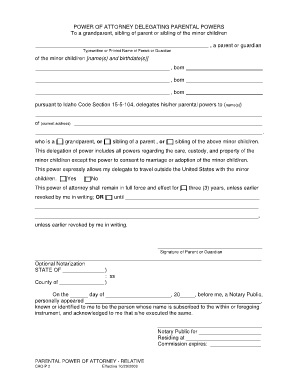
Power of attorney delegating parental powers

DocHub receipt for rent paid form
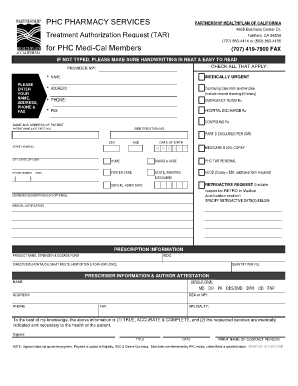
Tar forms

P9 form download
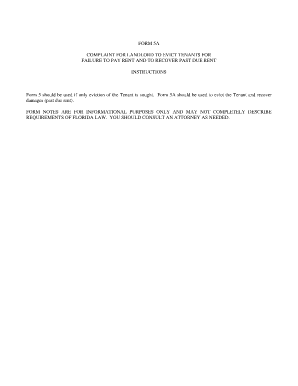
Form 5a complaint
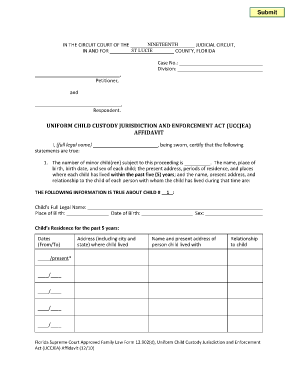
Unlawful detainer florida

Attorney in fact

Carta dei Servizi COLEMAN - Medicina Futura - medicinafutura
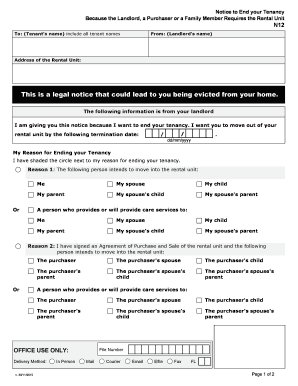
N12 form

NOTICE OF ADDRESS OF REGISTERED OFFICE

Customer request form landbank
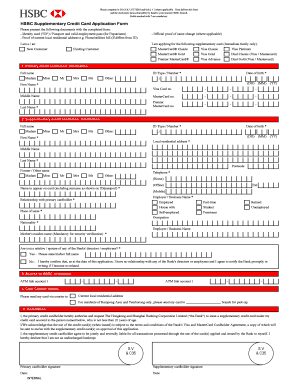
Hsbc supplementary card
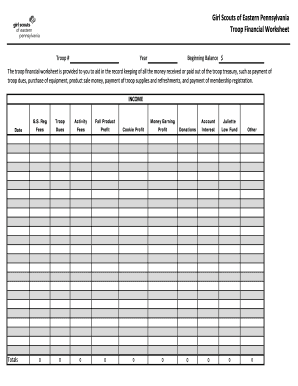
Girl scout finance spreadsheet
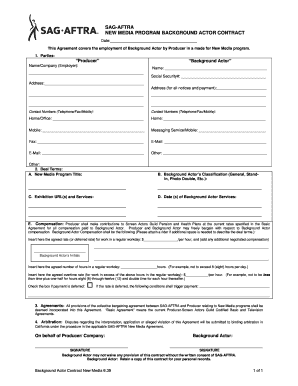
Sag background actors

Cynosure Laser Consent Form
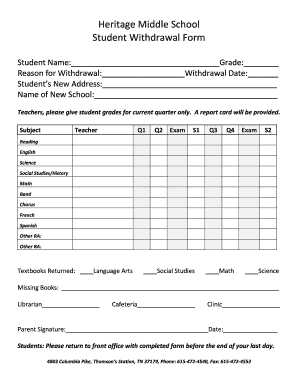
School withdrawal form sample

Phi Kappa Sigma International Fraternity Mitchell Chapter Standards
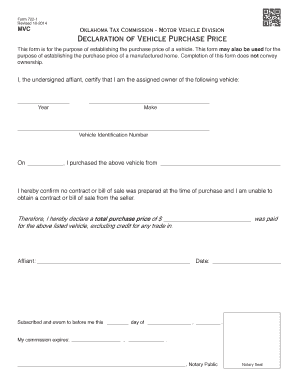
Vehicle purchase declaration form
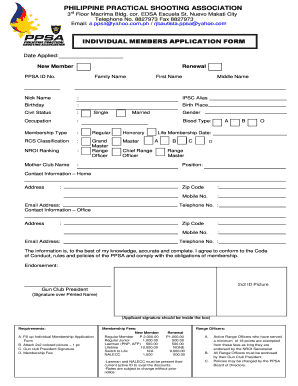
Ppsa form

Family information form sample
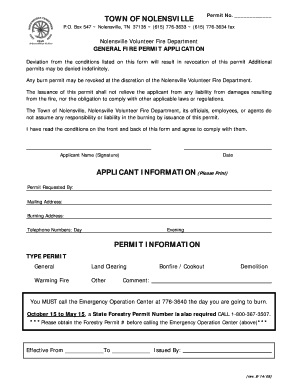
Tn burn permits online
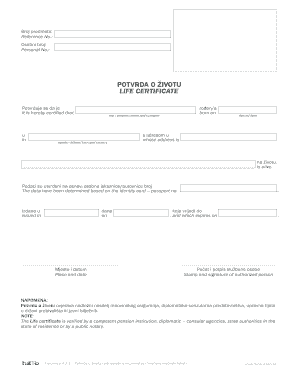
Potvrda o zivotu
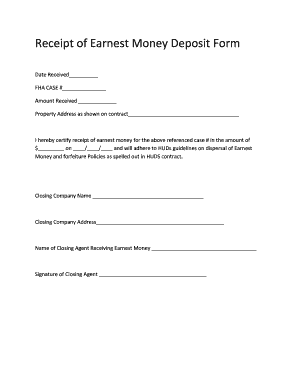
Receipt of Earnest Money Deposit Form
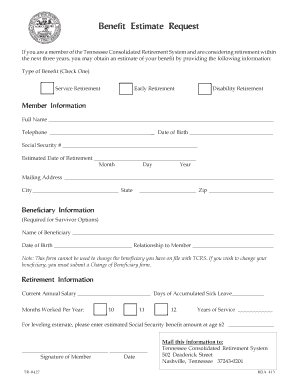
Printable beneficiary forms
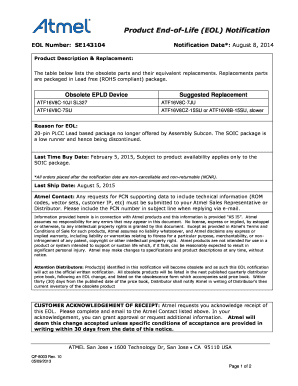
Eol form

Form 826
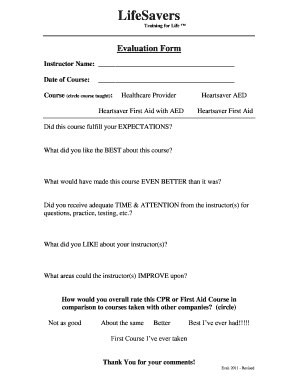
Evaluation Form - LifeSavers CPR Training of Minnesota offers
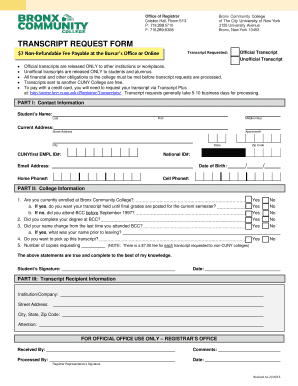
Bronx community college transcripts
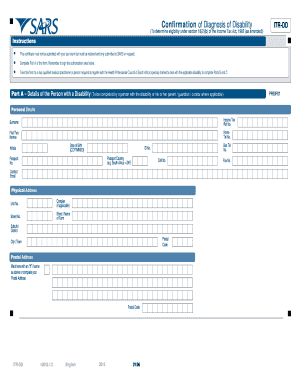
Itr dd form
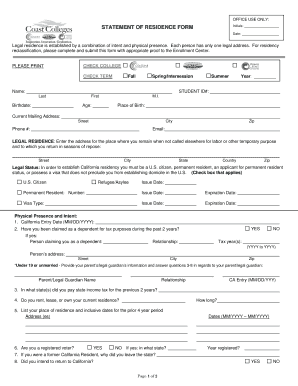
Statement of Residence PDF - Golden West College - goldenwestcollege
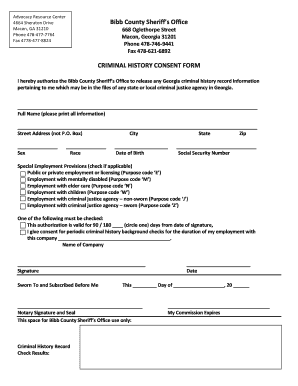
Expungement form
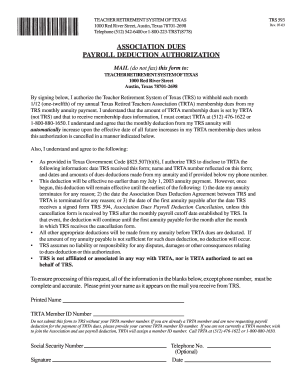
Association Dues Payroll Deduction Authorization TRS Form 593 - trta
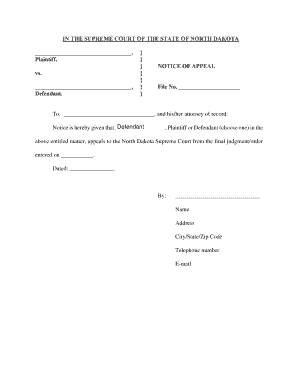
Notice of appeal template
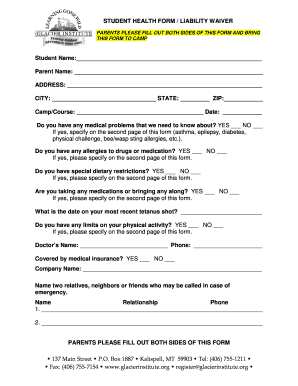
Camp waiver template

Service Description Service Provider (SP) Enhanced Warranty
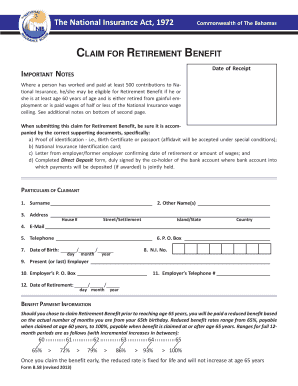
B58 Retirement - The National Insurance Board

Advance Notification form - Solicitors Regulation Authority
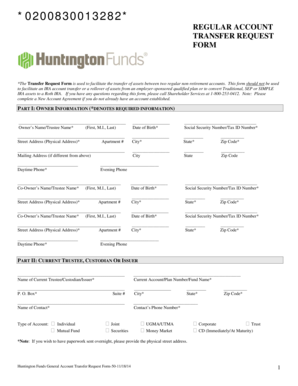
Huntington bank wire transfer form

Guadalupe county 911 address

Head start physical form
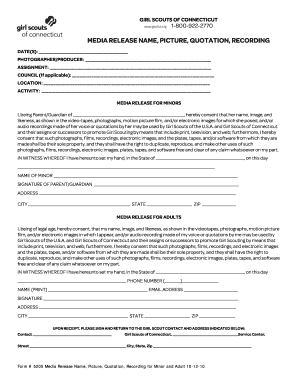
Girl scout photo release form
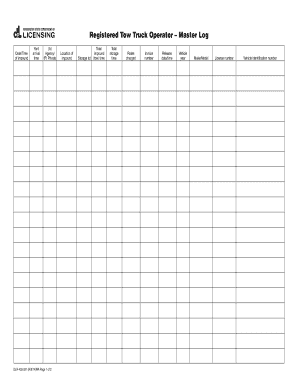
Registered Tow Truck Operator - Master Log - dol wa
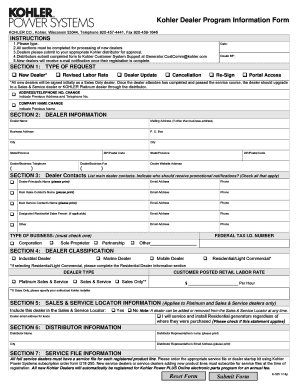
Kohler Dealer Program Information Form KOHLER CO
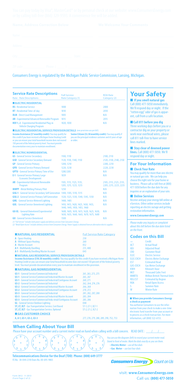
Consumers energy bill sample
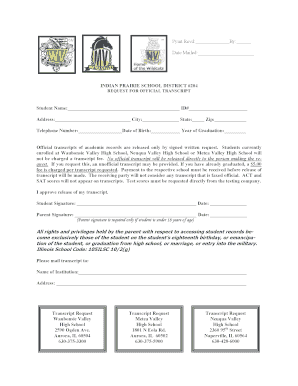
Transcript Request Form for Alumni - Waubonsie Valley High School
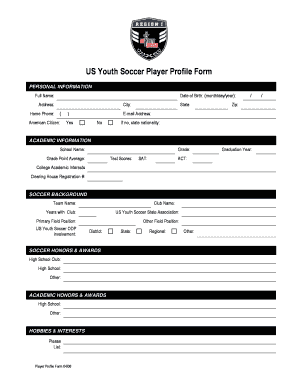
Player profile form

2 GBM Co-Signer Form - Greater Boston Management, Inc
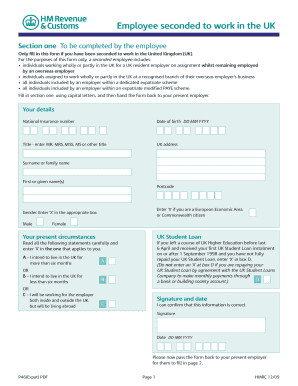
P46 form
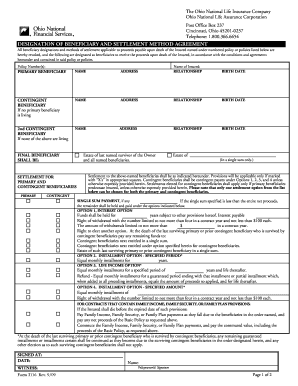
Ohio national forms

Mcps 65 pdf

Amendment record

Physician Sample Request Form -
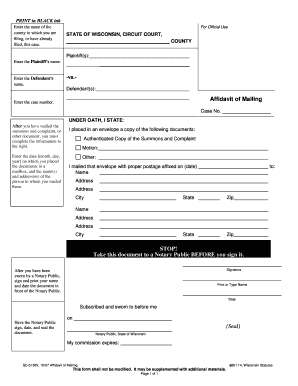
Affidavit of mailing template

Parental Consent Form for Traveling Minors - Heart to Honduras - hth
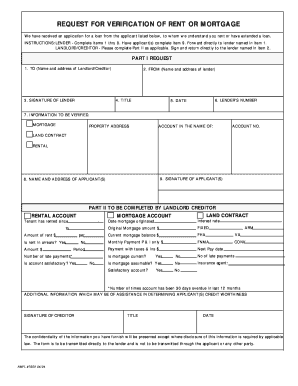
NMFL 7059 - Request for Verification of bRent orb bb - Logan Rockmore

SECTION 125 CAFETERIA PLAN ELECTION FORM: - csun

Kemu exam clearance form 2021
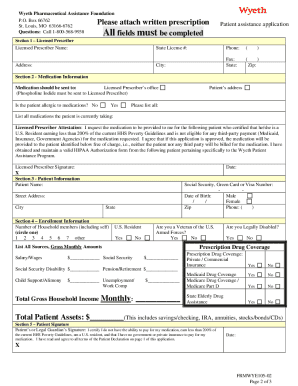
Wyeth pharmaceuticals patient assistance program

Income tax return sample form
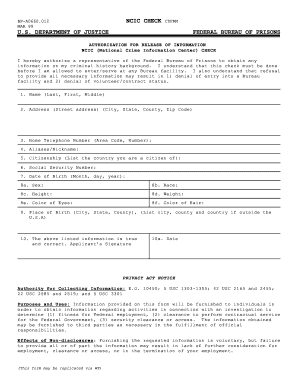
Bp a0660

Intrusion alarm lease addendum form

Sudanese birth certificate sample
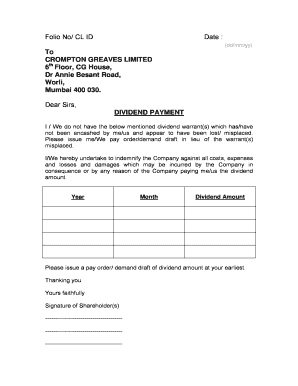
Dividend letter sample

BRICK PAVING REQUIREMENTS - Village of Arlington Heights
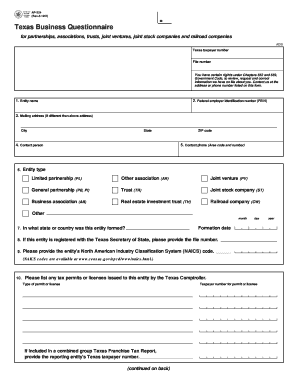
AP-224 Texas Business Questionnaire - Texas Comptroller of Public
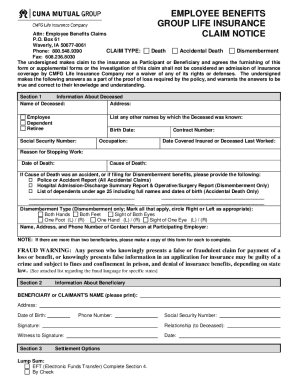
Cuna mutual life insurance death claim form
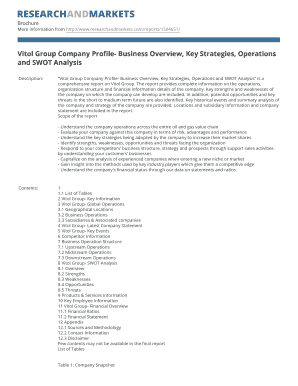
Vitol Group Company Profile- Business Overview, Key Strategies, Operations
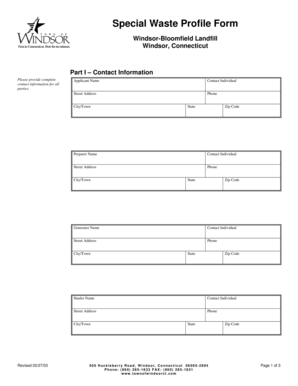
Special Waste Profile Form - Town of Windsor
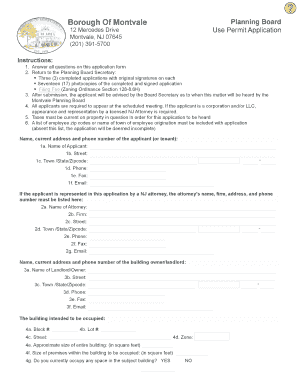
Use Permit Application - Borough of Montvale - montvale
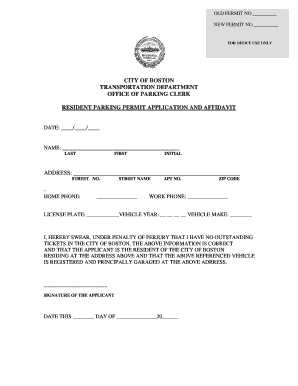
Resident Parking Permit Application - City of Boston - cityofboston
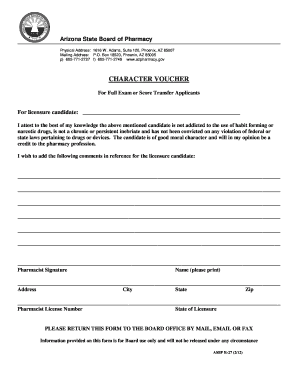
Arizona board of pharmacy character voucher form
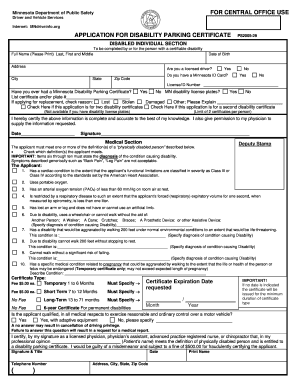
Mndriveinfo

New Crane Registration - CT - ct

Consent form for usability testing

How to fill out the waiver of arraignment in michigan

Indiana form 103

Instant mobile money loans in zambia
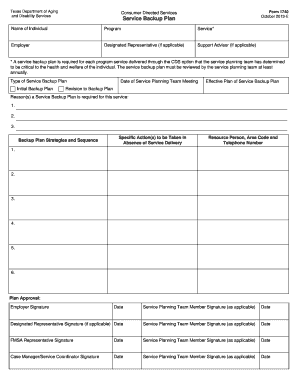
Form 1740 service backup plan
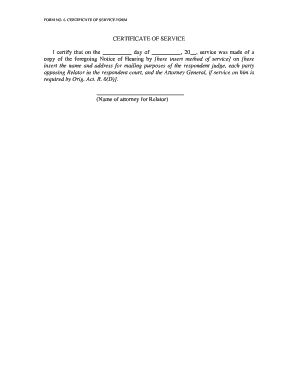
Indiana form certificate service

Link market services forms

Soccer scouting report template

Florida hospital form

2000 marriage preparation questionnaire form create
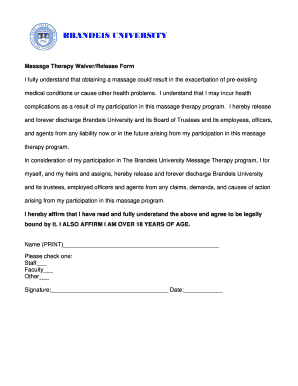
Massage waiver form

Form i 538

Guidestone retirement withdrawal form
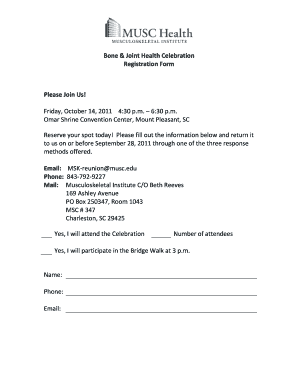
Musc letterhead

Weight watchers renewal
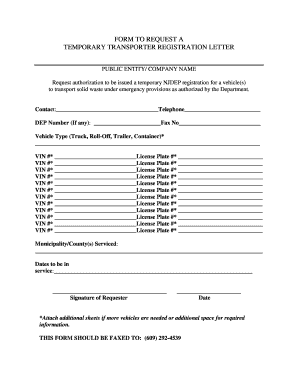
Temporary plates online nj
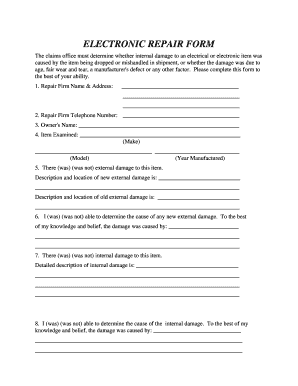
ELECTRONIC REPAIR FORM - fincen uscg
Atp 5 19
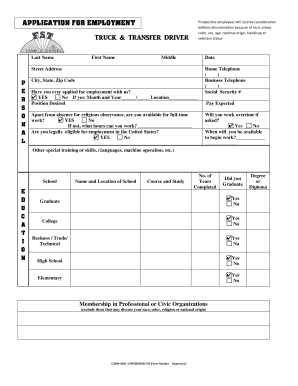
Fst sand and gravel employment form
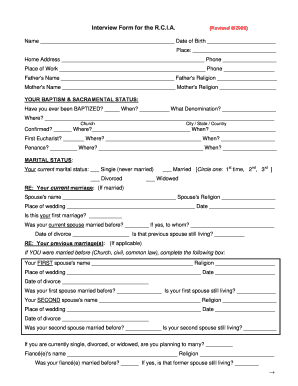
Rcia worksheets
Benefit from the DocHub online library of fillable PDF forms
Searching the PDF forms doesn't have to be a tedious and time-consuming process. With the DocHub online library, it has become easier to find the fillable PDF forms and modify them in your browser. The service allows you to adjust the document to your needs using powerful editing tools.
You can use online document editing features to modify almost any type of document with ease. You just need to find the template of your choice, open it in the editor, and use the toolbar to make the necessary corrections.
Follow this guide to get your document done with DocHub:
- Find the PDF template you need.
- Click the Get Form button to open the file in the editor.
- Use the toolbar to fill out and edit the document.
- Easily add and highlight text, insert images, checkmarks, and symbols.
- Drop new fillable fields, and rearrange or delete pages from your file.
- Save changes and download your record.
DocHub empowers everyone to streamline document editing, signing, and distribution, and form completion. Create an account and benefit from our well-organized PDF Forms library and comprehensive editor.