
Get any PDF form from the DocHub library of ready-made templates - Page 1024
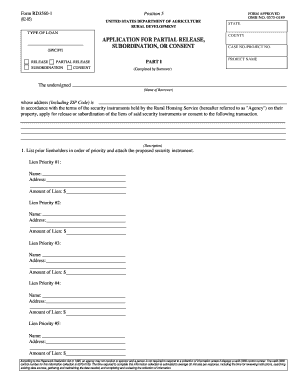
Usda 3560 1

IG Hotline Complaint Form

Atlanta Service Center
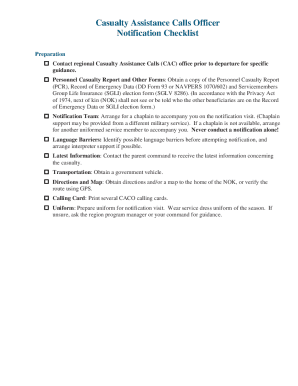
Contact regional Casualty Assistance Calls (CAC) office prior to departure for specific
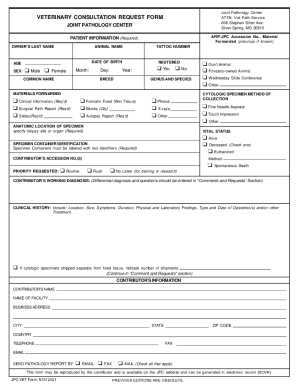
Veterinary consultation request form - The Joint Pathology Center
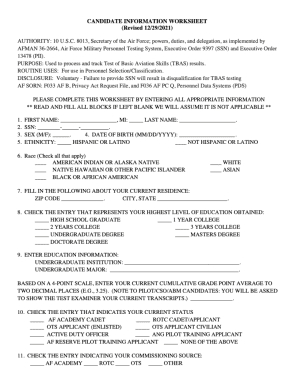
Air force personnel center
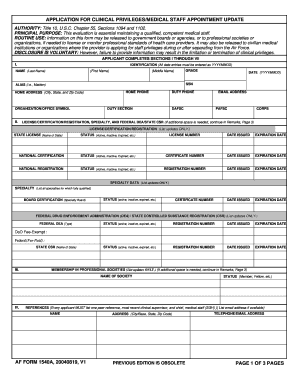
APPLICATION FOR CLINICAL PRIVILEGES MEDICAL STAFF APPOINTMENT UPDATE

Resuscitation record form
Health notice privacy practices
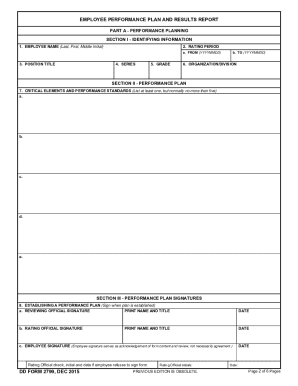
DD Form 2799,Employee Performance Plan and Results Report, December 2015

Dd 2905
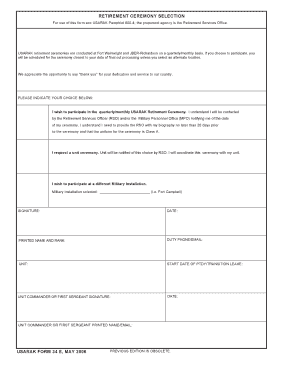
Application ceremony
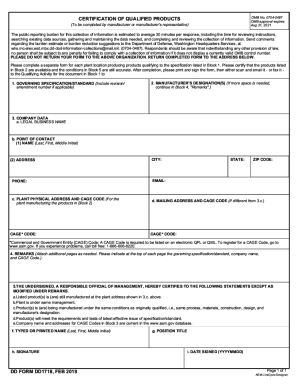
Dd form 1718

Dd form 3176

Mandatory to begin attendance:

Fillable Online Oregon Ridge Arts Sciences Pavilion SILENT

Osan Middle High School School - DoDEA

Bahrain School Fee Form - DoDEA

A Guide for Vision Testing - Health Services & School Nursing
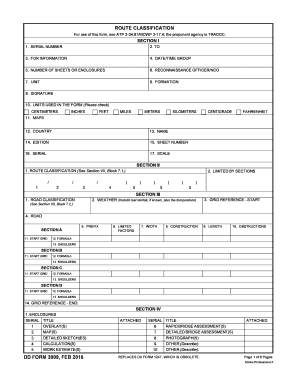
Dd 3009 form

Da form 7655
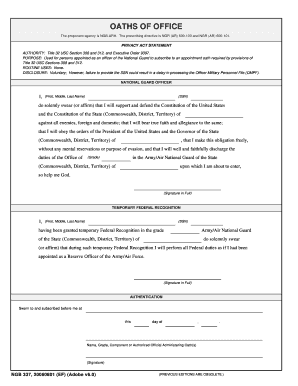
Oath military
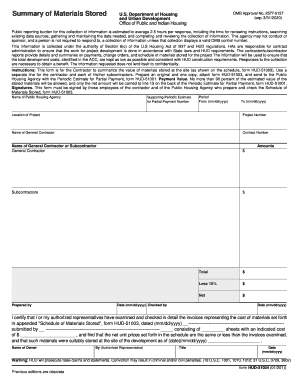
Hud 51004 form
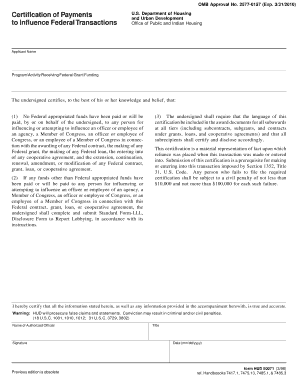
Hud form 50071
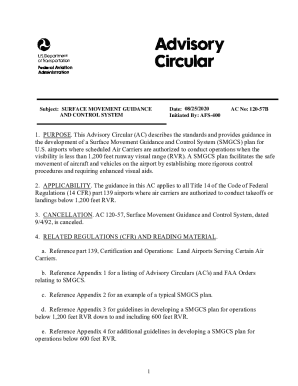
Faa AdvisoryCircular150 5210 20AAC 150 5210-20A, Ground Vehicle Operations to include Taxiing
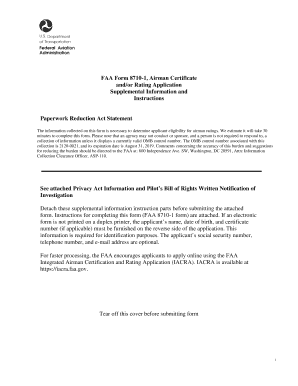
Faa form 8710 1 iacra

Administration aviation federal

Employment report form

Wh1088

Termination agreement landlord tenant
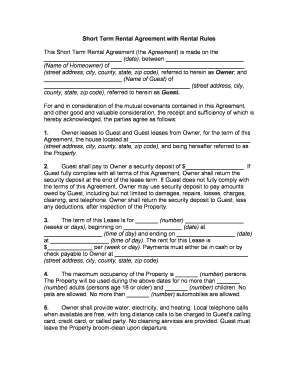
Short rental lease agreement
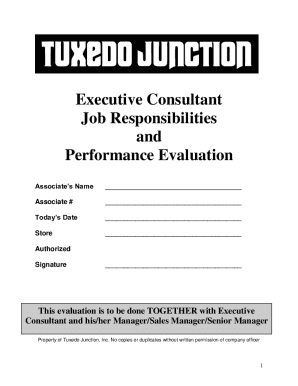
Tuxedojunction wp-contentuploadsExecutive Consultant Job Responsibilities and Performance
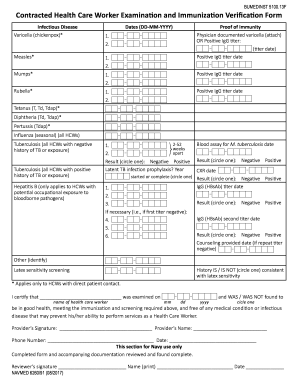
Exam forms for mils - Crushing plant for sale in qatar
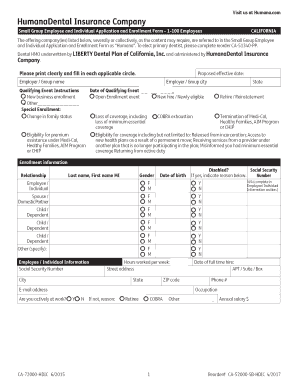
Employee Application Small Group-DHMO - Rogers Benefit Group
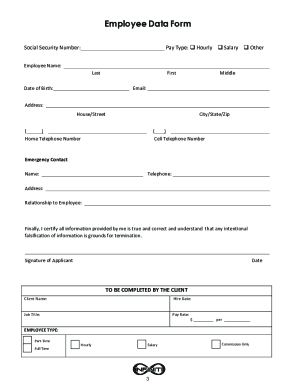
Pr businessinfiniti-hr-burtonsville-marylandINFINITI HR - Business Consulting - 3905 National Dr
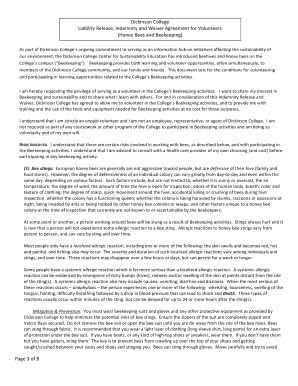
Waiver beekeeping
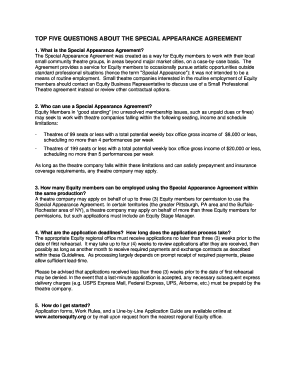
Special Appearance Agreement Application
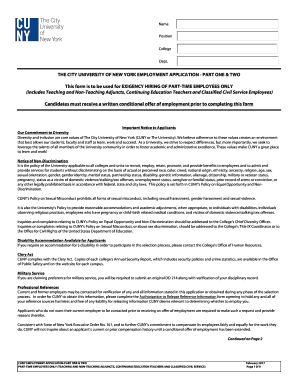
Cuny employment application

Internships InternshipsInternship Search and Intern JobsChegg
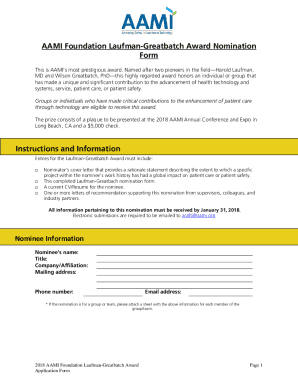
AAMI Foundation Laufman-Greatbatch Award Nomination Form
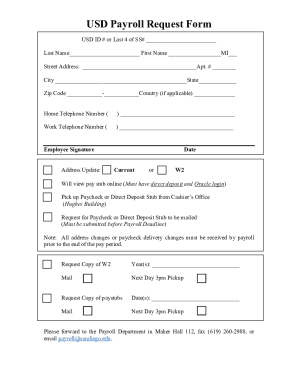
Payroll Information - Poway Unified School DistrictPayroll - Finance Office - University of San Dieg
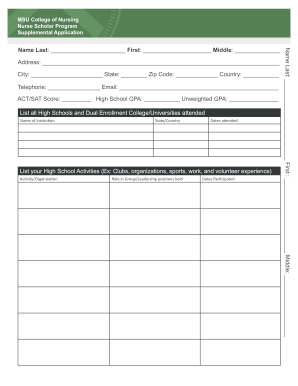
Michigan state university application

Collegedunia coursesemergency-medicalEmergency Medical Technician(EMT) Courses: Types, Syllabus

Artist booking contract template

Auburn favn
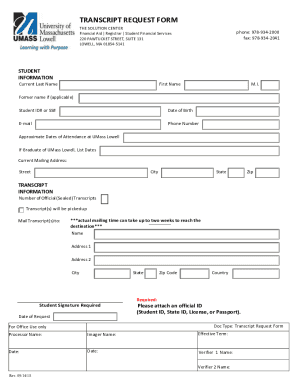
Uml transcript
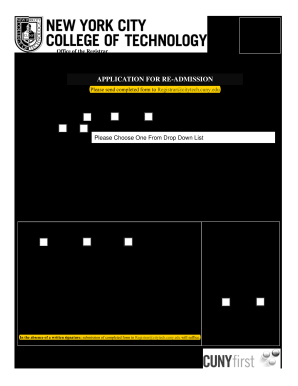
City college technology application form
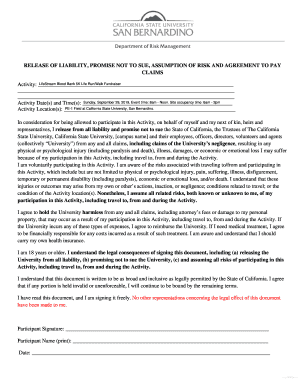
California release liability agreement

Internal external factors
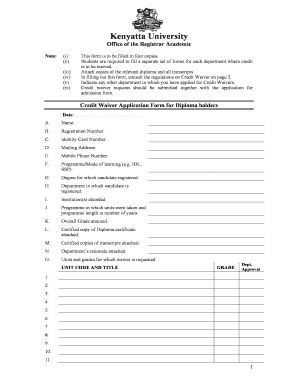
Unit waiver meaning
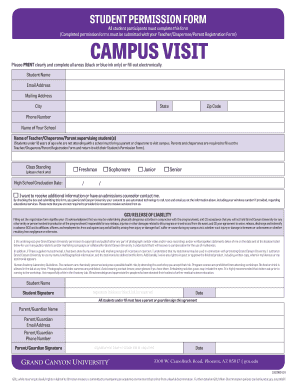
Gcu student form
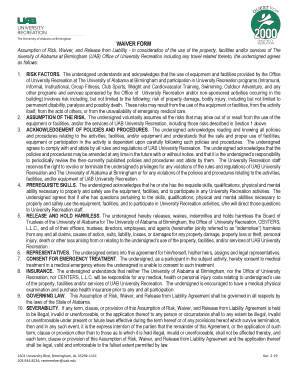
Uab waiver
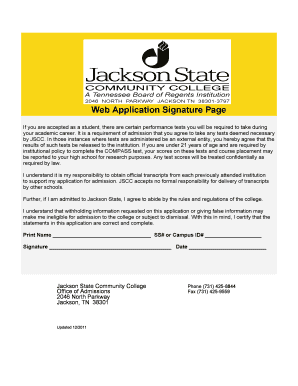
Jscc web
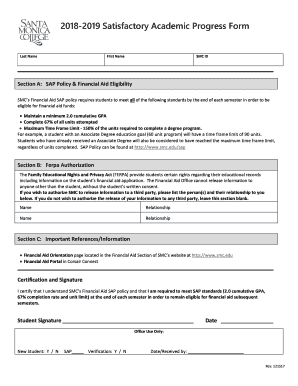
Academic progress form
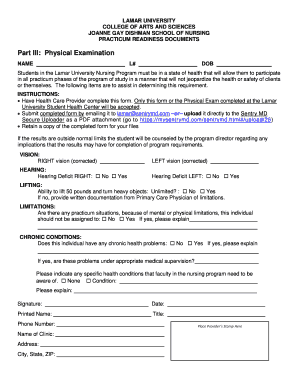
Lamar physical form
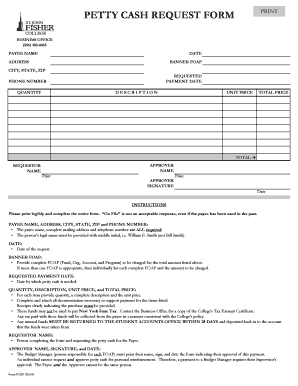
Petty cash request
Test accommodations form

Fnif

Residency questionnaire
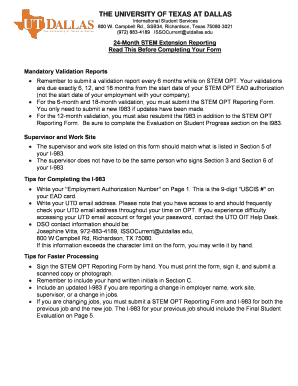
Opt reporting stem form
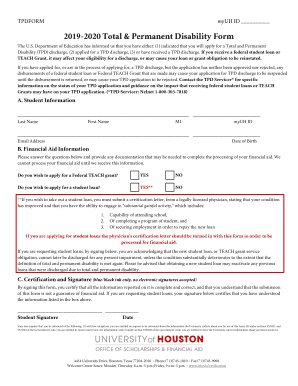
Total permanent disability form
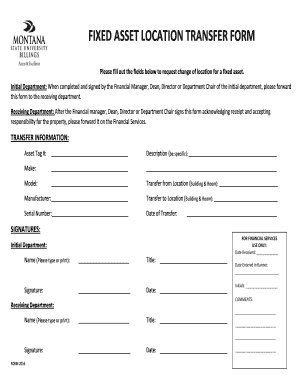
Asset transfer form template

Deficiency plan

Odu npp
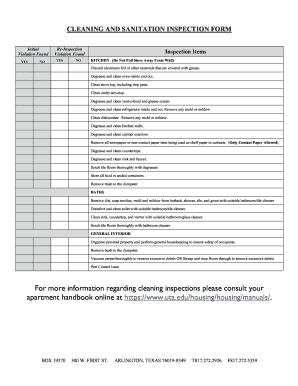
School cleaning checklist pdf
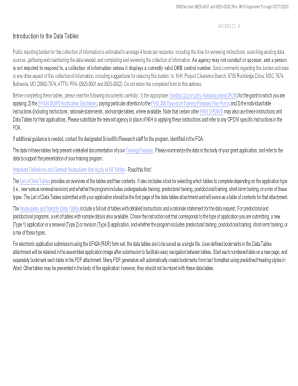
Nih tables
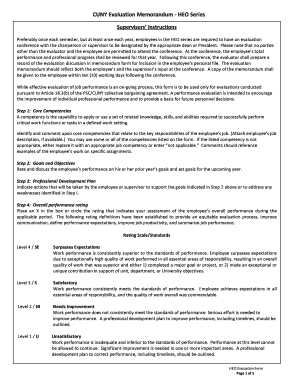
Evaluation memorandum

Audit financial questionnaire
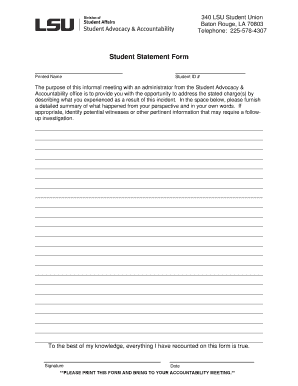
Lsu student form
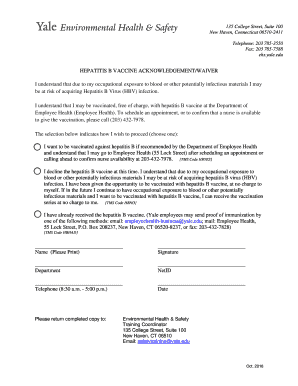
Hepatitis b waiver form

Yale waiver
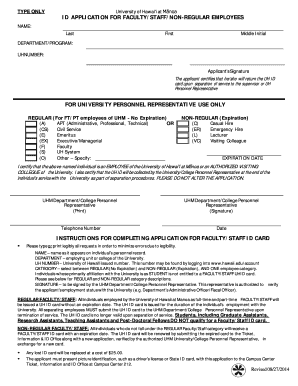
Id staff employees
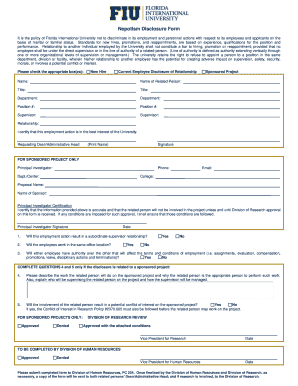
Nepotism form
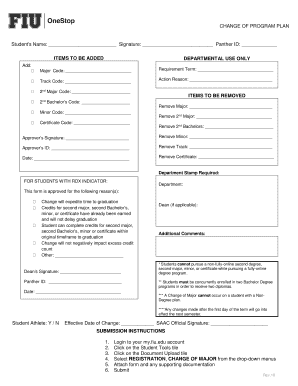
Fiu change program
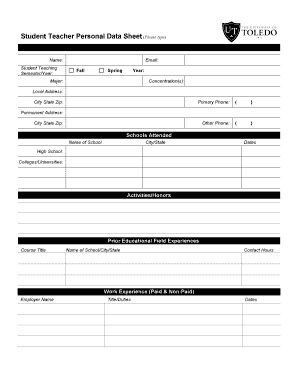
Personal data sheet revised 2017
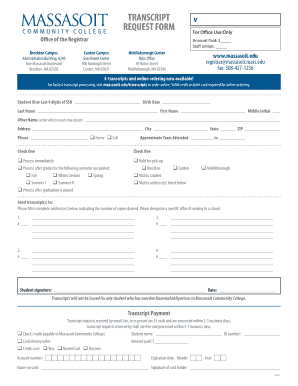
Massasoit community college transcript

Usf tuition purposes

Agent invoice

Consortium form
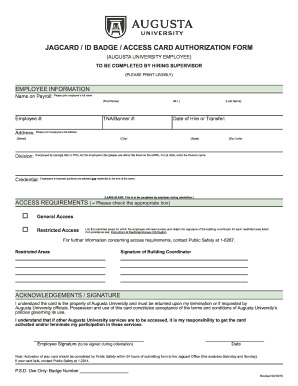
Badge access form

Norwalk community college transcript
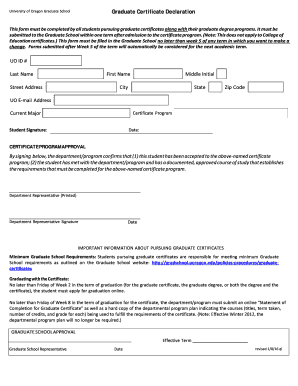
Certificate declaration template
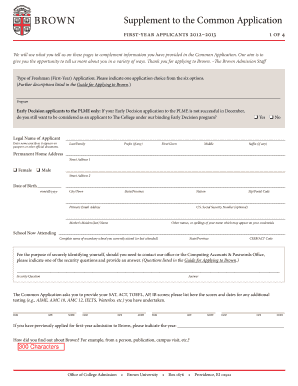
Brown application form

Waiver verification form
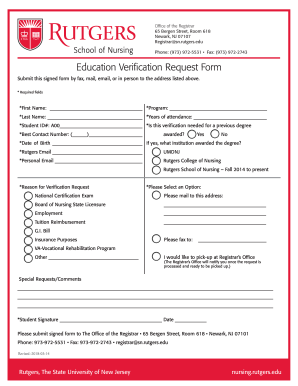
Nj education

Authorization agreement deposits
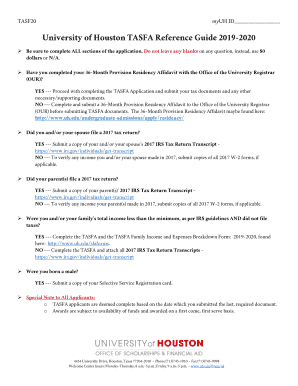
Tasfa form
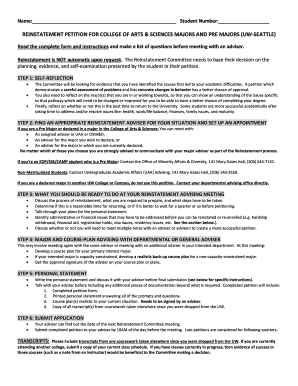
Reinstatement petition form
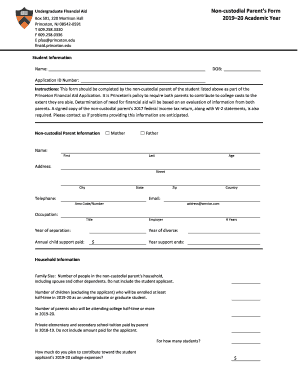
Non custodial parents form
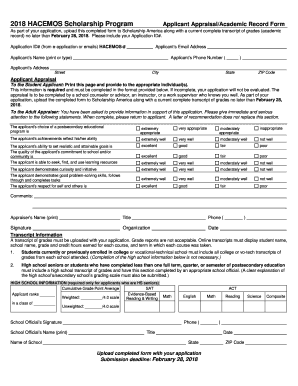
2018 hacemos
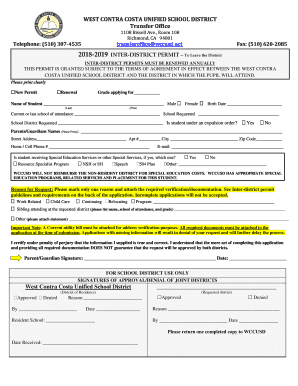
Wccusd
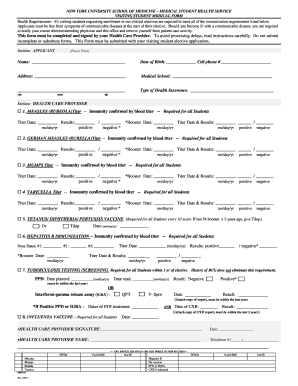
Student medical form

Shelton state community transcript
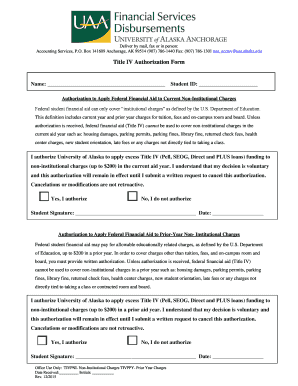
Title iv authorization form
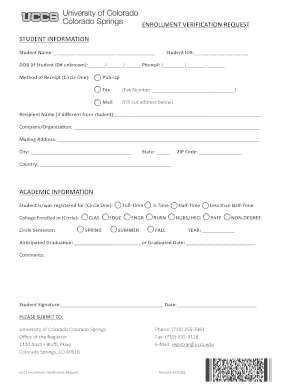
Uccs verification
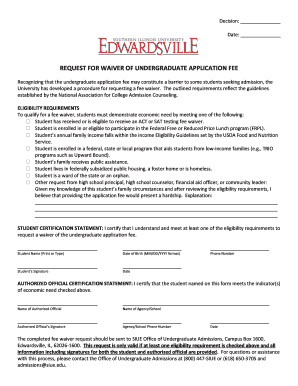
Siue application fee waiver
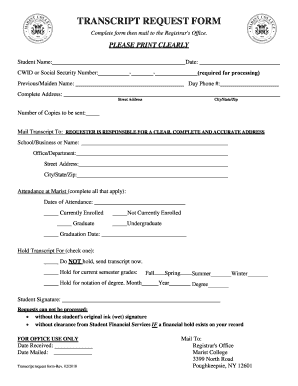
Marist college transcript request
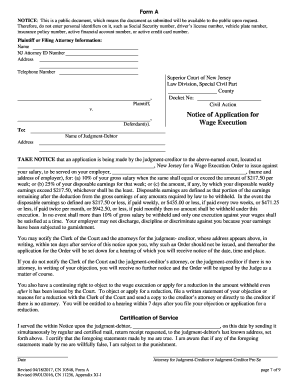
New jersey

PERSONAL INJURY COMPENSATION application SECTION ONE - jud ct
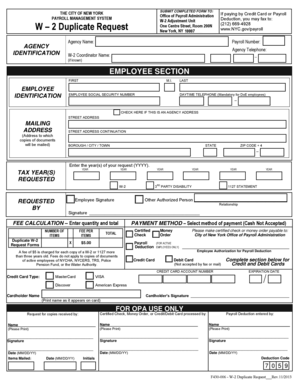
W 2 Duplicate Request - NYC - nyc
Benefit from the DocHub online library of fillable PDF forms
Searching the PDF forms doesn't have to be a tedious and time-consuming process. With the DocHub online library, it has become easier to find the fillable PDF forms and modify them in your browser. The service allows you to adjust the document to your needs using powerful editing tools.
You can use online document editing features to modify almost any type of document with ease. You just need to find the template of your choice, open it in the editor, and use the toolbar to make the necessary corrections.
Follow this guide to get your document done with DocHub:
- Find the PDF template you need.
- Click the Get Form button to open the file in the editor.
- Use the toolbar to fill out and edit the document.
- Easily add and highlight text, insert images, checkmarks, and symbols.
- Drop new fillable fields, and rearrange or delete pages from your file.
- Save changes and download your record.
DocHub empowers everyone to streamline document editing, signing, and distribution, and form completion. Create an account and benefit from our well-organized PDF Forms library and comprehensive editor.