
Window dealer Order Forms
Remain organized and productive with our Window dealer Order Forms catalog. Effortlessly track your document progress with DocHub's audit log.

Create a new Window dealer Order Form
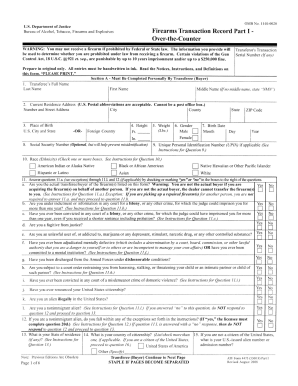
4473 eform
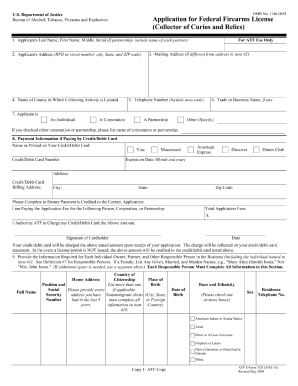
Application federal firearms license
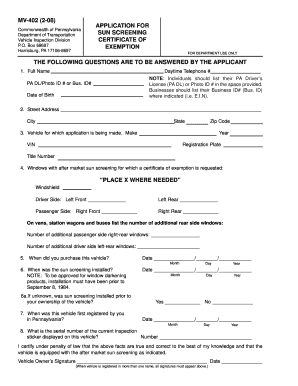
Pa window tint exemption form
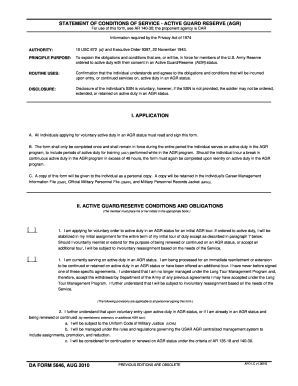
Form 5646 service form
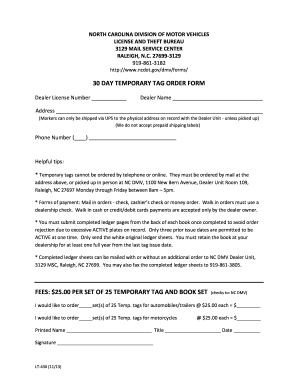
Can u get a temporary tag online in north carolina

Auto assure cancellation form
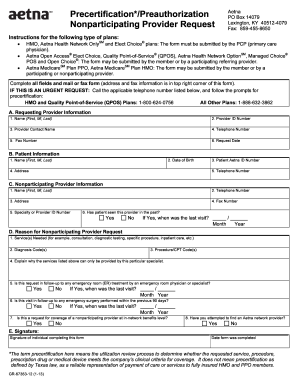
Precertification Request Form for Non-Participating Providers - Aetna
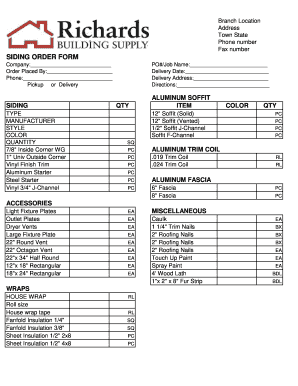
Siding order form

Retail installment contract form
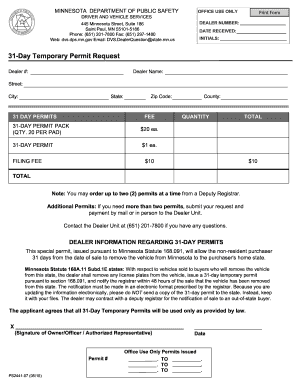
Minnesota temporary license plate
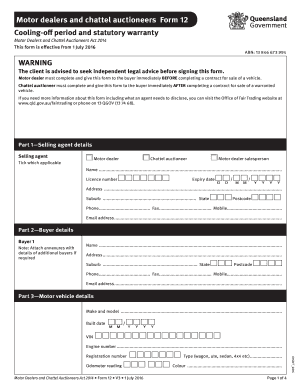
Form 12 motor dealer
Minnesota temporary license plate
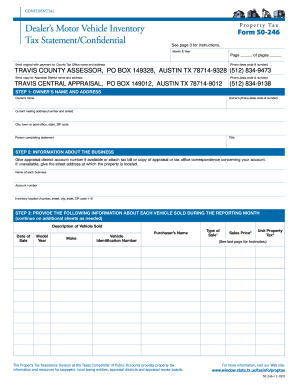
Dealers motor vehicle inventory tax statement confidential 2009 form

Form kitchen pass

Dexcom medical
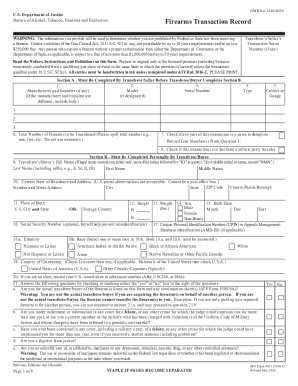
Atf 4473 form pdf
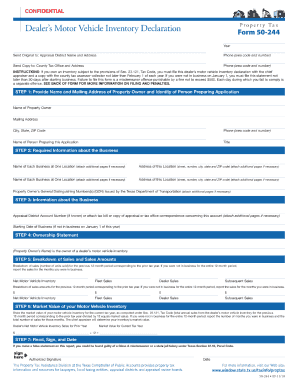
Form 50 244 2011

Form FOC 65 MOTION REGARDING PARENTING TIME
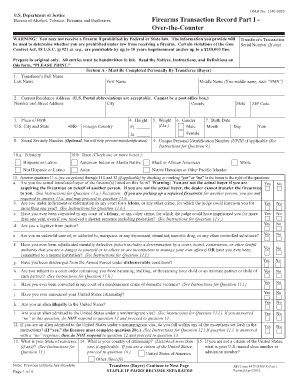
Washington state 4473 form
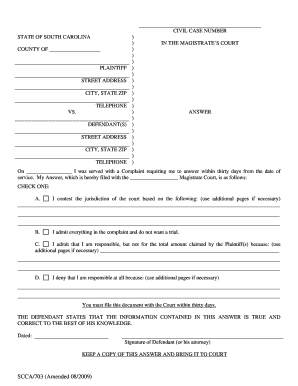
703 magistrates answer form

Book out sheet for used vehicles

USED VEHICLE CONSIGNMENT AGREEMENT - Affordable Auto ...
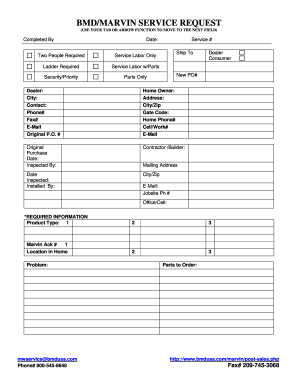
BMD/MARVIN SERVICE REQUEST

Dealer assignment form
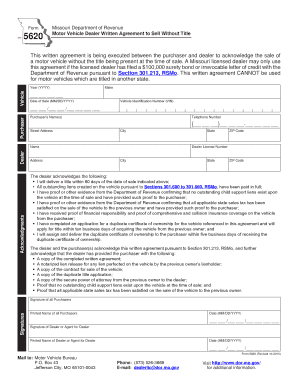
Form 5620

Fflorida sunscreening medical exemption 2000 form
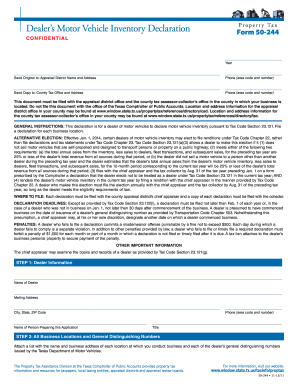
Form 50 244 2013

AP-133 Texas Application for Fuels Tax License - Texas Comptroller ... - window state tx
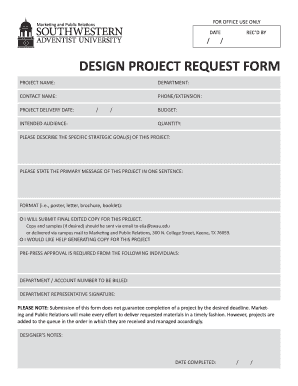
Design request form
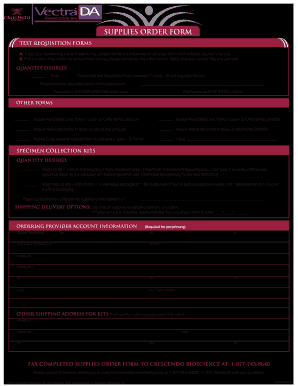
FM-00550 SUPPLIES ORDER Form OUTLINED - Vectra DA

Smass mutual seperation from service distribution request form
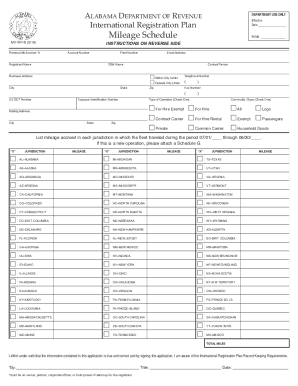
Alabama mvirpb registration
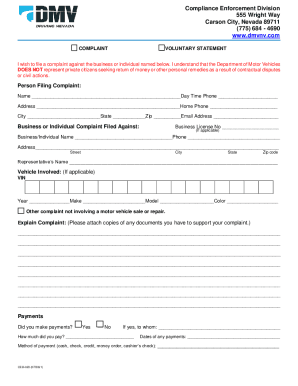
Nevada enforcement form
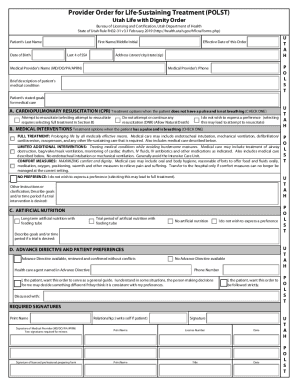
Provider Order for Life-Sustaining Treatment (POLST) Utah ...
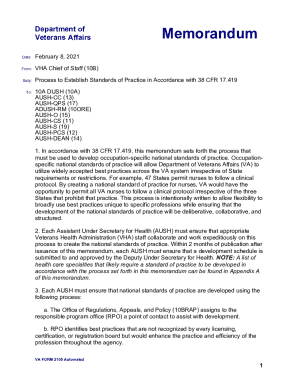
Memorandum: One Addressee - VA Form 2105 Automated (Word for Windows)
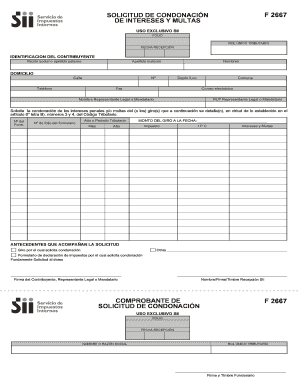
F 2667
-
1
- 2
Enhance your form administration with Window dealer Order Forms
Your workflows always benefit when you can discover all of the forms and documents you require on hand. DocHub gives a a huge library of form templates to alleviate your daily pains. Get hold of Window dealer Order Forms category and quickly find your form.
Begin working with Window dealer Order Forms in a few clicks:
- Access Window dealer Order Forms and get the document you require.
- Click on Get Form to open it in our online editor.
- Begin adjusting your document: add more fillable fields, highlight sentences, or blackout sensitive info.
- The application saves your modifications automatically, and after you are ready, you are able to download or share your form with other contributors.
Enjoy seamless form administration with DocHub. Discover our Window dealer Order Forms online library and find your form right now!
Video Guide on Window dealer Order Forms management

Commonly Asked Questions about Window dealer Order Forms
Can I use Google Forms to make an order form?
Efficiently collecting orders is essential for any business, and Google Forms provides a user-friendly platform to create seamless order forms. In this comprehensive guide, well take you through each step to help you design a functional and organized order form.
How do I create my own order form?
How to create an order form in Google Forms. Log in to your Google account and open Google Forms. Click the Blank button to create a new form. Add fields for the essential information you need to gather from your buyers, such as their name, business address, contact information, and preferred contact method.
How do I make a purchase order form?
Heres a breakdown of the typical purchase order form format: Header. Buyer and seller details, addresses, contacts, and a unique PO number. Date and delivery. Issue date and expected delivery date. Itemized list. Payment terms. Shipping/billing. Signatures. Logo and branding.
What is an order form template?
What is an order form? An order form is a document that records one or more business transactions between a buyer and a seller. It may also be called a business order form, sales order form, online order form, procurement order form, inventory order form, or service order form. Order Forms 101: Unlocking Efficiency in Your Business - Ironclad Ironclad journal contracts order-forms Ironclad journal contracts order-forms
How do I make a paper order form?
Youll need a few key pieces of information to put together an order form template: Customers name and contact info (phone number and/or email address) Delivery address (for physical products) Payment information. Product order information (name/SKU, quantity, pricing, etc.) Your business address.
How can I make my own order form?
Steps to Create an Order Form Decide what to sell. Choose a form builder tool. Customize the template with proper fields. Add photos of the products. Customize the order form with branding. Set up a payment method. Set up a success message. Share the order form. How to Create an Order Form - With free templates - MightyForms MightyForms blog how-to-create-an MightyForms blog how-to-create-an
Related Templates

PDL Checklist for Employer Compliance 5-49 Employees - employers
The document is a checklist for employers with five or more employees regarding compliance with Pregnancy Disability Lea ...
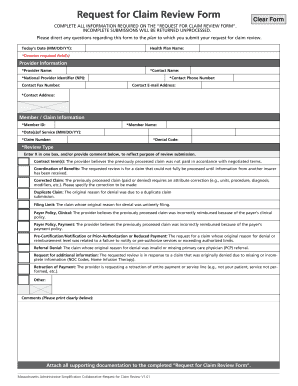
De 1000a form online
The document is a comprehensive guide for submitting a Request for Claim Review Form to various health plans in Massachu ...

JV-255 S Judicial Council forms
The document is a court order for a restraining order issued after a hearing in a juvenile court. It includes details ab ...

Small Claims Forms - California Courts - CA
The document SC-200 is a Notice of Entry of Judgment for small claims cases, detailing the court's decision and the righ ...

Visa vfsglobal one-pageraustriaDieses Antragsformular ist unentgeltlich This - VFS Global
Visa vfsglobal one-pageraustriaDieses Antragsformular ist unentgeltlich This - VFS Global
The document is an application form for a Schengen visa, detailing the required personal information and documentation n ...

UPOD PRESCHOOL OUTCOMES DATA STUDENT SUMMARY FORM - updc
The document is a UPOD Preschool Outcomes Data Student Summary Form, designed to assess and record a child's development ...

Riverside courts ca GeneralInfoMediaEscheatment Claim Form - riverside courts ca
The document provides detailed instructions and forms for claiming unclaimed funds from the Superior Court of California ...

Landlord Tenant FormsSuperior Court of California
The document is an Unlawful Detainer Answer Packet from the Superior Court of California, County of San Diego, providing ...