
Pictures Order Forms
Remain organized and efficient with our Pictures Order Forms catalog. Effortlessly monitor your document progress with DocHub's audit log.

Create a new Pictures Order Form
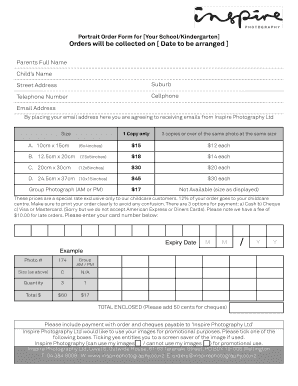
Picture order form
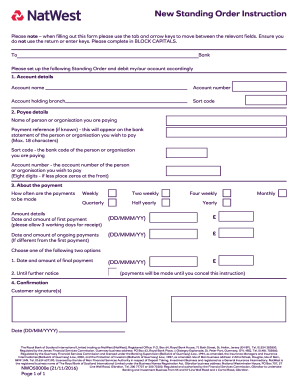
Natwest standing order form
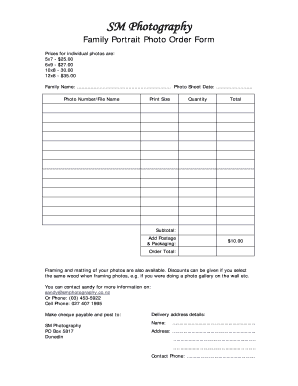
Photo order form template
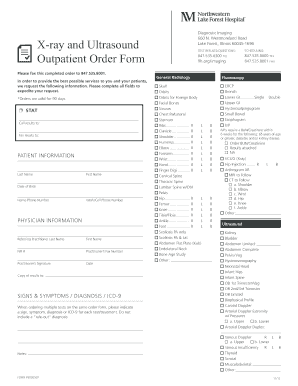
Hospital order forms
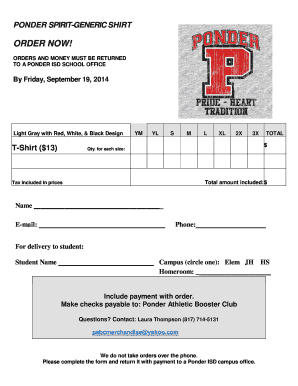
Tshirt order forms templates
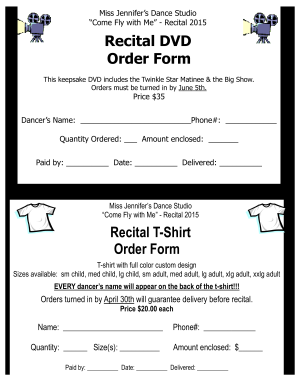
Dvd order form
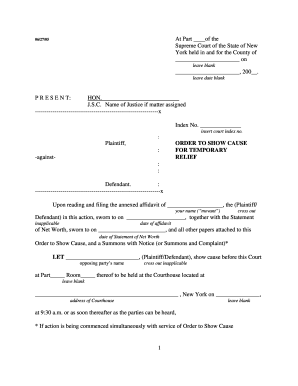
Order show cause relief form
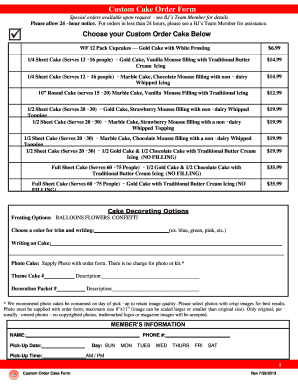
Bjs cake order form
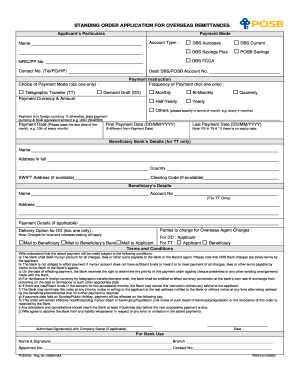
Standing order application form
Pool liner order form
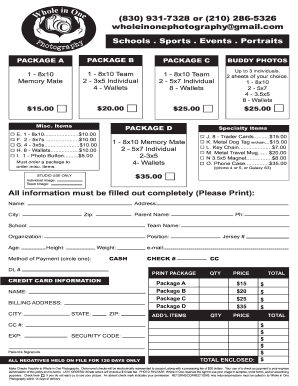
Whole in one photography
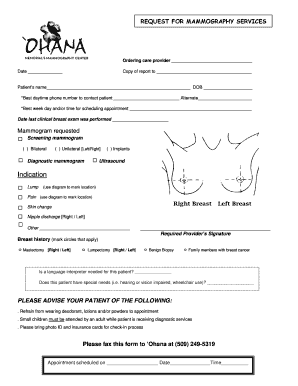
Mammogram order form
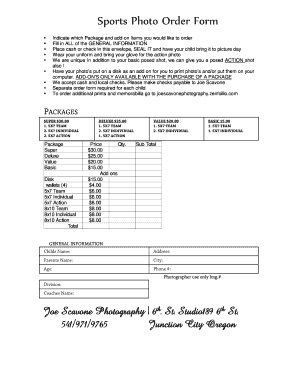
Team Order Form - Joe James Photography
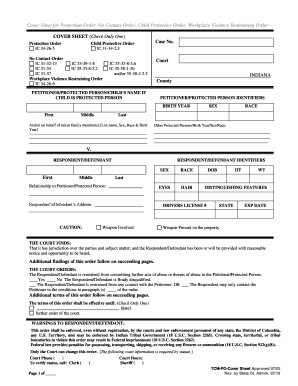
Protective orders indiana

Sportography

Pay order form
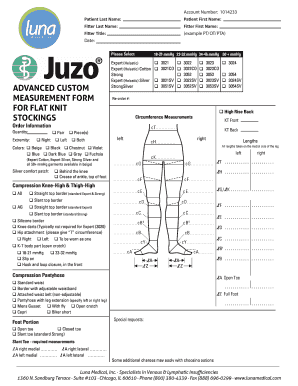
Juzo custom order form
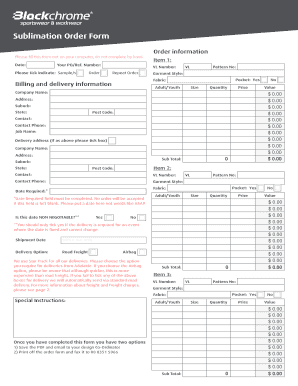
Sublimation order forms
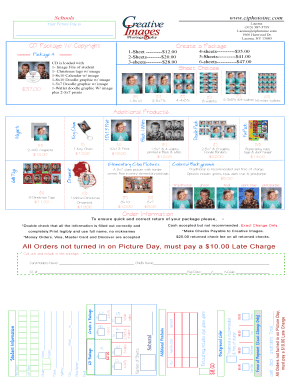
School Portrait Order Form - Creative Images Photography inc.

Photography request form template

Picture Order Form - ftfrc.com
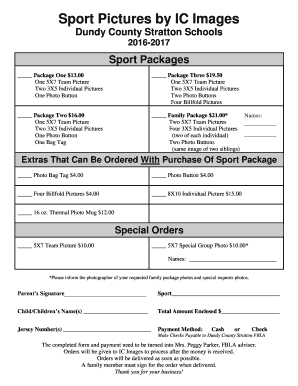
Sports photo packages order forms
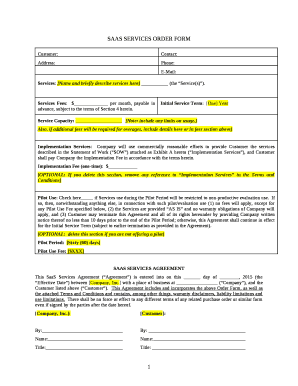
Saas order form template
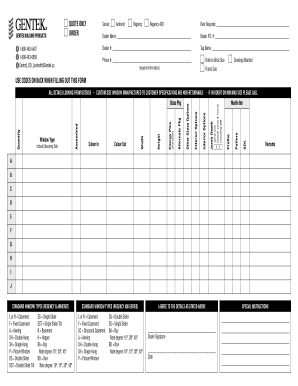
Lambeth Window Order Form - Gentek
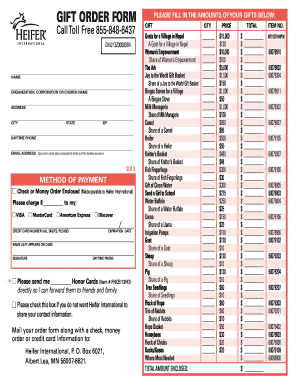
Heifer international printable order form
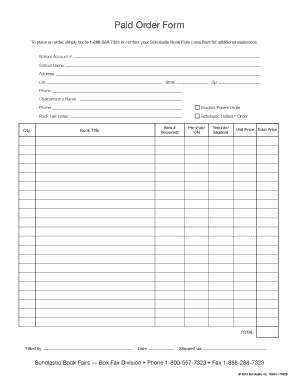
Scholastic book fair order form
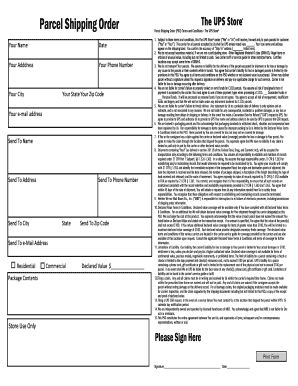
Shipping order form
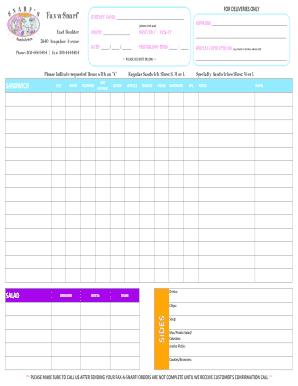
Sandwiches order form
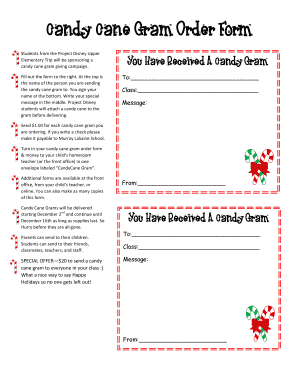
Candy cane gram order form

Santander standing order form download
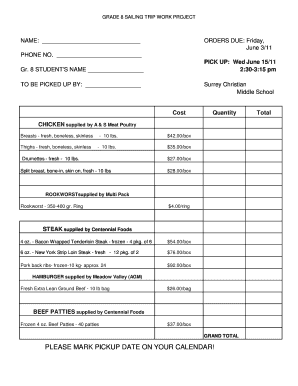
Meat order form template

Protocol endorsement form
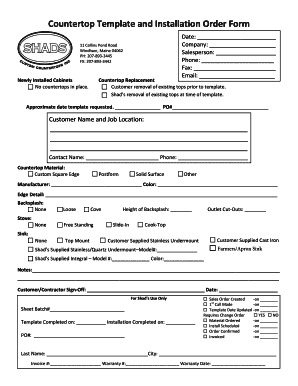
Countertop Template and Installation Order Form
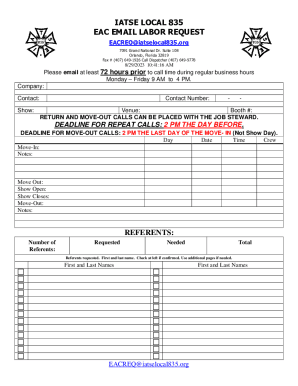
Labor Order Form Inform Or Request Labor From IATSE
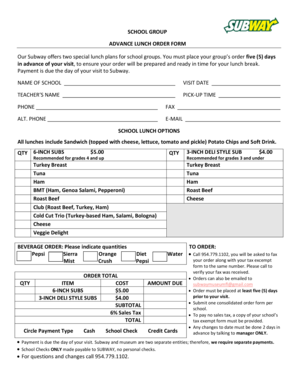
Subway group order form
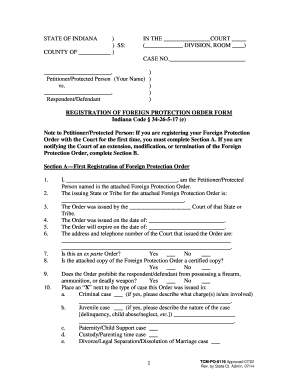
Indiana protective order forms
-
1
- 2
Get and handle Pictures Order Forms online
Accelerate your document administration with the Pictures Order Forms online library with ready-made document templates that meet your requirements. Get your form template, change it, fill it, and share it with your contributors without breaking a sweat. Start working more effectively with the documents.
How to use our Pictures Order Forms:
- Open our Pictures Order Forms and look for the form you require.
- Preview your document to ensure it’s what you want, and click Get Form to begin working on it.
- Modify, include new text, or point out important information with DocHub features.
- Prepare your form and preserve the modifications.
- Download or share your document with other recipients.
Examine all the opportunities for your online document administration with the Pictures Order Forms. Get your totally free DocHub account right now!
Video Guide on Pictures Order Forms management

Commonly Asked Questions about Pictures Order Forms
How to get a client for photography?
What are some of the best ways to get photography clients? Identify your target client. Create a marketing plan. Choose a platform to showcase your portfolio. Ask for reviews. Start a referral program. Use freelancing websites. Attend conferences and trade shows. Network with other professionals.
How do I create a digital order form?
How to create an order form in Google Forms. Log in to your Google account and open Google Forms. Click the Blank button to create a new form. Add fields for the essential information you need to gather from your buyers, such as their name, business address, contact information, and preferred contact method.
How do I docHub out to a company for product photography?
Its essential that you communicate through pictures why youre a good fit for the job. Your work speaks for itself! Be sure to include links to your website and social media handles in your email. You want to make sure that the person you are docHubing out to can view your site and work quickly and easily.
How to get a photography order?
Choose a platform to showcase your portfolio As a professional photographer, you need a way to showcase your work to potential customers. If you dont already have a portfolio, you should create a collection of your best work, and make sure that potential clients can see it online.
How to create an order form for photos?
6 Steps to Create a Picture Order Form Step 1: Basic Details. First, you need to provide your name and company name at the top of the form. Step 2: Insert Table. Step 3: Type Your Options. Step 4: Provide Instructions. Step 5: Ask for Information.
Is there an app for order forms?
Free payment order form app Start today your online business and accept credit card payments using AbcSubmits online order form creator. You can add multiple payment processors to your website order form and let your customer choose which is the best fit for them.
Related Templates

DEPARTMENT OF REVENUE SERVICES - business ct
The document is a form (CT-8379) from the Connecticut Department of Revenue Services for nonobligated spouses to claim t ...

Certificate of testing Certificate of testing and compliance certificate of testing and safety
Certificate of testing Certificate of testing and compliance certificate of testing and safety
The document is a compliance certificate issued under the Electrical Safety Regulation 2013, certifying that electrical ...

Ct op 424
The document is the 2009 Business Entity Tax Return (Form OP-424) for the State of Connecticut, detailing the requiremen ...

ARREST WARRANT APPLICATION NON SUPPORT - CT - ct
The document is a subpoena issued by the State of Connecticut's Superior Court, commanding an individual to appear in co ...

CLAIM OF EXEMPTION -CLIENT SECURITY FUND FEE
The document outlines the criteria for claiming exemptions from the Client Security Fund fee in Connecticut. It specifie ...

Student community involvement form
The document is a Student Community Involvement Form that outlines the requirements and procedures for students to compl ...

MR312 Application For An Operator To Add Or Delete A Vehicle (AMV)
The document is an application form for operators to add or delete vehicles from their accreditation list at Service SA. ...

Knox community college application form 2022
The document is an application form for Knox Community College, detailing the process for prospective students to apply ...