




01. Edit your show cause order online
Type text, add images, blackout confidential details, add comments, highlights and more.

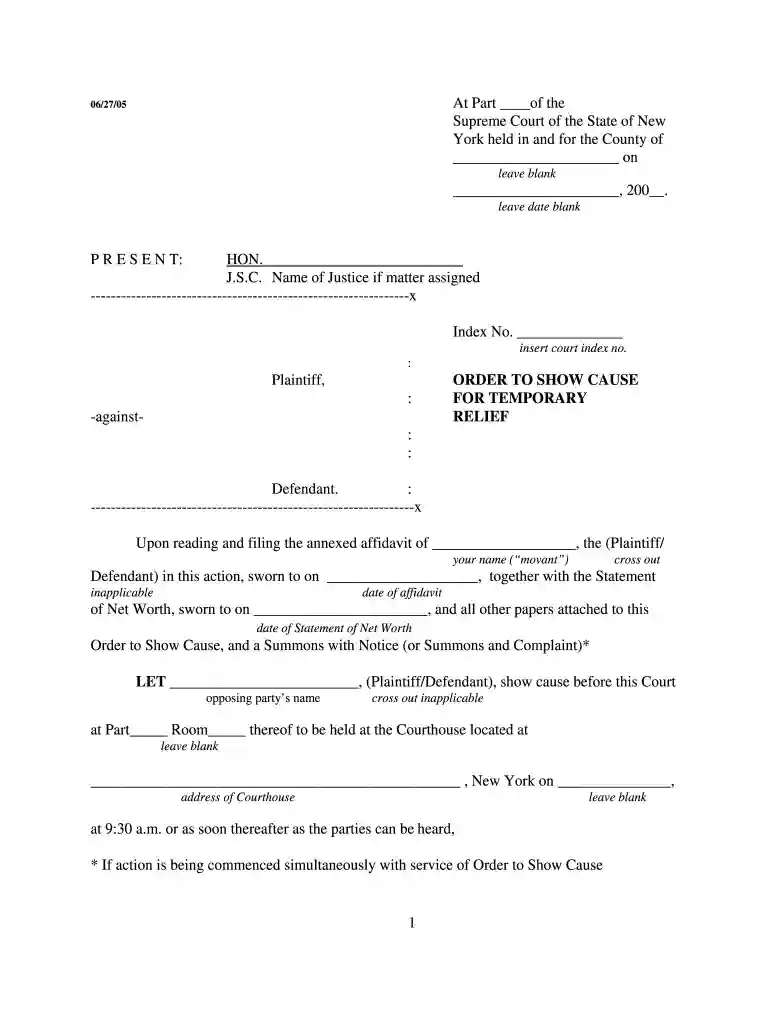
Type text, add images, blackout confidential details, add comments, highlights and more.

Draw your signature, type it, upload its image, or use your mobile device as a signature pad.

Send order to show cause via email, link, or fax. You can also download it, export it or print it out.

Start using our platform today to easily fill out your order show cause relief form online for free!
We've got more versions of the show cause order form. Select the right show cause order version from the list and start editing it straight away!
| Versions | Form popularity | Fillable & printable |
|---|---|---|
| 2005 | 4.8 Satisfied (185 Votes) |
At DocHub, your data security is our priority. We follow HIPAA, SOC2, GDPR, and other standards, so you can work on your documents with confidence.
This packet is provided to individuals who wish to file a contempt action without the assistance of an attorney. If you want to hire an attorney you can contactRead more
1. TO (name):. 2. YOU ARE ORDERED TO APPEAR IN THIS COURT AS FOLLOWS TO GIVE ANY LEGAL REASON WHY THE RELIEF SOUGHT. INRead more
The deliberative process privilege only applies to records that are predecisional--records prepared in order to assist an agency decisionmaker in arriving atRead more


