
Google purchase Order Forms
Locate appropriate documents in Google purchase Order Forms web catalog and easily adjust them online. Have complete control of your documents and ensure document safety and compliance without difficulty.

Create a new Google purchase Order Form
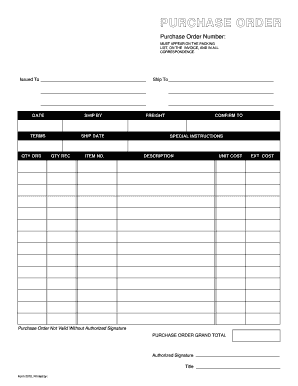
Purchase order template
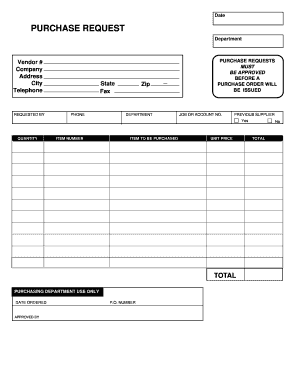
Purchase request form
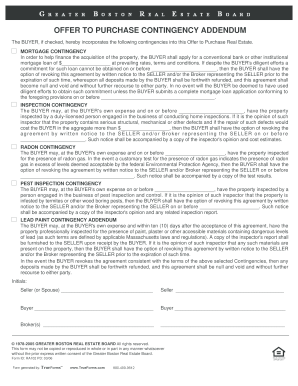
Form boston offer purchase
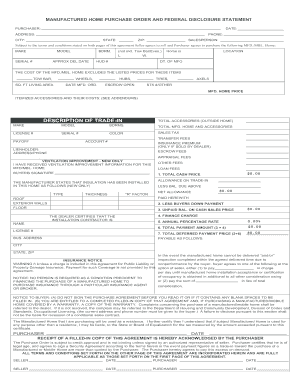
Manufactured home purchase order

Embroidery purchase order form
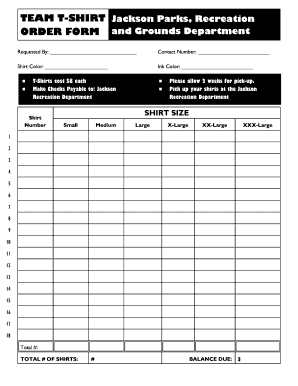
Editable t shirt order form
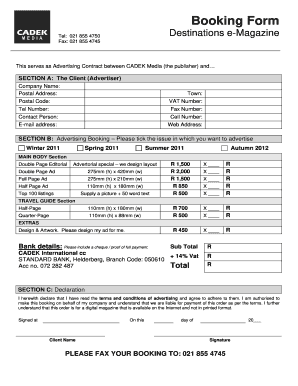
Order booking format
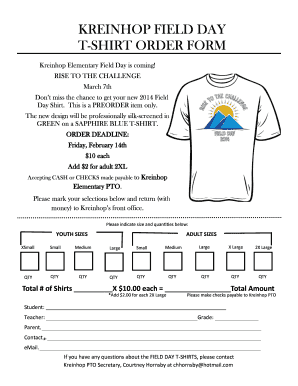
Tshirt order form
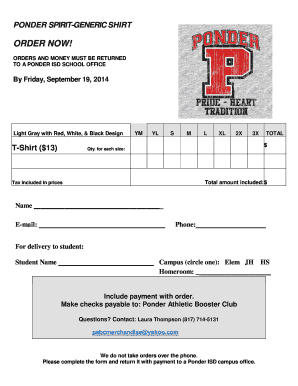
Tshirt order forms templates
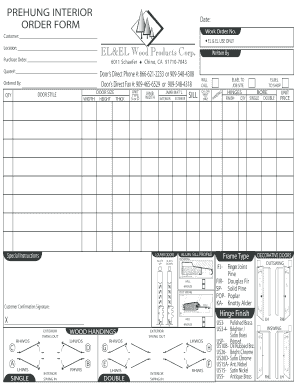
Interior door order form
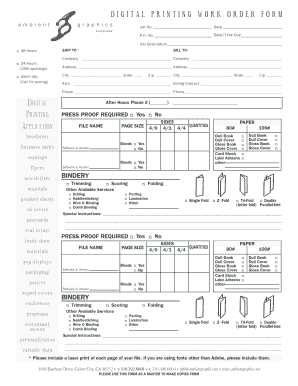
DIGITAL PRINTING WORK ORDER FORM
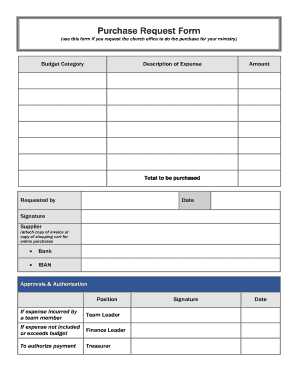
Purchase Request Form (use this form if you request the church office to do the purchase for your ministry) Budget Category Description of Expense Amount - ibcberlin
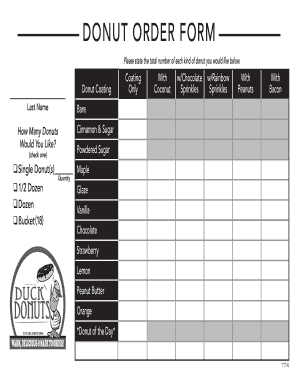
Donuts order form

Tshirt order form template
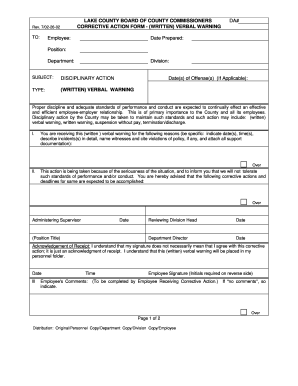
Verbal order form template
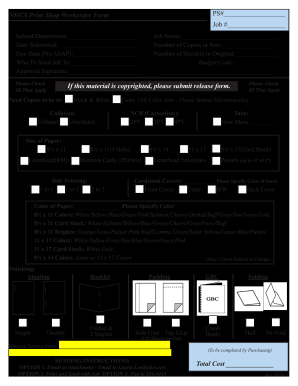
Print order form
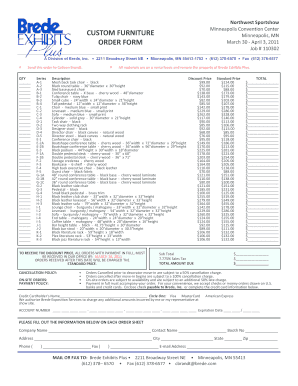
Furniture order form
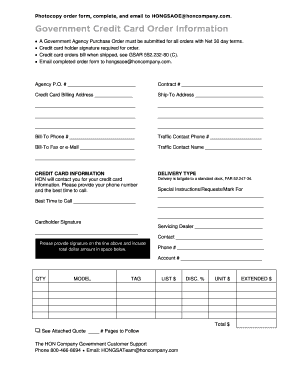
Government purchase order
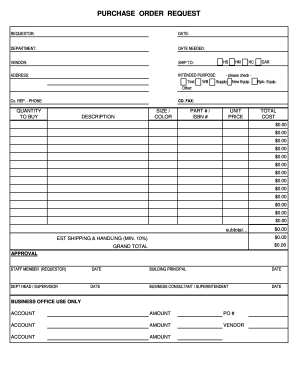
PURCHASE ORDER REQUEST - Northwest Area School District - northwest k12 pa
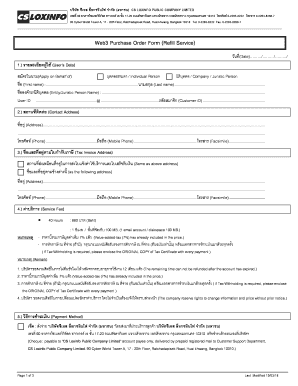
Web3 Purchase Order Form Refill Service - csloxinfocom
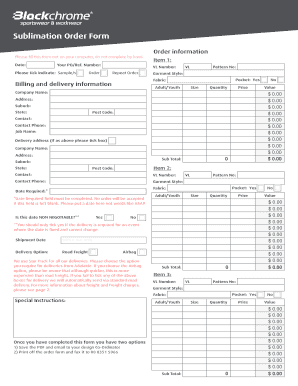
Sublimation order forms

Customer order form
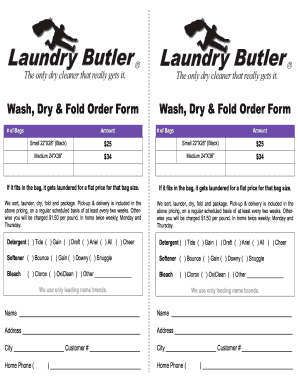
Laundry order form

Video order form
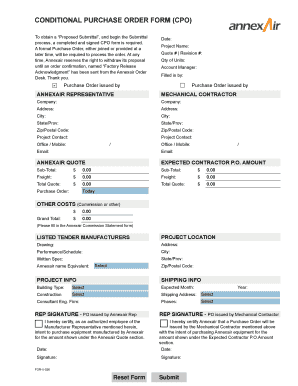
Conditional purchase order template

Seed purchase order

Blank purchase order
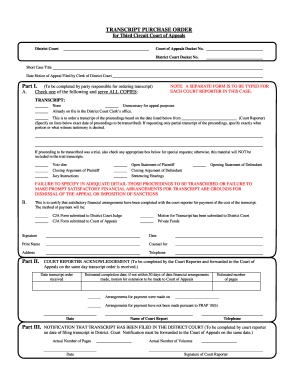
Purchase order court
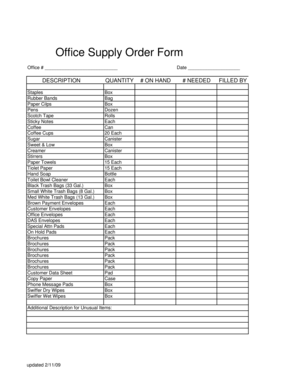
Office supply order form
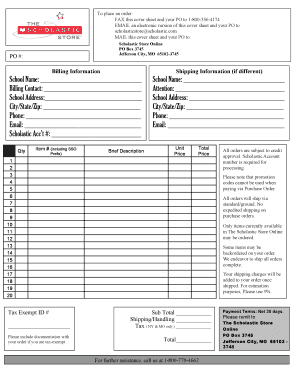
Purchase Order Form - The Scholastic Store
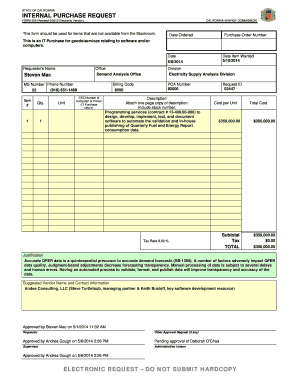
INTERNAL PURCHASE REQUEST
Credit Card Purchase Request
Sandwiches order form
Stock Room Order Form
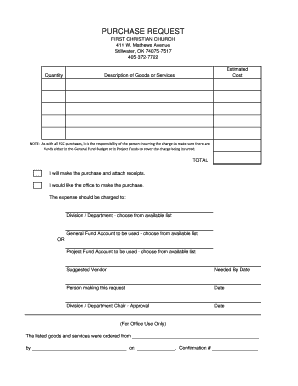
Church purchase order form
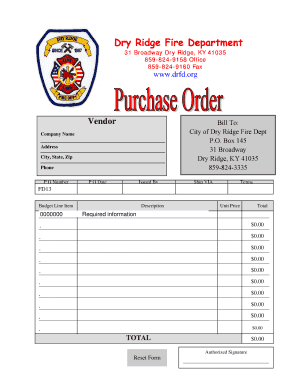
Purchase Order Form - Dry Ridge Fire Department - drfd
-
1
- 2
Improve your template administration with Google purchase Order Forms
Your workflows always benefit when you are able to discover all the forms and documents you may need on hand. DocHub delivers a vast array of document templates to relieve your everyday pains. Get hold of Google purchase Order Forms category and quickly find your form.
Start working with Google purchase Order Forms in several clicks:
- Browse Google purchase Order Forms and find the document you require.
- Click Get Form to open it in the editor.
- Start modifying your form: add more fillable fields, highlight paragraphs, or blackout sensitive information and facts.
- The application saves your adjustments automatically, and once you are all set, you are able to download or distribute your form with other contributors.
Enjoy fast and easy form managing with DocHub. Discover our Google purchase Order Forms category and discover your form today!
Video Guide on Google purchase Order Forms management

Commonly Asked Questions about Google purchase Order Forms
How to make a purchase order form in Google Forms?
Step-by-step Guide to Creating a Purchase Order in Google Forms Access Google Forms. First things first, youll need a Google account. Create a New Form. Designing the Purchase Order Form. Customizing Your Purchase Order Form. Set Up Notifications. Sharing Your Purchase Order Form. Collecting and Managing Purchase Orders.
Does Google have a purchase order template?
Google Sheets Basic Purchase Order Template Notable Template Features: This template includes fields for the purchase order number, date, customer number, vendor information, and shipping details. It also features space for item numbers, descriptions, quantities, prices, and total calculations.
How do I create a purchase order format?
Key Components of a Standard Purchase Order Format Purchase Order Number. Assigned to each request, the purchase order number enables tracking of orders placed with different vendors. Buyers Name and Logo. Buyers Address. Sellers Name. Issuance Date. Delivery Location.
How to make a purchase order in Google Sheets?
How to use the purchase order template Step 1: Create a supplier list. Step 2: Transfer supplier data to the connected files. Step 3: Share the Order Request Spreadsheets. Step 4: Start entering orders. Step 5: Update the workflow. Step 6: Automate the purchase order management system. Step 7: Register deliveries.
Does Google have an order form template?
Navigate to Google Forms and choose from a blank form or one of the provided templates. There is an order form template available, but it doesnt include any payment questions.
Does Google have order forms?
Step 1: Create a form Navigate to Google Forms and choose from a blank form or one of the provided templates. There is an order form template available, but it doesnt include any payment questions.
How to create an order in Google Sheets?
On your computer, open a spreadsheet in Google Sheets. At the top, right-click the letter of the column you want to sort by. Click Sort sheet A to Z or Sort sheet Z to A.
How do I make Google PO?
Add a new purchase order number In your Google Ads account, click the Billing icon . Click Account budgets. Click Edit for the budget youd like to update. In the Edit account budget menu, scroll down to Purchase order and enter the purchase order number. Click Save.
Related Templates

Controlled substance agreement
The Patient Controlled Substance Agreement outlines the rules and responsibilities for patients prescribed controlled su ...

Sample-School-Asthma-Inhaler-Administration-Form - Revize
The document is a medical authorization form for asthma management at school, allowing parents to grant permission for t ...

Junior Dairy Cattle Entry Form Deadline Panhandle-South
The document is a Junior Dairy Cattle Entry Form for the Panhandle-South Plains Fair, detailing the requirements for ent ...

Cbp form 7507
The document is a General Declaration form used by U.S. Customs and Border Protection for reporting details related to a ...

Employee master data form pdf
The document is an Employee Master Data Form from the Department of Transformation and Shared Services, designed for col ...

PECO's Universal Service Programs - RHLS
The document is an application form for the PECO Universal Services Customer Assistance Program (CAP). It provides instr ...
Formulario de registro de pacientes
The document is a patient registration form that collects personal information, contact details, insurance data, and med ...
Equity agreement template
The document is an Equity Share Agreement between two investors, Alpha and Beta, outlining their mutual investment in a ...