
Candy Order Forms
Boost your organization's transparency with Candy Order Forms. Pick and modify documents to ensure your workflows stay on the right track.

Create a new Candy Order Form
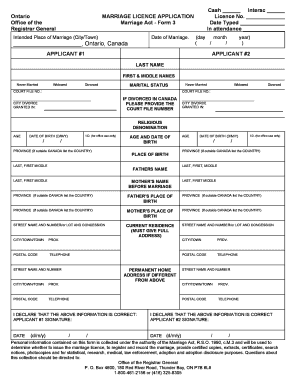
Ontario marriage licence application
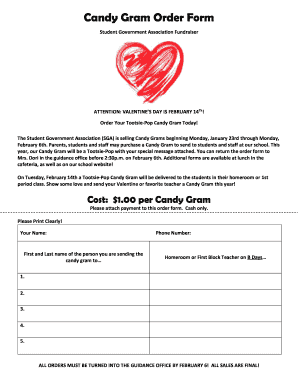
Candy gram form blank

Editable candy gram template

Indiana state form 39530 form
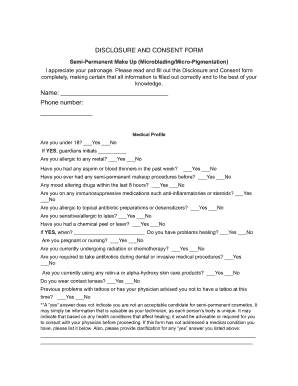
Microblading consent form

Texas tdlr contractor
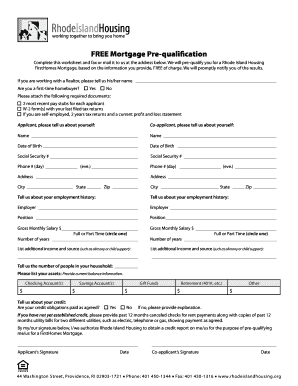
Housing pre qualification online
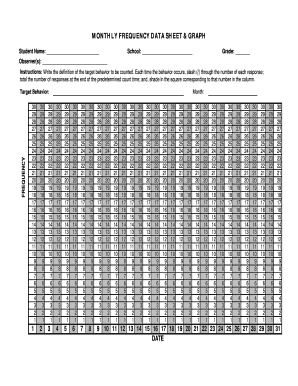
Frequency data sheet template
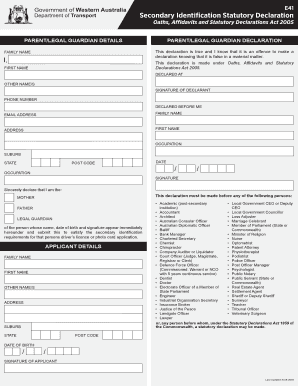
E41 form

State of iowa sales tax exempt certificate

Nj trailer bill of sale pdf
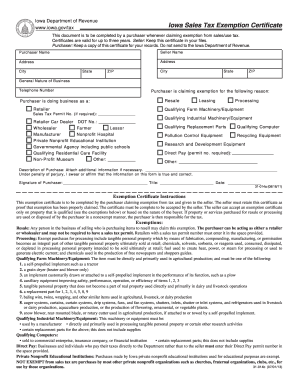
Iowa state sales tax exemption form 2013

Fillable va r 1 form
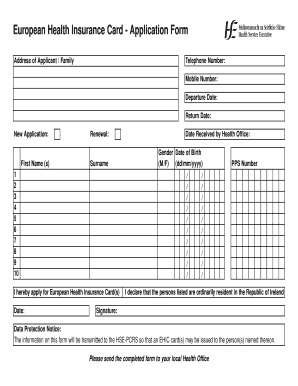
Ireland health insurance form
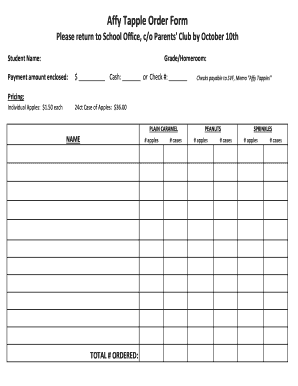
Affy tapple funndraising form
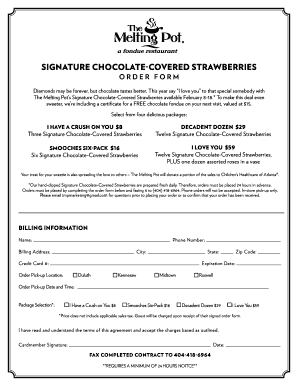
Chocolate covered strawberries order form
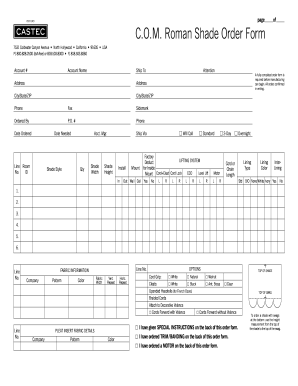
C.O.M. Roman Shade Order Form - Castec
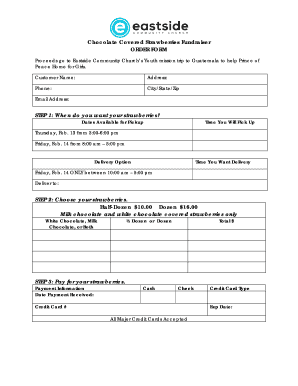
Chocolate covered strawberries order form

CAMERON PARK FIRE DEPARTMENT WEED ABATEMENT COMPLAINT FORM
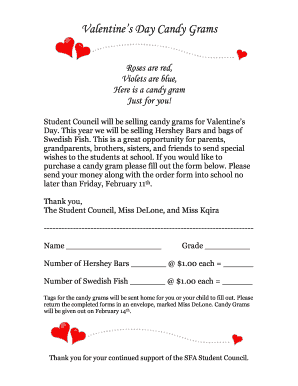
Valentines Day Candy Grams - sfacatholicorg
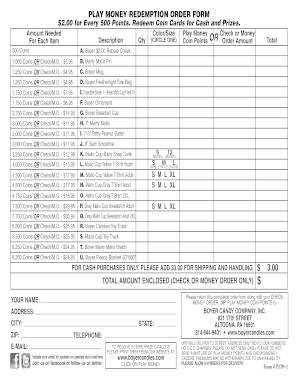
Boyercandies com prize catalog

Online pdf editor 2006 form

Form 1 firms
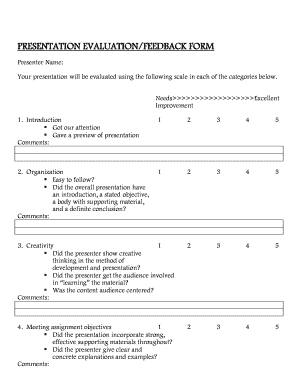
GROUP PRESENTATION EVALUATION/FEEDBACK FORM - cs umb

B2g form
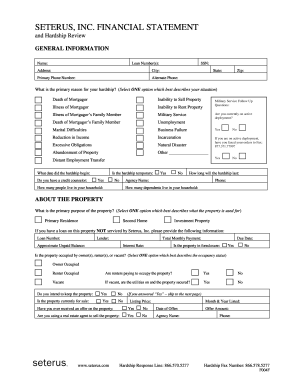
Seterus login
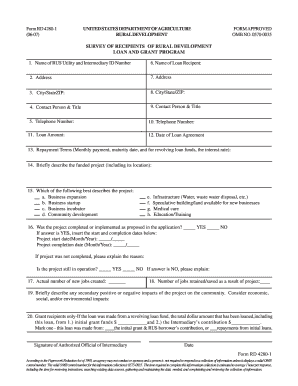
Form rd department form
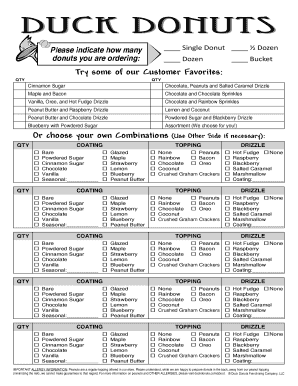
Duck donuts order form

1-800-637-5204 Please retain a copy of the form for future

Shipper s Declaration Candy Stripe Form - carlile
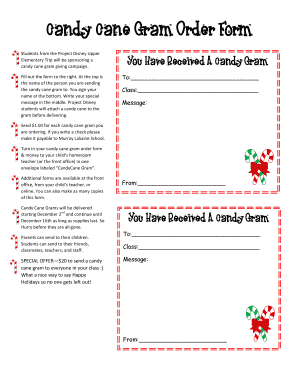
Candy cane gram order form
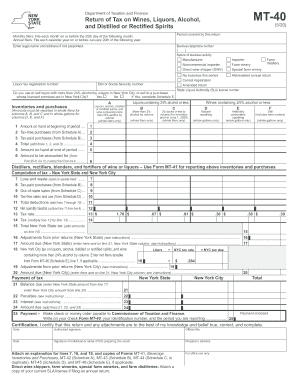
Ny dtf tax wines fillable
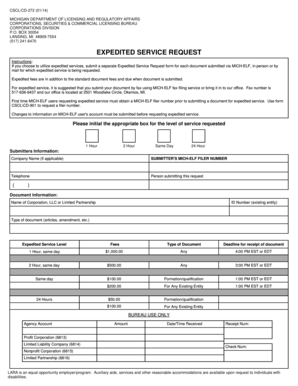
CSCL CD-272 (01 14) MICHIGAN DEPARTMENT OF LICENSING AND REGULATORY AFFAIRS CORPORATIONS, SECURITIES

Pregnancy candy match game answers
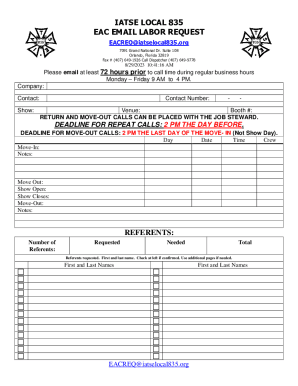
Labor Order Form Inform Or Request Labor From IATSE
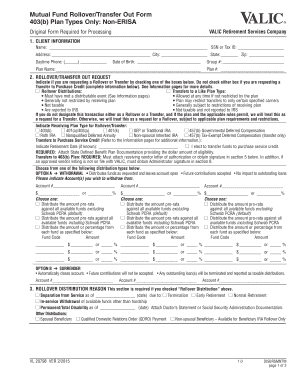
Valic rollover transfer out form 2022
-
1
- 2
Handle Candy Order Forms quickly online
Document managing can stress you when you can’t discover all of the documents you require. Fortunately, with DocHub's considerable form collection, you can get everything you need and easily take care of it without switching among applications. Get our Candy Order Forms and start utilizing them.
The best way to manage our Candy Order Forms using these simple steps:
- Browse Candy Order Forms and choose the form you require.
- Preview the template and click Get Form.
- Wait for it to open in our online editor.
- Alter your template: add new information and pictures, and fillable fields or blackout some parts if required.
- Fill out your template, save modifications, and prepare it for delivering.
- When all set, download your form or share it with your contributors.
Try out DocHub and browse our Candy Order Forms category easily. Get a free profile right now!
Video Guide on Candy Order Forms management

Related Templates

Thyroid Worksheet Ultrasound Radiology of Indiana
The document is a thyroid ultrasound report template that includes patient information, indications for the ultrasound, ...

CBP Form I-418 Passenger List - Crew List
The document outlines the requirements for U.S. Customs and Border Protection regarding the submission of passenger and ...

Petition for legitimation and custody visitation - Superior Court of
The document is a legal petition filed in the Superior Court of Fulton County, Georgia, seeking legitimation and custody ...
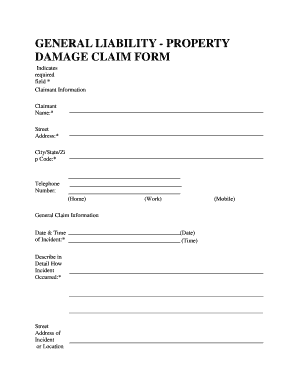
General liability - property damage claim form - City of Chicago - cityofchicago
The document is a General Liability Property Damage Claim Form used to collect information from claimants regarding inci ...

Cummins parts warranty request form
The document is a request form for parts, service, and warranty related to fire pumps. It includes fields for engine and ...
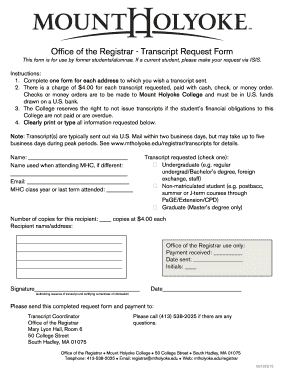
Mount holyoke transcript request
The document is a Transcript Request Form for former students of Mount Holyoke College, detailing the process for reques ...

Name and Likeness Release Form - ip howard
The document is a General Name and Likeness Release for film or television, granting Howard University the rights to use ...

Occurrence Date:(YYYYMMDD)
The document is an Avalanche Incident Report detailing an avalanche occurrence involving a hiker named Ian Rogers at Mt. ...