
Corporation Balance Sheet Templates
Monitor your Corporation Balance Sheet Templates and enhance your information accuracy and relevancy. Maintain your business transparency and easily edit, complete, and keep your documents in your DocHub account.

Create a new Corporation Balance Sheet Template
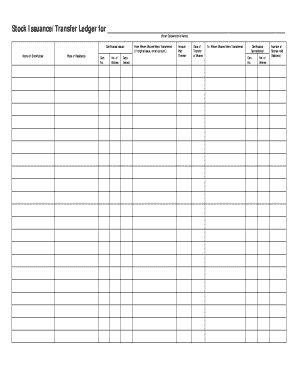
Stock ledger template
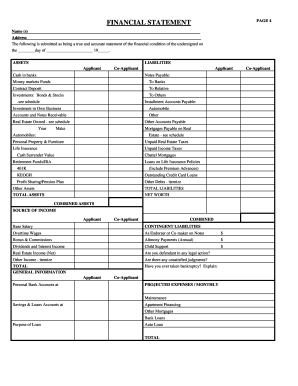
Rebny financial statement
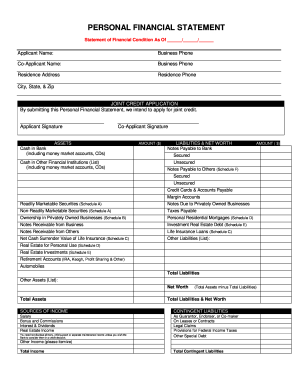
Personal financial statement
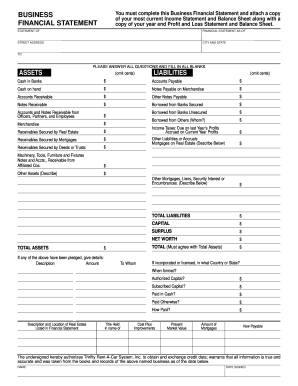
Business financial statement template
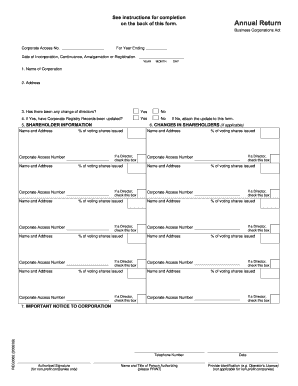
Reg3062
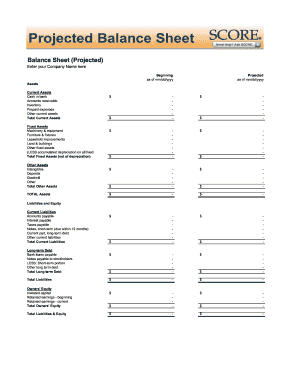
Balance sheet fill in the blank
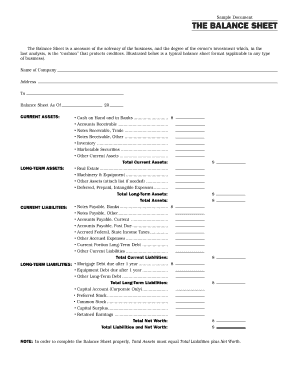
Interim ytd balance sheet pdf
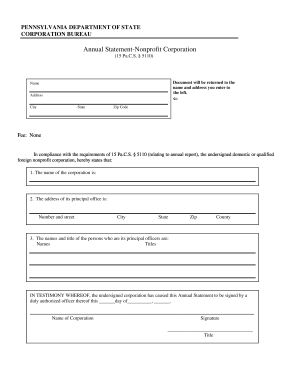
Pennsylvania annual statement
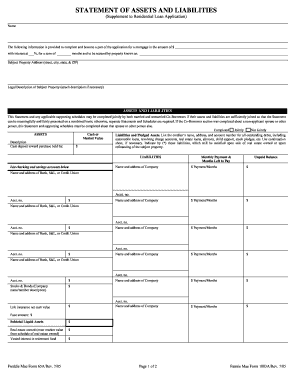
Form assets liabilities blank
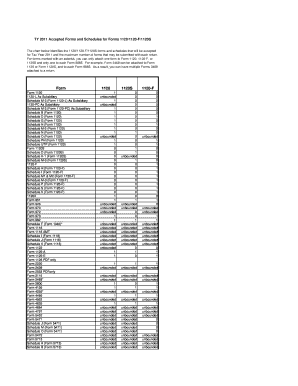
Irs 1120 f

Toyota lease agreement pdf
2017 1120s instructions
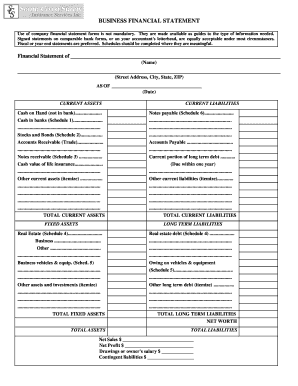
Business financial statement form
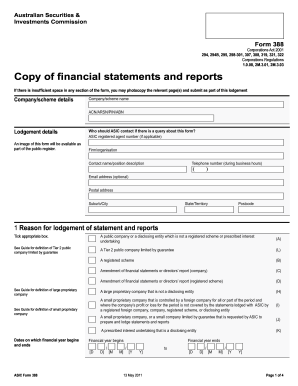
Form 388 - Australian Securities and Investments Commission - asic gov

Financial statement of judgment debtor massachusetts form
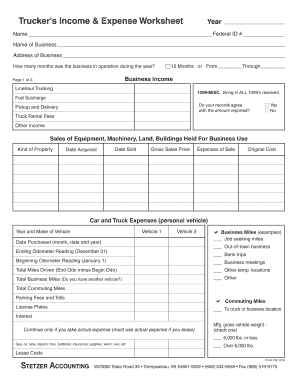
Profit and loss statement for trucking company pdf
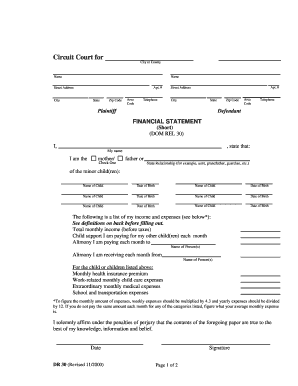
Financial statement short dr 30 form
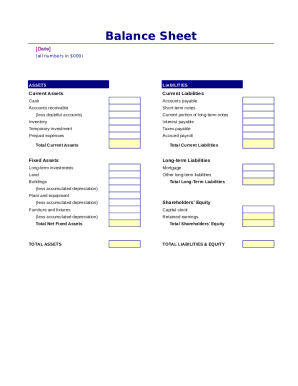
Simple balance sheet
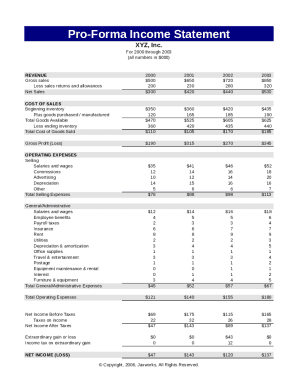
Pro forma income statement
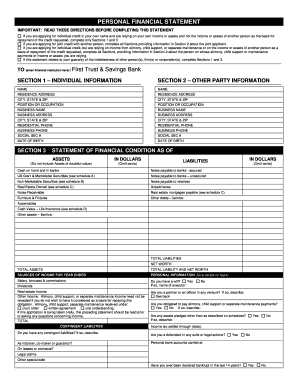
Personal financial statement - First Trust & Savings Bank
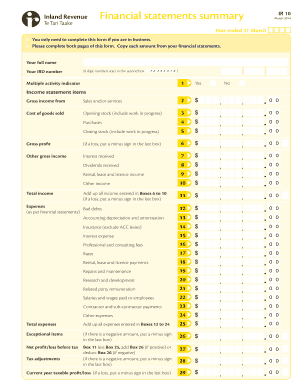
Financial statements summary - IRD

Fillable personal financial statement form
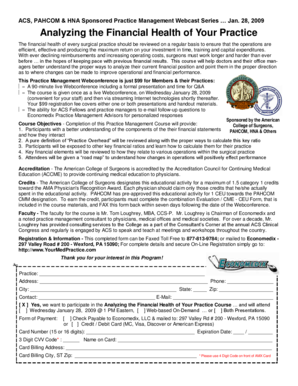
Analyzing the Financial Health of Your Practice

Financial report template
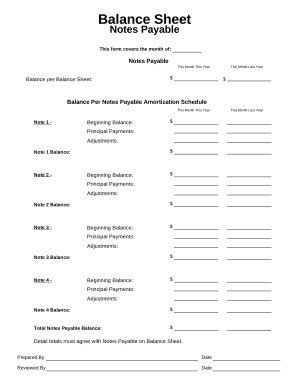
Balance sheet form

Balance Sheet
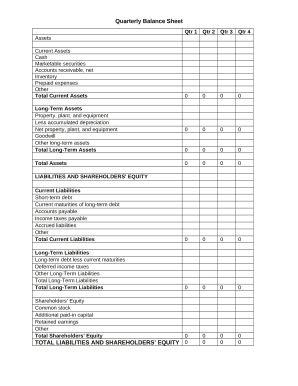
Quarterly Balance Sheet

Capital stock
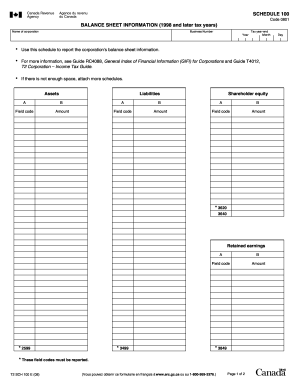
Balance sheet information schedule 100 2020

Sba form 413
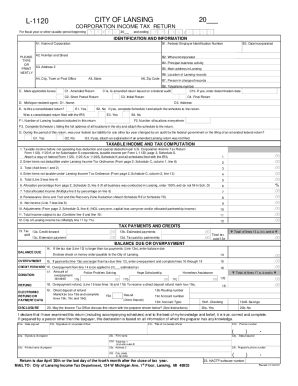
INSTRUCTIONS FOR FILING FORM L-1120, CORPORATION INCOME ...
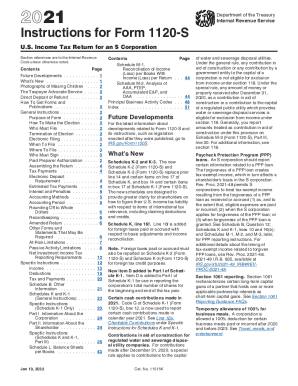
1120s instructions
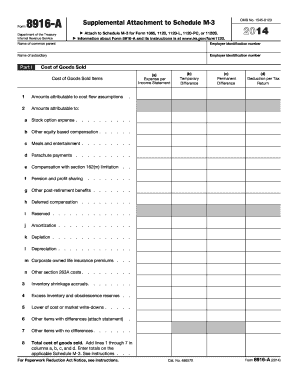
Instructions for Schedule M-3 (Form 1120-L) (2017 ... - IRS.gov
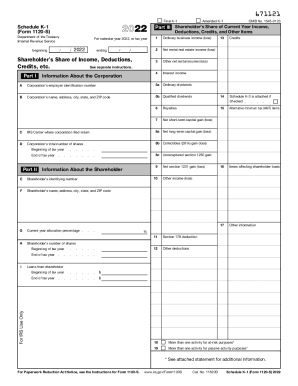
Where to File Your Taxes for Form 1120-SInternal Revenue Service

CODE REVISER USE ONLY PROPOSED RULE MAKING - dshs wa
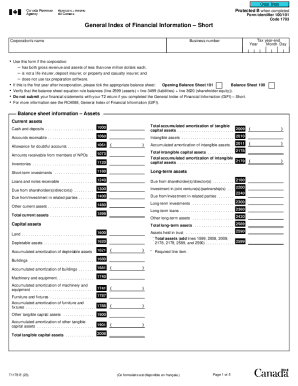
Guide to Form T1178, General Index of Financial Information
Handle Corporation Balance Sheet Templates effortlessly online
Document managing can stress you when you can’t discover all of the forms you need. Fortunately, with DocHub's considerable form library, you can get everything you need and easily manage it without changing between applications. Get our Corporation Balance Sheet Templates and start utilizing them.
How to use our Corporation Balance Sheet Templates using these basic steps:
- Browse Corporation Balance Sheet Templates and select the form you need.
- Preview the template and click on Get Form.
- Wait for it to open in our online editor.
- Alter your document: add new information and images, and fillable fields or blackout some parts if required.
- Fill out your document, save alterations, and prepare it for delivering.
- When ready, download your form or share it with other contributors.
Try out DocHub and browse our Corporation Balance Sheet Templates category with ease. Get a free account today!
Video Guide on Corporation Balance Sheet Templates management

Commonly Asked Questions about Corporation Balance Sheet Templates
Does Excel have financial templates?
Creating a budgeting plan for your household can feel overwhelming and hard, but Excel can help you get organized and on track with a variety of free and premium budgeting templates.
Is there a balance sheet template in Excel?
The Balance Sheet Template for Excel is a pre-designed spreadsheet that allows users to enter their companys financial information, including assets, liabilities, and equity. This template is useful for businesses of all sizes, as it can be customized to fit each companys specific needs.
Does Excel have a bookkeeping template?
Those who havent used Excel before or arent familiar with its features can download Excel bookkeeping templates online. Once you create or download templates, you can use them as a basis for more advanced account-related tasks like basic financial statements, forms, receipts, reports, etc.
What is the simple format of a balance sheet?
What is the basic format of a balance sheet? The basic format of a balance sheet includes three main sections: assets, liabilities, and equity. Assets list resources owned, liabilities outline obligations, and equity shows net worth or ownership.
What is the formula for corporate balance sheet?
The balance sheet is based on the fundamental equation: Assets = Liabilities + Equity. As such, the balance sheet is divided into two sides (or sections).
How do you create a corporate balance sheet?
How to create a balance sheet Choose the time period and reporting date. The first step involves determining the period you plan to record. Identify and total the assets. Identify and total the liabilities. Determine equity. Combine all three values.
Does Excel have a financial statement template?
A: Yes. Excel has a range of financial templates, including income statements, cash flow statements, and balance sheets.
How to make a balance sheet in Excel template?
Preparing a balance sheet involves several steps: Gather Financial Information: Gather all your financial data, including assets, liabilities, and equity. Organize Assets: Here is the list of all assets, including current assets (cash, inventory) and non-current assets (property, equipment).
Related Templates
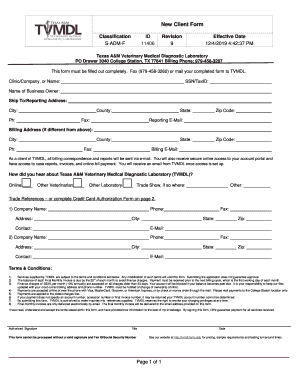
Information for Clients - Texas A&M Veterinary Medical
The document is a New Client Memo from the Texas A&M Veterinary Medical Diagnostic Laboratory (TVMDL) outlining the proc ...

New patient questionnaire
The document is a comprehensive new patient questionnaire designed to gather detailed medical, social, and lifestyle inf ...

Uw medicine order form
The document is a Radiology Order Form for UW Medicine, providing essential contact information, scheduling details, and ...
Charitable Giving Form - Johns Hopkins Medicine
The document is a charitable giving form for the Johns Hopkins Division of Gastroenterology & Hepatology, detailing opti ...
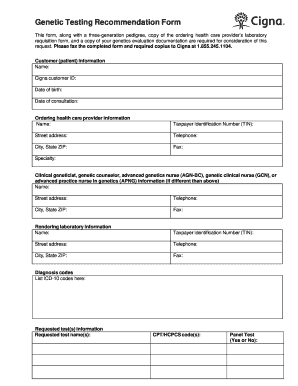
Genetic form
The document is a Genetic Testing Recommendation Form required for submitting requests for genetic testing to Cigna. It ...

Kidney Clinical Research & Epidemiology - NIDDK - NIH
The document outlines the application process for postdoctoral candidates applying to the UCLA Translational Research Tr ...

A Brief Hearing Loss Screener - UnitedHealthcareOnlinecom
The document discusses the prevalence of hearing loss in older adults, highlighting that it affects a significant percen ...

Health net prior authorization medical form
The document is a Pharmacy Prior Authorization Form designed to request approval for medication based on medical necessi ...