
Annual Balance Sheet Templates
Adjust and fill Annual Balance Sheet Templates and safely share them online. Manage your resources and liabilities, fill out, sign, and save completed documents all in one place.

Create a new Annual Balance Sheet Template
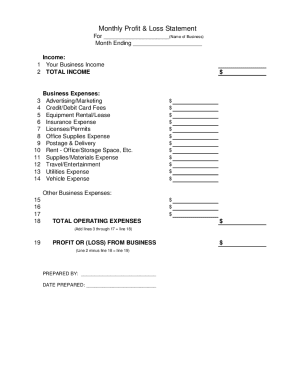
Profit and loss statement template

Personal financial statement template
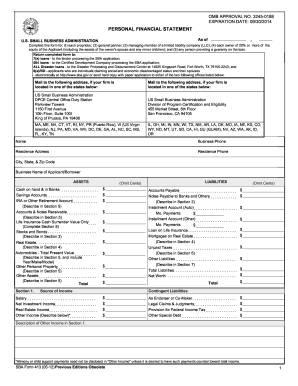
How to do a financial report 2012 form
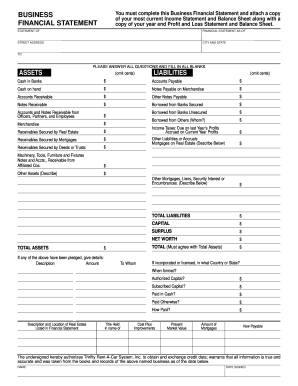
Business financial statement template

Cash count sheet
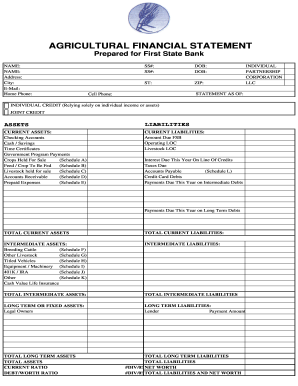
Agriculture financial statement excel

Profit and loss statement for self employed hairdresser
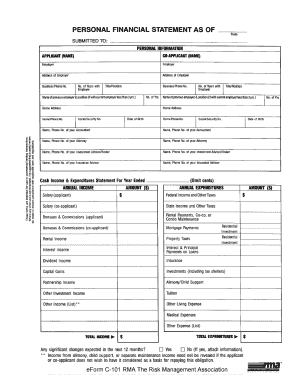
Rma personal financial statement pdf
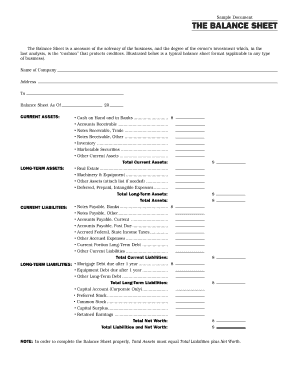
Interim ytd balance sheet pdf
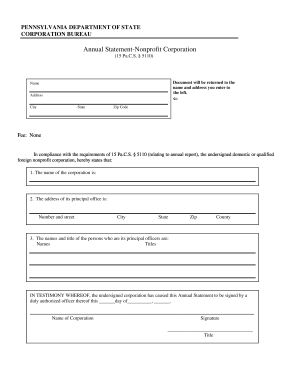
Pennsylvania annual statement
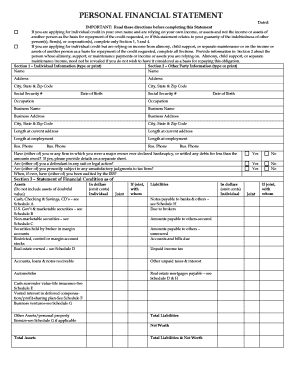
Personal financial statement form

F financial statement
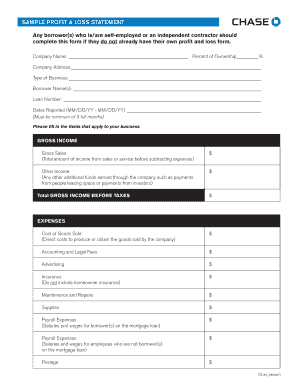
Sample Profit and Loss Statement PDF - Chase
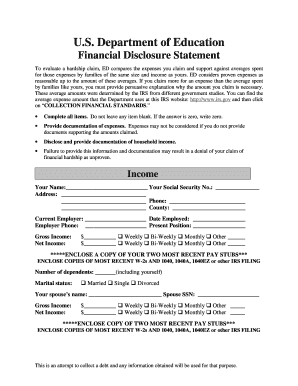
Education financial statement
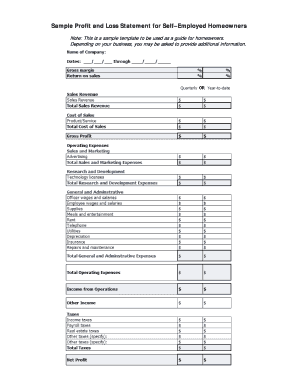
Sample Profit and Loss Statement for SelfEmployed Borrowers
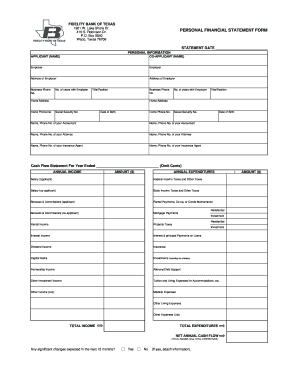
Personal financial statement form
Printable financial forms
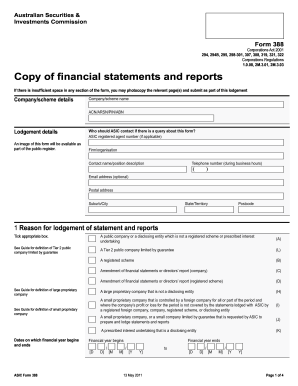
Form 388 - Australian Securities and Investments Commission - asic gov
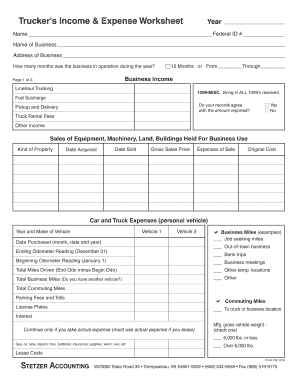
Profit and loss statement for trucking company pdf
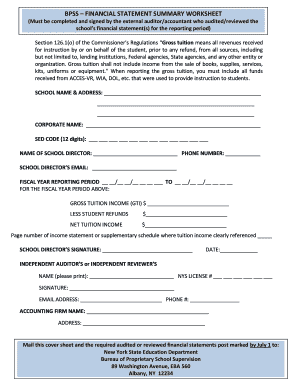
Bpss financial summary worksheet download
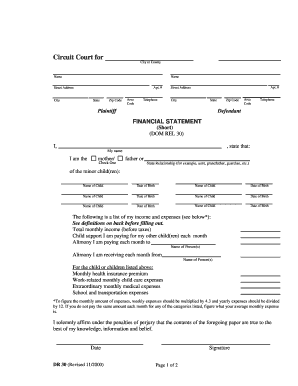
Financial statement short dr 30 form
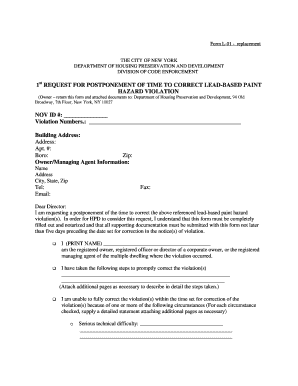
Bedbug annual filing form
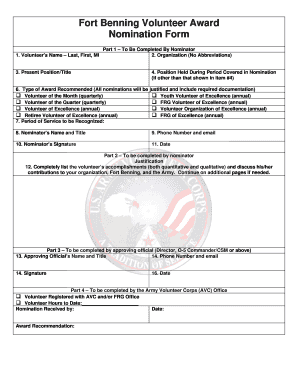
Fort volunteer nomination

2013 Financial Disclosure Form - Office of The New Mexico ...
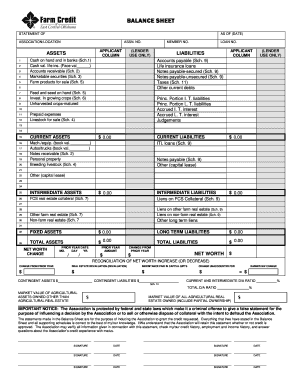
Download Financial Statement Form - Farm Credit

Financial report template
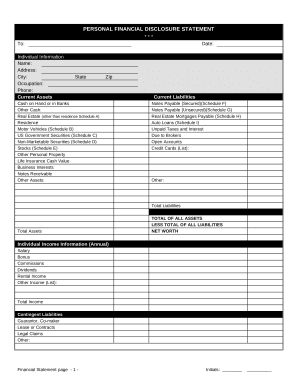
Financial form
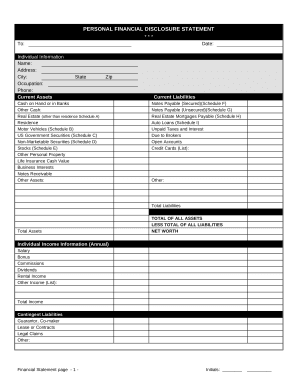
Financial statement form
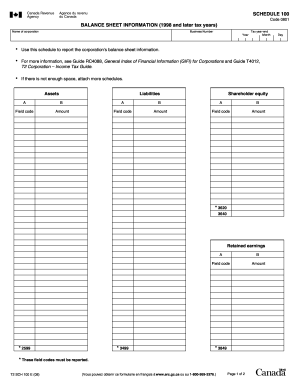
Balance sheet information schedule 100 2020
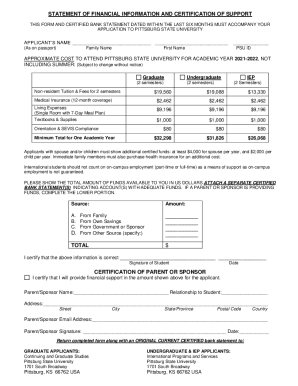
STATEMENT OF FINANCIAL INFORMATION AND CERTIFICATION OF ...

Owner Operator Credit Application - Daimler Truck Financial
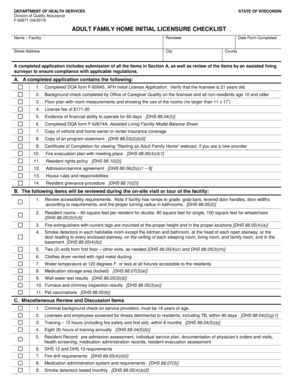
Fillable f62674a

CODE REVISER USE ONLY PROPOSED RULE MAKING - dshs wa

Facility annual report
Transform your form managing with Annual Balance Sheet Templates
Your workflows always benefit when you are able to find all the forms and files you require at your fingertips. DocHub offers a a huge collection of templates to alleviate your day-to-day pains. Get hold of Annual Balance Sheet Templates category and quickly browse for your document.
Start working with Annual Balance Sheet Templates in several clicks:
- Access Annual Balance Sheet Templates and get the document you need.
- Click Get Form to open it in our online editor.
- Begin adjusting your form: add more fillable fields, highlight sentences, or blackout sensitive facts.
- The application saves your changes automatically, and after you are all set, you are able to download or share your form with other contributors.
Enjoy fast and easy form administration with DocHub. Check out our Annual Balance Sheet Templates online library and locate your form right now!
Video Guide on Annual Balance Sheet Templates management

Commonly Asked Questions about Annual Balance Sheet Templates
Does QuickBooks have a balance sheet template?
The QuickBooks Online balance sheet template makes it easy The difference between assets and liabilities is displayed at the bottom as the equity or net worth of the business. Simply choose Reports Balance Sheet in QuickBooks Online and the pre-installed template is populated with your data in seconds.
How do I create a monthly balance sheet in QuickBooks?
Start with a Balance Sheet Standard report. On the Display tab, change the From and To dates to include the months you want to report on. Choose Month for the Display columns by field. Click OK to run the report.
How do you make a yearly balance sheet?
How to make a balance sheet Invest in accounting software. Create a heading. Use the basic accounting equation to separate each section. Include all of your assets. Create a section for liabilities. Create a section for owners equity. Add total liabilities to total owners equity.
Can I create my own balance sheet?
You can create a personal balance sheet by completing the following steps, including getting all relevant documents, listing your assets and liabilities, and calculating your net worth.
Does QuickBooks have a balance sheet by class?
Learn what transactions create unclassified, unbalanced, or other incorrect amounts on Balance Sheet by Class report in QuickBooks Desktop. Balance Sheet by Class lets you see your balance sheet by fund, location, or other classes that you set up.
What is the simple format of a balance sheet?
What is the basic format of a balance sheet? The basic format of a balance sheet includes three main sections: assets, liabilities, and equity. Assets list resources owned, liabilities outline obligations, and equity shows net worth or ownership.
How do I customize my balance sheet in QuickBooks desktop?
Go to the Reports menu, then select Company Financial Profit Loss Standard. Select Customize Report. Go to the Display tab: Set the From and To date fields to the years you want to display on the report.
Does QuickBooks create a balance sheet?
QuickBooks does the math for you and can rapidly turn out accurate balance sheets so you dont have to spend all that time crunching numbers.
Is there a balance sheet template in Excel?
The Balance Sheet Template for Excel is a pre-designed spreadsheet that allows users to enter their companys financial information, including assets, liabilities, and equity. This template is useful for businesses of all sizes, as it can be customized to fit each companys specific needs.
Related Templates

Eng form 93 instructions
The document is a payment estimate form for contract performance, detailing contractor information, contract specifics, ...
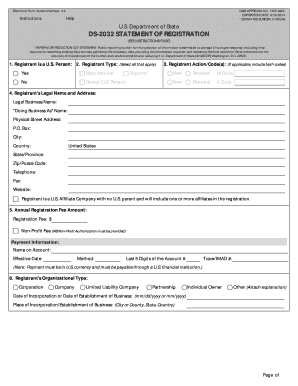
Itar registration renewal online
The document is an electronic form (DS-2032) issued by the U.S. Department of State for the registration of individuals ...
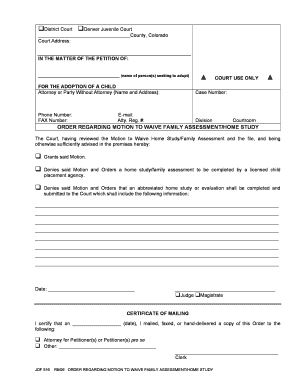
Order regarding motion
The document is a court order from the Denver Juvenile Court regarding a petition for the adoption of a child. It addres ...
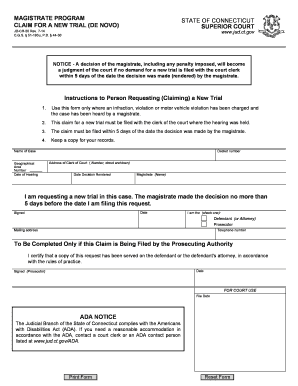
Ct program claim
The document outlines the procedure for filing a claim for a new trial (de novo) in the State of Connecticut after a dec ...

Cancelacion antecedentes orden form
The document outlines the process for requesting the cancellation of juvenile criminal records in Connecticut. It includ ...
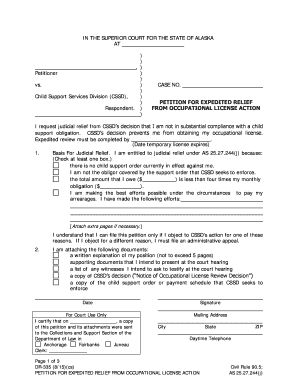
Alaska dr 335
The document is a petition filed in the Superior Court of Alaska requesting expedited judicial relief from the Child Sup ...
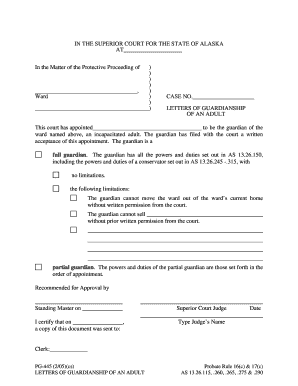
Download the PDF file - Alaska Court Records - State of Alaska
The document is a legal order from the Superior Court of Alaska appointing a guardian for an incapacitated adult. It out ...

Alaska p 350 form
The document is a sworn statement by the personal representative of a small estate in Alaska, detailing the closure of t ...