
Windows Application Forms
View and choose Windows Application Forms from our extensive document catalog. Streamline your form submission processes with DocHub: modify, fill out, and safely keep finished forms online.

Create a new Windows Application Form
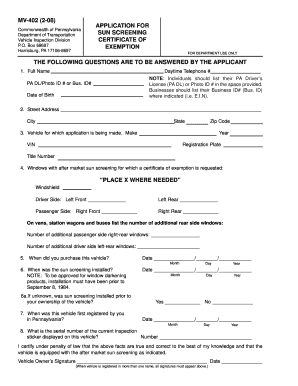
Pa window tint exemption form

Des application
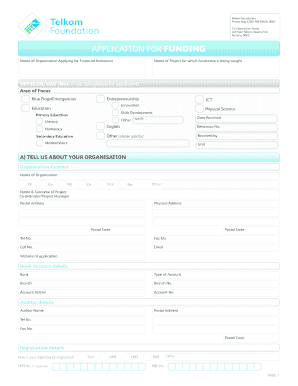
Npo funding application forms 2021 pdf
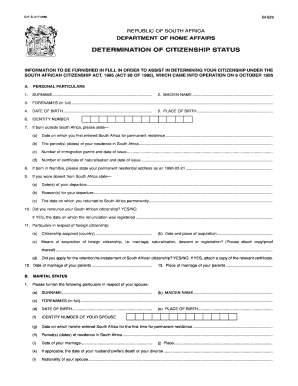
Bi 9 form download

Concepts application form

Louisiana window tint exemption form
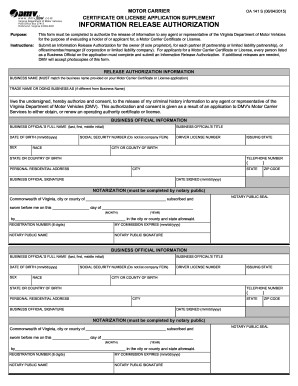
Form oa 141
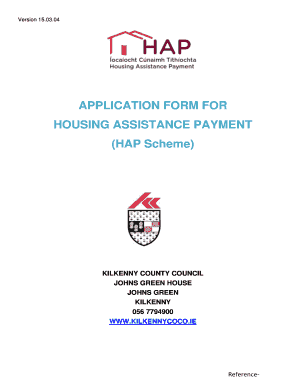
Hap application form pdf
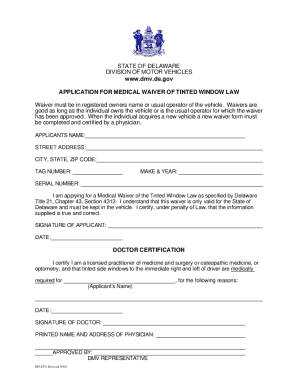
Delaware medical waiver tinted
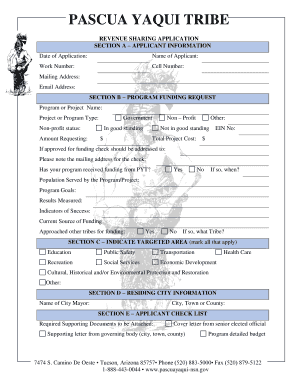
Pyt application form
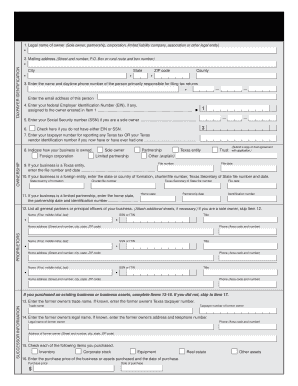
AP-178 International Fuel Tax Agreement License Application - window state tx
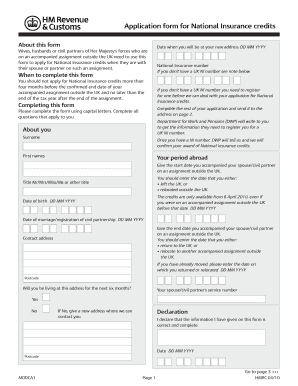
National insurance number application form pdf

Annual notice protect your child from lead poisoning and window falls 2011 2013 form
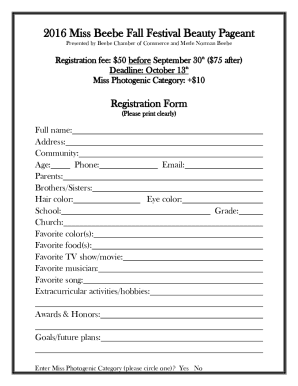
Printable pageant forms
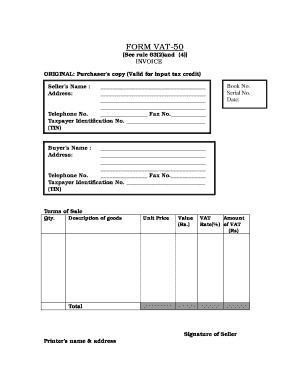
India Form VAT-50
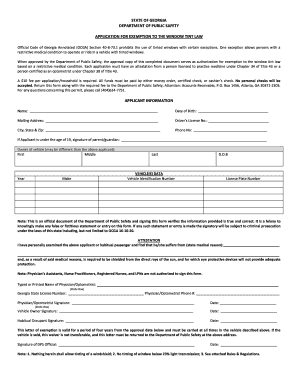
Tennessee window tint exemption form
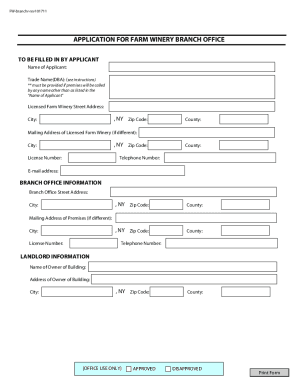
Office form
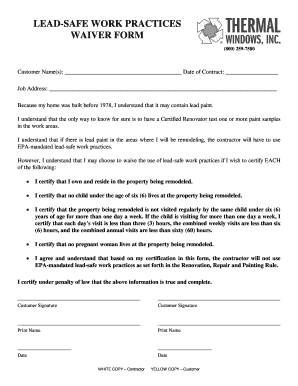
Lead-safe work practices waiver form - Thermal Windows Inc
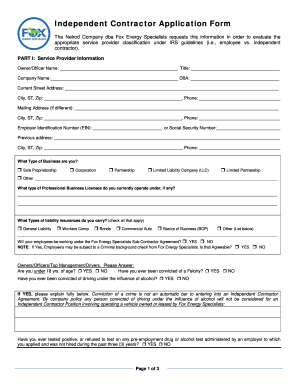
Contractor application form online
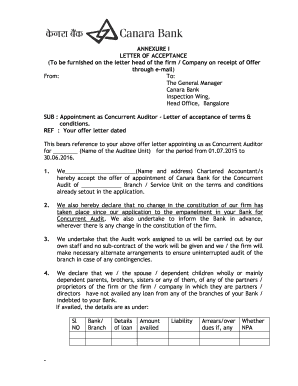
Pdf driver windows 7
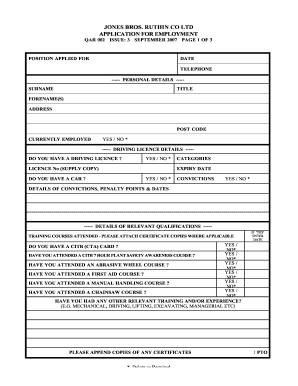
Application form for pip
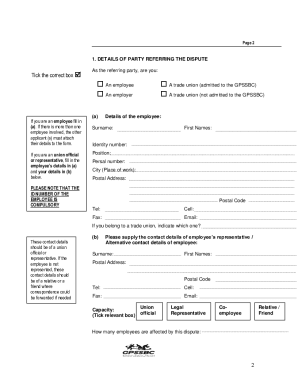
Gpssbc dispute
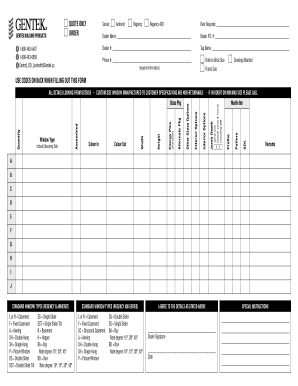
Lambeth Window Order Form - Gentek
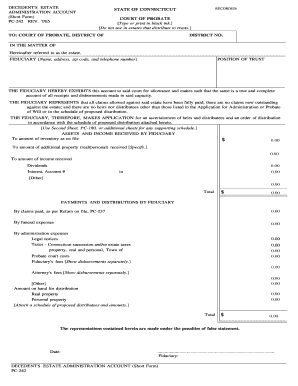
Pc 242 2005 form
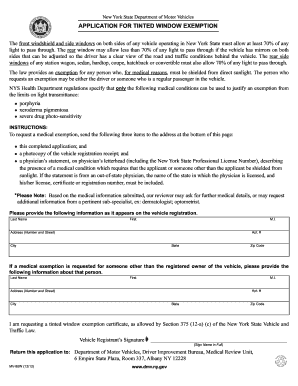
Auto window tinting mv 80w 2011 form

AP-133 Texas Application for Fuels Tax License - Texas Comptroller ... - window state tx
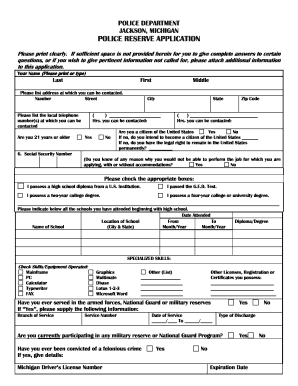
Mi reserve application form

Leap application forms
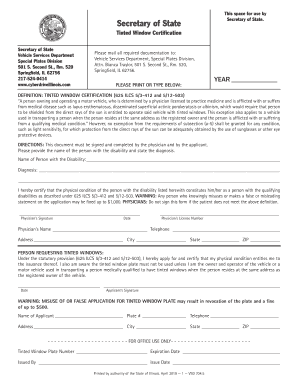
Illinois tinted window certification

Horizon application
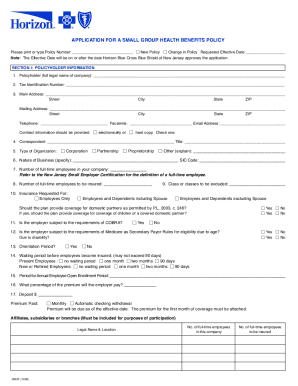
Horizon application
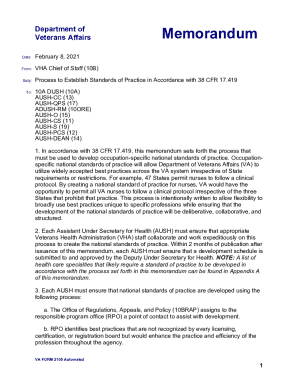
Memorandum: One Addressee - VA Form 2105 Automated (Word for Windows)

AU1, English version (PDF) (new window) - Ny i Danmark - nyidanmark
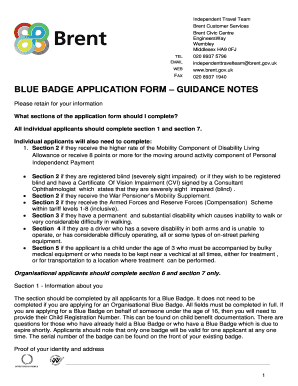
Brent blue badge application form
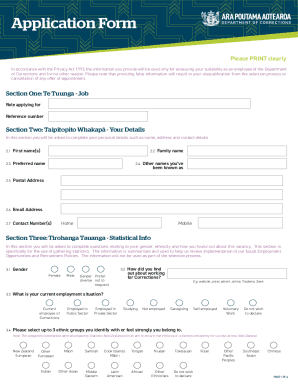
Application Form - Corrections Jobs in NZ
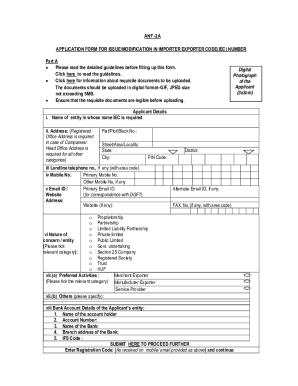
Iec application form for employment online
-
1
- 2
Get and handle Windows Application Forms online
Boost your form administration with the Windows Application Forms library with ready-made document templates that suit your needs. Get your form template, change it, fill it, and share it with your contributors without breaking a sweat. Begin working more effectively together with your documents.
How to use our Windows Application Forms:
- Open our Windows Application Forms and search for the form you require.
- Preview your document to ensure it’s what you want, and click Get Form to start working on it.
- Modify, add new text, or highlight important information with DocHub tools.
- Prepare your form and save the modifications.
- Download or share your document template with other people.
Explore all the possibilities for your online document management with our Windows Application Forms. Get your totally free DocHub profile today!
Video Guide on Windows Application Forms management

Commonly Asked Questions about Windows Application Forms
Is WinForms still in use?
As we mentioned above, WinForms is still available but the status of maintenance mode likely means it has no long term future. As time passed by, especially in the last 5-10 years, new tools continued to mature and rise in popularity, and each one of them offered many powerful features.
Is WinForms still used in 2024?
WinForms (Windows Forms): WinForms is also not deprecated and is well-suited for developing straightforward Windows desktop applications. While not as modern as WPF, WinForms is suitable for simple desktop applications that dont require complex UI or advanced graphics.
What has replaced Windows Forms?
Windows Presentation Foundation (WPF) is a UI framework for building desktop applications, introduced by Microsoft in 2006. WPF was created to replace WinForms, which had been the primary UI framework for Windows desktop applications since 2002.
What is the difference between WinForms and Windows Forms?
While WinForms remains in use today, WPF offers a more contemporary and visually appealing UI framework, constructed on the foundation of DirectX. Its fundamentally different from WinForms in that it doesnt rely on native Windows controls in most cases.
What is a Windows Forms application?
Windows Forms is a UI framework for building Windows desktop apps. It provides one of the most productive ways to create desktop apps based on the visual designer provided in Visual Studio. Functionality such as drag-and-drop placement of visual controls makes it easy to build desktop apps.
What is the successor to Windows Forms?
Modern. Forms is an open-source cross-platform spiritual successor to Winforms for . NET 6, supporting Windows, Mac, and Linux. If you are looking for an open-source cross-platform spiritual successor to WPF, see Avalonia.
Related Templates
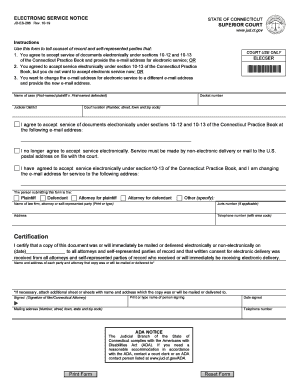
Connecticut practice book 2022
The document is an Electronic Service Notice form used in the Superior Court of Connecticut. It allows parties involved ...
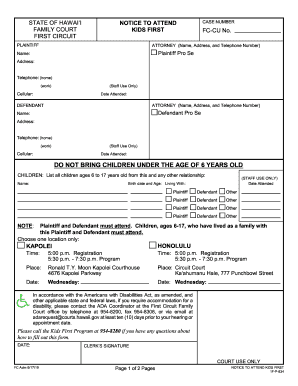
Notice attend kids first
The document is a notice from the Family Court of Hawai‘i regarding the 'Kids First' program, which aims to help parents ...

Judge Jeannette H
The document is a formal request for an extension of a 9-month deadline in a civil arbitration case, addressed to Judge ...
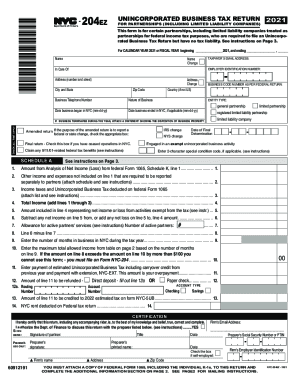
Ny return partnerships
The document is the 2021 Unincorporated Business Tax Return (Form NYC-204EZ) for partnerships and limited liability comp ...
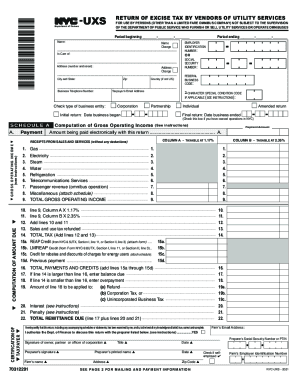
Ny nycuxs tax
The document is a tax return form (NYC-UXS) for vendors of utility services in New York City, detailing the requirements ...
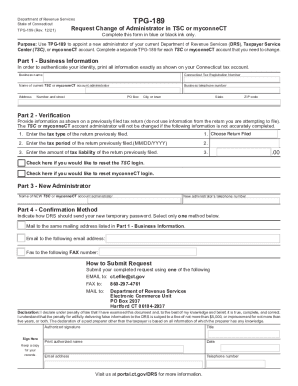
Connecticut taxpayer service center tpg
The document is a form (TPG-189) from the Connecticut Department of Revenue Services used to request a change of adminis ...
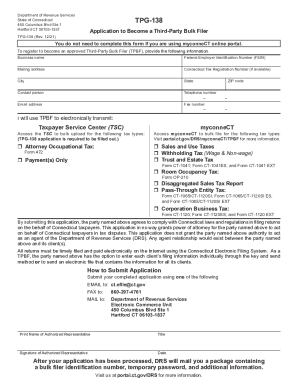
State of Connecticut - Department of Revenue Services ...
The document is an application form (TPG-138) for businesses in Connecticut to register as a Third-Party Bulk Filer (TPB ...
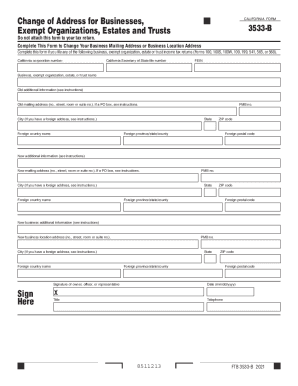
Ca address business
The document is a California Form 3533-B used for changing the mailing or business location address for businesses, exem ...