
Printable blank Order Forms
Enhance your document management with DocHub's Printable blank Order Forms templates. Edit, send, and securely keep your order documents hassle-free.

Create a new Printable blank Order Form
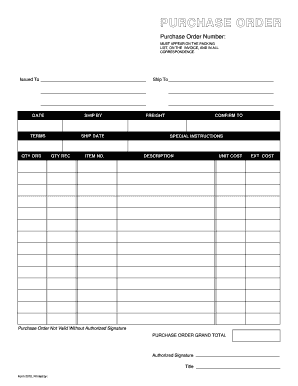
Purchase order template
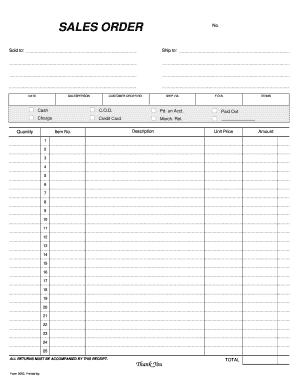
Sales order template
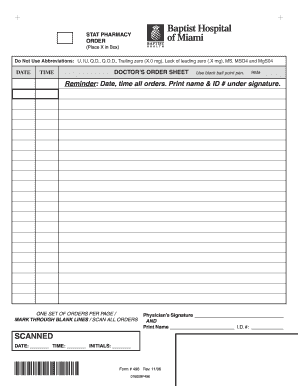
Blank physician order form

Physician order form pdf
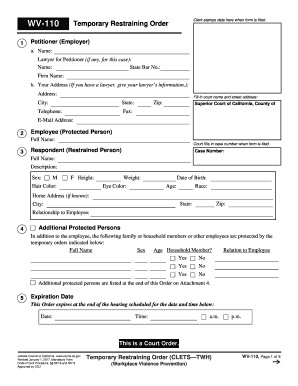
Restraining order template

Nj restraining order form
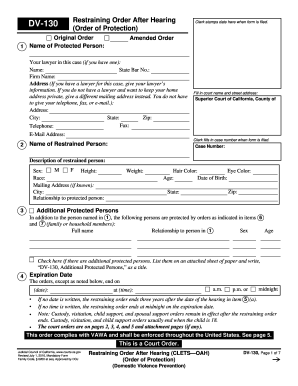
Restraining order online form

Restraining order template
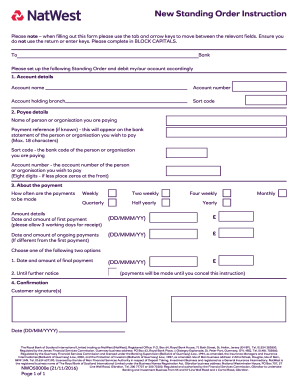
Natwest standing order form

Spirit wear order form template
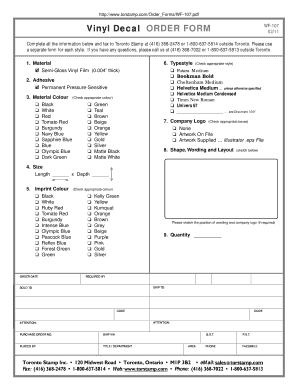
Decal order form template
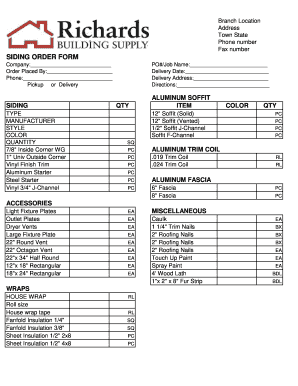
Siding order form
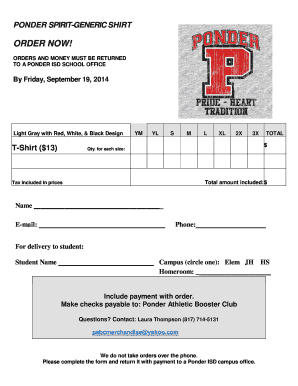
Tshirt order forms templates
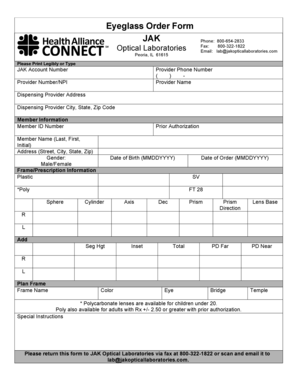
Optical order form template
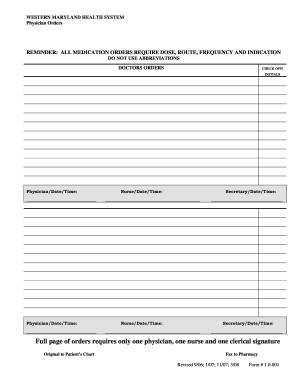
Blank printable physician orders
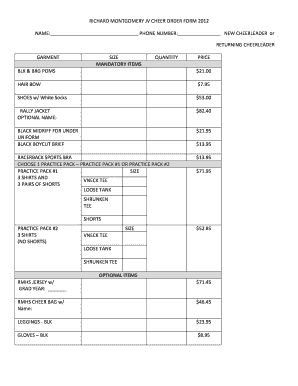
Cheer order form
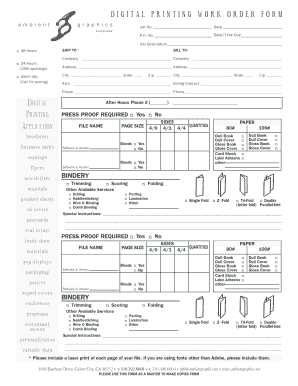
DIGITAL PRINTING WORK ORDER FORM
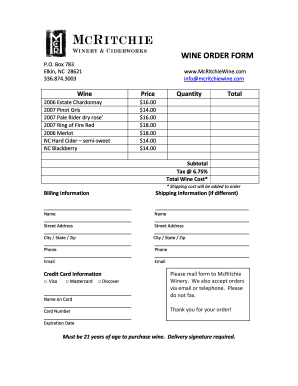
Wine order form template

Tshirt order form template
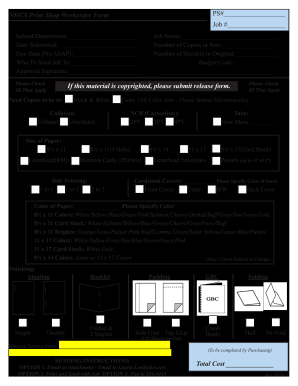
Print order form
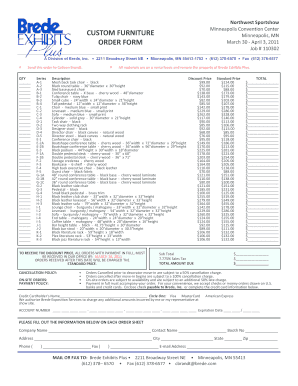
Furniture order form
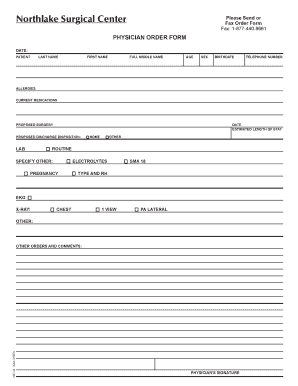
Physician order template
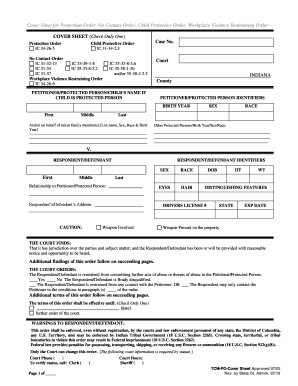
Protective orders indiana

Pay order form
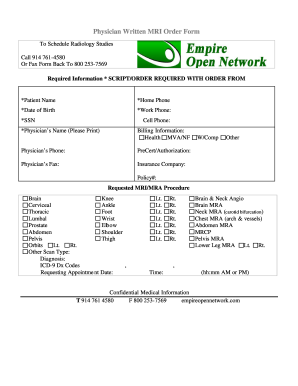
Mri order form template
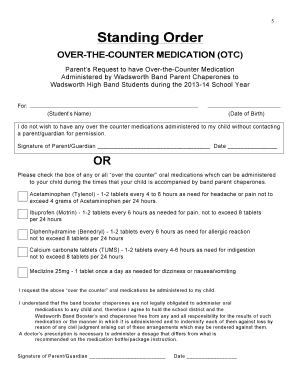
Medication standing order template

Bakery Special Order Form
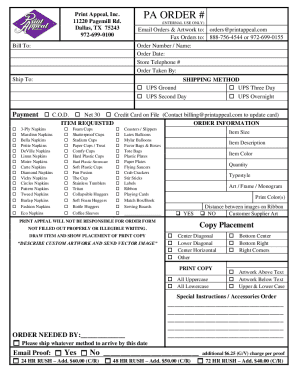
Print appeal order form
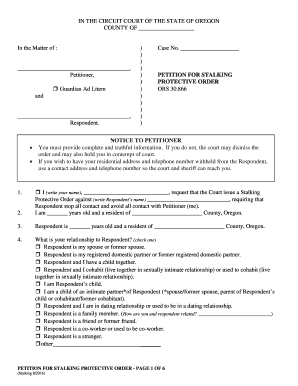
Oregon petition protective
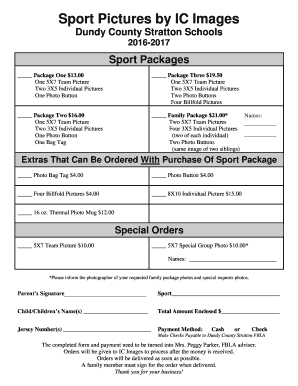
Sports photo packages order forms
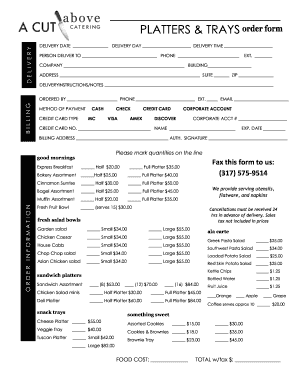
Catering order forms
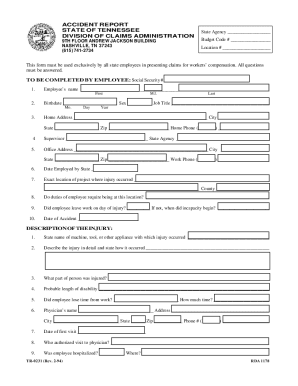
Printable blank police report forms
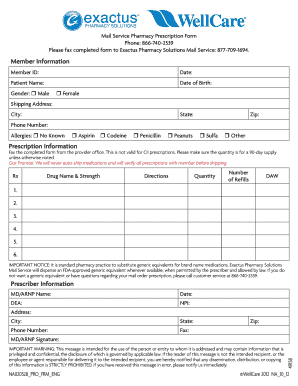
Intended prescription form blank
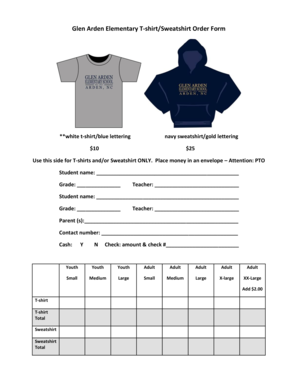
Sweatshirt order form template
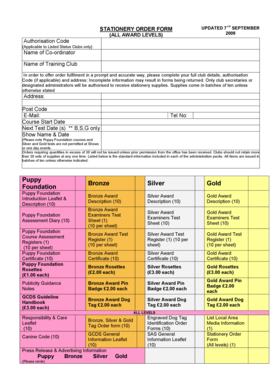
Stationery Order Form - The Kennel Club

Printable court forms
-
1
- 2
Improve your form operations with Printable blank Order Forms
Your workflows always benefit when you can easily locate all the forms and documents you may need on hand. DocHub provides a wide array of documents to relieve your daily pains. Get hold of Printable blank Order Forms category and quickly browse for your form.
Start working with Printable blank Order Forms in a few clicks:
- Gain access to Printable blank Order Forms and discover the form you require.
- Click on Get Form to open it in our online editor.
- Begin editing your file: add fillable fields, highlight paragraphs, or blackout sensitive facts.
- The application saves your changes automatically, and once you are all set, you can download or distribute your form with other contributors.
Enjoy seamless file managing with DocHub. Discover our Printable blank Order Forms collection and get your form today!
Video Guide on Printable blank Order Forms management

Commonly Asked Questions about Printable blank Order Forms
Is an order form the same as a contract?
Purchase orders are commercial documents, while contracts are legally bound documents. Purchase orders only become legally binding documents once the seller accepts them, whereas a contract is the primary legal document from the start of each project.
How to use Google Forms as an order form?
How to make a purchase order form in Google Forms Step 1: Create a form. Step 2: Add the relevant purchase order details. Step 3: Download Payable Forms from Google Marketplace. Step 4: Adjust your sharing details. Step 5: Embed and share your form. No dedicated payment field. Fees on every purchase.
What is the purpose of an order form?
The purpose of an order form order specific products or services from a seller. specify how many of each item is/are requested. communicate payment terms. act as a legally binding contract upon acceptance from the seller.
How to fill out an order form?
What Should Be Included in an Order Form? The name of your company (legal name). Your companys current address. Customers details, including name and email address. The shipping address of the customer. Purchase order date. Sales order number. Salespersons name. Date of shipping.
How to make a simple order form?
Must-have components for creating an order form. Contact information. Name, email address, phone number, and shipping address are necessary pieces of information to gather from your buyers. Product description. Payment information. Shipping and handling. Order summary. Terms and conditions. Visuals. Order confirmation.
What is a simple order form?
All simple order forms are designed to let buyers select their preferred payment method which is usually by bank transfer or meetups. You can also set your delivery method in this order form simple if buyers prefer to have their items delivered, either by local mail or known couriers.
How to create an order form for free?
Google Forms is a popular tool that allows users to create order forms quickly and easily using pre-made templates or by designing their own forms. PDFs with fillable forms are also an option for creating order forms, which can be filled out and submitted electronically.
Is there an app for order forms?
Free payment order form app Start today your online business and accept credit card payments using AbcSubmits online order form creator. You can add multiple payment processors to your website order form and let your customer choose which is the best fit for them.
Related Templates
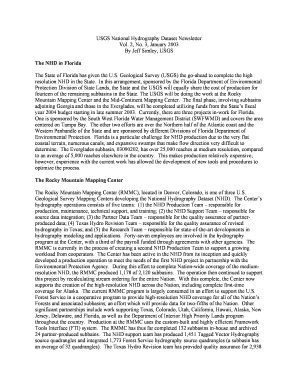
The NHD in Florida - nhd usgs
The USGS National Hydrography Dataset Newsletter discusses the collaboration between the U.S. Geological Survey and the ...

LOW-LEVEL MERCURY 5 6 4 B - USGS Water Resources of the - water usgs
The document outlines the procedures for collecting and processing water samples for low-level mercury analysis, emphasi ...

Japanese Customs Form C No 5360-2
The document is a Customs Declaration Form (C No.5360-B) for travelers entering Japan, requiring personal information an ...
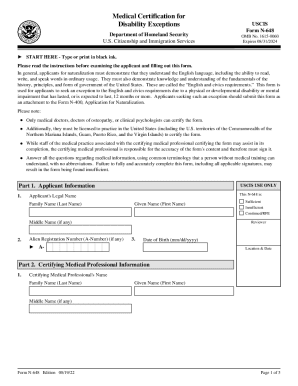
Instructions for Medical Certification for Disability Exceptions
The document outlines the Medical Certification for Disability Exceptions (Form N-648) used by applicants seeking an exc ...

PCS Departing Separation Worksheet PCS Departing Separation Worksheet
The document is a PCS (Permanent Change of Station) and Separation Worksheet for U.S. Coast Guard personnel, detailing t ...

State of Minnesota District Court Financial Affidavit for
The document is a Financial Affidavit for Child Support filed in the State of Minnesota District Court, detailing the fi ...
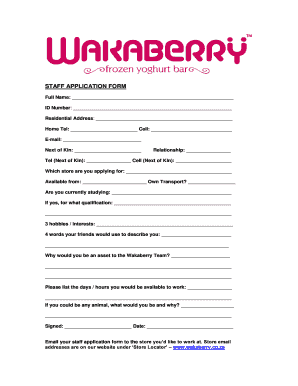
Jobs at wakabbery
The document is a staff application form for Wakaberry, requiring personal information, availability, qualifications, an ...
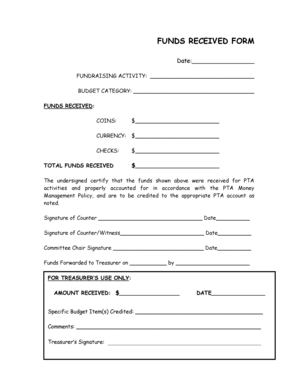
Money receive form
The document is a Funds Received Form used for recording and certifying the funds collected during a fundraising activit ...