
Design background Abstract Templates
Preview and get Design background Abstract Templates for personal and corporate use. Ensure that your templates are consistent and accurate with the DocHub online templates collection.

Create a new Design background Abstract Template
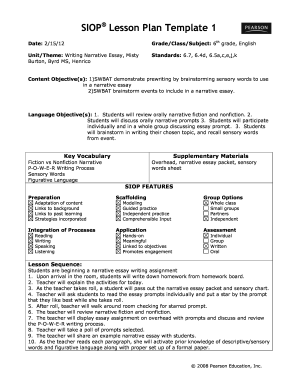
Siop lesson plan template
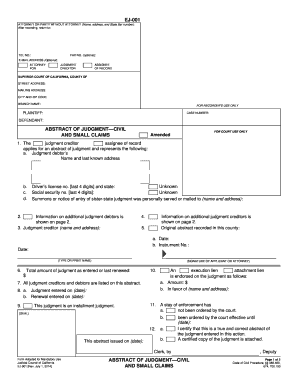
Abstract of judgment
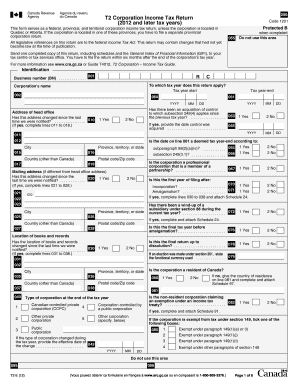
T2 tax forms
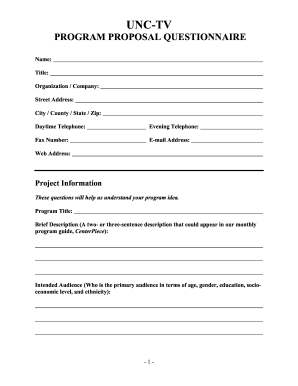
Tv show proposal sample pdf
Mcp replacement
Daily toilet cleaning checklist excel
Fillable rfi form

EMPLOYMENT APPLICATION - Golds Gym
Isef abstract form
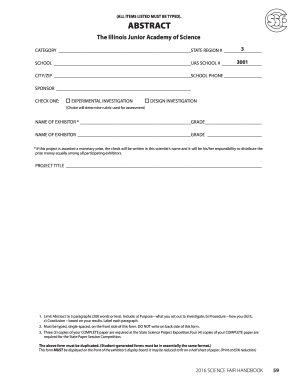
Fair abstract form
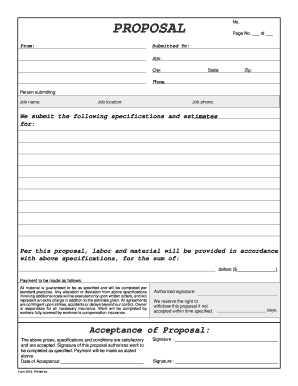
PROPOSAL - Free Forms Online
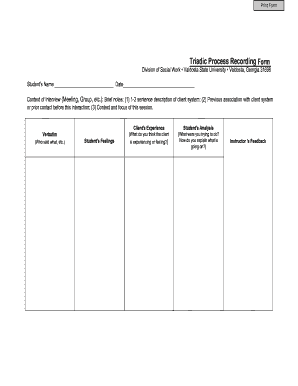
Process recording template pdf

Recommendation letter template for student
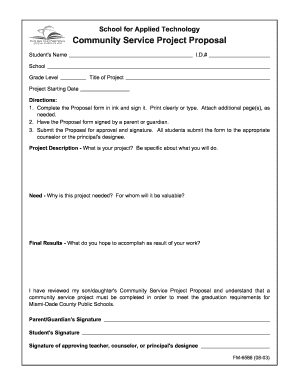
Community service project proposal pdf

Road manifest template excel
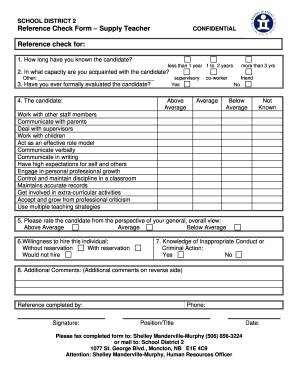
Reference check form for teachers

Application icbc
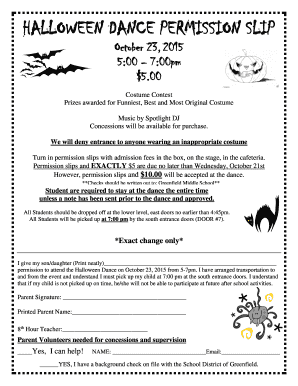
HALLOWEEN DANCE PERMISSION SLIP - bSchoolDeskb
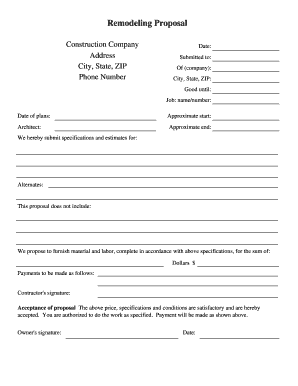
Remodeling Proposal - Construction-Forms.net - construction-forms

Demographic information form
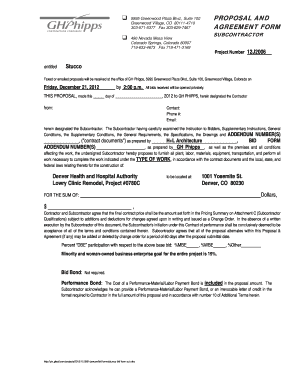
Stucco proposal template

Risk assessment template for craft stall
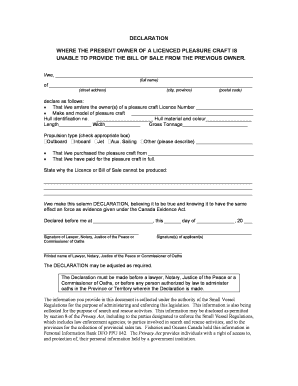
Declaration where present owner oa a pleasure craft is unable to provide the bill of sale from the previous owner
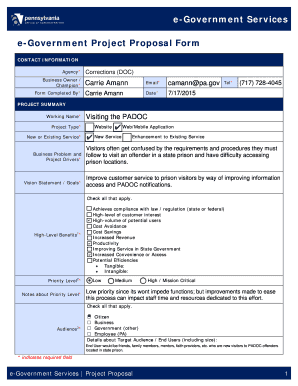
Government project proposal sample pdf
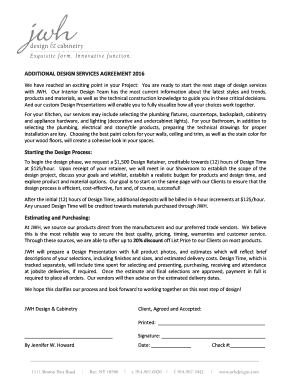
Interior design proposal template
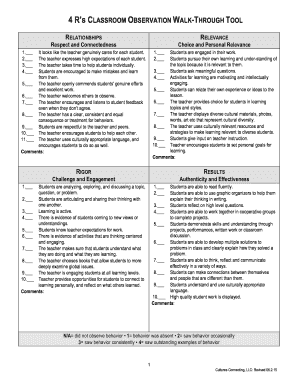
Infant teacher observation tool
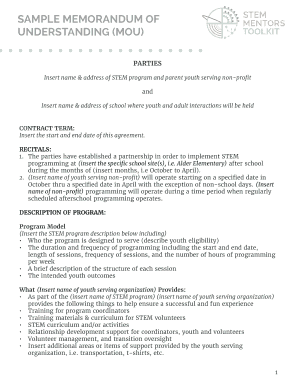
SAMPLE MEMORANDUM OF
Ballot paper template
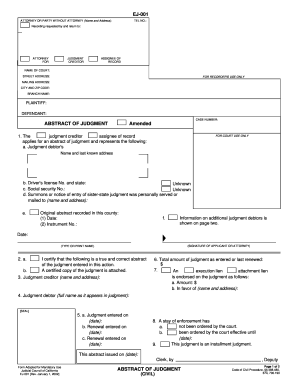
Abstract of judgment michigan forms ej 001
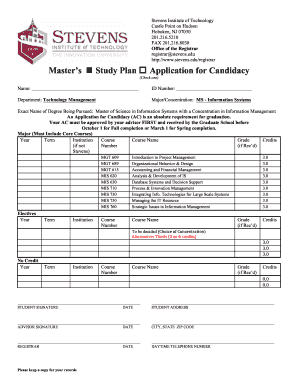
Stevens msis study plan form
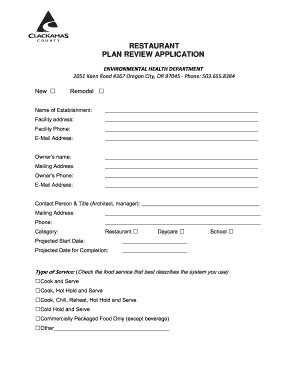
Oregon clackamas plan review
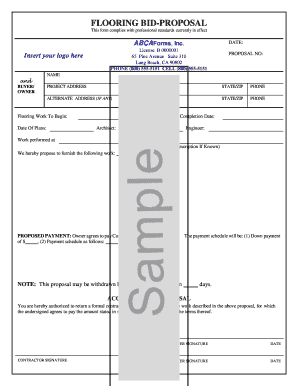
Flooring proposal template

Project proposal template
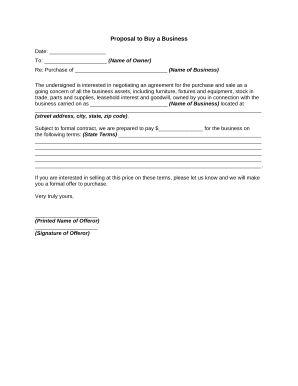
Proposal business sample
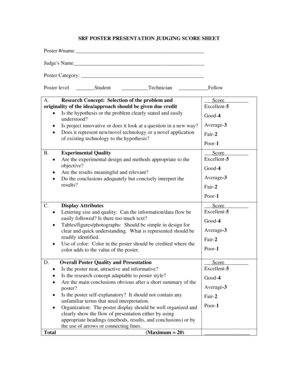
Score sheet for poster making

Youth football evaluation sheet
-
1
- 2
Get and handle Design background Abstract Templates online
Accelerate your form managing using our Design background Abstract Templates online library with ready-made templates that suit your needs. Get your document, alter it, complete it, and share it with your contributors without breaking a sweat. Start working more effectively with the documents.
The best way to use our Design background Abstract Templates:
- Open our Design background Abstract Templates and search for the form you need.
- Preview your form to ensure it’s what you want, and click on Get Form to begin working on it.
- Edit, add new text, or highlight important information with DocHub features.
- Complete your form and save the adjustments.
- Download or share your form template with other recipients.
Examine all of the opportunities for your online file administration with the Design background Abstract Templates. Get your free free DocHub profile right now!
Video Guide on Design background Abstract Templates management

Commonly Asked Questions about Design background Abstract Templates
How to make abstract design in Canva?
2:40 6:08 And then we look for a circular blue element to serve as just like a turban. And then put it at theMoreAnd then we look for a circular blue element to serve as just like a turban. And then put it at the back. And then we look for gold uh.
How do I create a pattern background in Canva?
How to create a pattern Open Canva. Launch Canva on your desktop or mobile app. Access the pattern generator. In the left panel of the editor, search for PatternedAI under Apps. Provide a prompt to create a pattern. Customize your pattern design. Share or download the pattern.
What is an abstract background?
Abstract backgrounds are universal design elements. Because theyre free of implied meaning, we can enjoy them simply as compositions of light, color, texture, and movement. This means they can support any creative design project, and unlike, for example, landscapes, abstract backgrounds are not a rigid category.
How to make an abstract background in Canva?
4:52 6:38 Make Abstract Grainy Backgrounds in Canva - YouTube YouTube Start of suggested clip End of suggested clip Maybe a little bit darker. So something like that. And well just kind of paint these around hereMoreMaybe a little bit darker. So something like that. And well just kind of paint these around here just drag and drop resize.
What is abstract design?
In the abstract style, various elements of design are put together to create an interesting composition that could lead the viewer to think or react in a certain way, even though it doesnt look like a specific object.
How to make a custom background on Canva?
Adding an image background From the editor side panel, click Background. If you dont see it, click Apps first. Click on an image from the tab to use it as your background. To use a stock photo or an uploaded image, add it to the design, right-click on it, and select Set Image as Background or Replace Background.
How do I make an image have a transparent background in Canva?
How to make an image transparent Upload your image. Select the Upload your image button or easily drag and drop your files into the section. Edit your design. Click BG Remover under the Tools options to remove the background of your image in seconds. Download your design.
How to make abstract design?
7 tips for creating abstract art Establish an ethos. When making abstract art, the most important thing to remember is that you cant go wrong. Remember to play. Work on a larger scale. Use the figure to start. Try a drawing challege. Keep things fluid. Work on multiple pieces.