
Get any PDF form from the DocHub library of ready-made templates - Page 2170
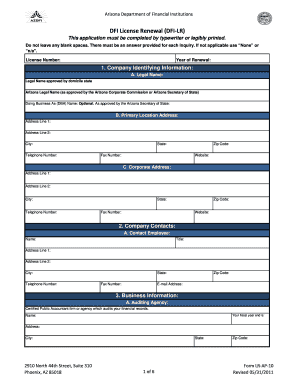
Auto sales financing form
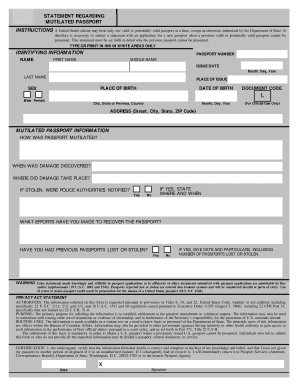
Regarding mutilated

Tricare east prior authorization form pdf
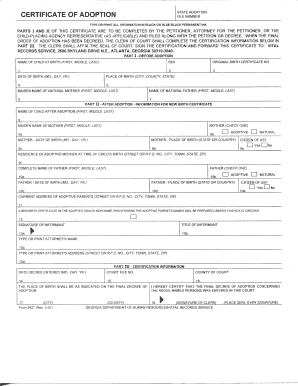
Indiana stepparent adoption forms

Oxford claim form
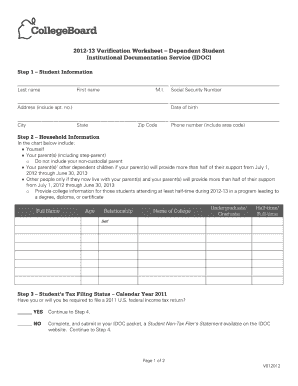
Download independent verification worksheet for santa monica college 2012 form

State farm change of beneficiary form

Dog Name Change Authorization - akc
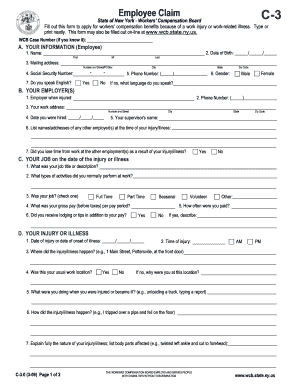
Ny work compensation wc3 form 2009
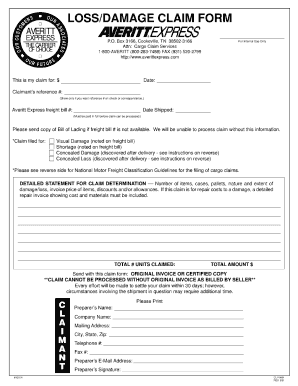
Averitt freight claim form

Advance directive california
Az report injury
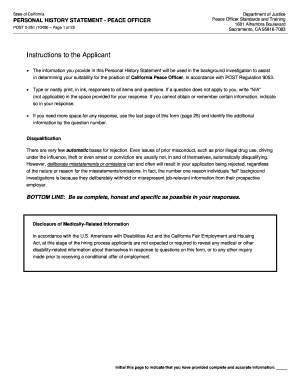
Post personal history statement form 2009
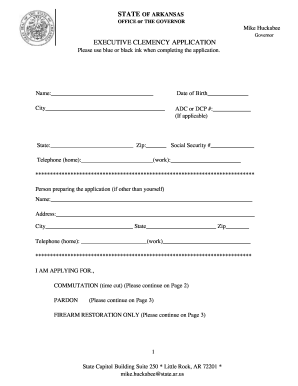
Arkansas clemency application
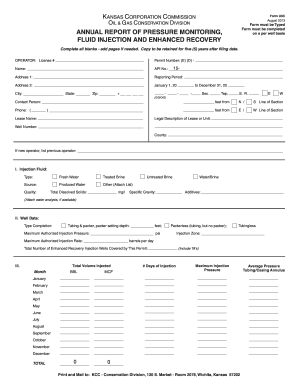
Kcc u3c form 2013
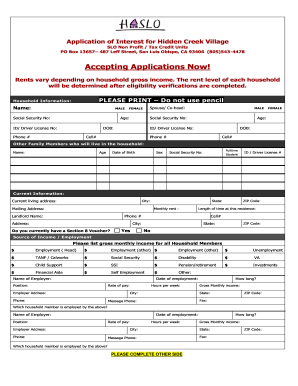
Haslo
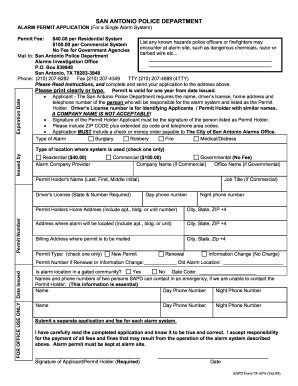
San antonio alarm permit renewal form
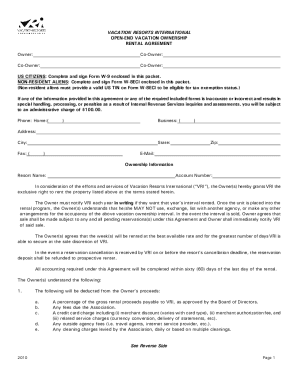
Vri rental agreement
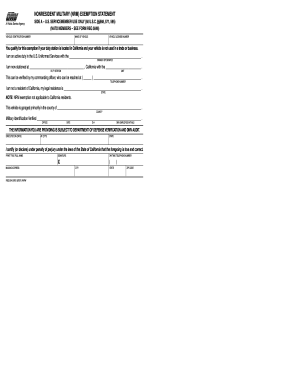
Reg 5045
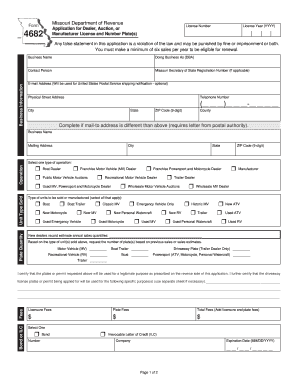
Form 4682
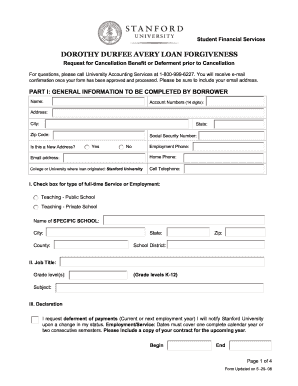
Code for avery loan
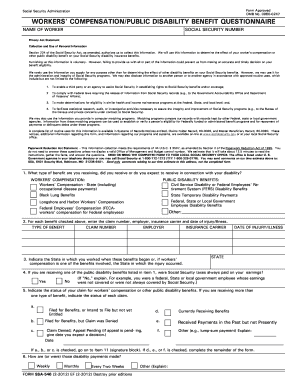
Social security compensation

Resale certificate nc
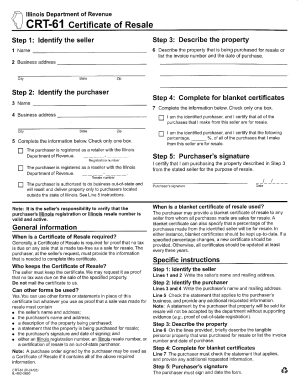
Crt 61 2002 form

Form 4180 2007
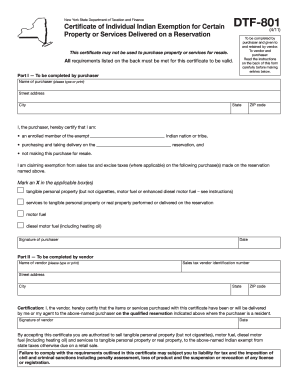
Dtf 801
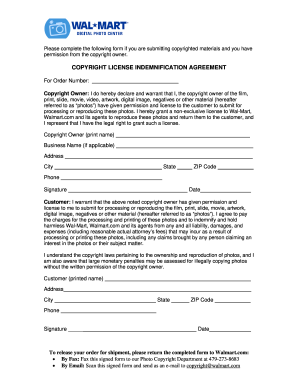
Walmart copyright
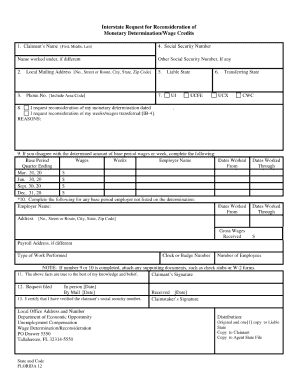
Ib14

It 3 form
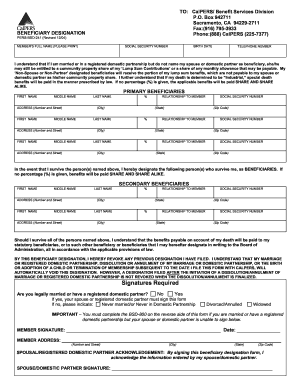
Ca pers beneficiary

Form mo 96 2012
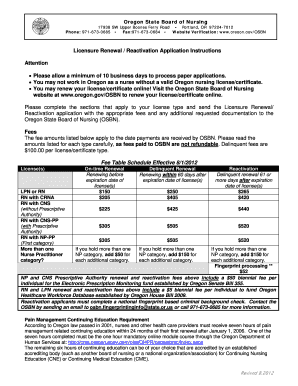
Osbn licence cnspp
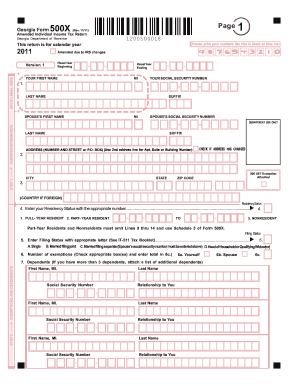
2011 georgia form 500x

Form 354
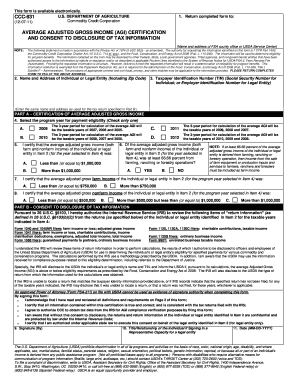
Entity form usda
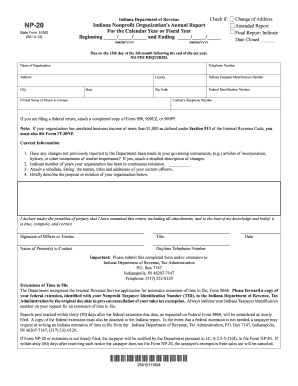
Np 20 form 2012

Of 345 form
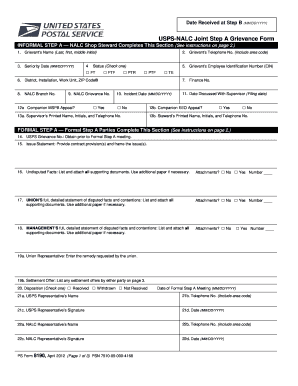
Cca uniform allowance
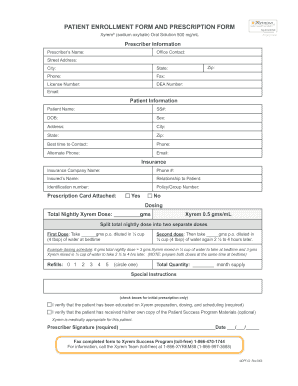
Xyrem prescription form
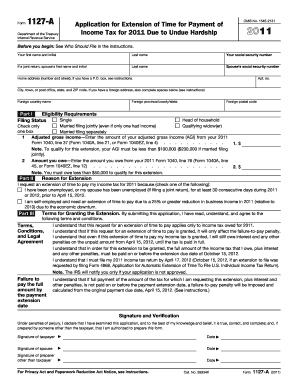
1127 a

Inoa registration

Voice evaluation form pdf
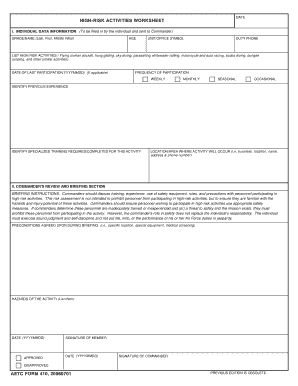
Af form 410
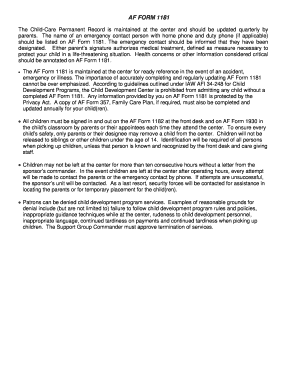
Form 1181
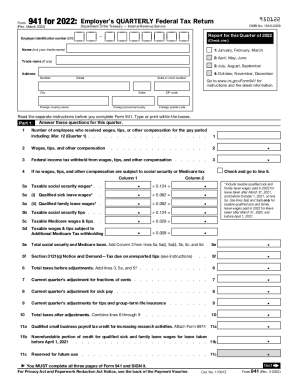
Form 941 for 2022
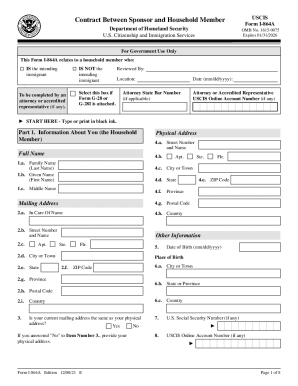
I 864a form pdf
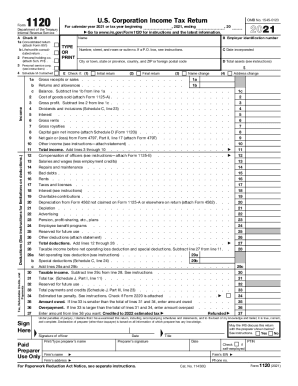
Company tax return
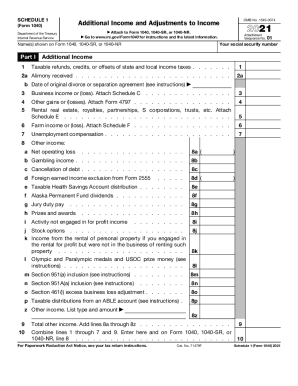
1040 schedule 1
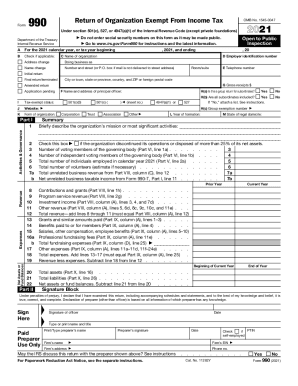
Form 990
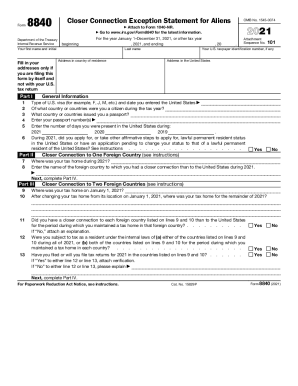
8840 form

Idaho title
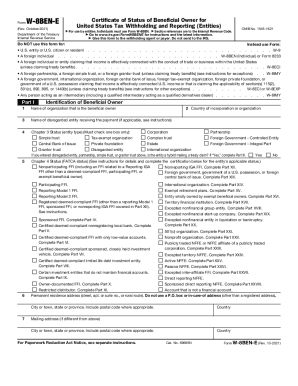
W 8ben e
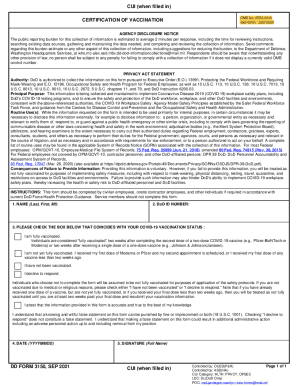
DD Form 3150, "Certification of Vaccination"
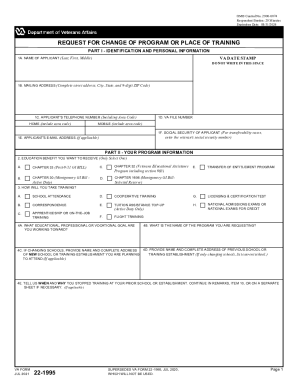
Va form 22 1995
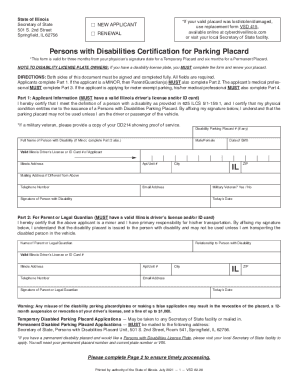
Handicap placard illinois
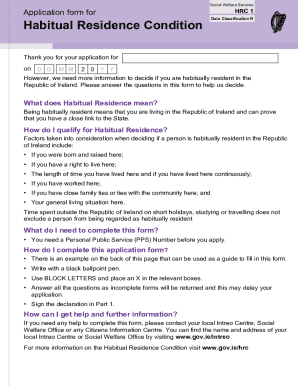
Hrc1 form
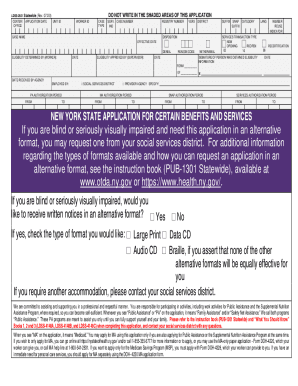
Public assistance application form
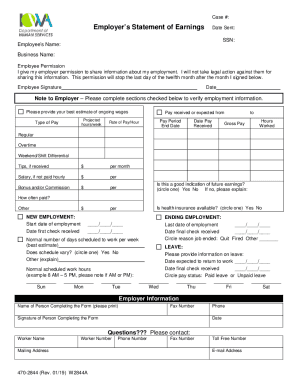
Employer statement of earnings
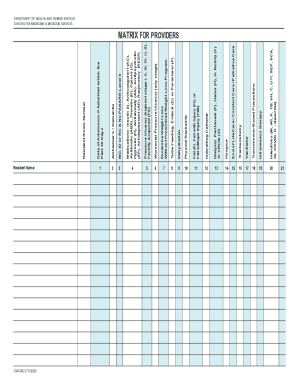
Cms 802
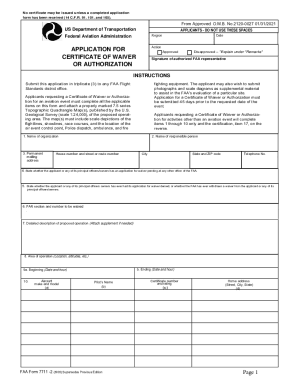
7711 2
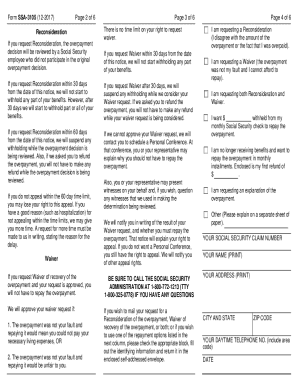
Ssa 3105
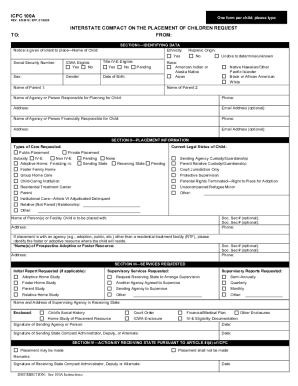
Icpc 100a fillable form
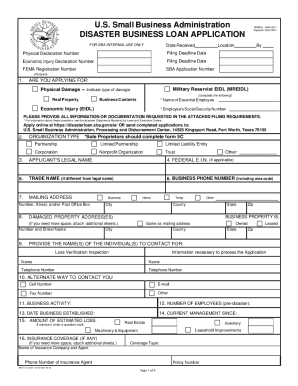
Sba disaster loan
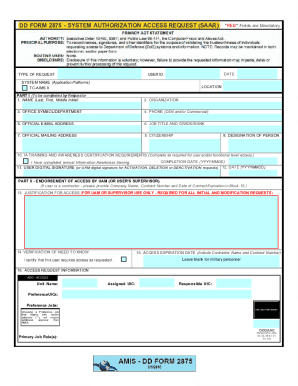
Dd2875
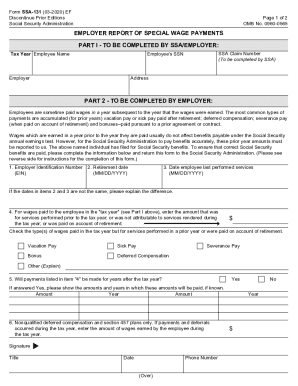
Ssa 131 form
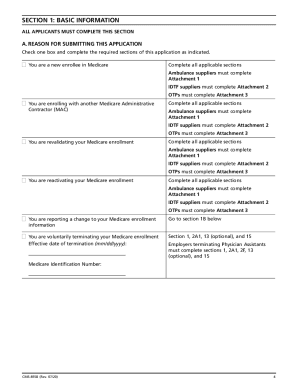
Cms 855b
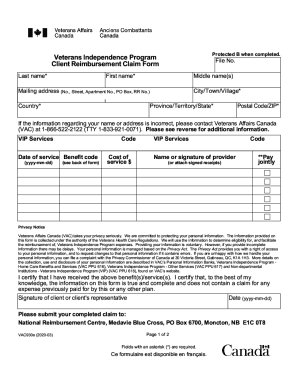
Vac930
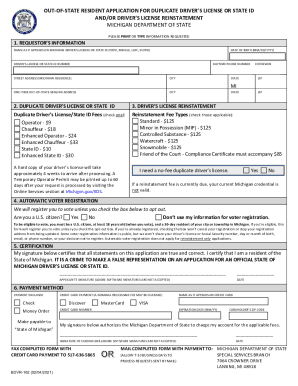
Michigan license reinstatement
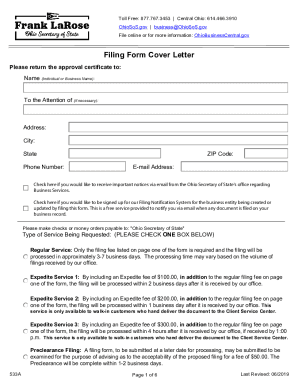
Form 533a

Form 14 notice of motion

Imm 5531
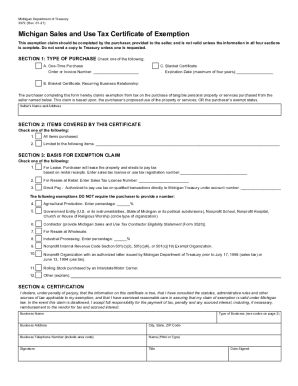
3372

Form a4 az
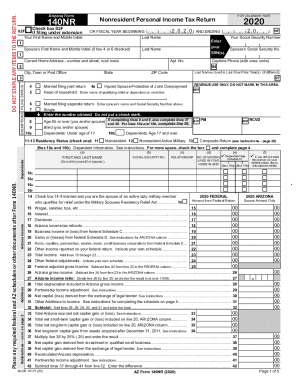
Arizona 140nr
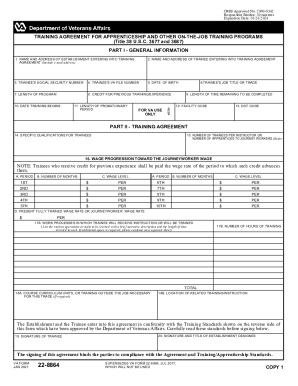
Va form 22 8864
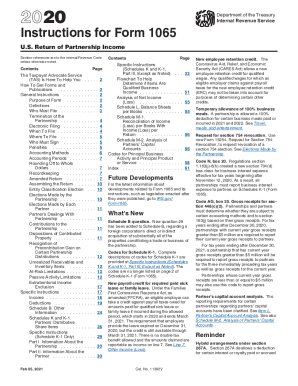
1065 instructions form
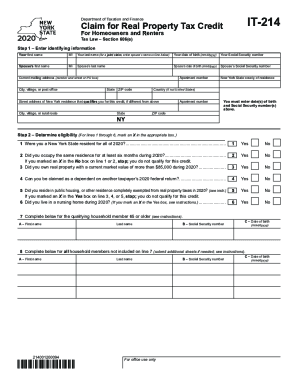
It 214 form 2020
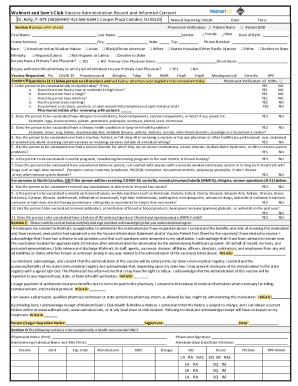
Vaccine administration consent form
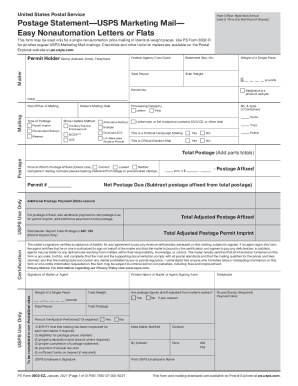
3602 ez
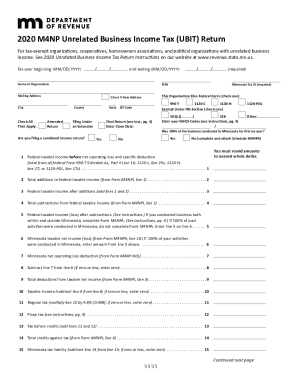
M4np
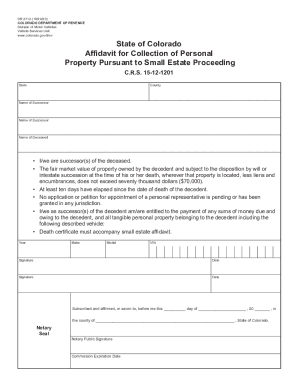
Co dr2712 form
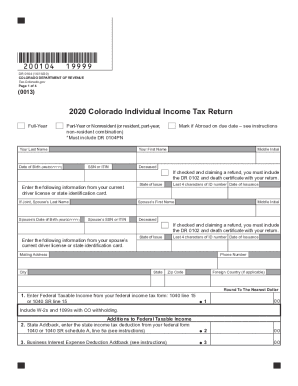
Colorado tax
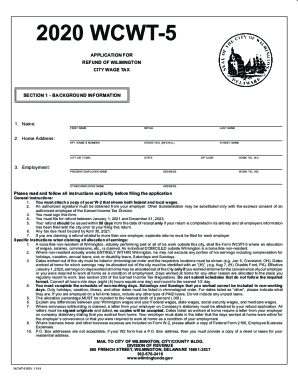
Wcwt 5
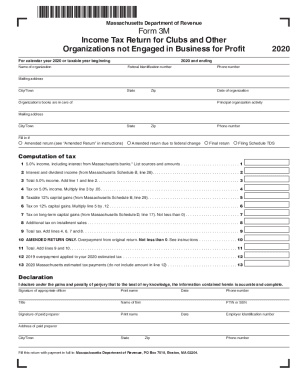
Form 3m
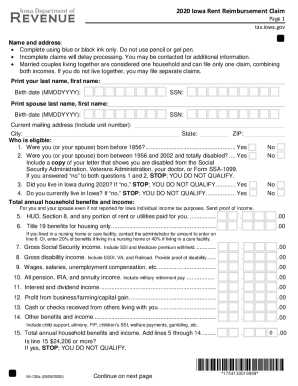
2020 iowa rent reimbursement claim form
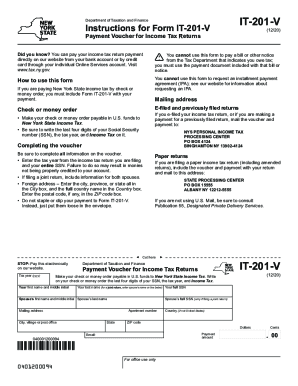
Forms it 201

C100 form
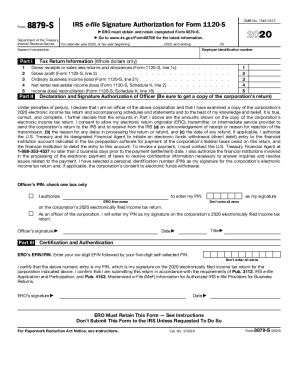
Form 8879
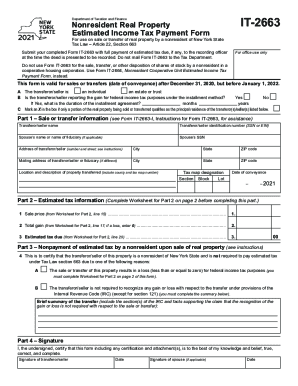
It 2663 form 2021

I129
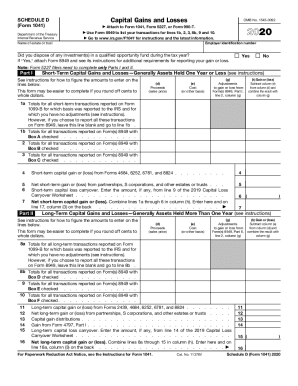
Irs schedule d
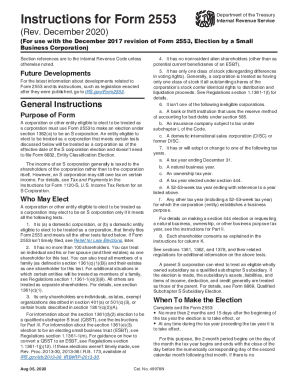
Form 2553
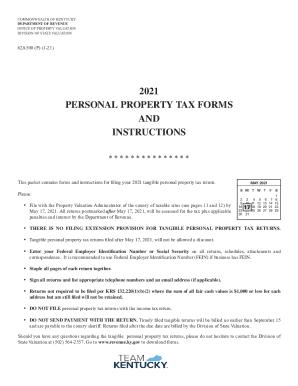
62a500 kentucky 2021

Scdnr license online

K kansas tax
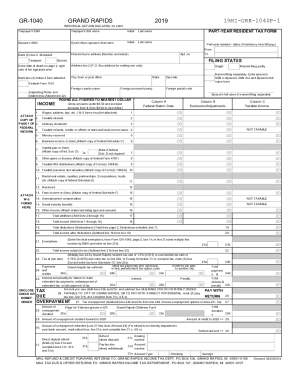
Mi form grand rapids city tax
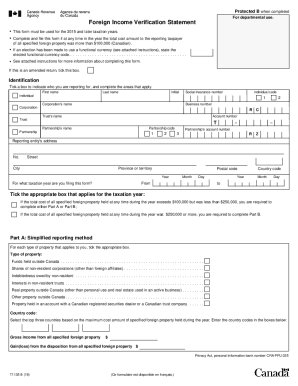
T1135
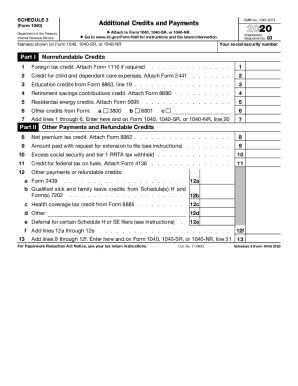
Schedule 3

Gbhc157e
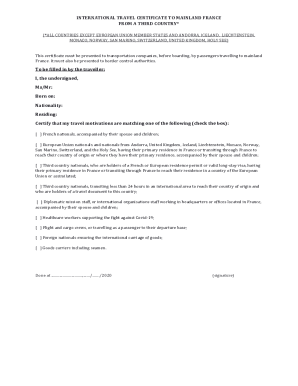
How to fill international travel certificate to mainland france
Benefit from the DocHub online library of fillable PDF forms
Searching the PDF forms doesn't have to be a tedious and time-consuming process. With the DocHub online library, it has become easier to find the fillable PDF forms and modify them in your browser. The service allows you to adjust the document to your needs using powerful editing tools.
You can use online document editing features to modify almost any type of document with ease. You just need to find the template of your choice, open it in the editor, and use the toolbar to make the necessary corrections.
Follow this guide to get your document done with DocHub:
- Find the PDF template you need.
- Click the Get Form button to open the file in the editor.
- Use the toolbar to fill out and edit the document.
- Easily add and highlight text, insert images, checkmarks, and symbols.
- Drop new fillable fields, and rearrange or delete pages from your file.
- Save changes and download your record.
DocHub empowers everyone to streamline document editing, signing, and distribution, and form completion. Create an account and benefit from our well-organized PDF Forms library and comprehensive editor.