
Get any PDF form from the DocHub library of ready-made templates - Page 1037
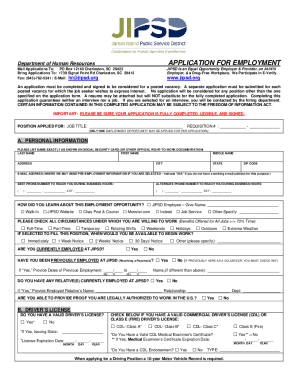
Sbu docsdefault-sourceHuman Resources Department PO Box 2450 Employment Application

Sc worksite online

Hoodrivercounty verticalsitesHood River County Employment Opportunity JOB POSTING Hood
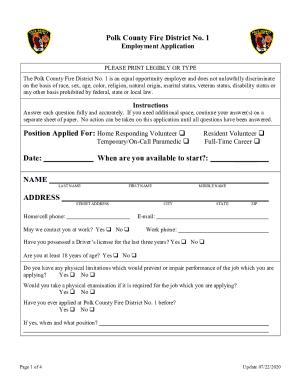
About The District - Polk County Fire District No 1

Sheridan Fire DistrictSheridan Fire-Rescue - City of Sheridan, WYSheridan Fire-Rescue - City of Sher
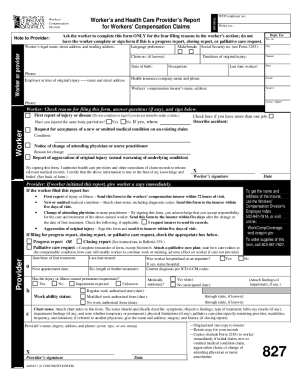
827 report
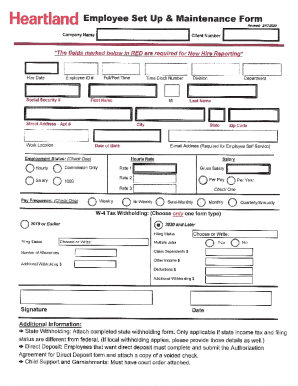
Set up company name
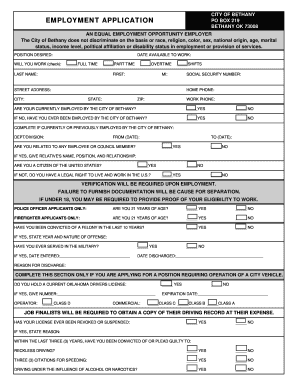
Ok employment bethany form
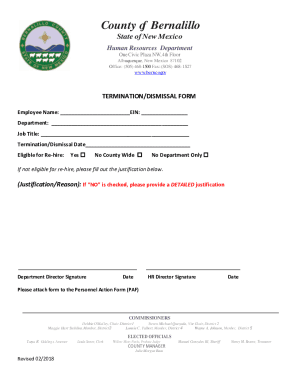
Bernalillo County Relief of Emergency Needs for Tenants
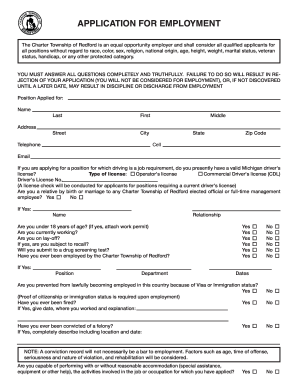
Fillable Online APPLICATION FOR EMPLOYMENT - Redford Fax
Michigan compensation
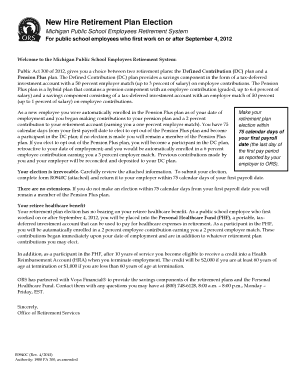
Michigan plan election
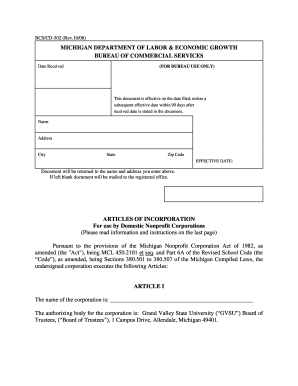
Bcs cd 502
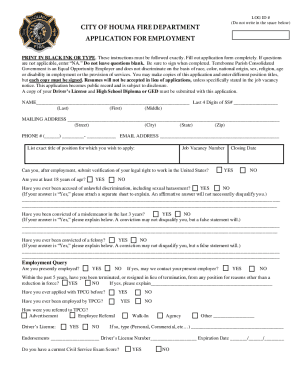
CITY OF HOUMA FIRE DEPARTMENT APPLICATION FOR
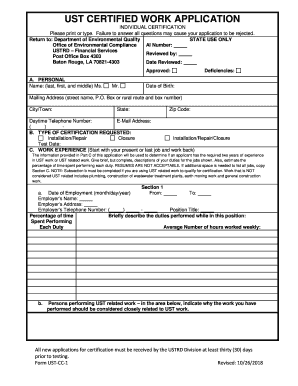
Form ust work application
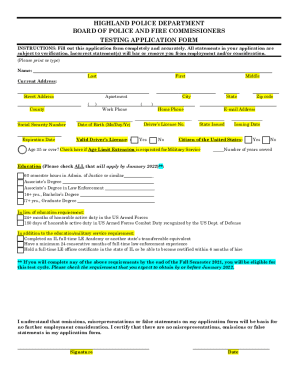
HIGHLAND POLICE DEPARTMENT BOARD OF POLICE AND FIRE
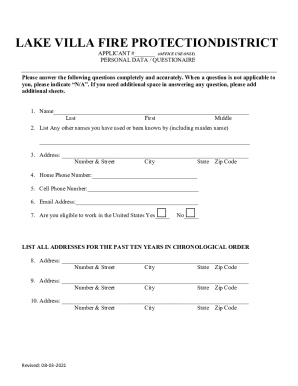
The Lake Villa Fire Protection District is establishing a hiring list for

16226 Wausau Ave, South Holland, IL 60473 - Property
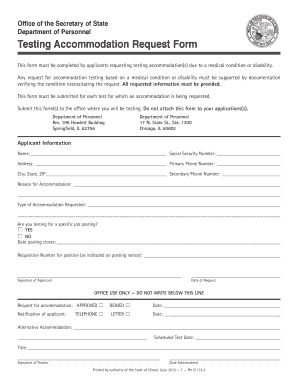
Accommodation form illinois
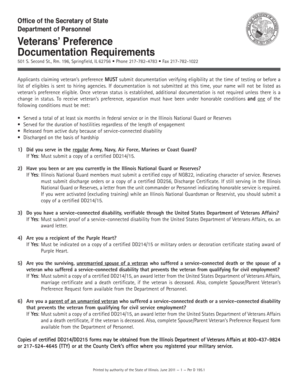
Certified dd214 disability form
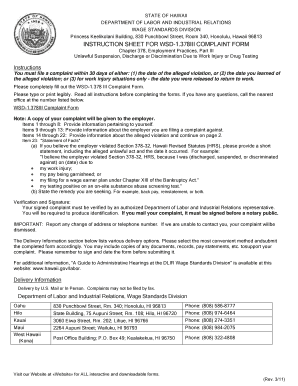
Hawaii sheet complaint

Form notary wsd template
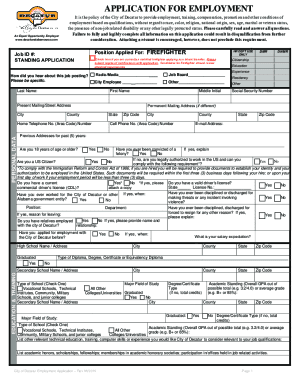
Cityofdecatural wp-content uploadsApplication for Employment Firefighter - City of Decatur, Alabama
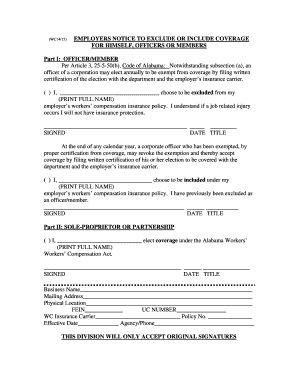
Alabama exclude form
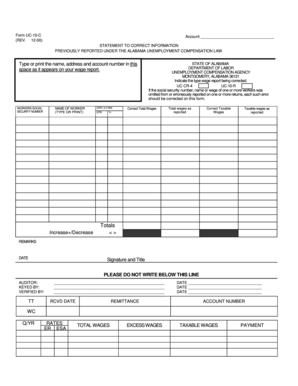
Alabama uc 10 c
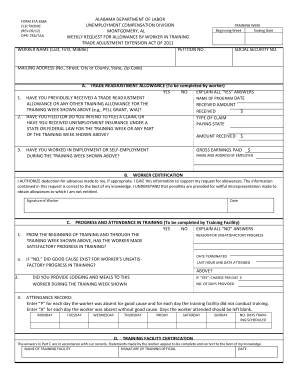
Alabama weekly allowance
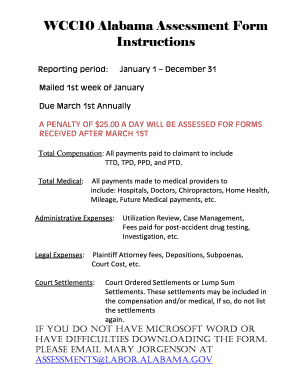
Form alabama assessments form
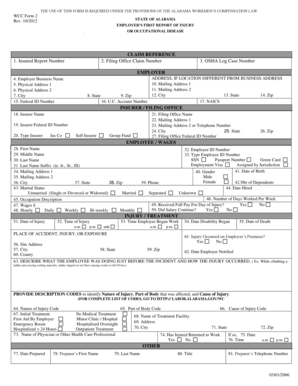
Alabama wcc
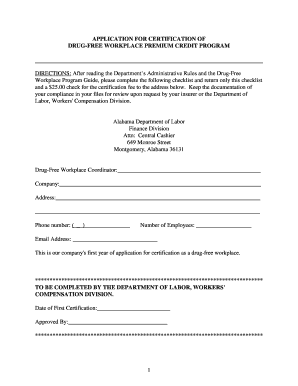
Alabama application certification
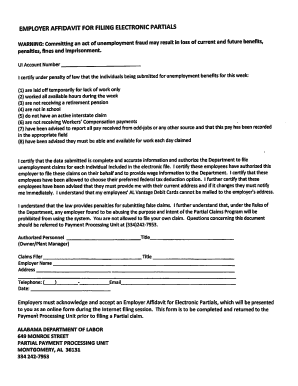
Alabama employer filing electronic
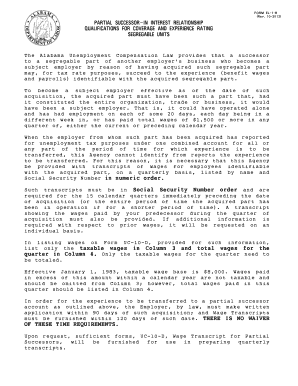
Successor interest rating form
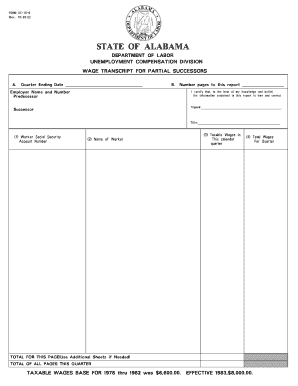
Form uc alabama form
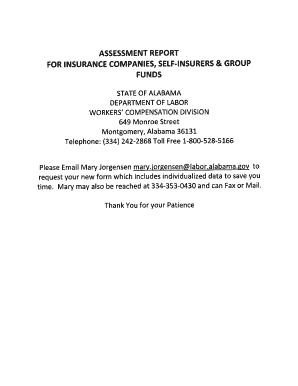
Wc assessment alabama

Alabama employee information

Alabama mine foreman application packet

Alabama lm wages

Alabama account form

Alabama comprehensive reclamation plan
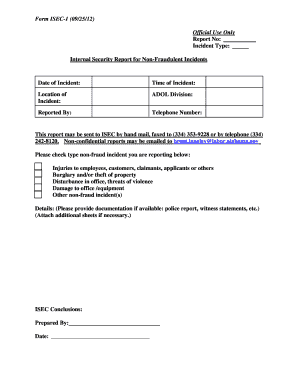
Fraudulent incidents form
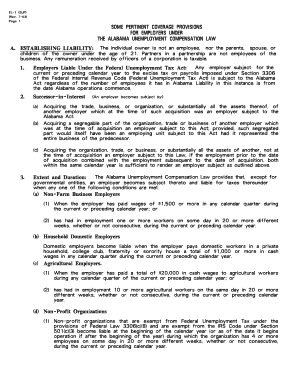
Liability pertinent alabama
Alabama upgrade
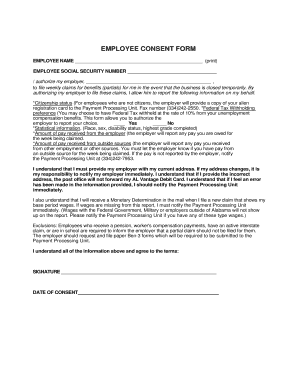
Employee consent form
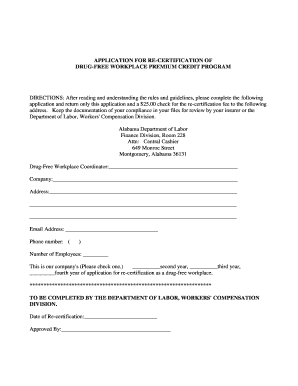
Alabama re certification
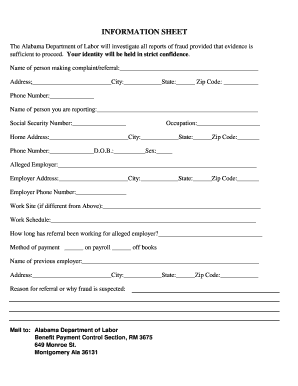
Is alabama labor analysis voluntary
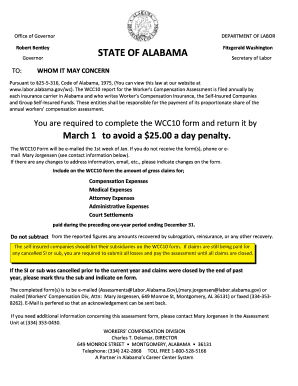
Al wcc10
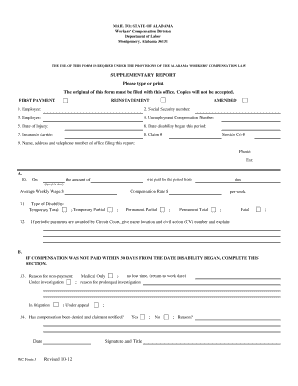
Wc reinstatement alabama
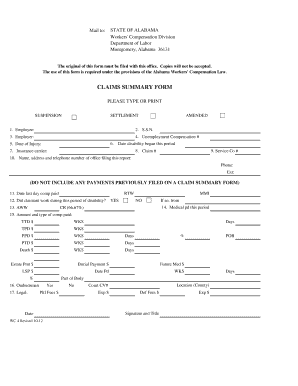
Alabama wc 4

Surface mining permit form

Alabama consent
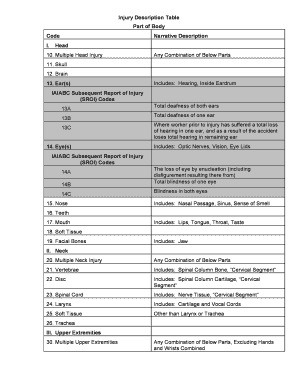
Injury description
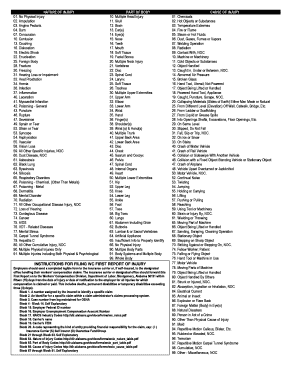
Al wc form
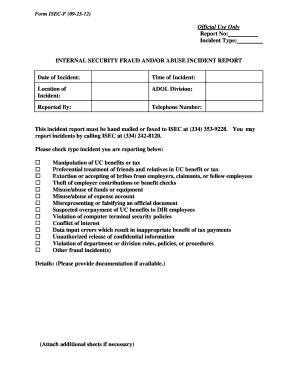
Internal fraud form

Alabama schedules printed print

Alcohol Service Staff Roster
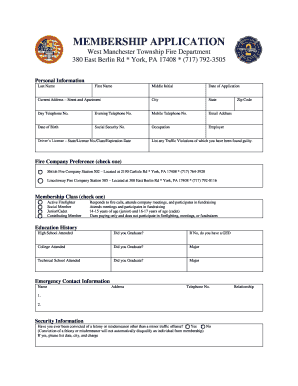
Contact Us - West Manchester Township Fire Department
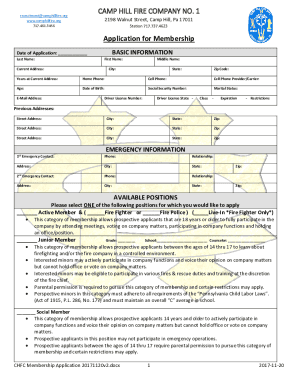
HomeCamp Hill Fire Department

Pennsylvania workers compensation application

Volunteer Resident Firefighter Application - East Jefferson Fire
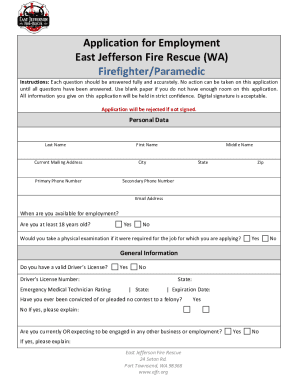
Application for Employment East Jefferson Fire Rescue (WA)
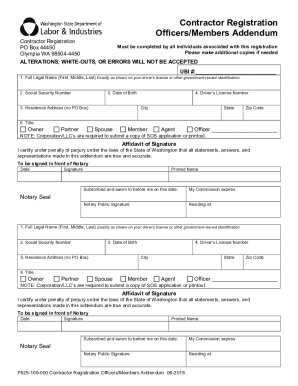
F625 109 000
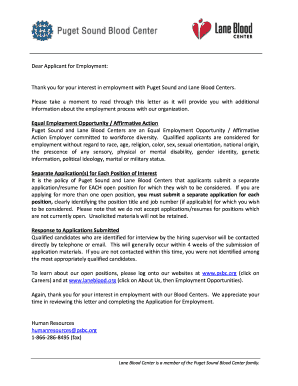
Psbc app

Fill and Print Membership Form ***Type Or Print Clearly In
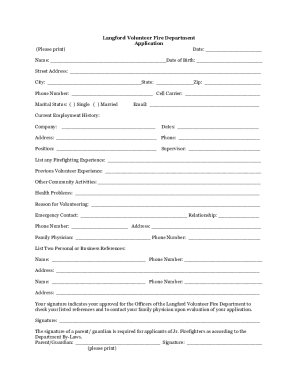
Ysletadelsurpueblo documentsydsp-vfdVolunteer Fire Department (VFD) APPLICATION FOR MEMBERSHIP

Kansas department of labor

Kansas preference program

Supervisor competencies checklist
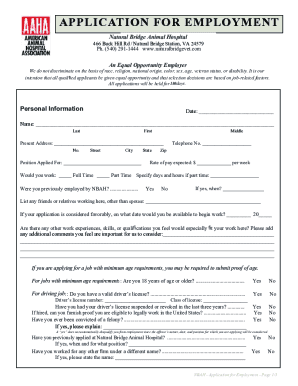
Employment Application - Natural Bridge Animal Hospital

Employee direct deposit authorization
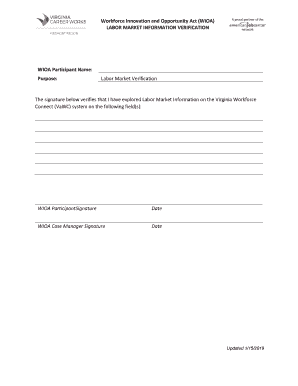
LABOR MARKET INFORMATION VERIFICATION
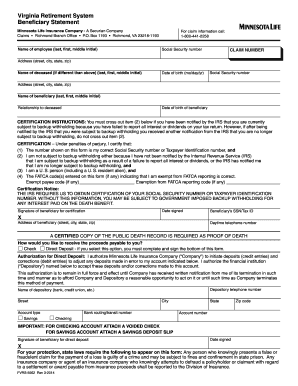
Yr voided depository
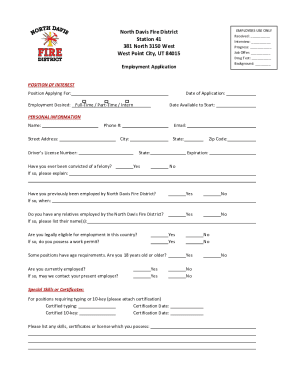
North Davis Fire District 381 North 3150 West West Point

Usor application
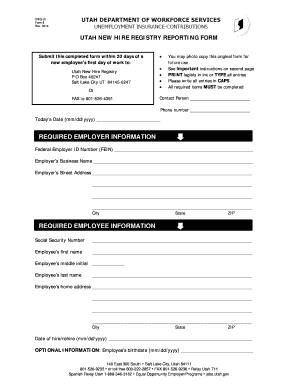
Utah hire registry
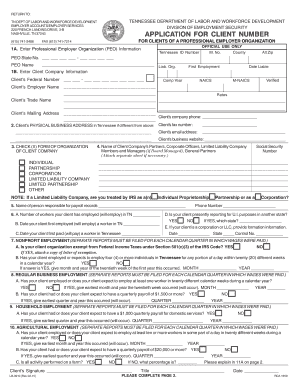
Tn application number

Separation notice tn
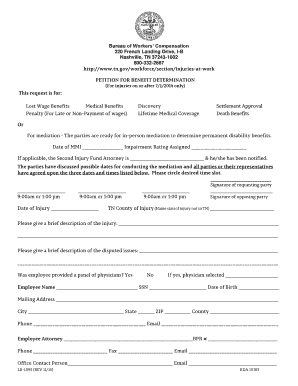
Tennessee benefit determination

Domain-status www davidsfinancialdavidsfinancial domain info (Davids Financial)
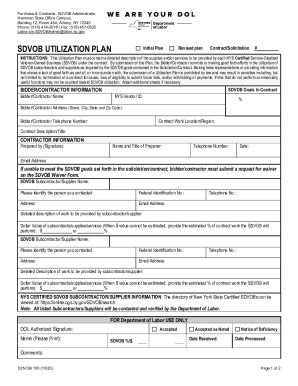
SDVOB UTILIZATION PLAN - Department of Labor

Union Vale Fire District Membership Application Packet

Form msds
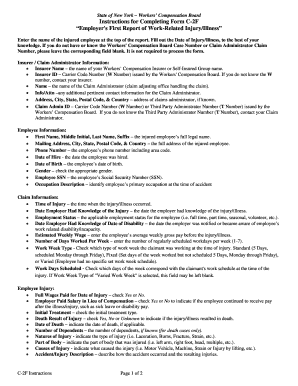
C 2f
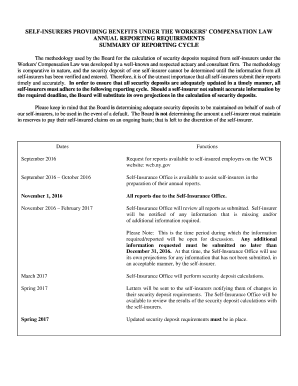
Self insurers providing reporting

Sick leave law employer
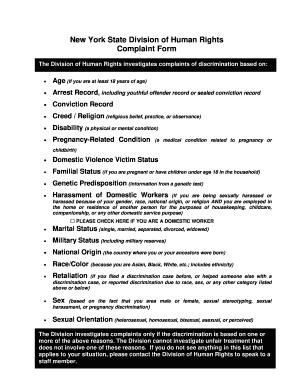
State division human rights
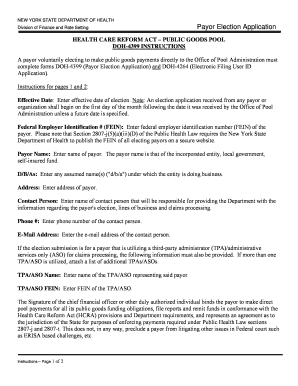
Doh 4399
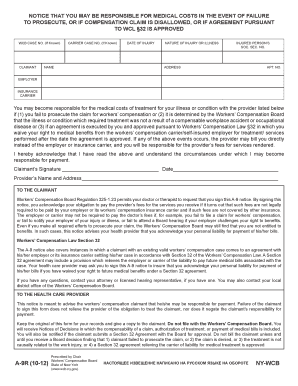
(If Known) CLAIMANT CARRIER CASE NO - wcb ny
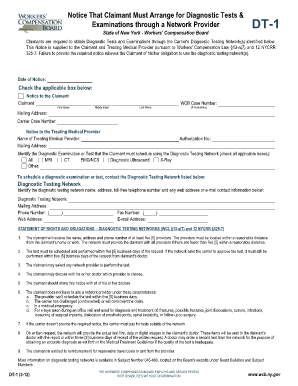
Claimant tests
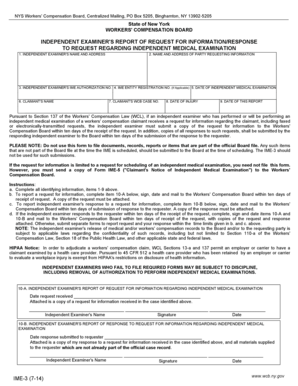
The ime ny

C64 form
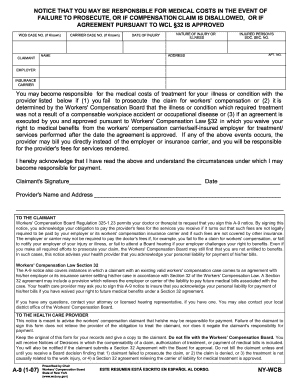
A9 form
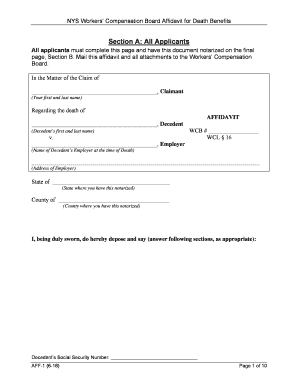
Nys compensation death benefits

Notice firefighter form
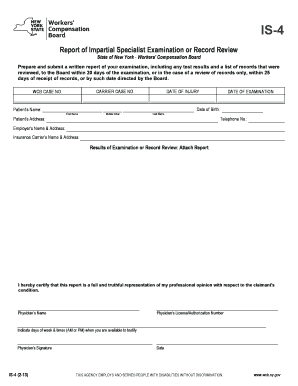
Is4 record form
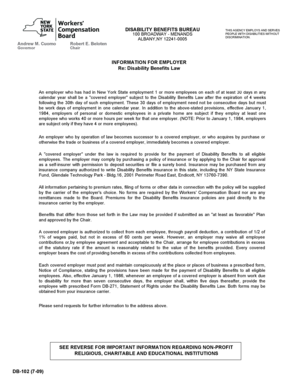
Db 102 form

Md 3 authorization blank
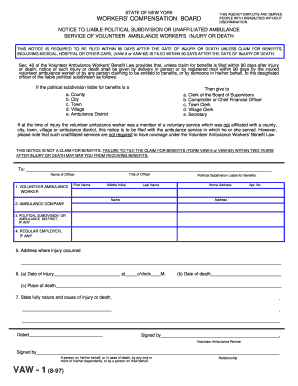
Vaw workers compensation
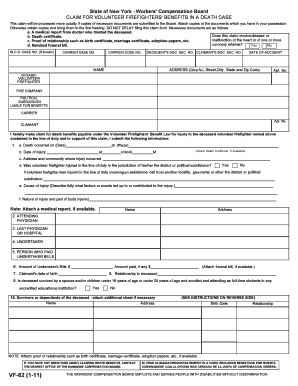
Ny benefits death form

Ancillary report

For reimbursement ny form
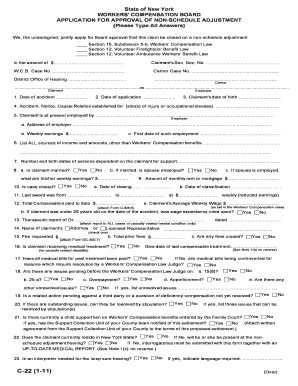
New york c22
Benefit from the DocHub online library of fillable PDF forms
Searching the PDF forms doesn't have to be a tedious and time-consuming process. With the DocHub online library, it has become easier to find the fillable PDF forms and modify them in your browser. The service allows you to adjust the document to your needs using powerful editing tools.
You can use online document editing features to modify almost any type of document with ease. You just need to find the template of your choice, open it in the editor, and use the toolbar to make the necessary corrections.
Follow this guide to get your document done with DocHub:
- Find the PDF template you need.
- Click the Get Form button to open the file in the editor.
- Use the toolbar to fill out and edit the document.
- Easily add and highlight text, insert images, checkmarks, and symbols.
- Drop new fillable fields, and rearrange or delete pages from your file.
- Save changes and download your record.
DocHub empowers everyone to streamline document editing, signing, and distribution, and form completion. Create an account and benefit from our well-organized PDF Forms library and comprehensive editor.