




01. Edit your alcohol service staff roster online
Type text, add images, blackout confidential details, add comments, highlights and more.

Type text, add images, blackout confidential details, add comments, highlights and more.

Draw your signature, type it, upload its image, or use your mobile device as a signature pad.

Send it via email, link, or fax. You can also download it, export it or print it out.

Start using our platform today for free to streamline your Alcohol Service Staff Roster management!
We've got more versions of the alcohol service staff roster form. Select the right alcohol service staff roster version from the list and start editing it straight away!
At DocHub, your data security is our priority. We follow HIPAA, SOC2, GDPR, and other standards, so you can work on your documents with confidence.
Apr 14, 2020 This roster requires definition of personnel strength based on the number of sectors and traffic density. It must allow for attribution of aRead more
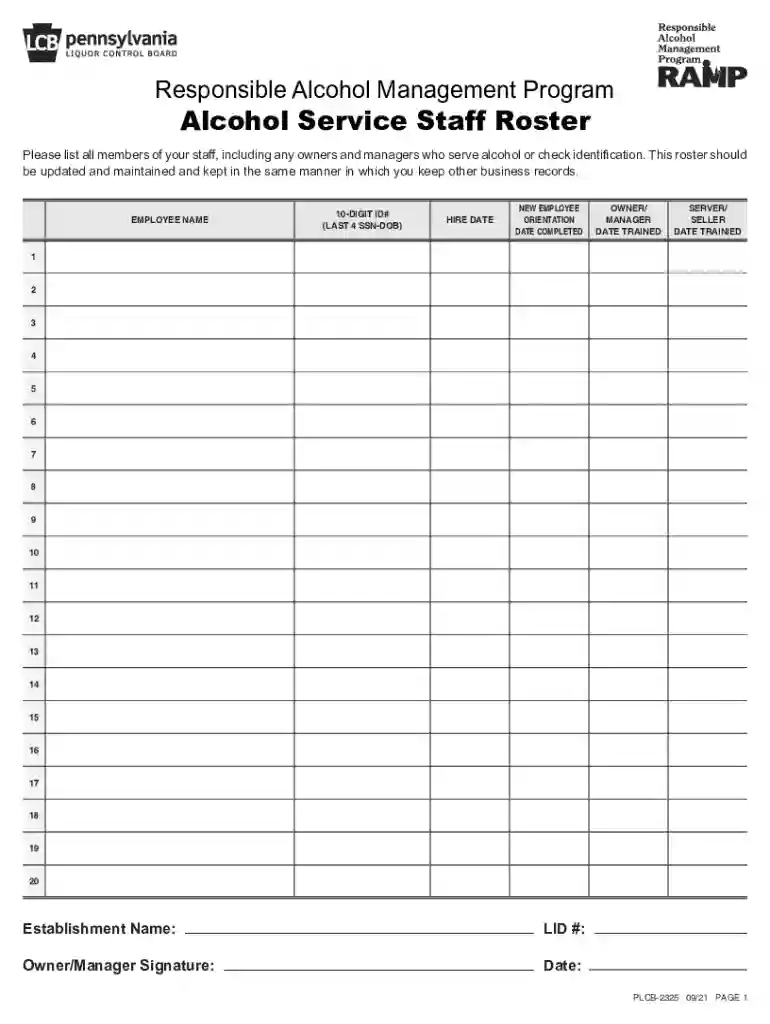
Use this roster to maintain a list of all alcohol service employees as well as tracking employees RAMP Server/Seller and/or RAMP Owner/Manager training dates.Read more
Jul 1, 2013 All alcoholic beverages must be served by approved TIPS (Training for Intervention. ProcedureS) and RAMP (Responsible Alcohol Management Program)Read more


