
Get any PDF form from the DocHub library of ready-made templates - Page 929

Appointment deposit policy

Ca chula vista

Body practitioner registration

SIG Cohort 3 Application - Compton Unified - Title I (CA
Student Complaint ProceduresIdaho State Board of Education

Charter School Complaint Notice and Form
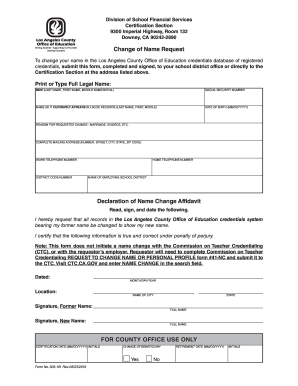
Change name request
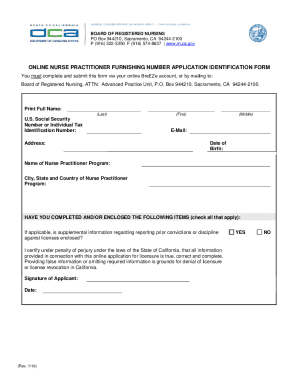
Online Nurse Practitioner Furnishing Number Application ID Form Online Nurse Practitioner Furnishing

Charter school complaint form

Declaration notary
MH ID #
Cbhs pharmacy services manual - San Francisco Department of Public
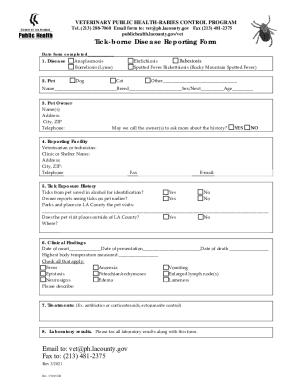
Tick-borne Disease Reporting Form for Animals in Los Angeles County

Application for Audit Committee Public Member Appointment
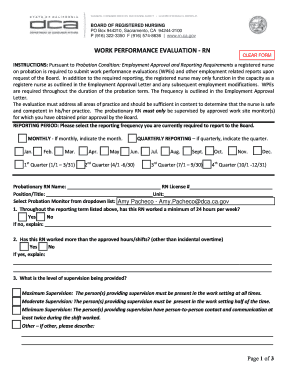
Performance rn
Gardens Regional Hospital and Medical Center, Inc : Notice
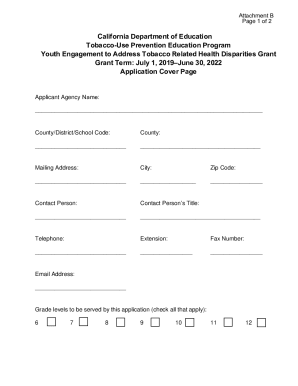
Application Cover Sheet Youth Engagement to Address Tobacco Related Health Disparities Grant
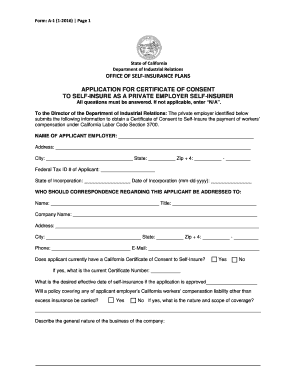
APPLICATION FOR CERTIFICATE OF CONSENT TO SELF INSURE AS A - dir ca

2019 Bite Reporting and Rabies Control FAQ - AManual for Animal Control Agencies and Shelters
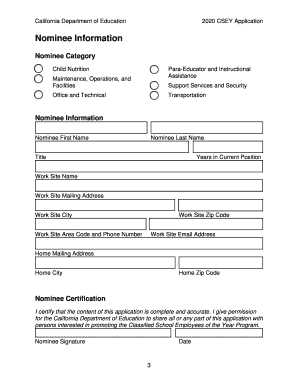
CSEY Application - Classified School Employees of the Year(CA Department of Education) Form used to

Smog application
Bank card credit application form pdf

Los angeles declaration

L1f

Fictitious Name Registration Check Sheet - California
Oral Health Assessment - Poway Unified School District
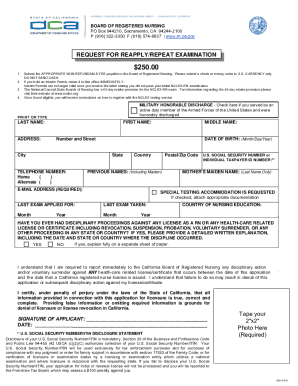
Repeat examination
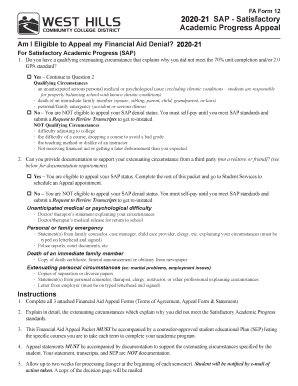
FA SAP APPEAL Satisfactory Academic Progress (SAP) Appeal Form

Thermometer calibration log
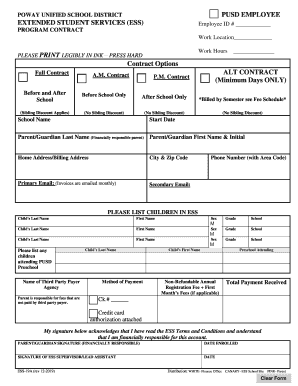
POWAY UNIFIED SCHOOL DISTRICT EXTENDED STUDENT SERVICES
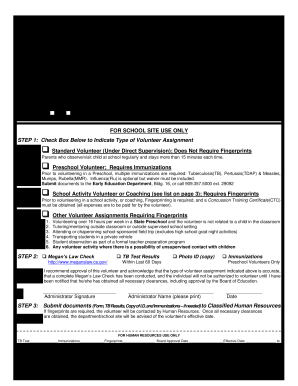
Fontana Unified School District Current Volunteer

Chico Facility Rental Agreement - bgcnv

Ra days
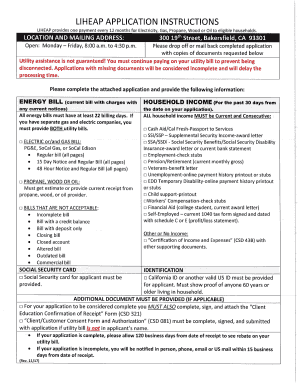
Energy Intake Form CSD 43

160 form application
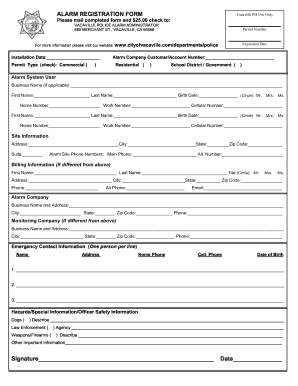
Ca alarm registration vacaville

Installation request form city
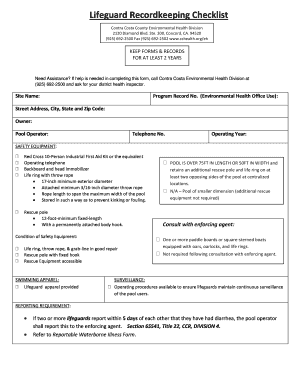
Lifeguard checklist
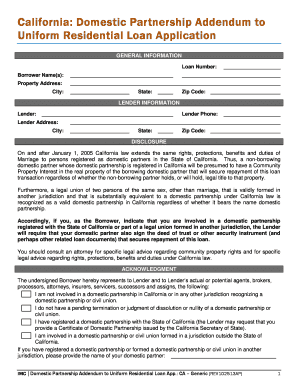
Ca domestic loan
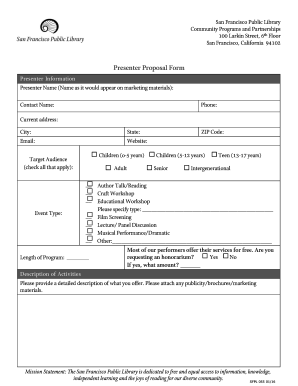
Sfpl055 san francisco fill
Sce nem

Food log
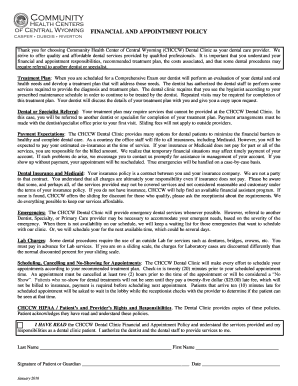
Thank you for choosing Community Health Center of Central Wyoming (CHCCW) Dental Clinic as your dent
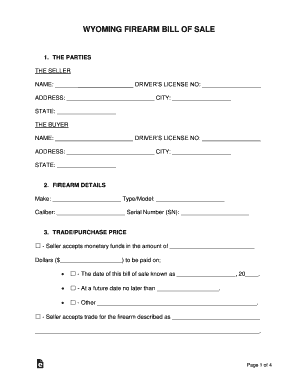
Free Wyoming Firearm Bill of Sale Form - WordPDFeForms
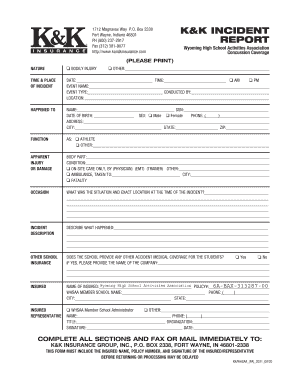
Headstrong Claim Form and Other Insurance Questionnaire

Wvwyfcc

THE U S DEPARTMENT OF HEALTH AND HUMAN SERVICES PUBLIC
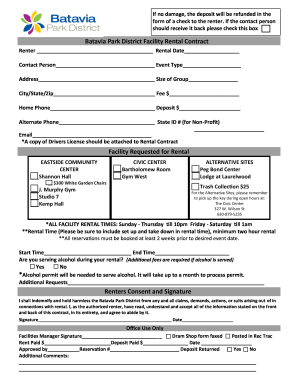
Tenant's Rights When Lease Falls Through Before Signing
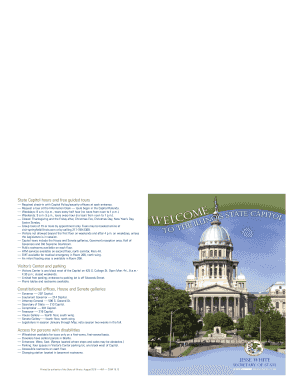
Sos secretary state
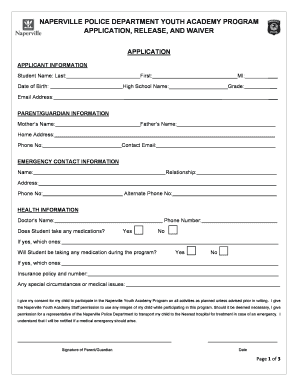
Waiver naperville
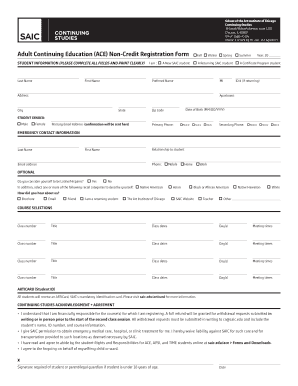
ACE: Forms and DownloadsSchool of the Art Institute of
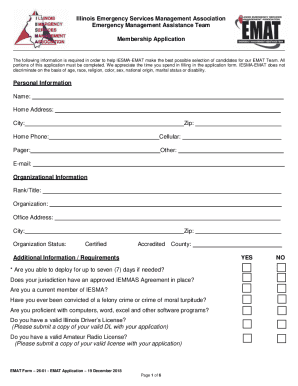
Illinois Emergency Services Management Association Emergency
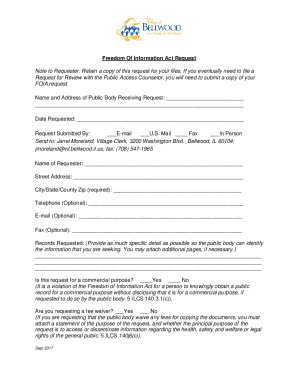
How to File a Freedom of Information Act Request with
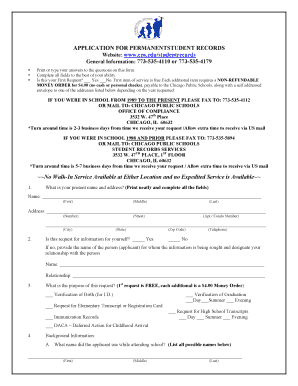
Application form student
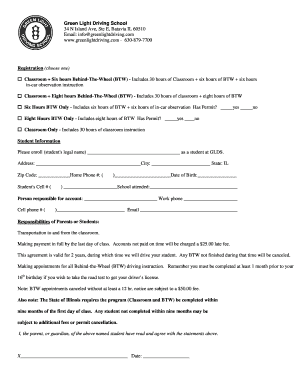
Green Light Driving School 34 N Island Ave, Ste E, Batavia IL
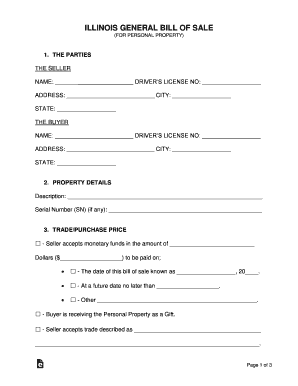
CBS-1, Notice of Sale, Purchase, or Transfer of - Illinois

Illinois application form
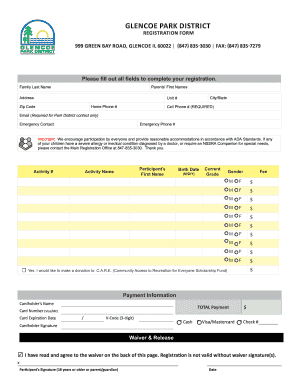
999 GREEN BAY ROAD, GLENCOE IL 60022 (847) 835-3030 FAX: (847) 835-7279

Model Partnership Agreement Form with signed letter - The
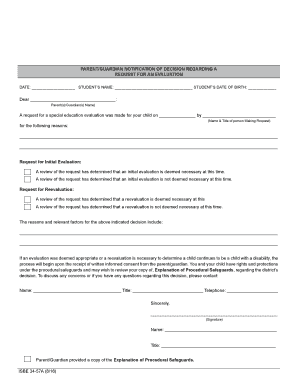
IndianaIEP Training Manuals - Crown Point Community School
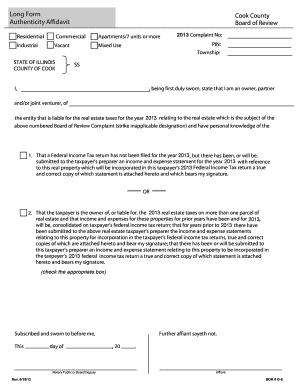
Illinois anti predatory lending certificate of compliance form
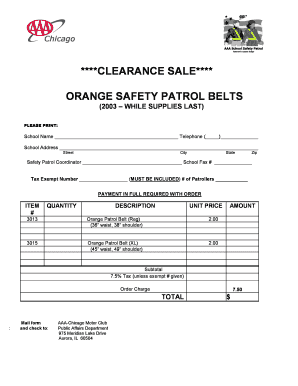
School safety patrol belts for sale

Mwrd chicago
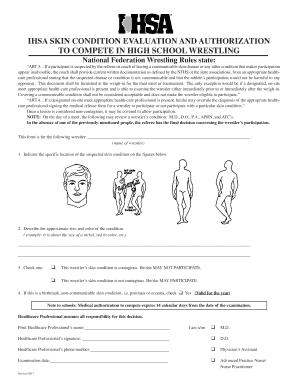
Ihsa skin form

Legislative branch crossword puzzle answer key

Internet basics application
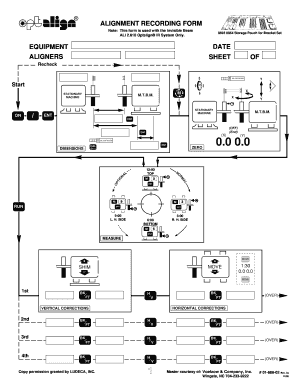
Form alignment recording

Sentry net agreement
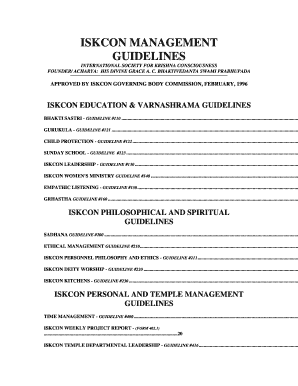
1996 iskcon guidelines form

Traveler application bsa fill

Fundraiser gram order form
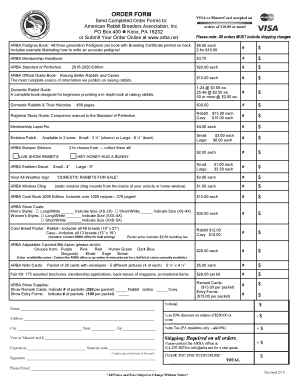
Arba rabbit pedigree form

Form 2 checklist aerobic
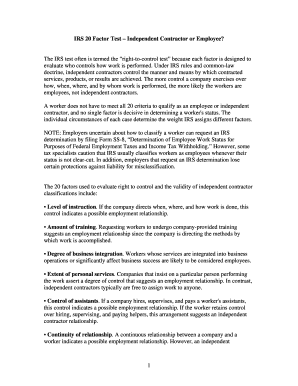
20 factor test independent contractor
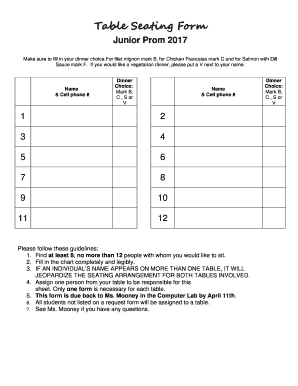
Table seating form
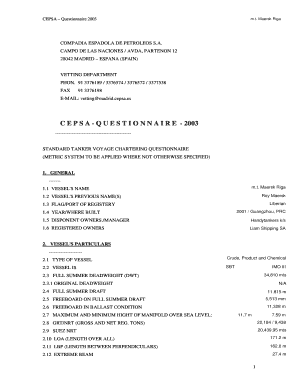
Cepsa online questionnaire
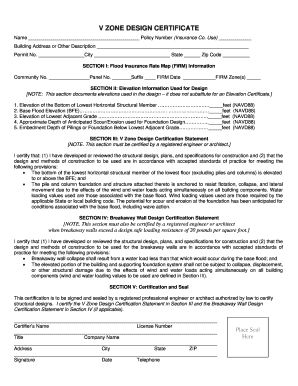
V zone design certificate

Hub has it

Your certificate membership

Architectural landscape variance online
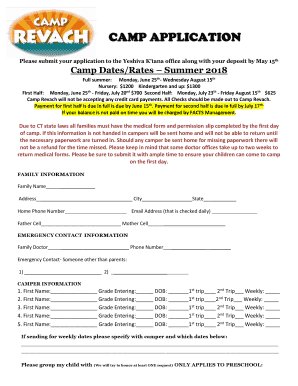
Revach camp
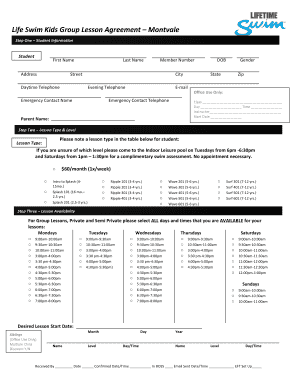
MTV Swim Lesson Registration - Lifetime Fitness
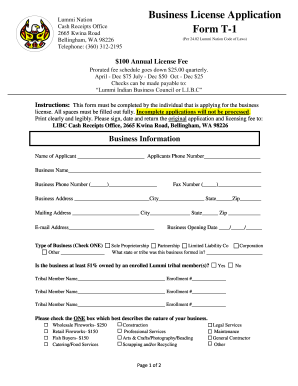
Applicant review form

2042c pro complementaire professions
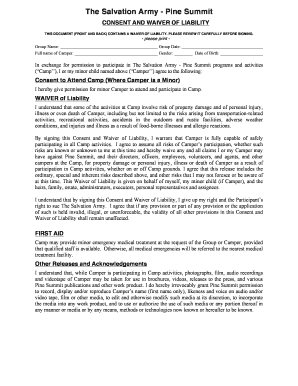
Salvation pine form

American red mohawk form
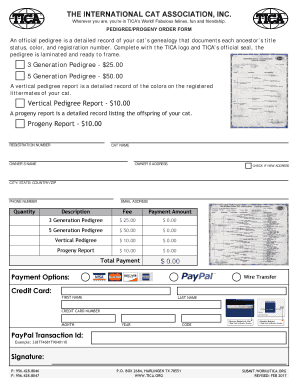
Tica pedigree order form

Skjemaet skal fylles ut av arbeidsgiveren (elektronisk eller med
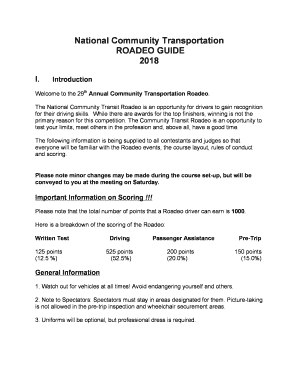
National roadeo guide
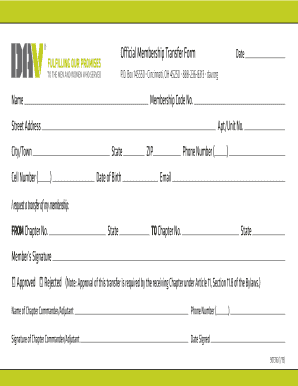
Membership transfer

Verzoek Verlagen maandbedrag studieschuld 2016 - bduobbnlb

Unops form
2014 lcms youth form rosters statistics

Delta sigma theta risk management manual
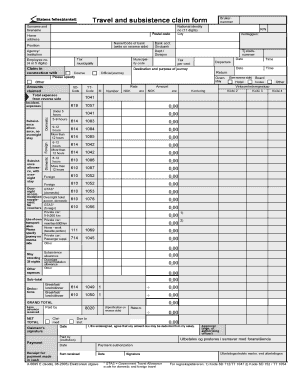
Travel subsistence claim form
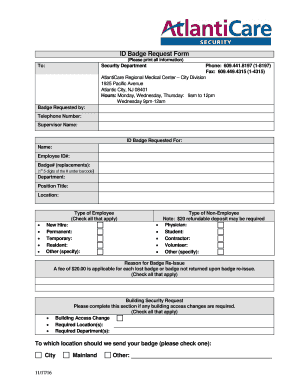
Badge request form

Individual care plan for a child template
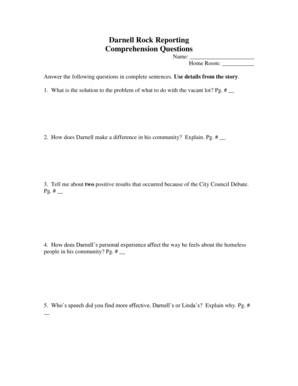
Darnell rock reporting comprehension questions

Lummi nation benefits
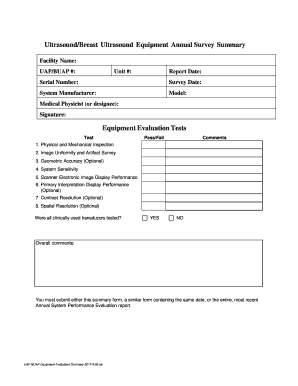
Uap equipment summary form
Benefit from the DocHub online library of fillable PDF forms
Searching the PDF forms doesn't have to be a tedious and time-consuming process. With the DocHub online library, it has become easier to find the fillable PDF forms and modify them in your browser. The service allows you to adjust the document to your needs using powerful editing tools.
You can use online document editing features to modify almost any type of document with ease. You just need to find the template of your choice, open it in the editor, and use the toolbar to make the necessary corrections.
Follow this guide to get your document done with DocHub:
- Find the PDF template you need.
- Click the Get Form button to open the file in the editor.
- Use the toolbar to fill out and edit the document.
- Easily add and highlight text, insert images, checkmarks, and symbols.
- Drop new fillable fields, and rearrange or delete pages from your file.
- Save changes and download your record.
DocHub empowers everyone to streamline document editing, signing, and distribution, and form completion. Create an account and benefit from our well-organized PDF Forms library and comprehensive editor.