
Get any PDF form from the DocHub library of ready-made templates - Page 930

Palm credit com
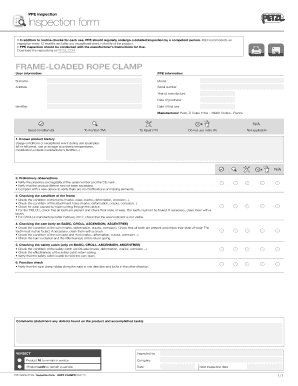
Petzl inspection form

Flyin ryan scholarship application form edit

Boy scouts world award

Weatech

Tila respa integrated disclosure disclosure
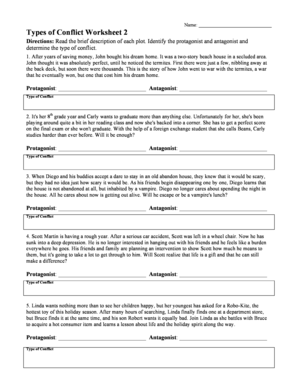
Types of conflict worksheet 2 answer key
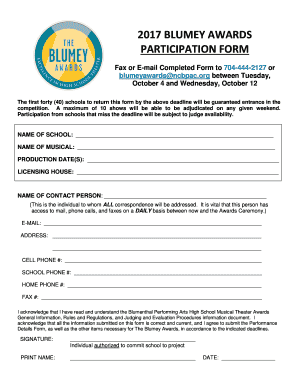
Blumey fax

Refresher esthetician

Sibille wingens
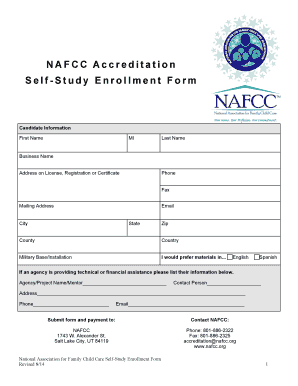
Nafcc self study
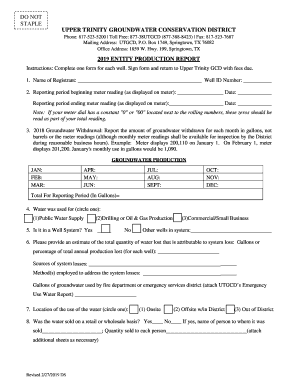
Production report entity template

Qp1 form sspc
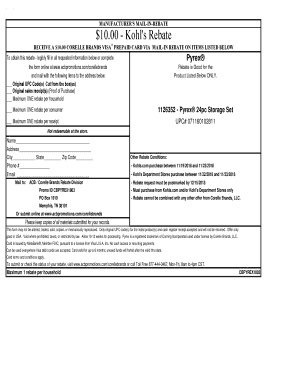
Kohls rebate mail in rebate

Pueblo fire guide dispatch

Haikuclass
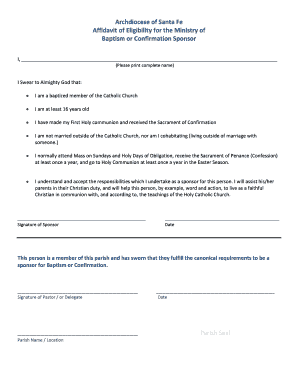
Santa fe affidavit baptism confirmation form pdf
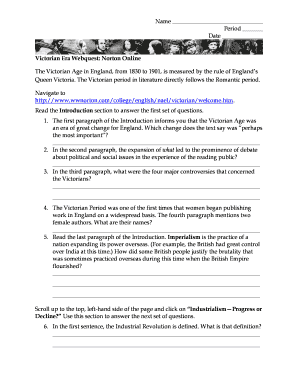
Victorian era webquest
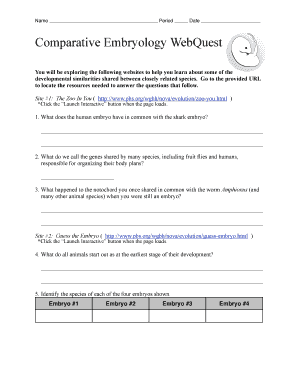
Comparative embryology form search
Form unitedmethodistwomen form
Landstown high school parking
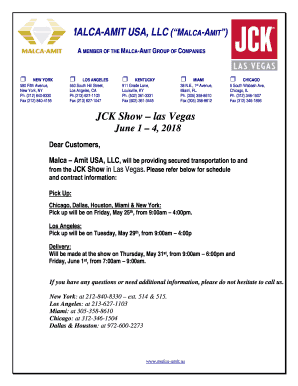
Las vegas malca amit
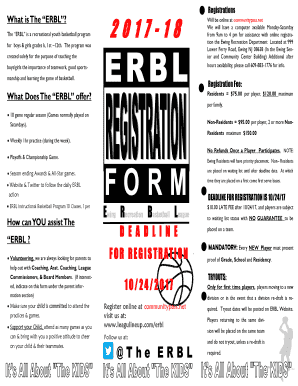
Erbl form
Restaurant waiting list template
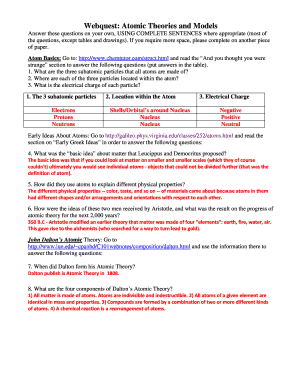
Atomic theories models form

Race waiver
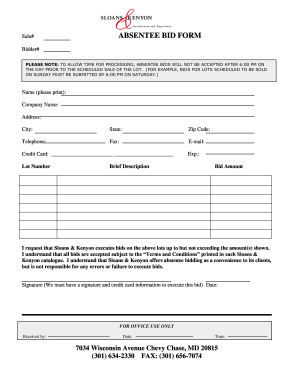
Sloans kenyon bid online
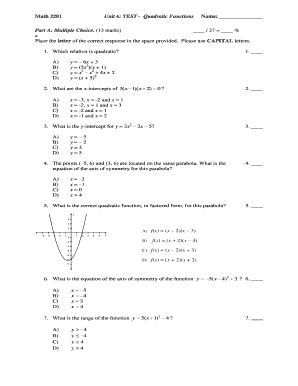
2201 unit functions form sample

Glacier camp waiver form blank

Autism social skills groups in southern california

Daily success report form create

Glenwood caverns adventure math

Fmtm application
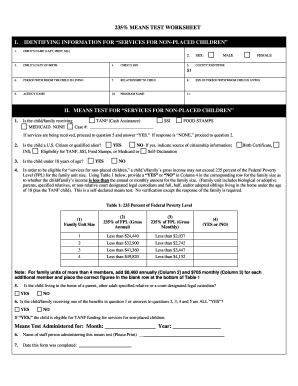
400 means test form pdf
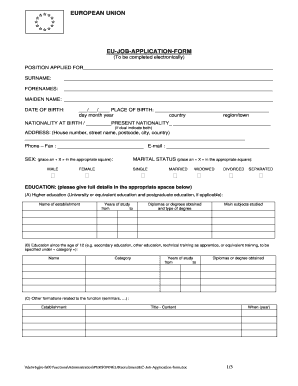
European union application form
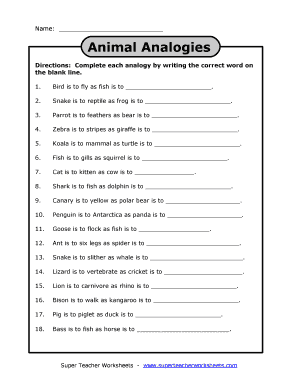
Worksheets animal analogies form

Antecedentenverklaring
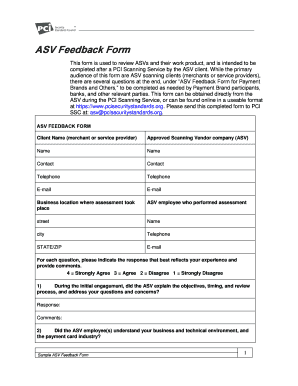
Security feedback form
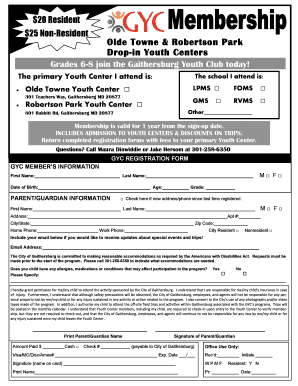
Pet license application - Gaithersburgmd
Pickleball equipment for sale
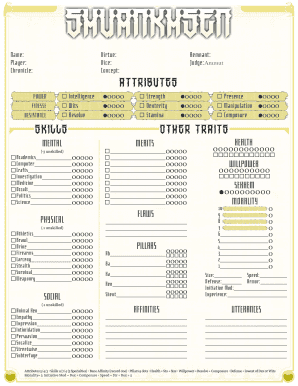
Mummy sheet form print
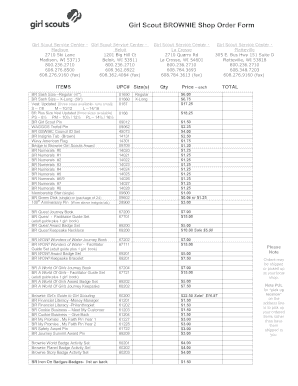
Girl scouts brownie shop form sample
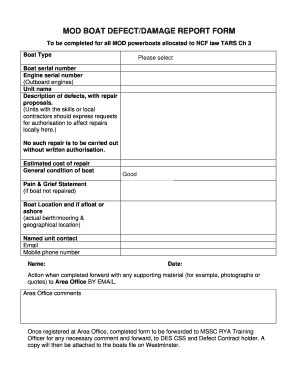
Defect report form

Redleap raiders club

Sweden vat return form
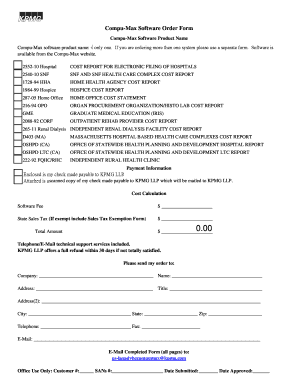
Compu max

Security officer evaluation examples

Schedule z

Zssd voluntary assumption form

Football online ticket
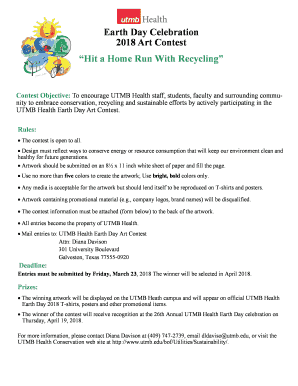
Day celebration contest form blank
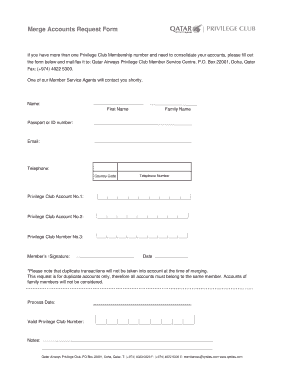
Merge accounts request online
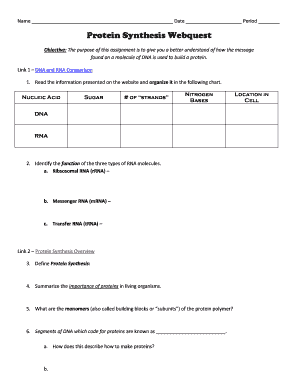
Protein synthesis webquest answer key
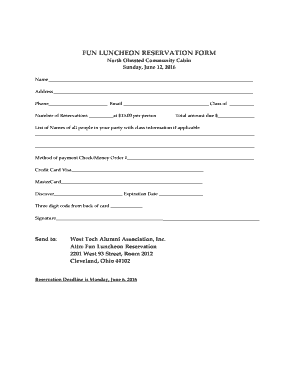
Fun reservation form pdf

Practical handbook of soybean processing and utilization pdf

Ar3 form work grounds salaried blank
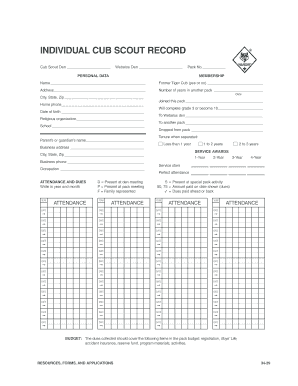
Cub scout record
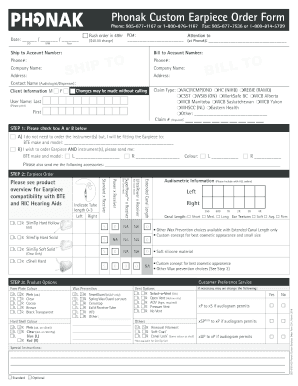
Phonak custom earpiece order form

Issn application online
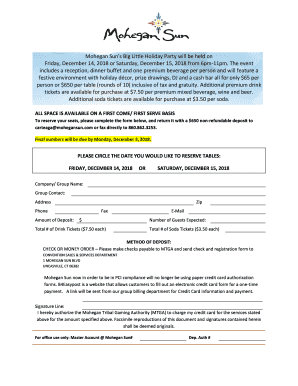
Mohegan sun holiday party
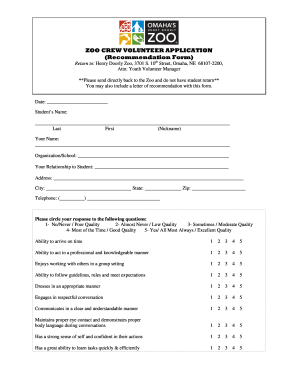
Omaha henry doorly crew volunteer application create
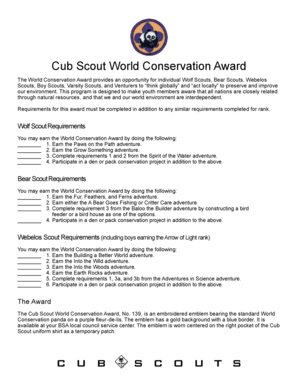
Cub scout world award

Vumc badge replacement

2013 natural gas

Pseg commercial gas application

Reinforcement menu
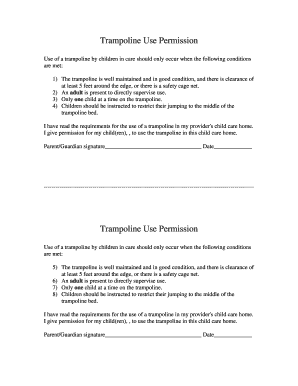
Trampoline permission slip

Sunnyd book spree
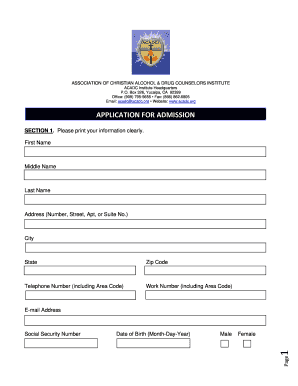
Acadc admission christian counselor create
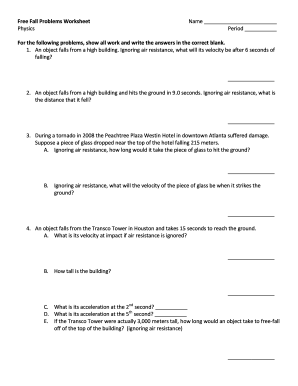
Fall worksheet answer key
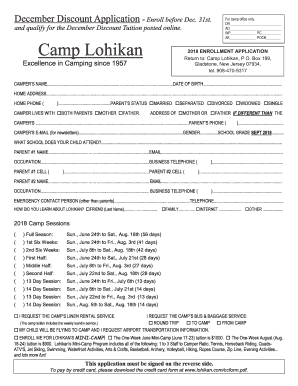
Lokihan application

Product offline form online

Guidance sushi make

Nadoa division verification
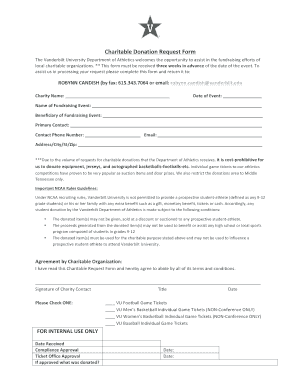
Vanderbilt university charitable request fill

National park service standards
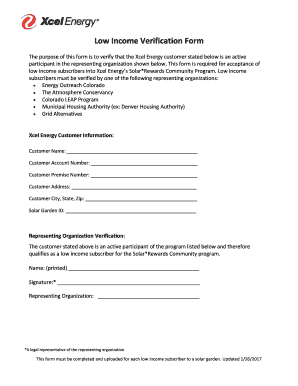
Energy excel

Lcci bookkeeping and accounting level 2 pdf
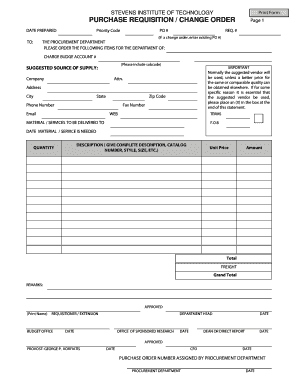
Approval request
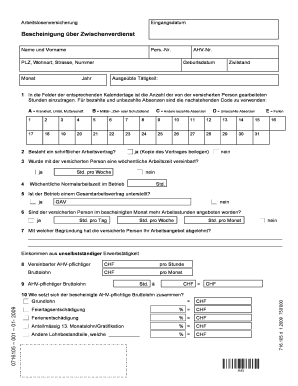
Jonas Witmer - Regex fr Schweizer Postleitzahlen und

Application form tupperware

Reappointment as qualified medical evaluator QME form 104 - dir ca
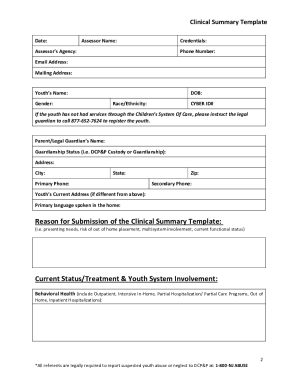
Clinical summary template
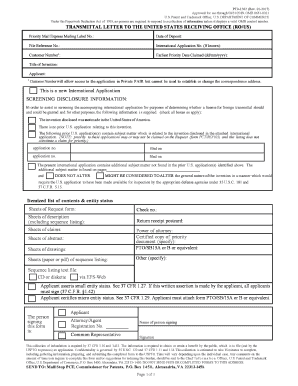
1382 form california pdf
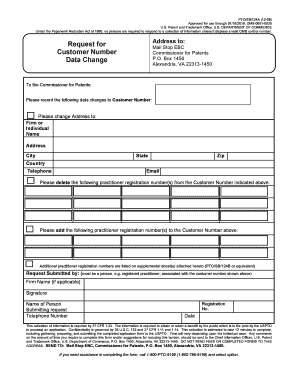
Uspto number search

Declaration application form
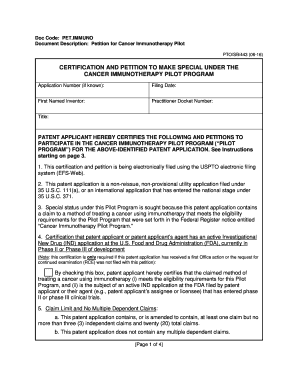
Doc Code: PET
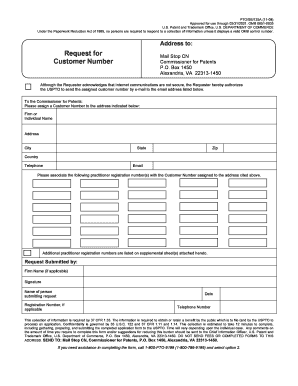
Uspto ptosb
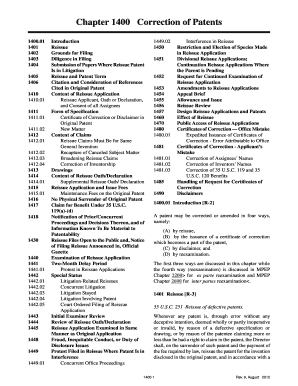
Correction patents

ABSTRACT TEMPLATE 326Q - US Department of Education

Final test

Cfda 325n grants sample

TIMBER FOR SALE, UNITED STATES DEPARTMENT OF THE - blm

Emergency harassing
United States Department of the Interior - BLM
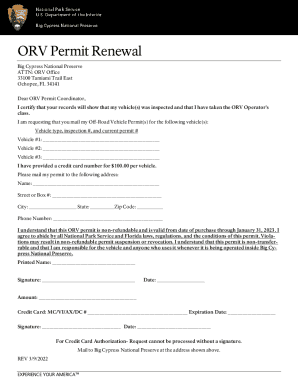
Big cypress orv permit

Interior register registration form
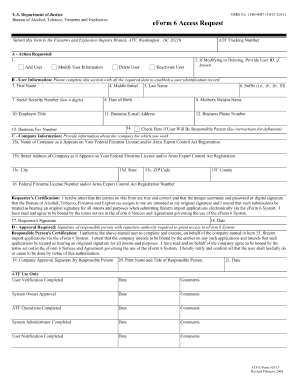
Form 6 atf new 2011

How Debt Settlement Works in - Alleviate Financial Solutions
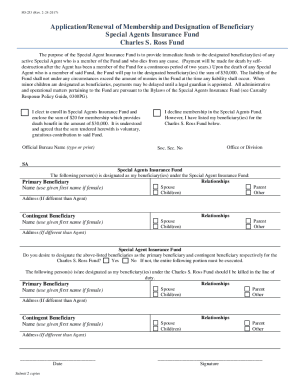
FD-253 Application Renewal of Membership Designation of beneficiary, Special Agents Insurance Fund,
Benefit from the DocHub online library of fillable PDF forms
Searching the PDF forms doesn't have to be a tedious and time-consuming process. With the DocHub online library, it has become easier to find the fillable PDF forms and modify them in your browser. The service allows you to adjust the document to your needs using powerful editing tools.
You can use online document editing features to modify almost any type of document with ease. You just need to find the template of your choice, open it in the editor, and use the toolbar to make the necessary corrections.
Follow this guide to get your document done with DocHub:
- Find the PDF template you need.
- Click the Get Form button to open the file in the editor.
- Use the toolbar to fill out and edit the document.
- Easily add and highlight text, insert images, checkmarks, and symbols.
- Drop new fillable fields, and rearrange or delete pages from your file.
- Save changes and download your record.
DocHub empowers everyone to streamline document editing, signing, and distribution, and form completion. Create an account and benefit from our well-organized PDF Forms library and comprehensive editor.