
Get any PDF form from the DocHub library of ready-made templates - Page 269
The Avery County Board of Commissioners met in Regular Session on Monday, August 6, 2012 at 330
Special Meeting - February 21st, 2011 - Avery County - averycountync
Local rules - Court of Appeals - Cuyahoga County
Ordinance No - Cuyahoga County Council

2005 Annual Report - Invest in Children - Cuyahoga County
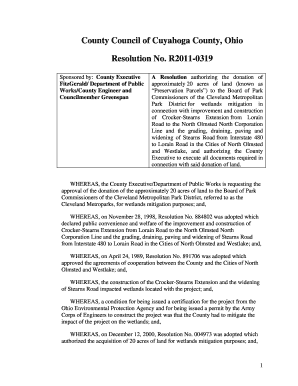
County Council of Cuyahoga County, Ohio Resolution No R2011
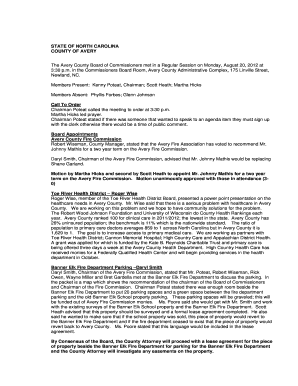
The Avery County Board of Commissioners met in a Regular Session on Monday, August 20, 2012 at - ave

Regular Session-February 7th, 2011 - Avery County - averycountync
ADOPTED OCTOBER 18
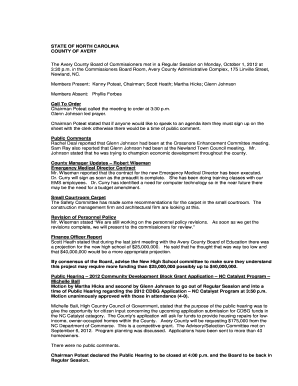
The Avery County Board of Commissioners met in a Regular Session on Monday, October 1, 2012 at - ave
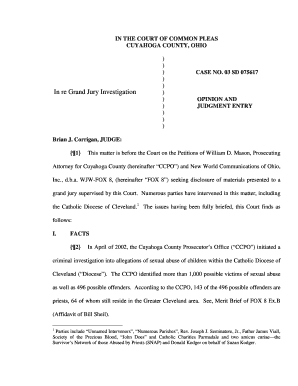
075617(SD) - Cuyahoga County Common Pleas Court
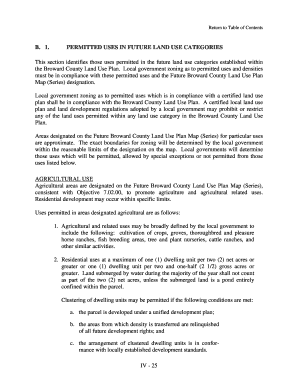
PERMITTED USES IN FUTURE LAND USE CATEGORIES

ABCS of DBE and
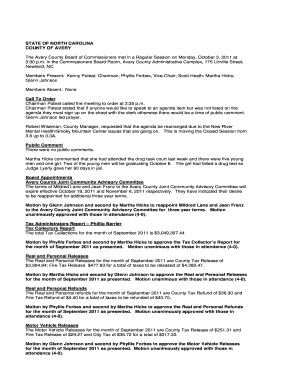
Regular Session-October 3rd, 2011 - Avery County - averycountync

The Avery County Board of Commissioners met in Regular Session on Monday, December 3, 2012 at - aver

2013 ATLANTIC COUNTY HISTORY GRANT
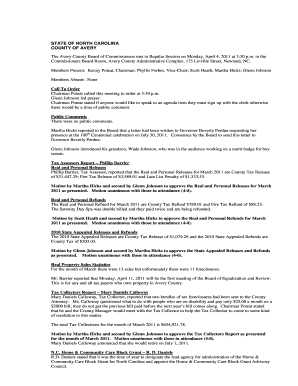
Regular Session-April 4th, 2011 - Avery County - averycountync
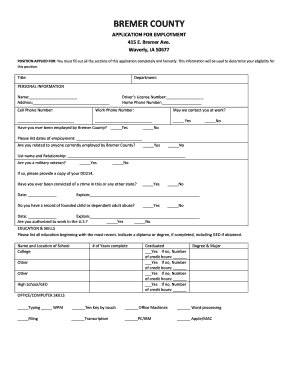
Application For Employment - Bremer County, Iowa
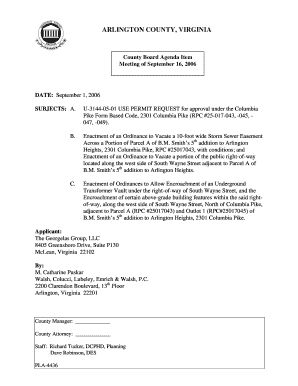
Yorktown Civic Association - Arlington, Virginia - arlingtonva
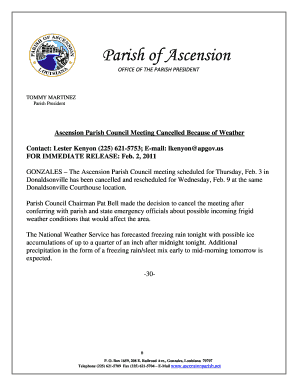
020211 Parish Council Meeting Cancelled docx forms planning - ascensionparish
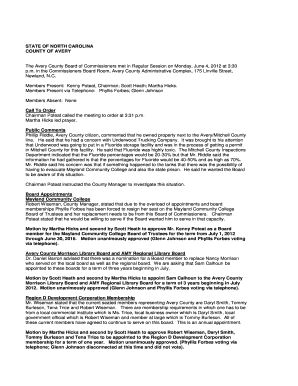
The Avery County Board of Commissioners met in Regular Session on Monday, June 4, 2012 at 330 - aver
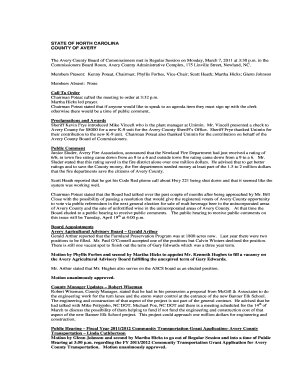
Regular Session-March 7th, 2011 - Avery County - averycountync

LAW ENFORCEMENT CONTRACT
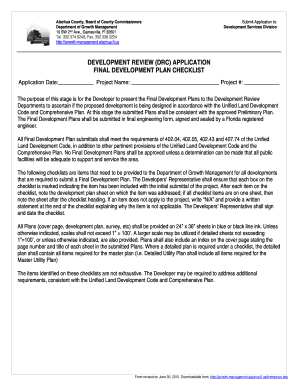
Final Development Plan Checklist - Department of Growth
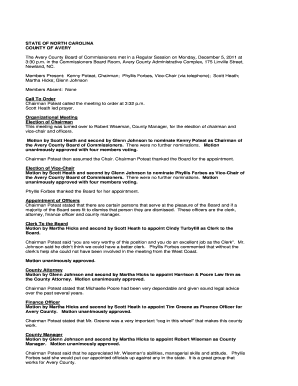
Regular Session-December 5th, 2011 - Avery County - averycountync

I live in a subdivision that had a LOMA and was out of the Flood Zone before the new maps
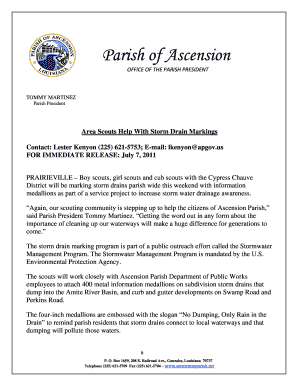
070711 Boys Scouts help with storm drain markings forms planning - ascensionparish

2013 BECKER COUNTY ENROLLMENT FORM FAMILY VEBA

Arlington Commission for the Arts Grant - Arlington County - arlingtonva
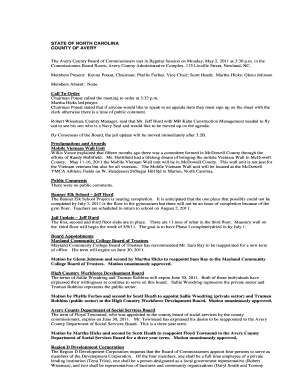
Regular Session-May 2nd, 2011 - Avery County - averycountync

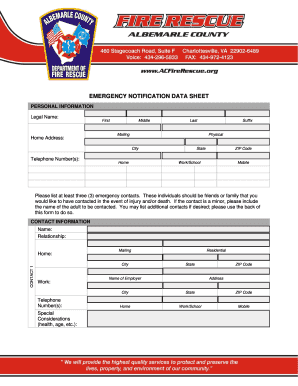
Apparatus Specifications - albemarle

PARTS HEAVY EQUIPMENT, LANDSCAPING EQUIPMENT, SMALL EQUIPMENT, ETC - apps county allegheny pa
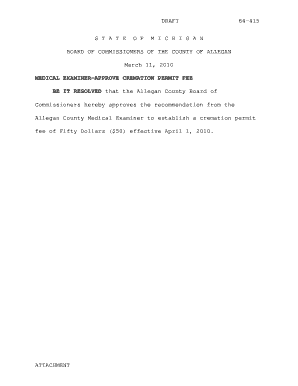
DRAFT S T A T E O F 64415 M I C H I G A N BOARD OF COMMISSIONERS OF THE COUNTY OF ALLEGAN March 11,
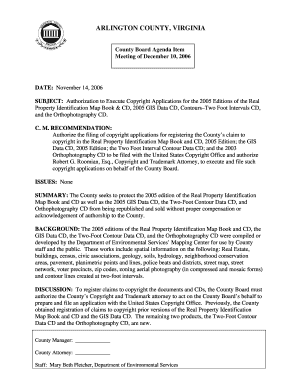
SUBJECT Authorization to Execute Copyright Applications for the 2005 Editions of the Real
County Office Building-McIntire, Lane Auditorium

, Ms - albemarle

AUGUST 12, - allegancounty

Steve McNeal, Chairman

The Housing Assistance Payments (HAP) Contract is the contract between the owner and the HA which de

AMENDING PART 111,UNIFIED LAND DEVELOPMENT CODE,

Accessory Living Unit Affidavit - Alachua County Growth Management

Chapter 9 Motor Vehicles and Traffic - Albemarle County

ALBEMARLE COUNTY, VA - albemarle
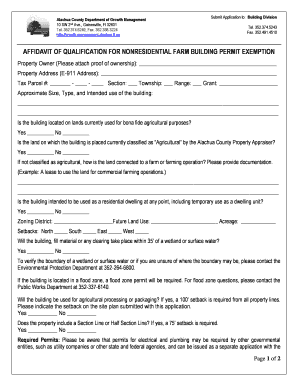
Non Residential Farm Building Zoning Compliance Permit

ARCHITECTURAL REVIEW BOARD STAFF REPORT
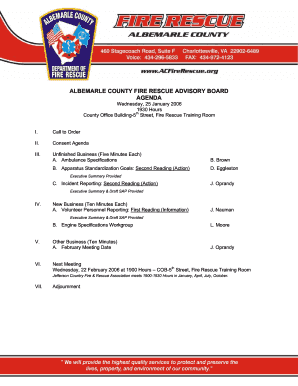
Ambulance Specifications - albemarle

A ,)5 - aikencountysc

Affordable Housing Units Expedited Permitting Request

Multi-Modal Quality of Service Project - Florida Department of - dot state fl

PLEASE PRINT OR TYPE - Alachua County Growth Management

2 A'4 2) 21,( 5')(+2,4 5+(7 ,8 '9( ')+6' (2 )2+8' 2) 77 ( - aikencountysc
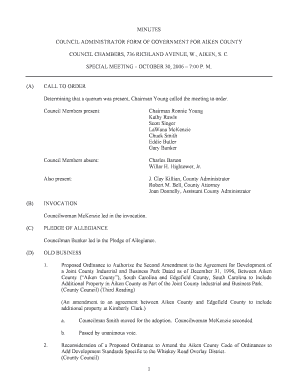
*+ A %+$ ,*$)5,# and ()5 - aikencountysc
GIS Applications at Florida Transit Agencies - Florida Department of - dot state fl
Erosion control along florida roadways - Florida Department of - dot state fl

Aitkin Seasonal Market Area Profile Executive Summary: Based on
ORDINANCE 11-01
)%7 (3(,4 A)()* - aikencountysc
SECTION TWO Affidavits and Certifications
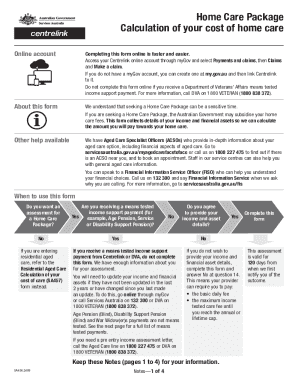
Home Care Package Cost Calculation Form
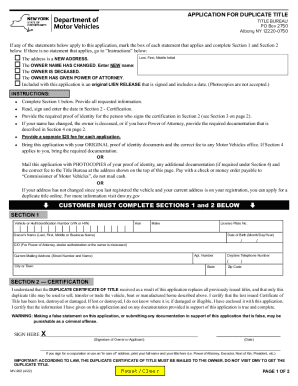
APPLICATION FOR DUPLICATE TITLE Use this form to request a duplicate (replacement) vehicle title by

Sbif application form

How to fill z83 for internship
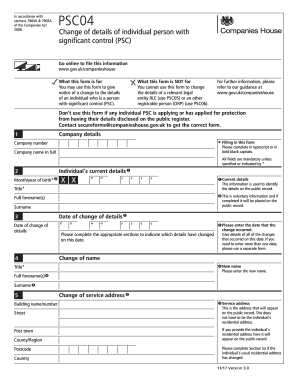
PSC04 Change of details of individual person with significant control You may use this form to chang

Psc04 form pdf
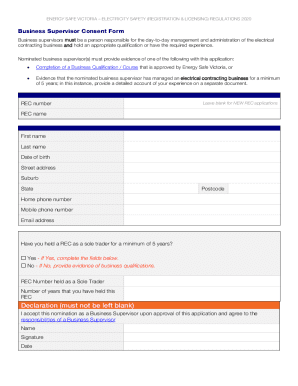
Energy Safe Victoria Electricity Safety (registration and Licensing) Regulations 2020
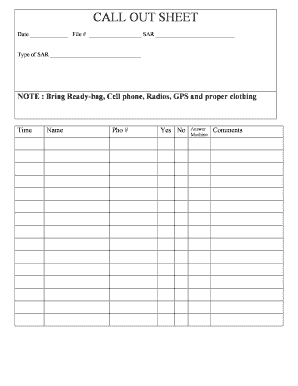
Employee call off log
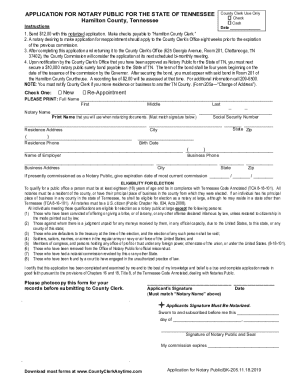
Application for Notary Public for the State of Tennessee

Blank motion form michigan
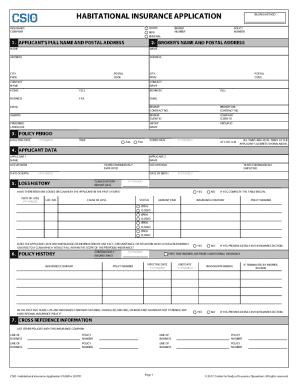
Habitational Insurance Application Form

Junk in the Trunk Vendor Registration Form

Ongoing Change-Cancel form - genevaparks
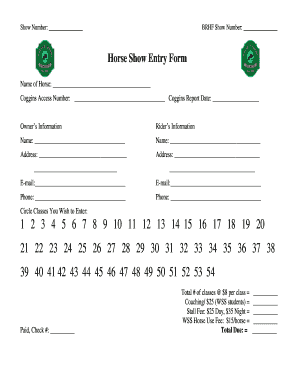
Horse Show Entry Form - BRHF

Camper Health Screening Form - posted June 2021 Camper Health Screening Form - posted June 2021
The Official Troop 78 Song Book - Horseshoe Scout Reservation bb - hsraa
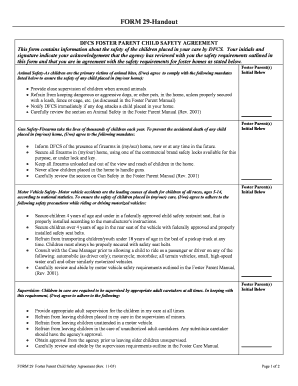
Dfcs forms online
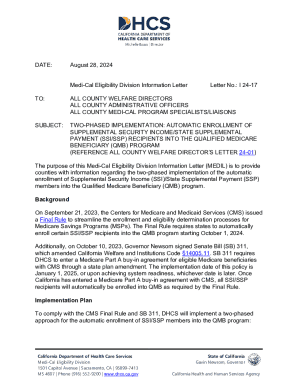
I 24-17
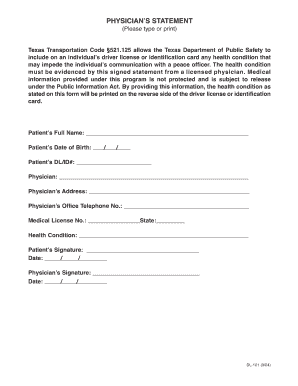
Dl 101

Texas Physician s Statement for Communication Impediment
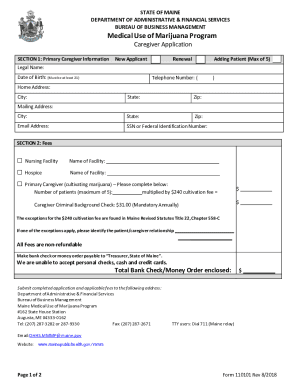
2425-A Registry identification cards and registration certificates

Maine caregiver application
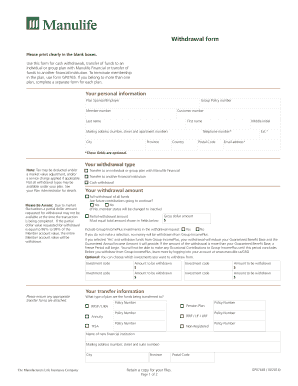
Use this form for cash withdrawals, transfer of funds to an

NEAP Application (Lump Sum) (39
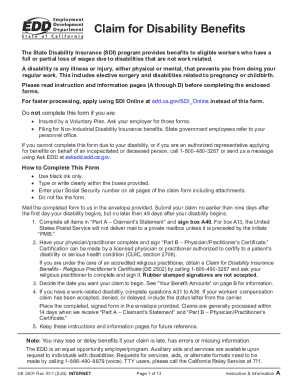
Claim for Disability Benefits (DE 2501 Rev 81 1 (2-24))
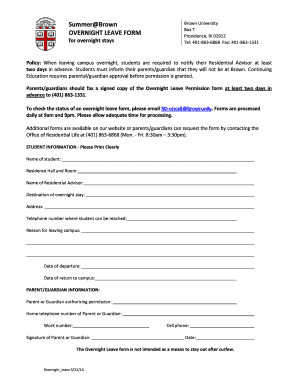
Summer Brown OVERNIGHT LEAVE FORM - Brown University - brown
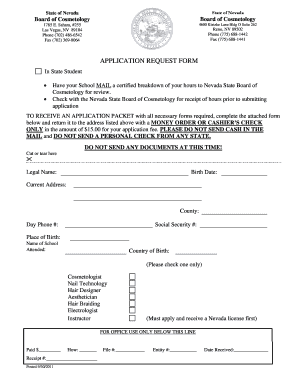
State board cosmetology
Previous Section (78B-18a-106) - Utah
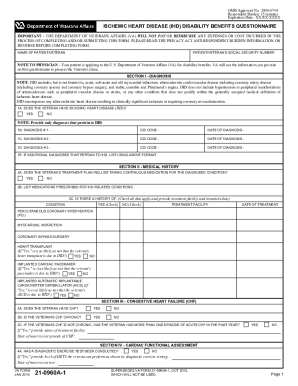
Ihd Disability Benefits Questionnaire
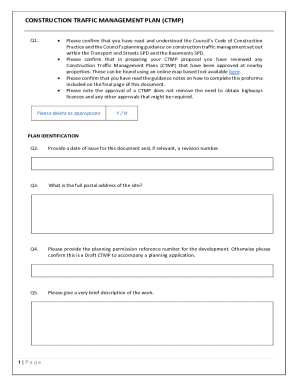
Construction Traffic Management Plan (ctmp)
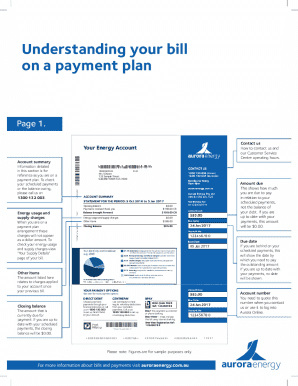
Energy Bill Payment Plan Statement

CSIO Industry Form - Habitational Insurance Application

Making a Complaint to the Ombudsman

Application for Notary Public for the State of Tennessee

Texas Penalty Waiver Request
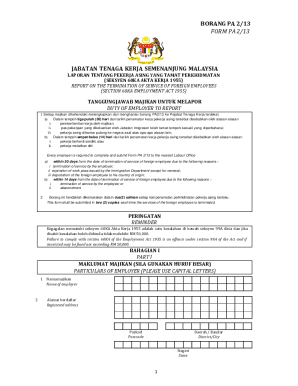
Borang pa 1 13 form pa 1 13
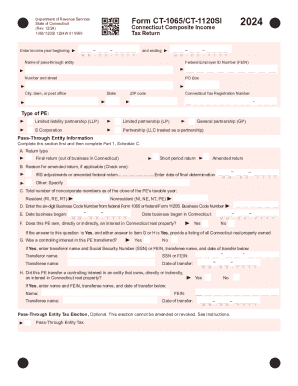
Ct-1065 ct-1120si
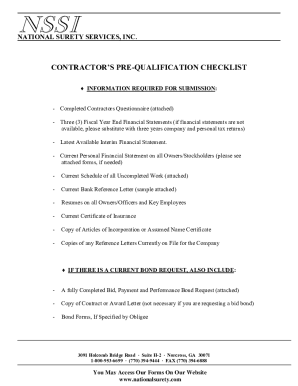
CONTRACTORS PRE-QUALIFICATION CHECKLIST - National Surety
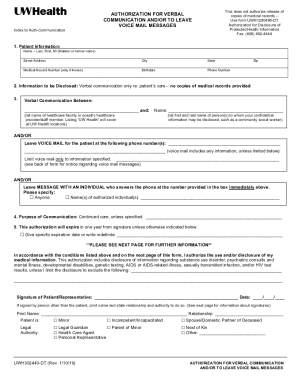
Authorization for Verbal Communication - UW Health
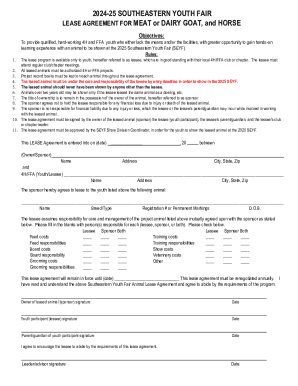
2024-25 Southeastern Youth Fair Lease Agreement
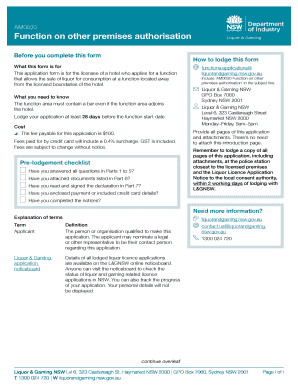
Am0030

Manulife Quick Issue Term Application for Change
Benefit from the DocHub online library of fillable PDF forms
Searching the PDF forms doesn't have to be a tedious and time-consuming process. With the DocHub online library, it has become easier to find the fillable PDF forms and modify them in your browser. The service allows you to adjust the document to your needs using powerful editing tools.
You can use online document editing features to modify almost any type of document with ease. You just need to find the template of your choice, open it in the editor, and use the toolbar to make the necessary corrections.
Follow this guide to get your document done with DocHub:
- Find the PDF template you need.
- Click the Get Form button to open the file in the editor.
- Use the toolbar to fill out and edit the document.
- Easily add and highlight text, insert images, checkmarks, and symbols.
- Drop new fillable fields, and rearrange or delete pages from your file.
- Save changes and download your record.
DocHub empowers everyone to streamline document editing, signing, and distribution, and form completion. Create an account and benefit from our well-organized PDF Forms library and comprehensive editor.