01. Edit your form online
Type text, add images, blackout confidential details, add comments, highlights and more.

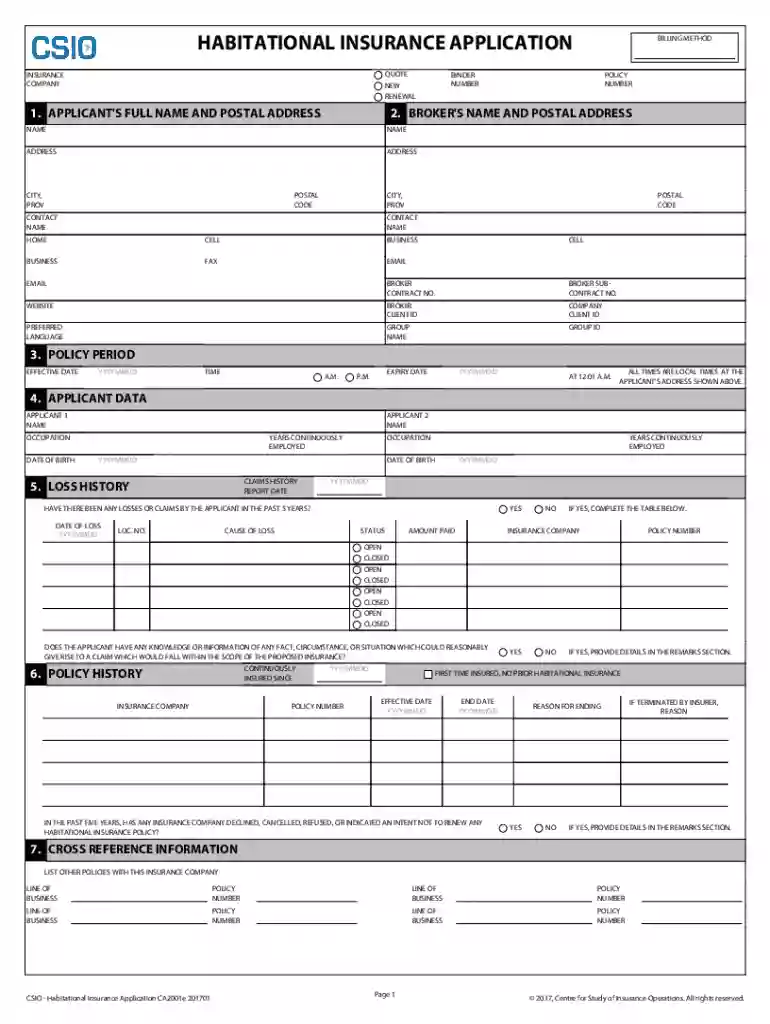
Type text, add images, blackout confidential details, add comments, highlights and more.

Draw your signature, type it, upload its image, or use your mobile device as a signature pad.

Send it via email, link, or fax. You can also download it, export it or print it out.
Online forms have become integral to efficient digital workflows, providing a streamlined method for gathering information, processing applications, and conducting transactions over the internet. An online form is a digital version of traditional paper documents, designed to be filled out and submitted electronically. These forms can be used for a wide array of purposes, including applications, registrations, surveys, and transactions.
The primary advantage of using an online form is the accessibility and convenience it offers. Users can complete and submit forms from any location, provided they have internet access, reducing the need for physical paperwork. This digital format simplifies data collection and storage, allowing organizations to efficiently manage and process the information received. Online forms are not only eco-friendly by reducing paper consumption but also enable quicker response times and streamlined workflows.
Using an online form involves certain steps to ensure efficiency and accuracy in data collection. The process typically starts with accessing the form through a provided link or platform such as DocHub, where you can find a variety of forms to suit different needs.
Access the Platform: Navigate to the platform hosting the online form. This could be a company's website, a form management system, or a cloud-based service.
Select the Form: Choose the specific form you need to fill out. Forms are often categorized for easy navigation, so you can quickly find the one relevant to your task.
Complete the Fields: Enter the required information into the designated fields. Ensure to fill all mandatory fields accurately, as incomplete submissions may lead to delays or errors in processing.
Review and Submit: Once all necessary information is entered, review the form for accuracy. After confirming the details, submit the form electronically. Some platforms may offer the option to download a copy for your records.
Follow-Up: After submission, monitor any responses or confirmation emails. Some forms might require further actions or approvals, so staying informed of the form's status is beneficial.
Filling out a form online involves clear, step-by-step processes to ensure accuracy and timely submission. Here's a general procedure:
Identify Required Information: Before starting, gather all necessary documents and details that you'll need to fill out the form. This preparation minimizes interruptions during the process.
Enter Personal Details: Begin by filling in personal information such as name, address, and contact details. These are typically the initial fields required on most forms.
Provide Specific Information: Depending on the form's purpose, enter specific data related to the application or inquiry. This may include financial details, demographic information, or professional qualifications.
Attach Supporting Documents: If required, attach any necessary documents. Platforms like DocHub allow you to upload files directly from your device or cloud storage, ensuring all attachments meet specified criteria such as format and size.
Review and Edit: Before final submission, use the platform's review tools to check for potential errors or omissions. Editing tools should allow for making last-minute changes or corrections prior to finalizing your submission.
Submit and Save: Once you're satisfied that all information is accurate, submit the form. It’s advisable to save a copy of the completed form or receive a submission confirmation for your records.
The shift from paper-based to online forms is driven by numerous benefits, enhancing both user experience and administrative efficiency. Primary advantages include:
A wide range of individuals and organizations utilize online forms across various sectors. Key users include:
Online forms consist of several key components that ensure effective data collection:
In the U.S., online forms must adhere to various legal standards to ensure compliance and enforceability. Important considerations include:
Regulations governing online forms can vary by state, impacting their design and submission:
Understanding these variations is crucial for both individuals and businesses to ensure they meet all regional requirements when using online forms.
We've got more versions of the Habitational Insurance Application Form form. Select the right Habitational Insurance Application Form version from the list and start editing it straight away!
At DocHub, your data security is our priority. We follow HIPAA, SOC2, GDPR, and other standards, so you can work on your documents with confidence.