
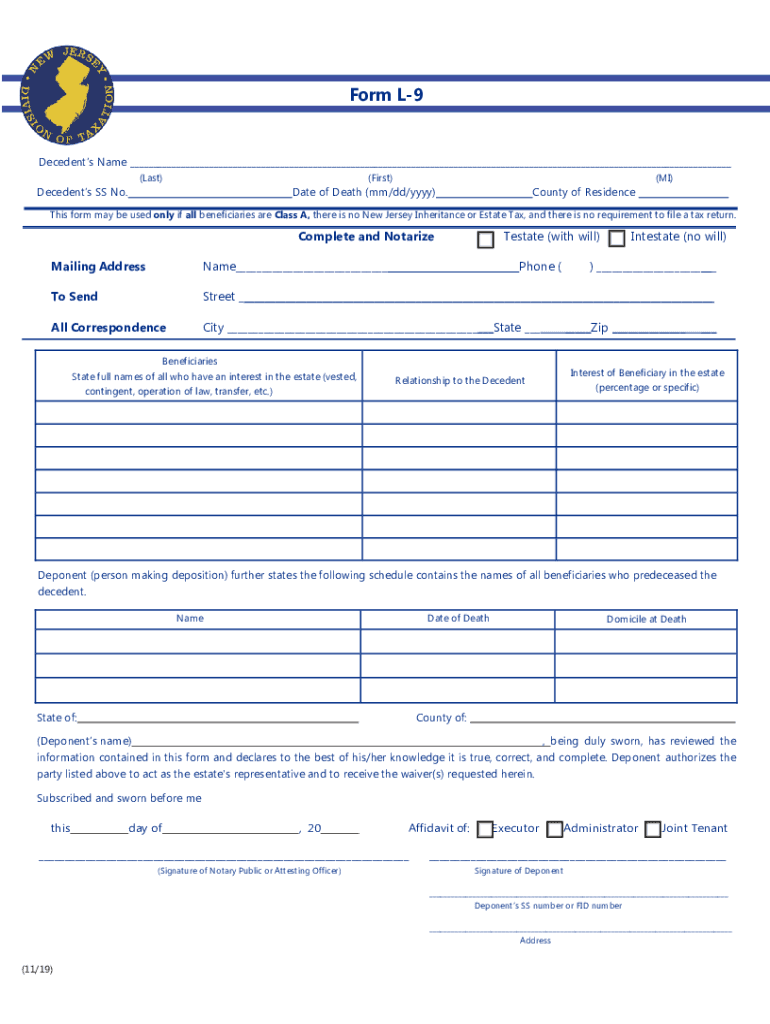




Here's how it works

01. Edit your l 9 form online
Type text, add images, blackout confidential details, add comments, highlights and more.

02. Sign it in a few clicks
Draw your signature, type it, upload its image, or use your mobile device as a signature pad.

03. Share your form with others
Send dochub com fillable form via email, link, or fax. You can also download it, export it or print it out.
How to use or fill out nj form l 9 with our platform

- Click ‘Get Form’ to open the nj form L-9 in the editor.
- Begin by entering the decedent’s name, Social Security number, and date of death in the designated fields. Ensure accuracy as this information is crucial for processing.
- Indicate whether the estate is testate (with a will) or intestate (without a will) by checking the appropriate box. This determines how you proceed with filling out the form.
- List all beneficiaries along with their relationship to the decedent and their interest in the estate. Be thorough to avoid any delays in processing.
- Complete the property description section by providing details such as county, street address, lot, block, and municipality for each piece of real estate involved.
- Attach all required documents including copies of the decedent’s will, deed, executor’s certificate, and death certificate before finalizing your submission.
Start using our platform today to fill out your nj form L-9 easily and for free!
Fill out nj form l 9 online
It's free
It's free
See more nj form l 9 versions
We've got more versions of the nj form l 9 form. Select the right nj form l 9 version from the list and start editing it straight away!
Security and compliance
At DocHub, your data security is our priority. We follow HIPAA, SOC2, GDPR, and other standards, so you can work on your documents with confidence.
Learn more


Related forms
Compliance Agreement Template
The Compliance Agreement establishes a framework between two parties to ensure adherence to applicable laws, regulations ...
Travel Agreement Template
The document is a Travel Agreement between a Travel Provider and a Traveling Party, outlining the terms and conditions f ...
Consignment Stock Agreement Template
The Consignment Stock Agreement outlines the terms between a Consignor and a Consignee for the sale of goods on consignm ...
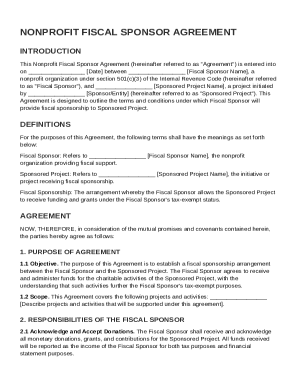
Nonprofit Fiscal Sponsor Agreement Template
The Nonprofit Fiscal Sponsor Agreement outlines the terms under which a nonprofit organization (Fiscal Sponsor) provides ...
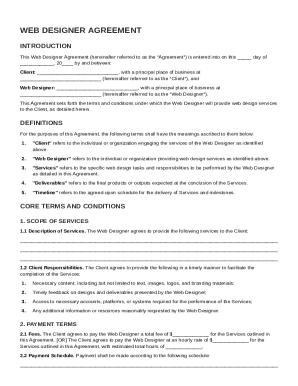
Web Designer Agreement Template
The Web Designer Agreement outlines the terms and conditions for web design services between a Client and a Web Designer ...
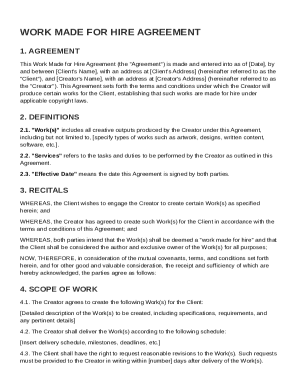
Work Made for Hire Agreement Template
The Work Made for Hire Agreement outlines the terms between a Client and a Creator for the production of creative works, ...
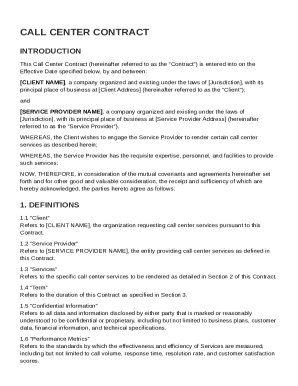
Call Center Contract Template
The document is a Call Center Contract between a Client and a Service Provider, outlining the terms for the provision of ...
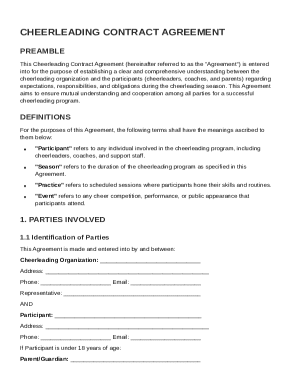
Cheer Contract Template
The Cheerleading Contract Agreement outlines the expectations, responsibilities, and obligations of participants (cheerl ...