




01. Edit your breach form online
Type text, add images, blackout confidential details, add comments, highlights and more.

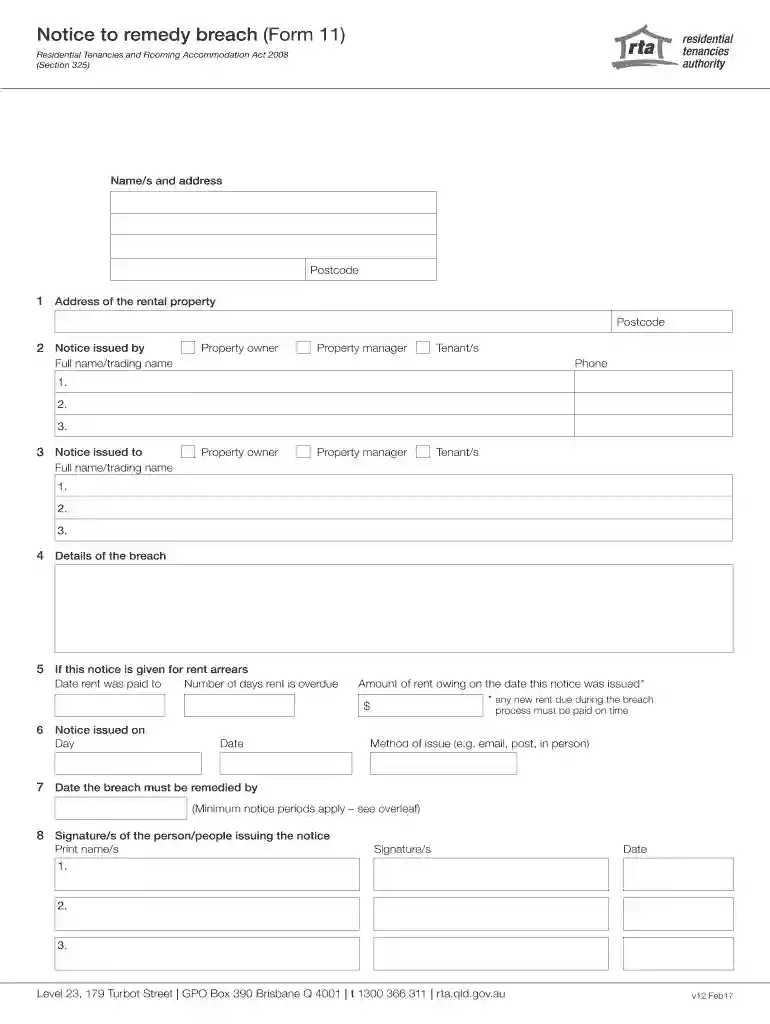
Type text, add images, blackout confidential details, add comments, highlights and more.

Draw your signature, type it, upload its image, or use your mobile device as a signature pad.

Send breach forms via email, link, or fax. You can also download it, export it or print it out.

Start using our platform today to easily complete your forms online for free!
We've got more versions of the breach form form. Select the right breach form version from the list and start editing it straight away!
At DocHub, your data security is our priority. We follow HIPAA, SOC2, GDPR, and other standards, so you can work on your documents with confidence.
Notice of Default and Right to Cure. Most contracts for sale require one party to give the other party notice of a material default and a reasonableRead more
Below is an official notification of a bDocHub involving a CPS vendor, Cleo. Current families who were impacted by the bDocHub will receive an emailed copy of theRead more
The bankruptcy court sends notices to the mailing address you list on Voluntary Petition for Individuals Filing for Bankruptcy (Official. Form 101). To


