




Here's how it works

01. Edit your nys 45 online
Type text, add images, blackout confidential details, add comments, highlights and more.

02. Sign it in a few clicks
Draw your signature, type it, upload its image, or use your mobile device as a signature pad.

03. Share your form with others
Send form nys 45 att instructions via email, link, or fax. You can also download it, export it or print it out.
How to use or fill out nys 45 att with our platform

- Click ‘Get Form’ to open the NYS-45-ATT in the editor.
- Begin by marking an X in the applicable box for either 'Original' or 'Amended return'.
- Enter your withholding identification number and employer legal name in the designated fields.
- Select the appropriate quarter for reporting: Jan-Mar, Apr-Jun, Jul-Sep, or Oct-Dec, and specify the year.
- In the quarterly employee/payee wage reporting section, input each employee's Social Security number, last name, first name, and middle initial.
- Fill in the total UI remuneration paid this quarter and gross federal wages or distribution for each employee.
- Ensure that you do not enter negative numbers in columns c, d, and e as per instructions.
- If this is your first page, enter grand totals of all pages at the bottom of the form.
- Complete your contact information including your name and daytime telephone number.
- Finally, review all entries for accuracy before saving or exporting your completed form.
Start using our platform today to fill out your NYS-45-ATT easily and for free!
Fill out nys 45 att online
It's free
It's free
Security and compliance
At DocHub, your data security is our priority. We follow HIPAA, SOC2, GDPR, and other standards, so you can work on your documents with confidence.
Learn more


Related forms
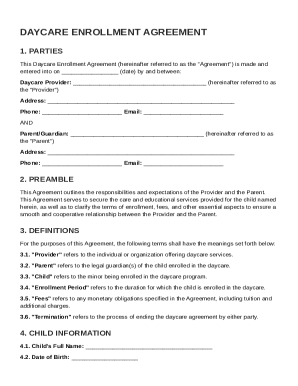
Daycare Agreement Template
The Daycare Enrollment Agreement outlines the terms and conditions between a daycare provider and a parent/guardian for ...
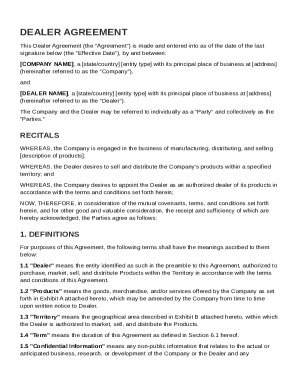
Dealer Agreement Template
The Dealer Agreement outlines the terms and conditions under which a Company appoints a Dealer to market, sell, and dist ...
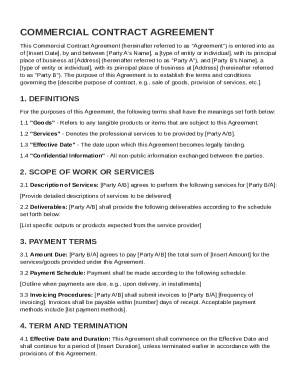
Commercial Contract Template
The document is a Commercial Contract Agreement between two parties, outlining the terms and conditions for the provisio ...
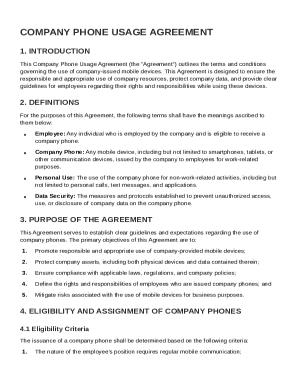
Company Phone Contract Template
The Company Phone Usage Agreement outlines the terms and conditions for the use of company-issued mobile devices by empl ...
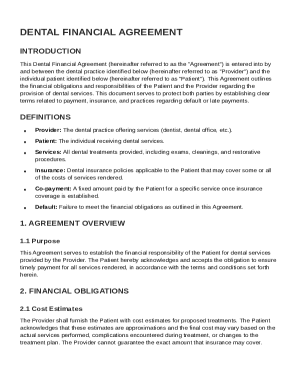
Dental Financial Agreement Template
The Dental Financial Agreement outlines the financial responsibilities of patients and dental providers regarding dental ...
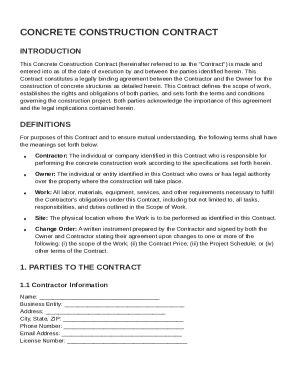
Concrete Construction Contract Template
The document is a Concrete Construction Contract that establishes a legally binding agreement between a Contractor and a ...
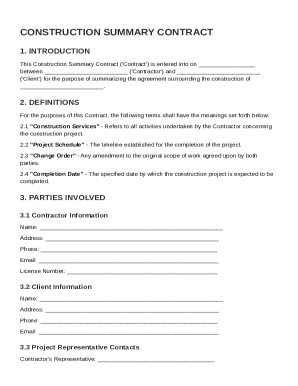
Construction Summary Contract Template
The Construction Summary Contract outlines the agreement between a Contractor and a Client for a construction project. I ...
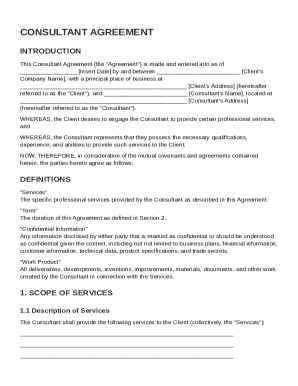
Consultants Contract Template
The document is a Consultant Agreement between a Client and a Consultant, outlining the terms of engagement for professi ...