
Get any PDF form from the DocHub library of ready-made templates - Page 2133
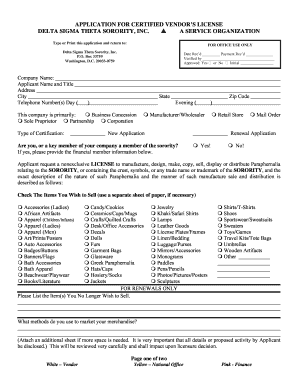
How to become a licensed vendor of delta sigma theta
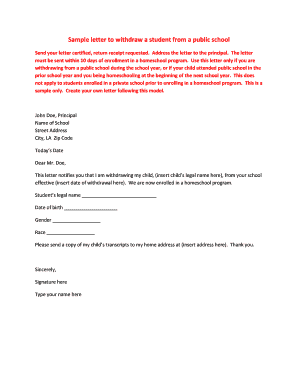
Sample letter of withdrawal of enrollment
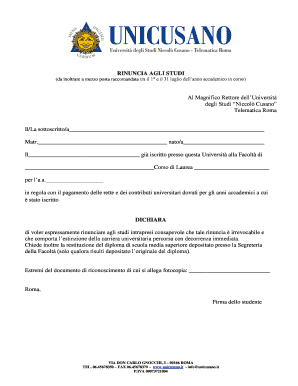
Modulo rinuncia agli studi unicusano
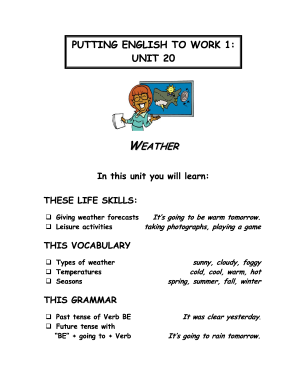
Putting english work 1
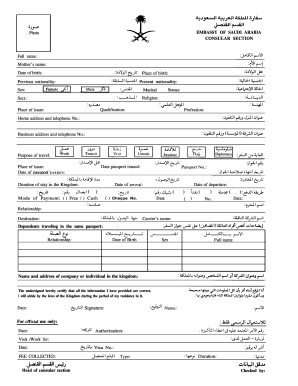
Saudi arabia application
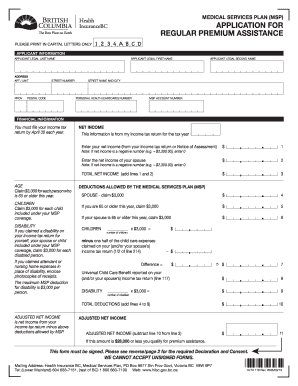
Msp 119 form
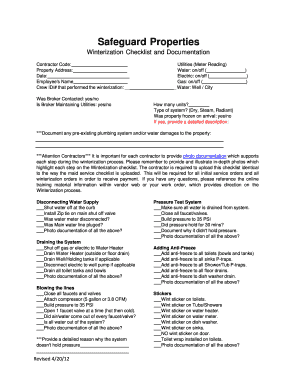
Winterization stickers
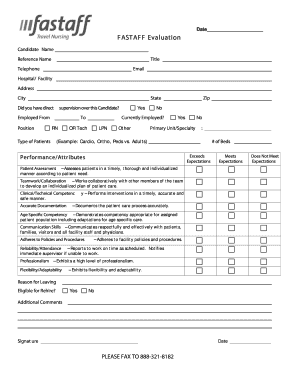
Fastaff form
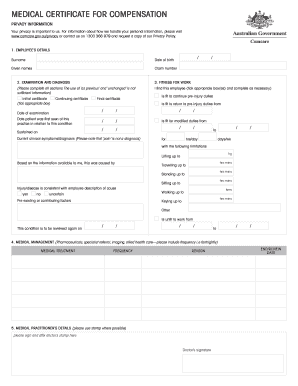
Comcare medical certificate
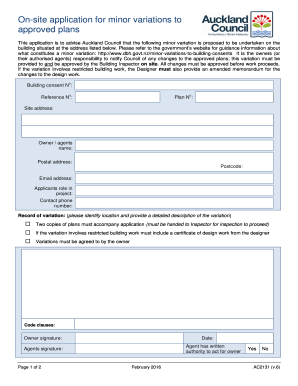
AC2131 - On-site application for minor variation... - aucklandcouncil govt
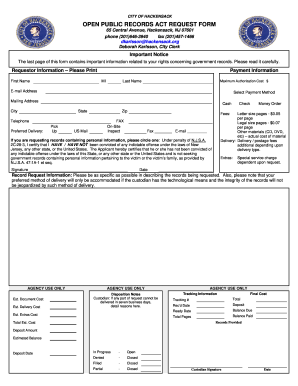
Opra form
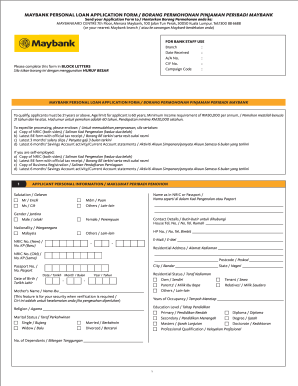
Borang maybank
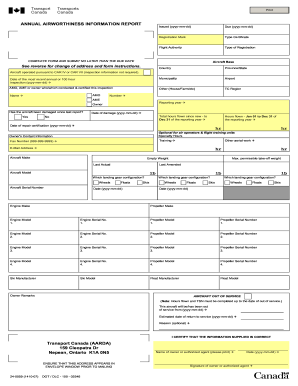
Aair transport canada
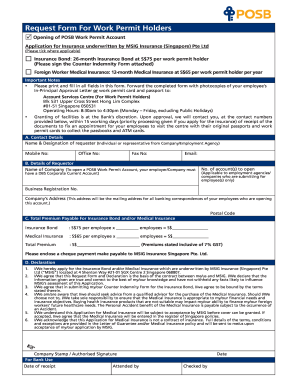
Posb open account for work permit
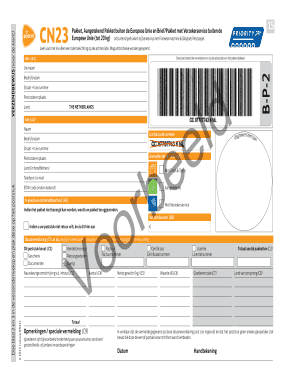
Cn23 formulier downloaden
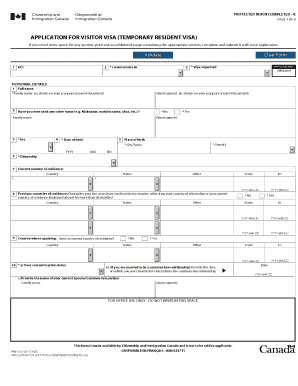
How to apply visa for canada form
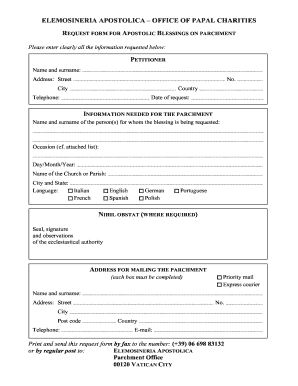
Elemosineria apostolica email
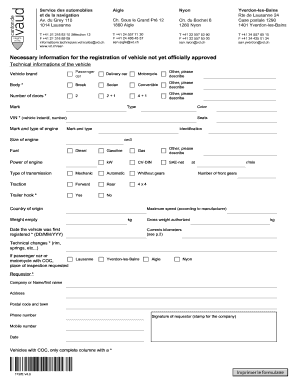
Ch 1737e
Fiji school of nursing application form 2022

State farm disbursement request form

Aqua tots application
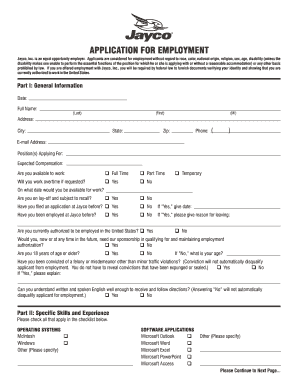
Jayco application

Fall report
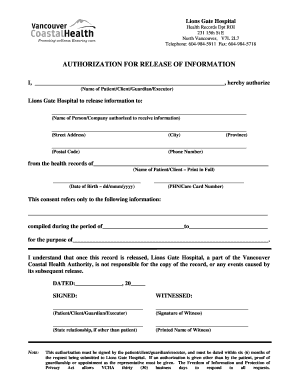
Authorization vancouver coastal

Letter of intent for construction project pdf
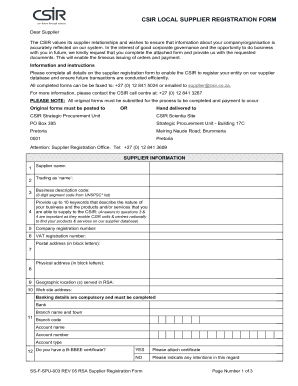
Business form

Sikshashree

Flight manifest example
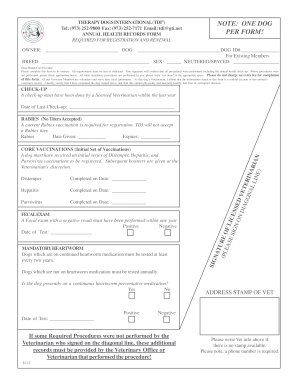
Therapy dogs international health

Cdr request form

Waco center for youth application
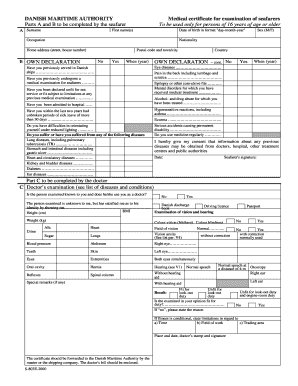
Liberian medical certificate for seaman

Collateral request form
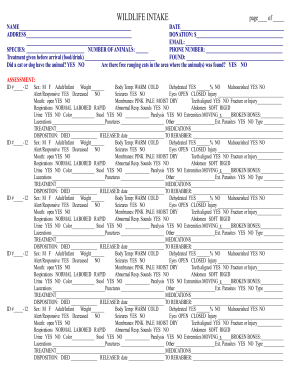
WILDLIFE INTAKE FORM - Wildlife Rehabilitators of NC - ncwildliferehab
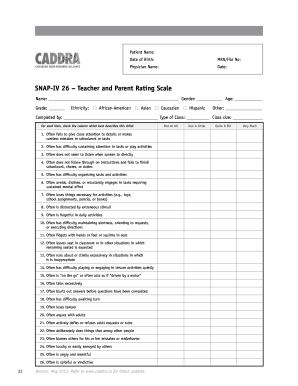
Snap 26 form
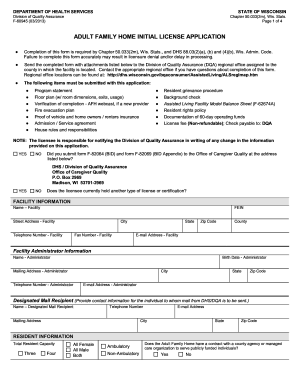
How to wisconsin adult home
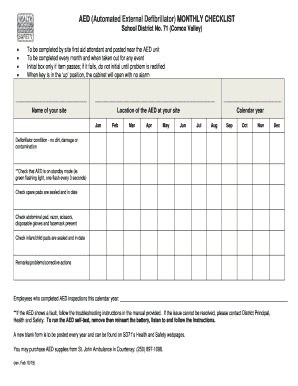
Printable aed inspection checklist

Protest of assignment
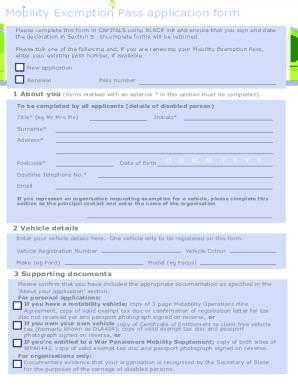
M6 toll disabled pass renewal
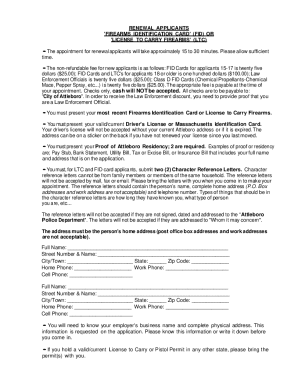
Attleboro Police LTC Document - Attleboro Police Department - attleboropolice

Asha ceu form
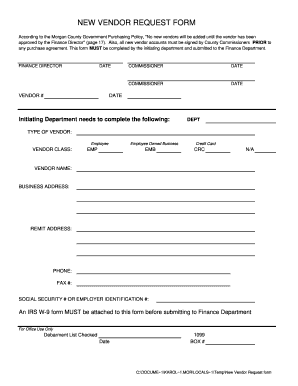
New vendor form
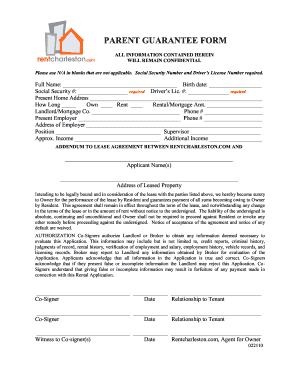
Parent guarantee form
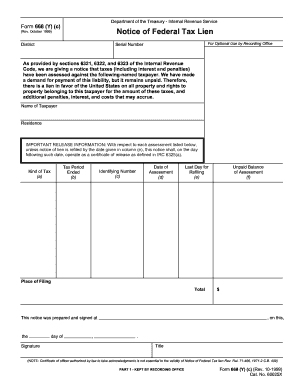
668 federal patriotnetwork form
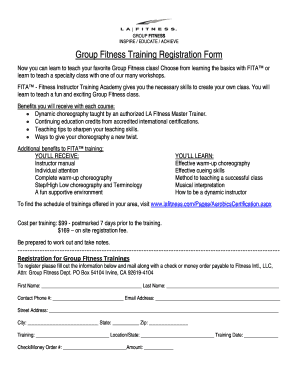
La fitness cancellation form pdf 2021
Hacc official
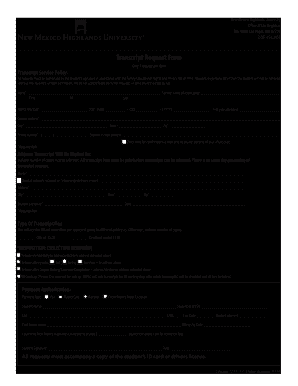
New mexico highlands transcript
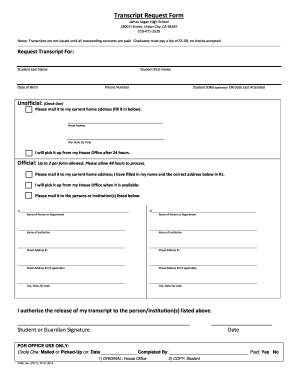
Request james jameslogan pdf
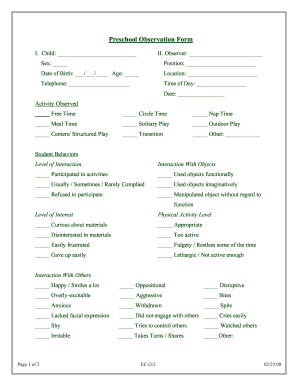
Preschool observation form

Behavior referral example

Application for texas driver license or identification card - 1st Choice ...
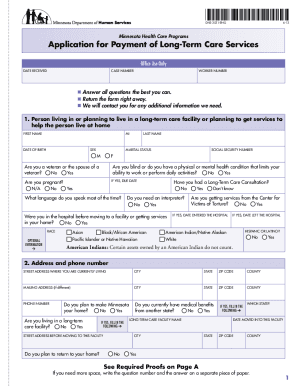
DHS-3531-ENG (Minnesota Health Care Programs Application for Payment of Long-Term Care Services). This application is for people who need coverage for long-term care services including nursing home care and/or waiver services including EW, -
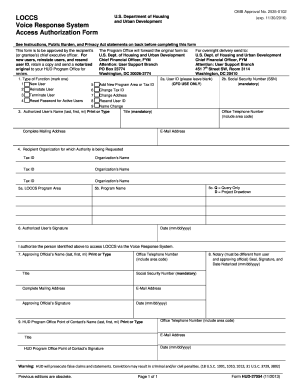
Hud form 27054e
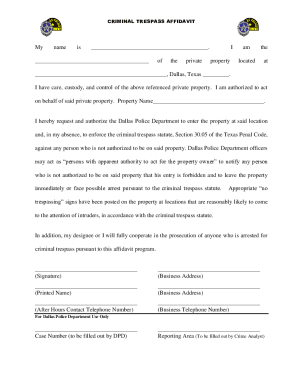
Dallas trespass affidavit
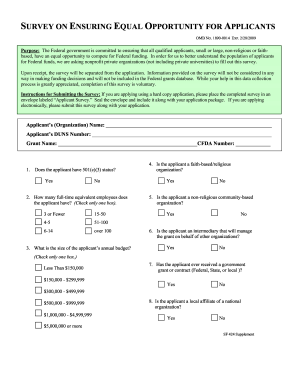
Sf 424 supplement form
Transcript Request Form - McDaniel College - mcdaniel

Formal complaint form

Yoox return form pdf
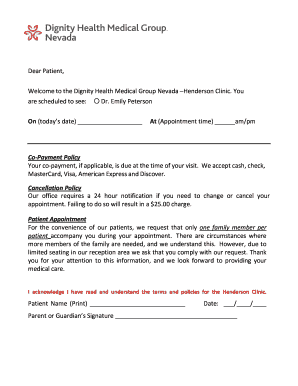
Dignity health prior authorization form

Appraisal feedback comments for employees

Tamron repair
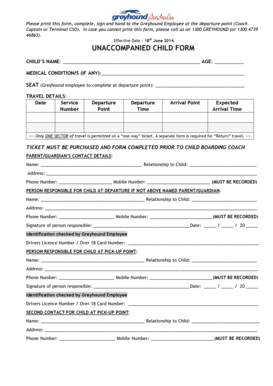
Greyhound unaccompanied child form

South placer fire burn permit
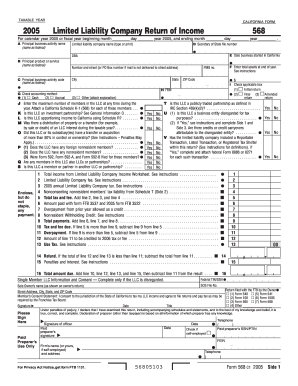
2005 Limited Liability Company Return of Income. California Form 568 - ftb ca
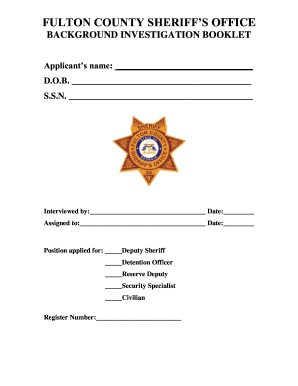
Fulton background booklet
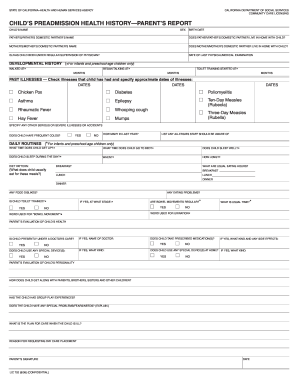
Lic 702

Form inheritance tax

Ia dhs health services
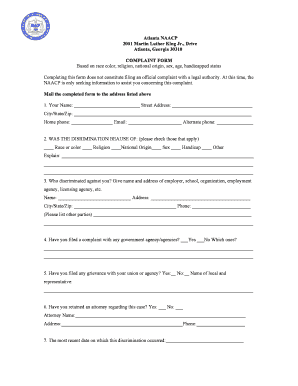
Naacp complaint form

Ssp1 form

Csf 24
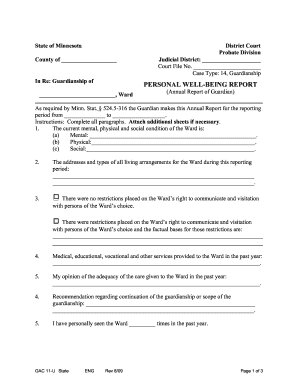
PERSONAL WELL-BEING REPORT - LegalLanding
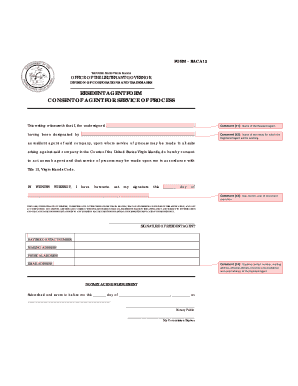
Resident agent consent form usvi

Divorce papers in hindi
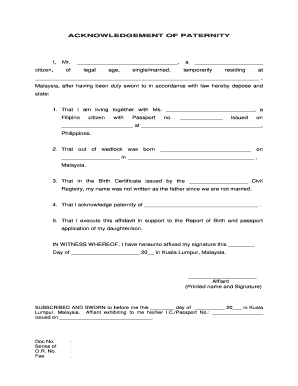
Private handwritten instrument sample
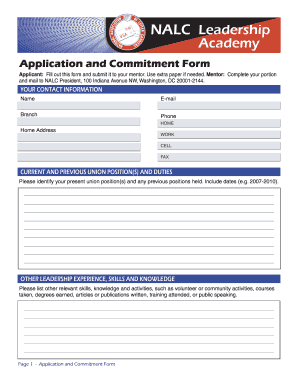
Nalc application
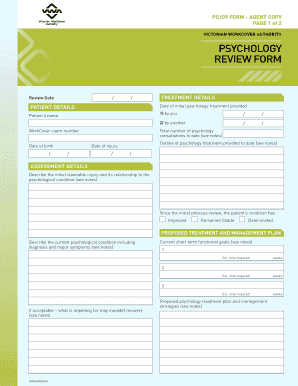
Ps109 form
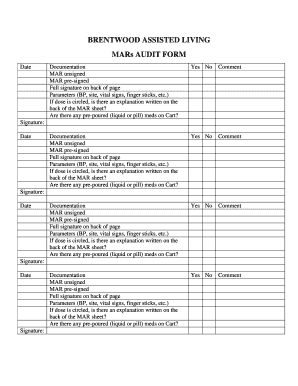
Med room cart audit sheets

Emedny 409501
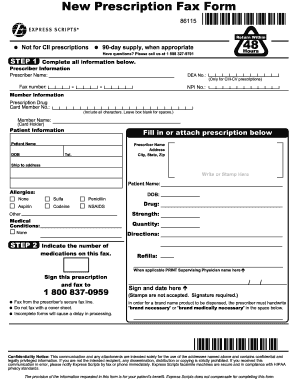
Order forms for express scripts
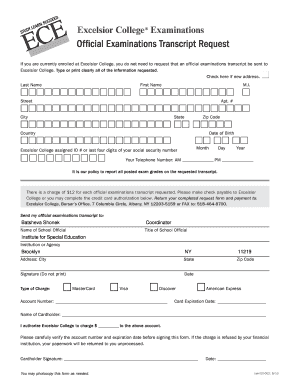
Excelsior college registrar
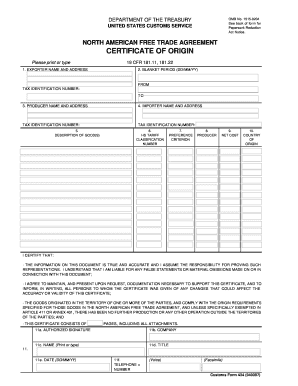
Us colombia trade agreement
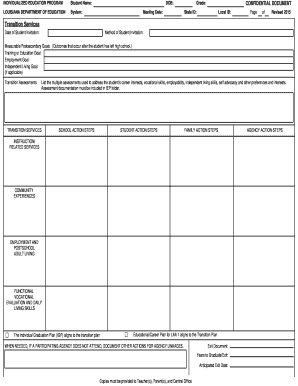
Pimp my ride apply form
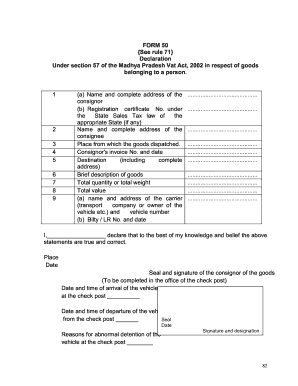
Form 50 download
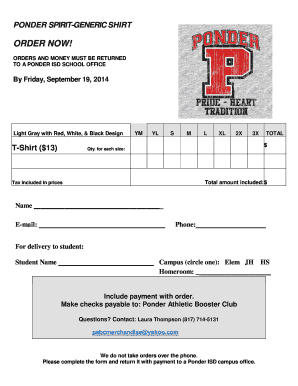
Tshirt order forms templates

Exclusive Right-to-Sell Listing Contract. Colorado Real Estate Commission-approved form
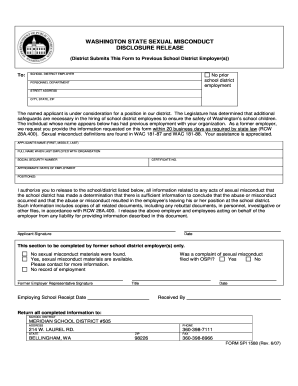
Washington State Sexual Misconduct Disclosure Release Form 1588 - meridian wednet

Nbce national examiners transcript request
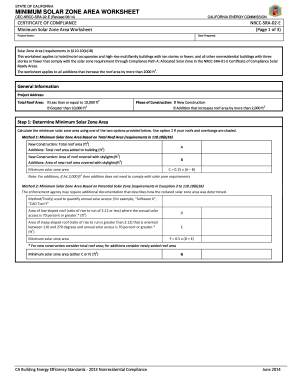
Nrcc sra form

Massachusetts pip application form

Request to employ form 2012-2019

Form bia 4432 2014
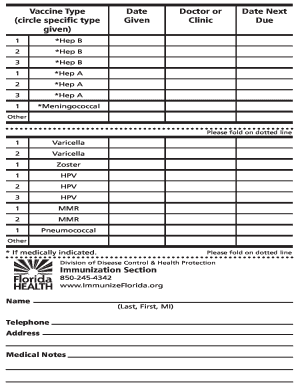
Dh686
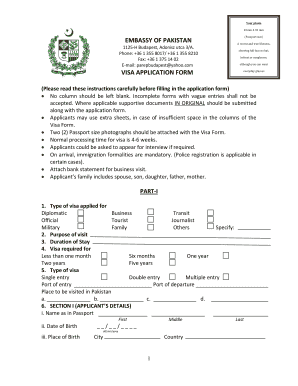
Pakistan visa

Plan disenrollment form

Affidavit for correction of name
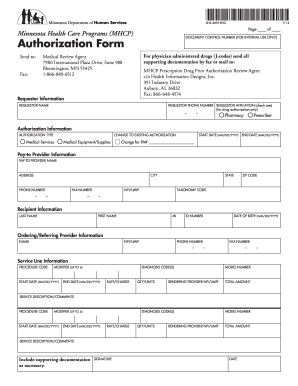
Dhs form mn
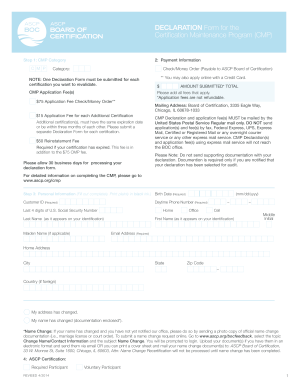
S cmp application
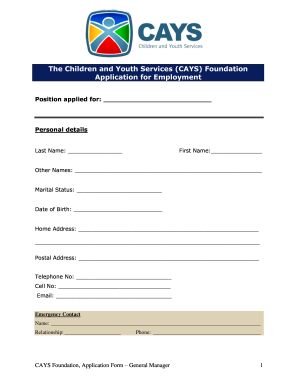
Cays foundation
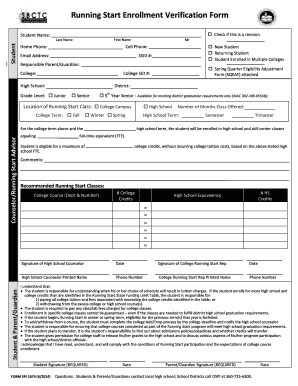
K12 enrollment verification form
Benefit from the DocHub online library of fillable PDF forms
Searching the PDF forms doesn't have to be a tedious and time-consuming process. With the DocHub online library, it has become easier to find the fillable PDF forms and modify them in your browser. The service allows you to adjust the document to your needs using powerful editing tools.
You can use online document editing features to modify almost any type of document with ease. You just need to find the template of your choice, open it in the editor, and use the toolbar to make the necessary corrections.
Follow this guide to get your document done with DocHub:
- Find the PDF template you need.
- Click the Get Form button to open the file in the editor.
- Use the toolbar to fill out and edit the document.
- Easily add and highlight text, insert images, checkmarks, and symbols.
- Drop new fillable fields, and rearrange or delete pages from your file.
- Save changes and download your record.
DocHub empowers everyone to streamline document editing, signing, and distribution, and form completion. Create an account and benefit from our well-organized PDF Forms library and comprehensive editor.