




01. Edit your lic 702 online
Type text, add images, blackout confidential details, add comments, highlights and more.

Type text, add images, blackout confidential details, add comments, highlights and more.

Draw your signature, type it, upload its image, or use your mobile device as a signature pad.

Send lic 702 spanish via email, link, or fax. You can also download it, export it or print it out.

Start filling out your lic 702 form online for free today!
We've got more versions of the lic 702 form. Select the right lic 702 version from the list and start editing it straight away!
At DocHub, your data security is our priority. We follow HIPAA, SOC2, GDPR, and other standards, so you can work on your documents with confidence.
Use form LIC 702 or similar template. Health care provider verification of all allergies (food, medication, insect, airborne) and/or any chronic illnessRead more
702 show cpu lic key. The num option specifies the key number on the AX device. The key numbers are dis- played along with the keys themselves byRead more
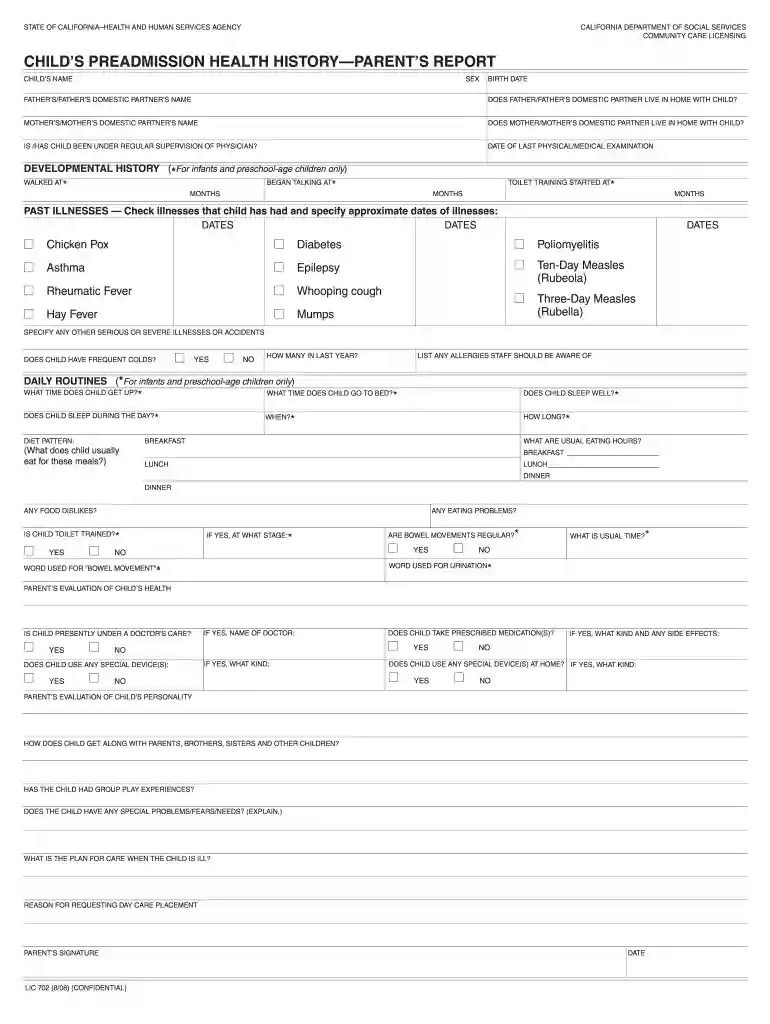
LIC 702 (8/08) (CONFIDENTIAL). WORD USED FOR URINATION*. IS CHILD TOILET TRAINED?*. □ YES. □ NO. IS CHILD PRESENTLY UNDER A DOCTORS CARE? □ YES. □ NO. IF YESRead more


