




01. Edit your nj request online
Type text, add images, blackout confidential details, add comments, highlights and more.

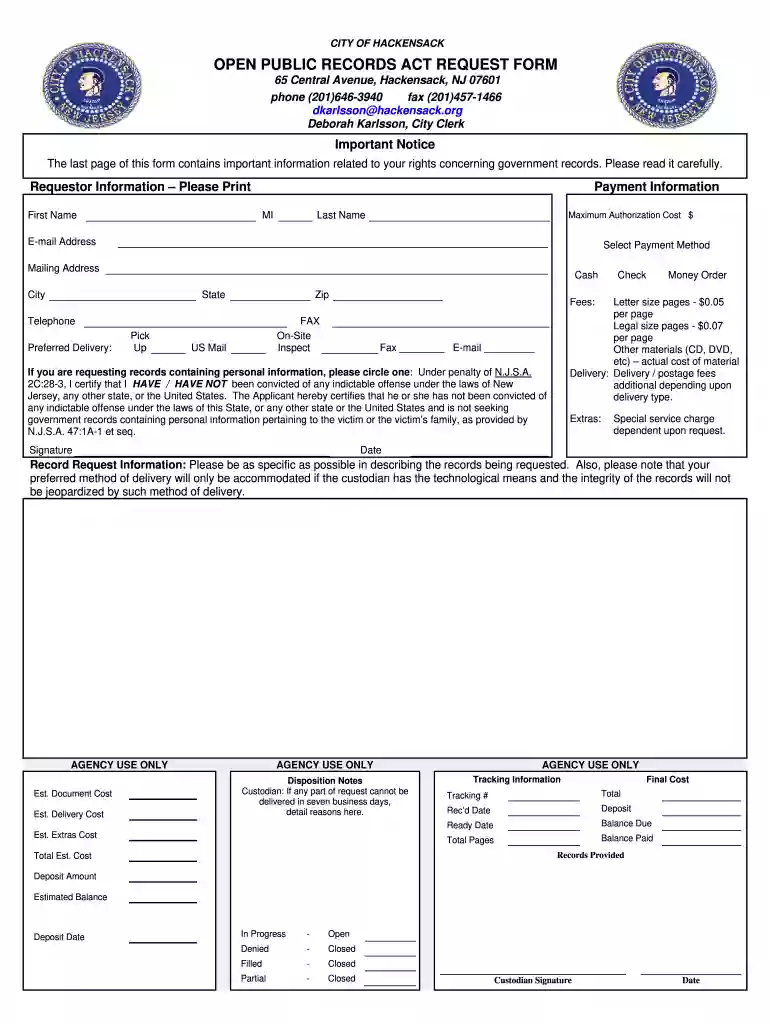
Type text, add images, blackout confidential details, add comments, highlights and more.

Draw your signature, type it, upload its image, or use your mobile device as a signature pad.

Send opra form via email, link, or fax. You can also download it, export it or print it out.

Start using our platform today to streamline your OPRA form submission process for free!
At DocHub, your data security is our priority. We follow HIPAA, SOC2, GDPR, and other standards, so you can work on your documents with confidence.
Submit Request: Please complete and sign the attached OPRA Request Form and submit it as follows: Email: records@ramapo.edu; Mail: Custodian of Public Records,Read more
OPRA requests were often received via email or fax, which then had to be printed out, and transposed by hand into the Clerks Department paper log book. The.Read more
Jan 22, 2026 NJDEP makes available its public records through formal requests to the Departments Office of Record Access. Requests may be submitted in writing.Read more


