
Get any PDF form from the DocHub library of ready-made templates - Page 2132
Sca incident report
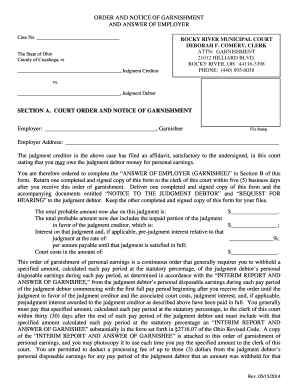
Oh garnishment employer form
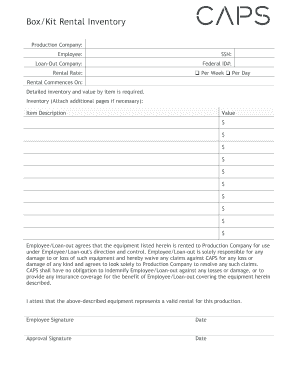
Box rental form

Appendix 1 - professional consultant's certificate - Council of ...

Jst dod
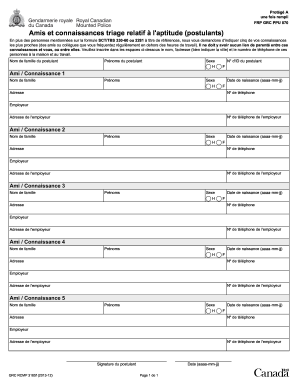
Form triage relatif form
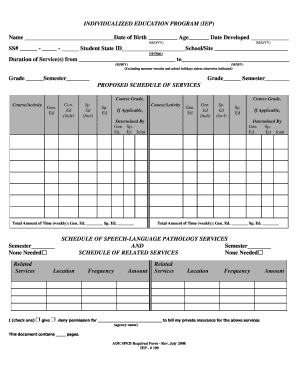
Ade education program iep sample
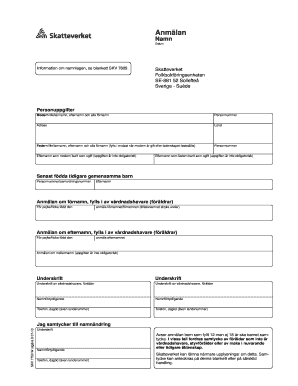
Skv 7750
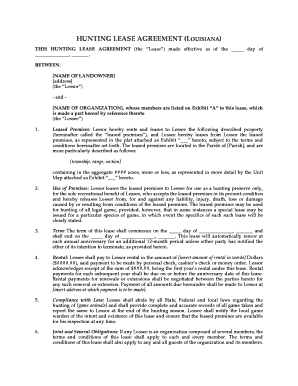
Hunting lease agreement example
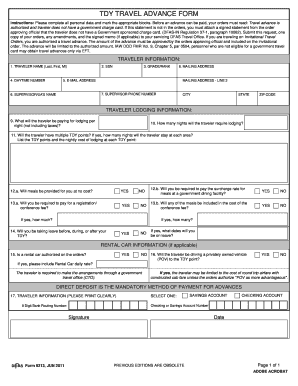
Dfas form 9213
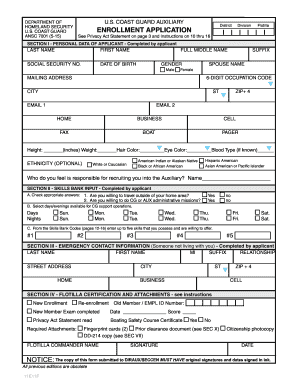
Coast guard auxiliary forms

Partners alliance corporation
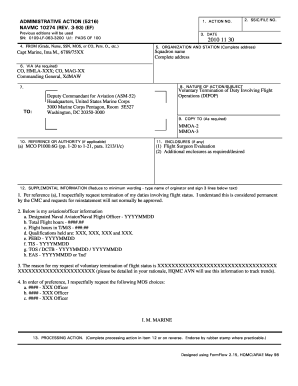
Navmc 10274 rev 09 11 pdf
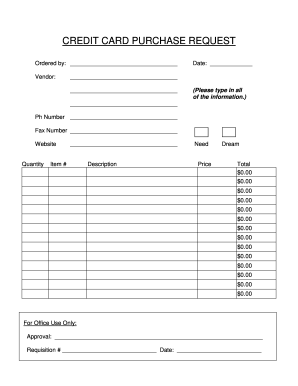
Credit card cpps

Miami Donation Receipt - The Shyp Blog

Notice payment massdot
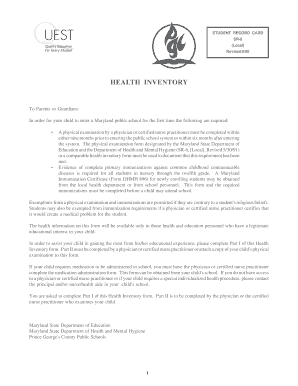
Pgcps health inventory form

Abn form printable for chiropractor
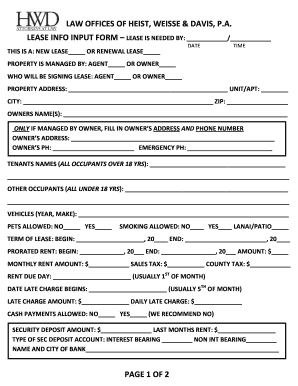
Lease input

Dd2963

Wv irp online

One america 401k withdrawal form
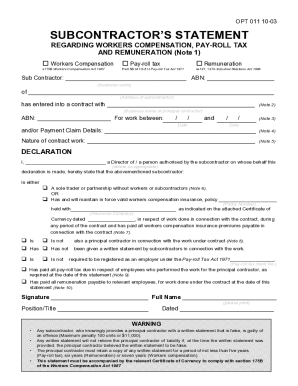
Subcontractor statement

Check list for hiring a company or sub contractor

Pims tenancy agreement
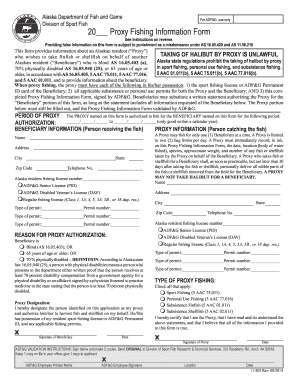
Alaska proxy fishing form

Roofing safety plan template
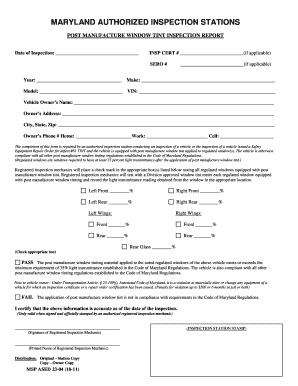
Maryland tint waiver

Form ca 16 2005-2019

Missouri firearms instructor

Writ of certiorari
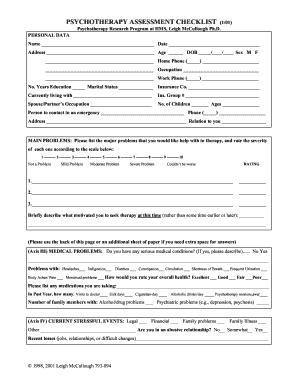
Psychotherapy assessment checklist

Generic Collaborative Practice Agreement form - nursing lsuhsc

Florida duplicate registration
Field test report backflow preventer
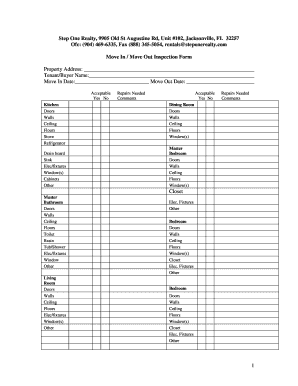
Move in inspection form

Ds 694
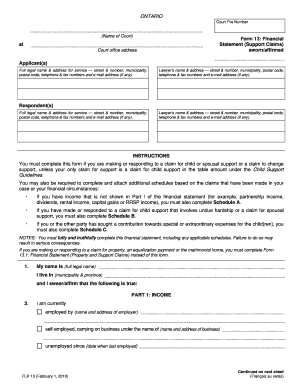
Form 13 fillable
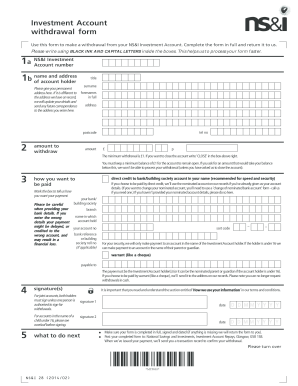
Premium bonds application form
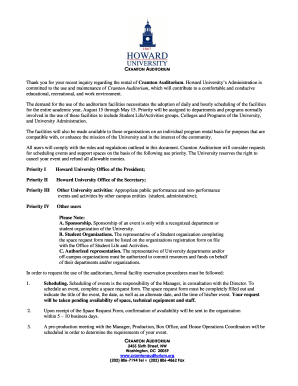
Auditorium howard conducive
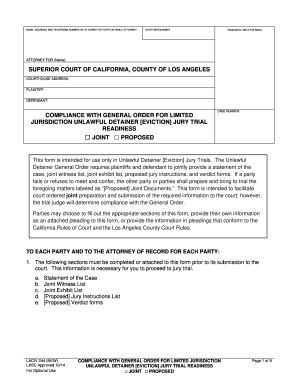
LACIV 244 - Comp w Gen Ord for Lim Juris UD Trial Readiness- NEW 10-01-14.docx

Dog walking consent form
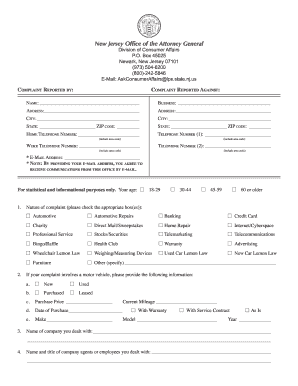
Consumer affairs complaint nj
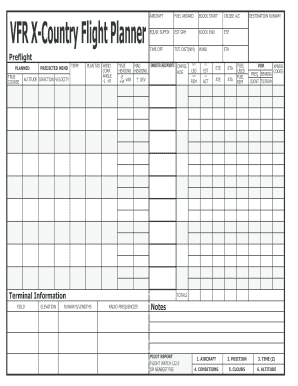
Printable icao flight plan form

Emergency custody order kentucky
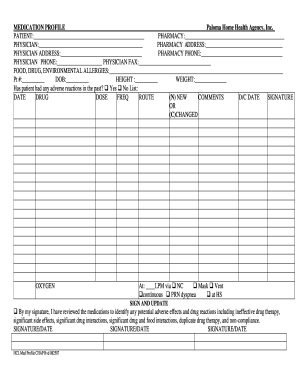
Medication profile template
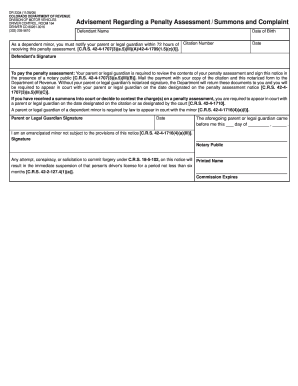
Dr 2334

Travel insurance waiver form
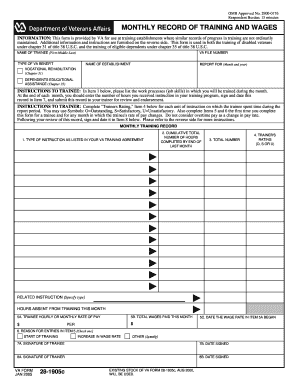
Va form 28 1905c

Financial security exemption

Attestation hebergement pdf
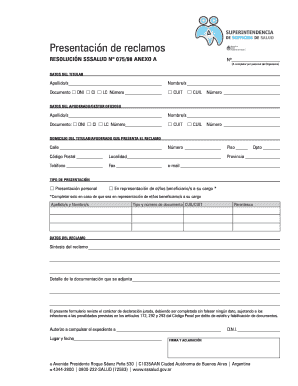
Get formulario b form
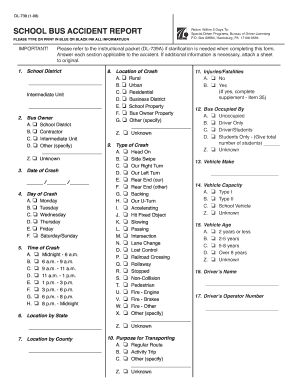
Dl 739

Ol 16s
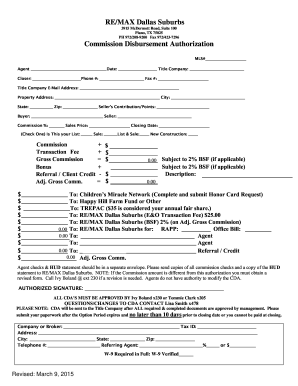
Cda real estate template form
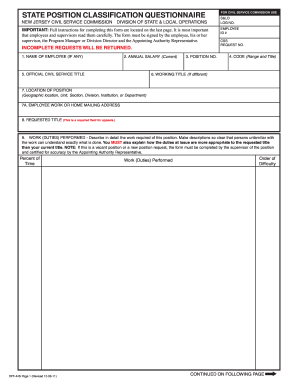
Dpf 44s

Ifsp request
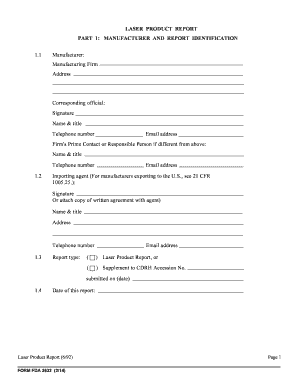
Fda form 3632
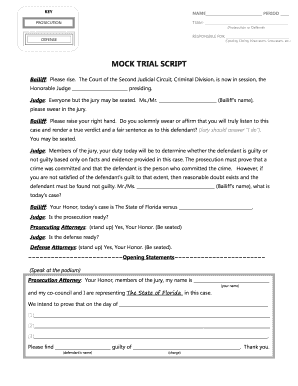
Mock trial script template
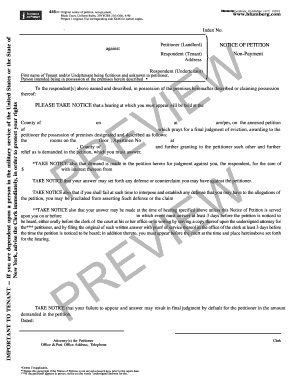
30 day notibe bloomberg
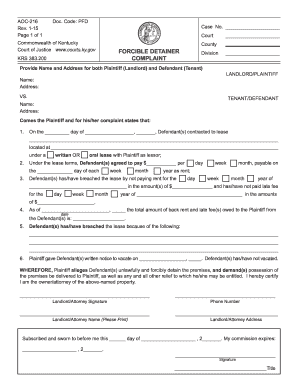
Forcible detainer
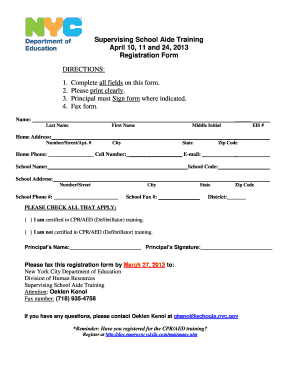
Nyc doe letterhead
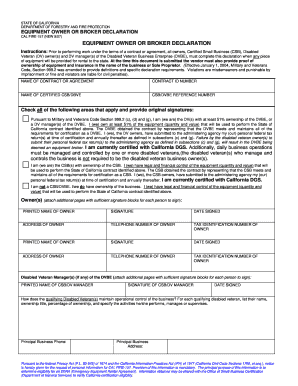
Cal fire form
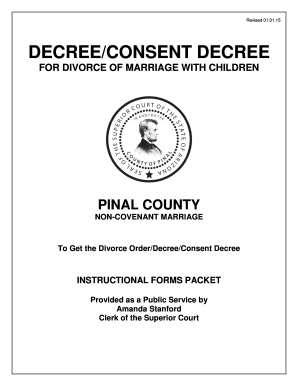
Decree/Consent Decree of Dissolution with Children - Pinal County ...
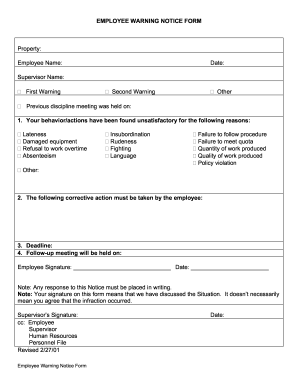
Employee notice form sample
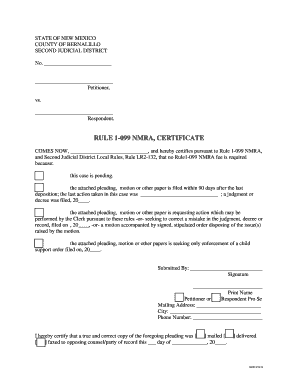
Rule 1 099 nmra certificate

UIA 1471-C - State of Michigan - michigan

Fear ladder worksheet pdf
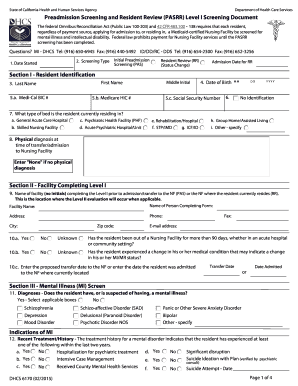
6170 form - dhcs ca
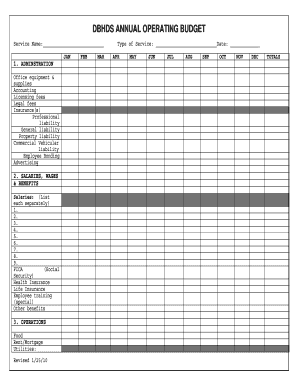
Examples of annual operating budgets

Ars 11 reform form
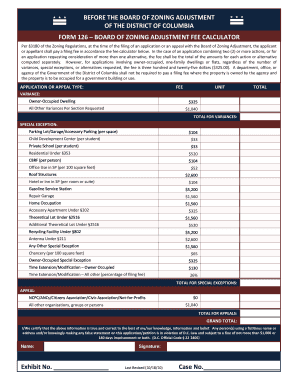
Form 126
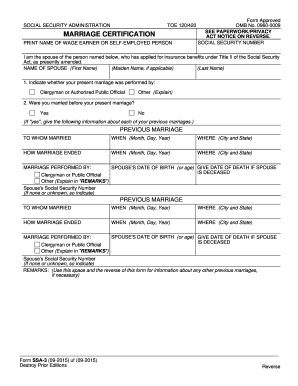
Ssa 3 form
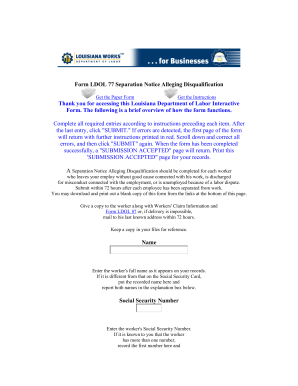
77 separation notice

REAL ESTATE PURCHASE CONTRACT - Utah - Utah Division of ...

Doh verification employment get
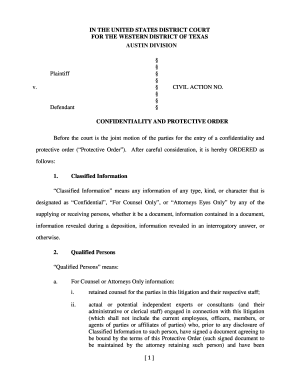
Western district of texas protective order

Ga energy certificate

340 form maryland

Aoc 280
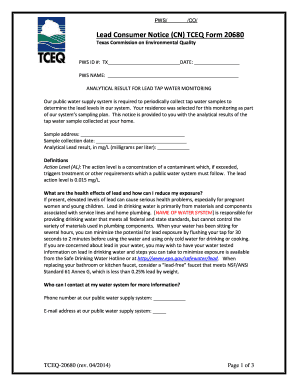
Tceq form 20680a
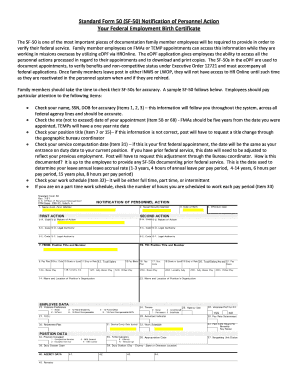
Sf 50
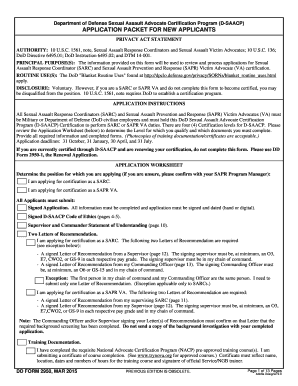
Dd form 2950

Form DTF-17.1 - tax ny

Dmv driving hours paper

Form 297 ga
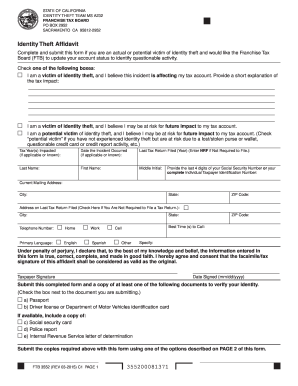
Ftb 3552 2015 form
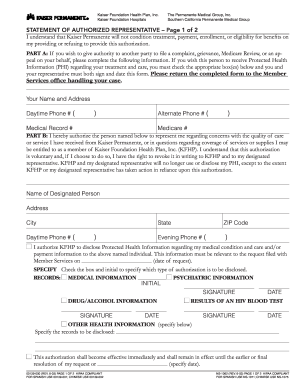
Kaiser permanente statement form

Oneexchange financial institution

VA Form 26-8937 - Veterans Benefits Administration - vba va

Operator application license
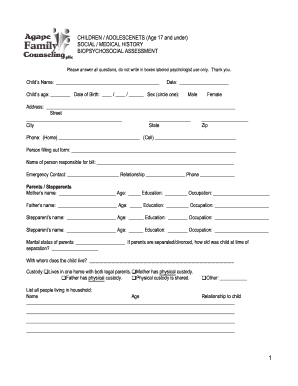
Children biopsychosocial assessment
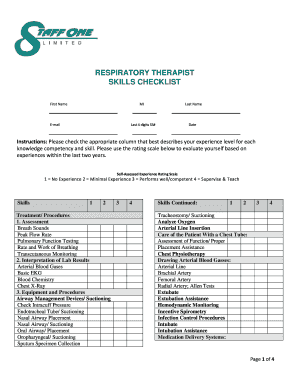
Respiratory therapist skills checklist
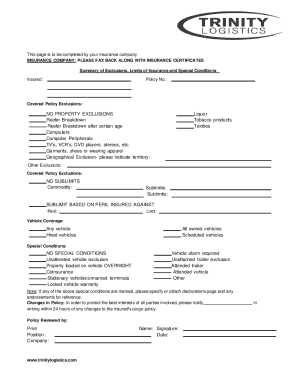
Trinity logistics carrier setup
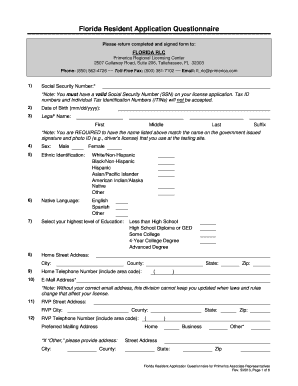
Ucanpass app
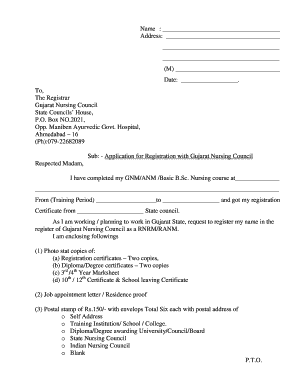
Gnc registration
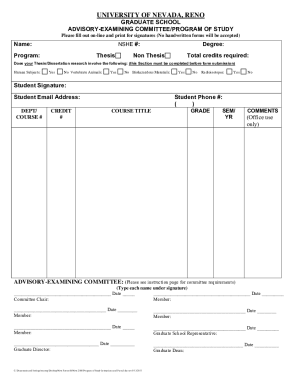
Unr program
Monad university check enrollment no
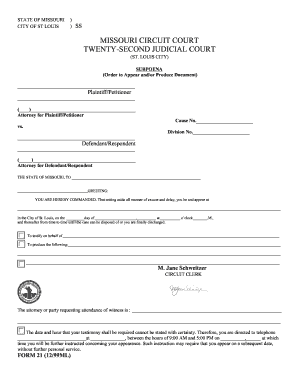
Judicial st louis form
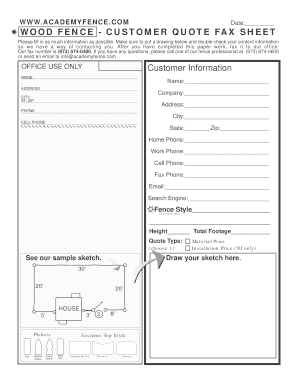
Academy fence
Benefit from the DocHub online library of fillable PDF forms
Searching the PDF forms doesn't have to be a tedious and time-consuming process. With the DocHub online library, it has become easier to find the fillable PDF forms and modify them in your browser. The service allows you to adjust the document to your needs using powerful editing tools.
You can use online document editing features to modify almost any type of document with ease. You just need to find the template of your choice, open it in the editor, and use the toolbar to make the necessary corrections.
Follow this guide to get your document done with DocHub:
- Find the PDF template you need.
- Click the Get Form button to open the file in the editor.
- Use the toolbar to fill out and edit the document.
- Easily add and highlight text, insert images, checkmarks, and symbols.
- Drop new fillable fields, and rearrange or delete pages from your file.
- Save changes and download your record.
DocHub empowers everyone to streamline document editing, signing, and distribution, and form completion. Create an account and benefit from our well-organized PDF Forms library and comprehensive editor.