




01. Edit your job safety analysis jsa online
Type text, add images, blackout confidential details, add comments, highlights and more.

Type text, add images, blackout confidential details, add comments, highlights and more.

Draw your signature, type it, upload its image, or use your mobile device as a signature pad.

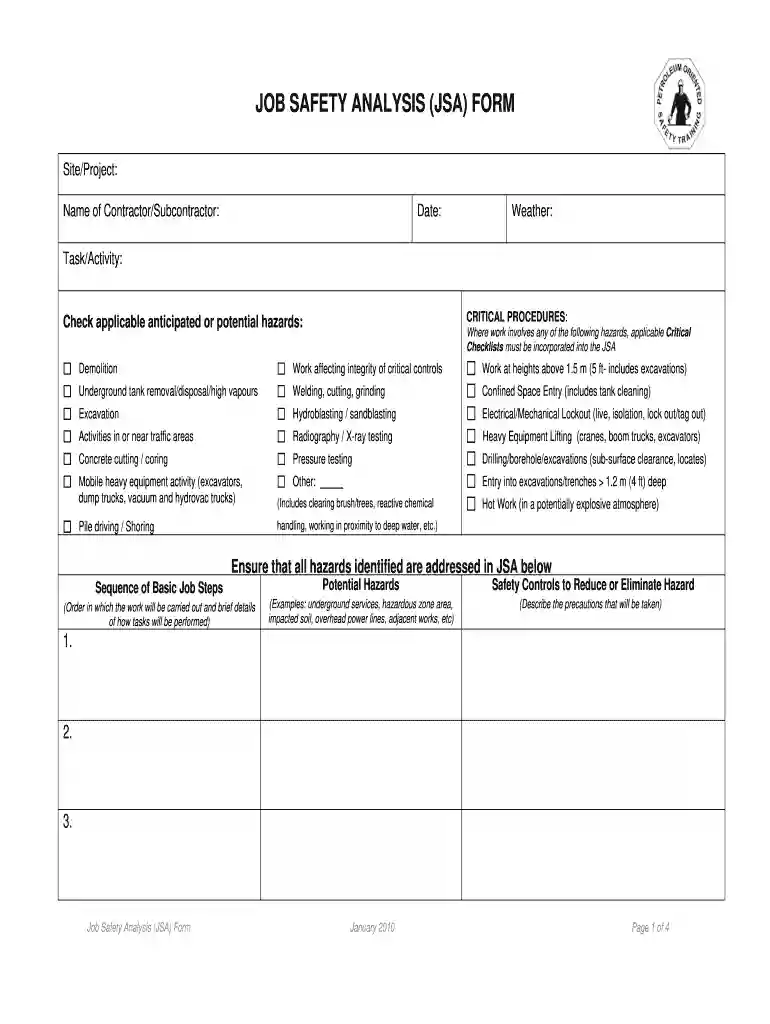
Send sand blasting jsa via email, link, or fax. You can also download it, export it or print it out.

Start using our platform today to streamline your JSA process for free!
We've got more versions of the job safety analysis jsa form. Select the right job safety analysis jsa version from the list and start editing it straight away!
| Versions | Form popularity | Fillable & printable |
|---|---|---|
| 2010 | 4.5 Satisfied (61 Votes) |
At DocHub, your data security is our priority. We follow HIPAA, SOC2, GDPR, and other standards, so you can work on your documents with confidence.
Sand blasting operations create static charge; potential ignition source if hydrocarbons are present on material; can result in exposure to toxic materials.Read more
Abrasive blasting operations can create high levels of dust and noise. Abrasive material and the surface being blasted may contain toxic materials (e.g., leadRead more
Aug 5, 2018 SANDBLASTING. GUN, DELIVERY HOSE, 4. CERAMIC NOZZLES AND. SAFETY HOOD JSA 228G. N666 JSD. JSK 204. K10 JSM. A129 JSO. JSR 640. JSV 315. X54Read more


