
Get any PDF form from the DocHub library of ready-made templates - Page 2085
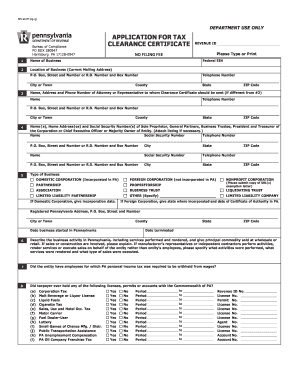
Rev 181 instructions
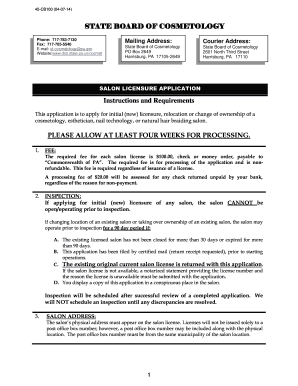
STATE BOARD OF COSMETOLOGY - Enterprise Portal Information - portal state pa
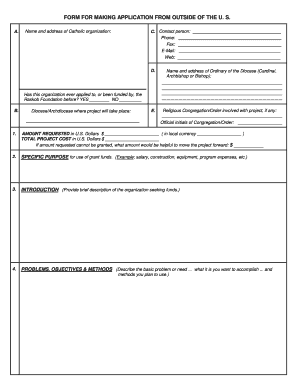
Raskob foundation grant application form
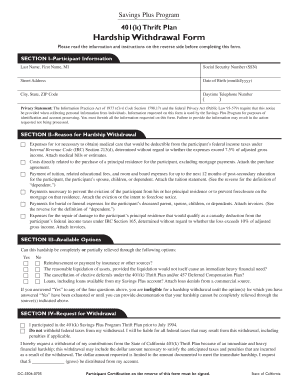
Nationwide 401k withdrawal form
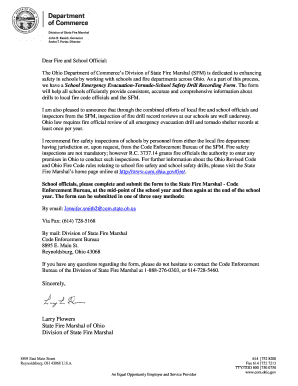
Emergency evacuation drills

Nh annual reports form online
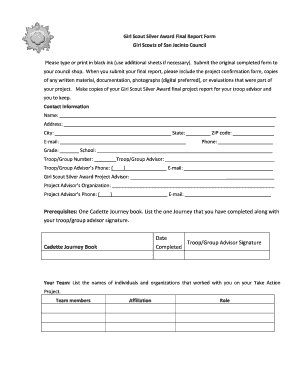
Form award final report
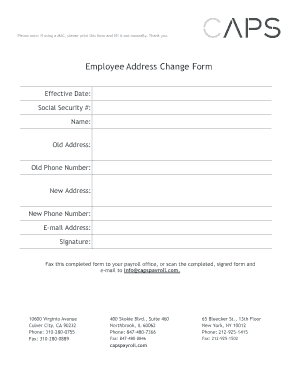
Caps payroll state id number

Lifeworks application
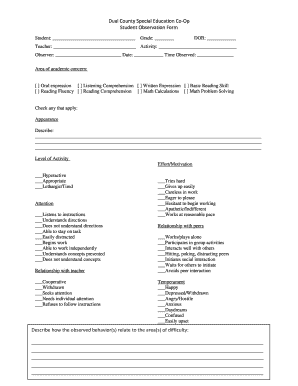
Printable student observation form
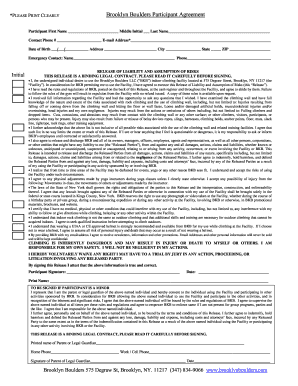
Brooklyn boulders waiver
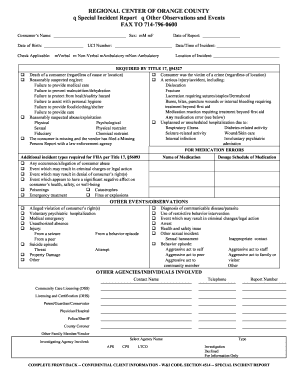
Incident report other sample
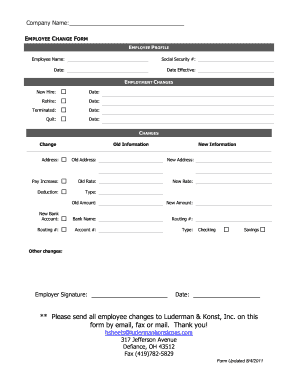
Pay rate change form template
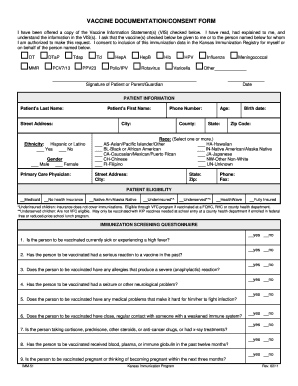
Vaccine lodger forms
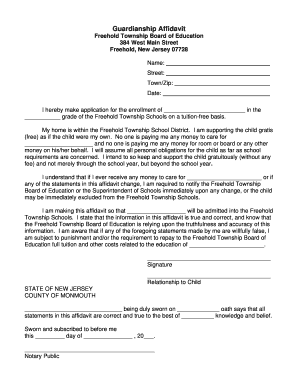
Guardian affidavit for school admission
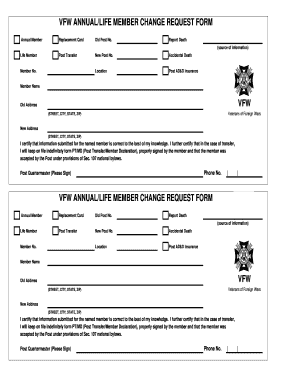
Vfw member at large

Dd 2215

Administrative Office - Massachusetts General Hospital - massgeneral

Self employment income

Uhc waiver of liability form editable
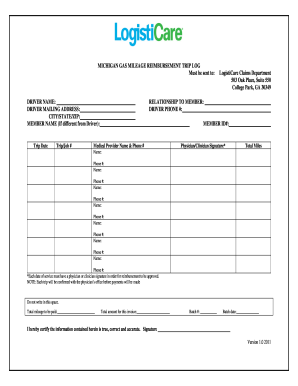
Logisticare gas reimbursement schedule michigan 2011 form
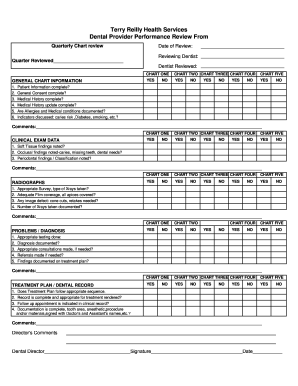
Dental provider performance review
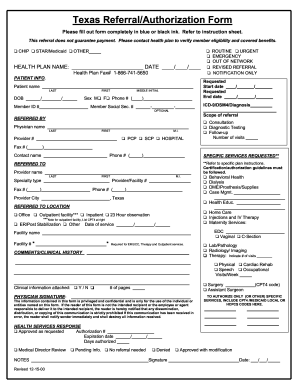
Driscoll prior authorization form
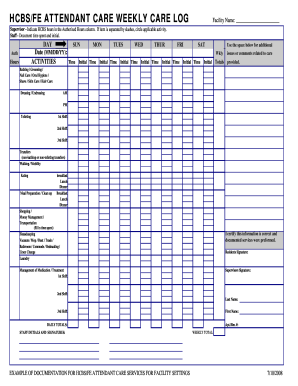
Hcbs care log form
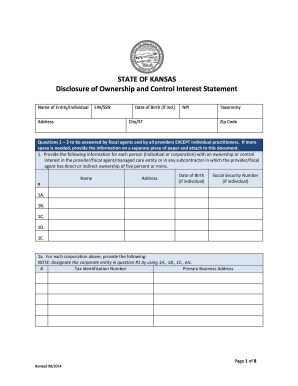
Ks disclosure 2014 form
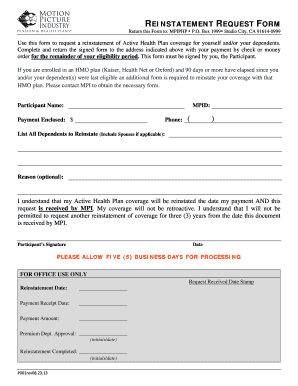
Motion for reinstatement
Uhcmv0895 form
Outpatient request form health
Mutual omaha form
First aid treatment form
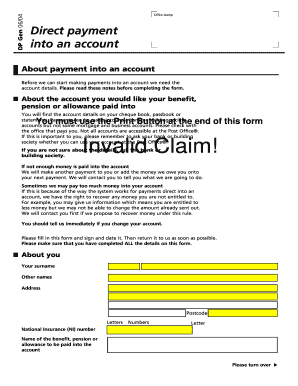
Dp gen form
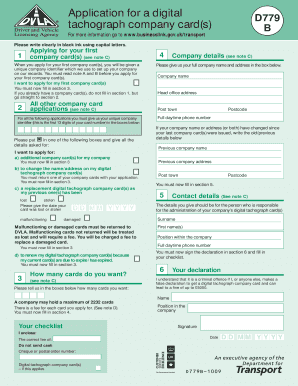
D777 ni application form download

Pa unclaimed property form ap 2
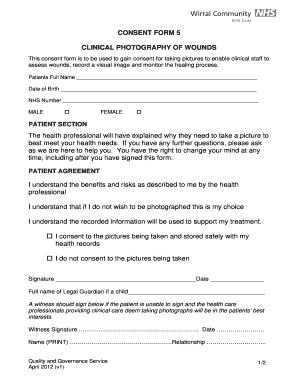
Uk consent form wounds

Lead paint disclosure form pa
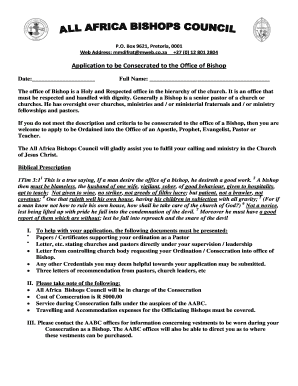
South africa application office

Emm wholesale
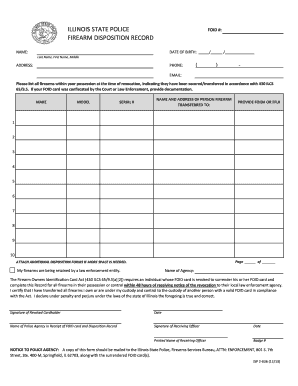
Firearm disposition record
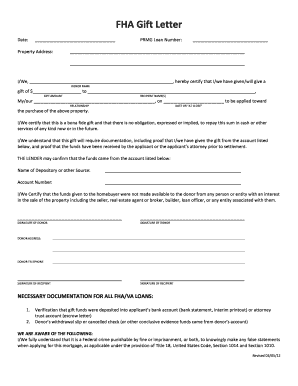
Fha gift letter

Health and welfare work verification form
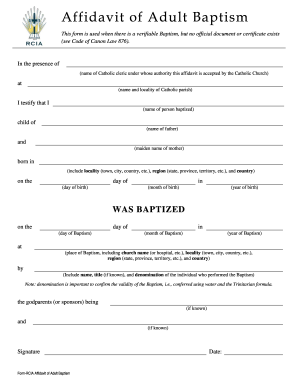
Affidavit of baptism
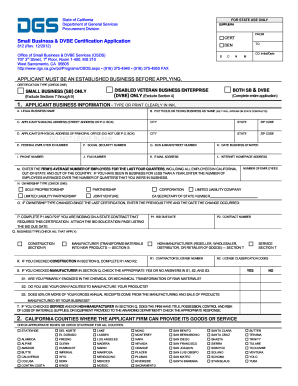
California small dvbe certification
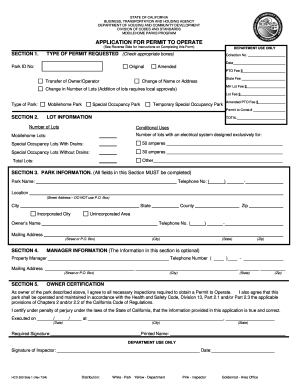
California hcd operate online

California work week agreement form
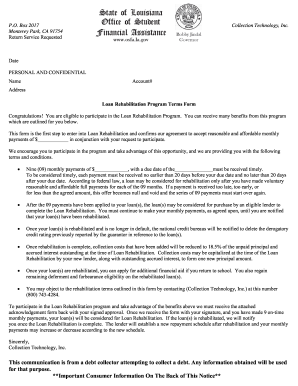
Rehabilitation agreement letter

Adc inmate banking

Behavior report form

Lehman s readmission
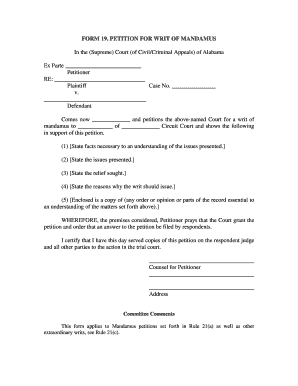
Writ of mandamus format pdf

Alabama lien release

Psal parental consent form
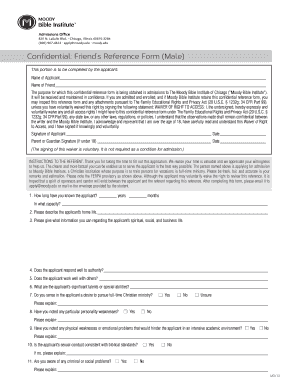
Friend reference form sample
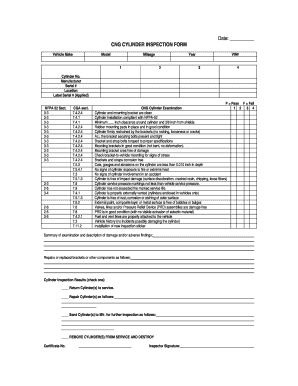
Cng cylinder testing certificate online

Yeale new haven health forms
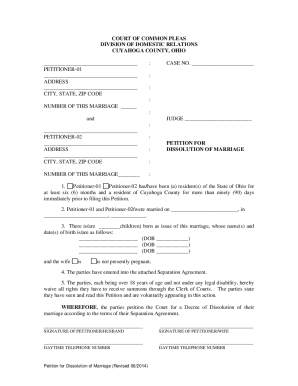
Dissolution of marriage

Uhc appeal form

Colorado Uniform Employee Application for Small Group Health ...
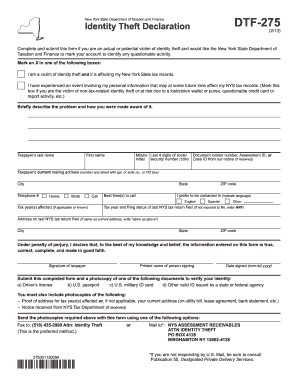
Dtf 275

St123 2014 form

Company elc illinois pdf
Assembly standard 1015
2014 1099g form
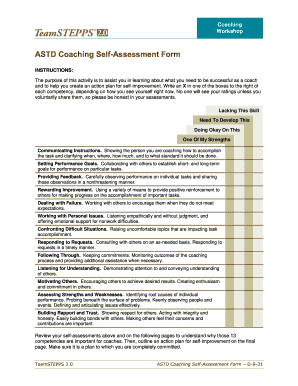
Coaching self assessment

Appeal form vvc

Chet advisor 529 application form

Youth empowerment project proposal pdf
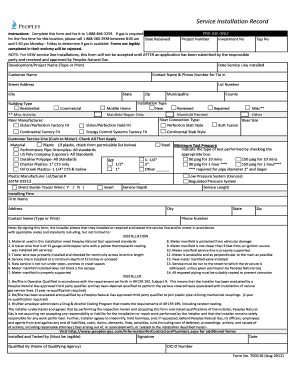
Form 700116 Service Installation Record Aug 2012 - Peoples ...
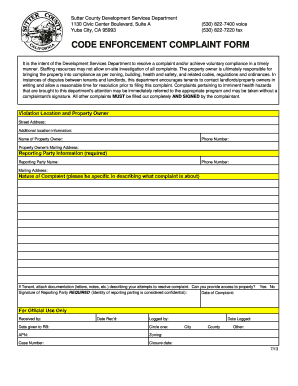
Sutter county code enforcement
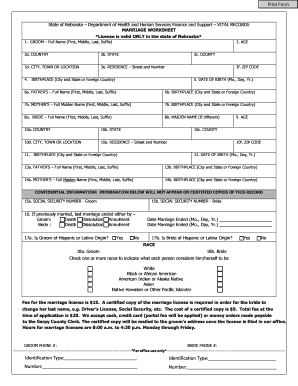
Nebraska marriage license application

Reference check form filled sample
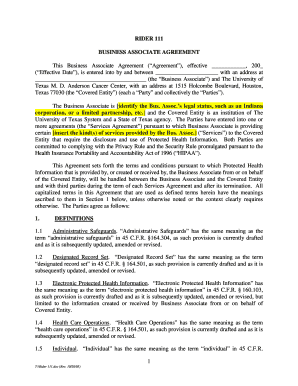
Business associate agreement
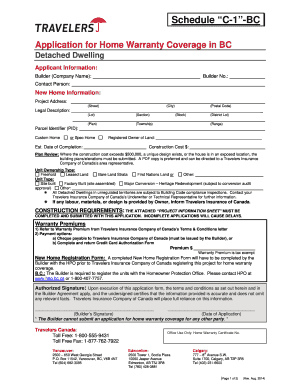
Travelers schedule c 1 bc

Dot forms educateiowa print

Intercept eft direct deposit form

Accident Incident Report Form - Suwannee County School District
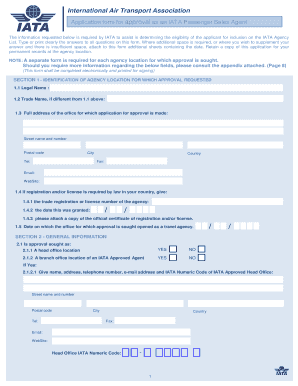
Printable iata awb form
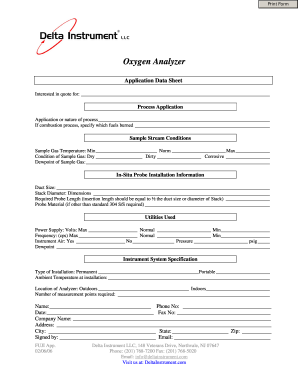
Appsheet tutorial pdf
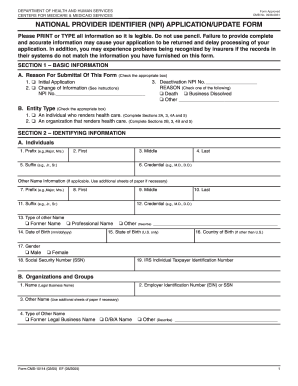
OMB No. 0938-0931 NATIONAL PROVIDER IDENTIFIER (NPI ...
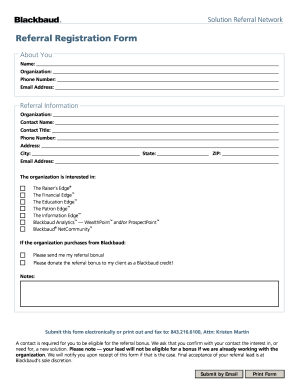
Referral registration
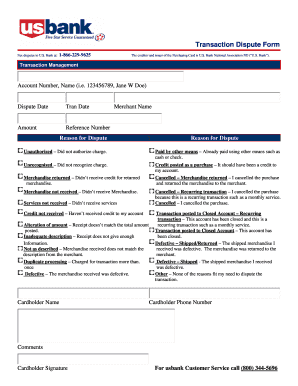
Reliacard dispute
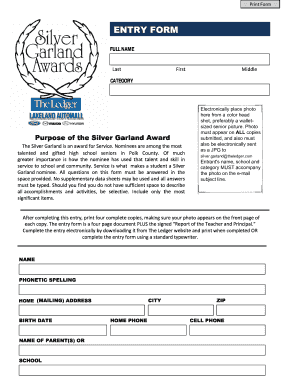
Silver garland award
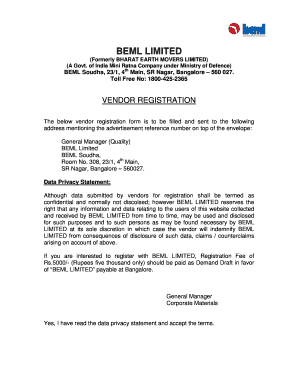
Beml vendor registration
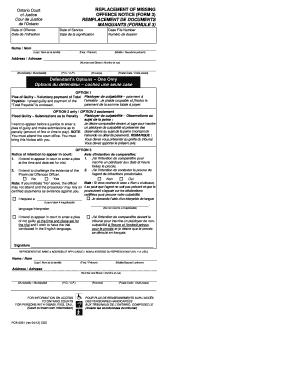
Form 3 offence replacement
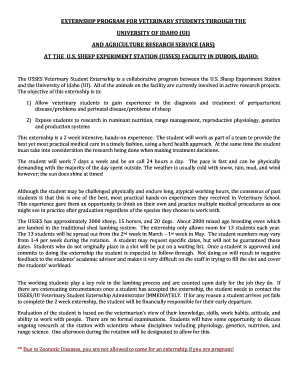
Idaho sheep experiment station externship form
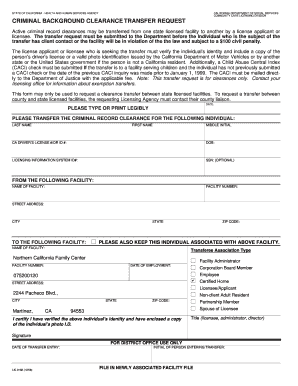
Lic 9182 circuit 2006 form

Md assessment dhr
Laboratory schedule template
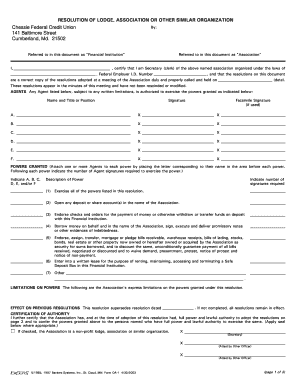
Resolution of lodge association or other similar organization

Transfer incident to divorce form
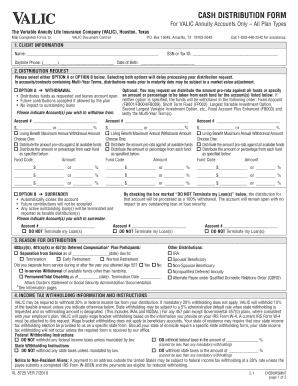
Valic forms
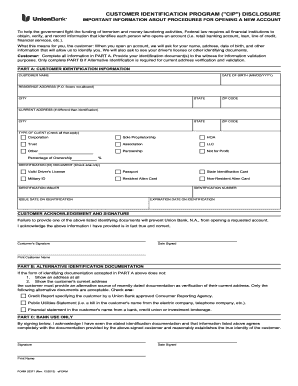
Bank identification disclosure pdf

Patient referral form template pdf
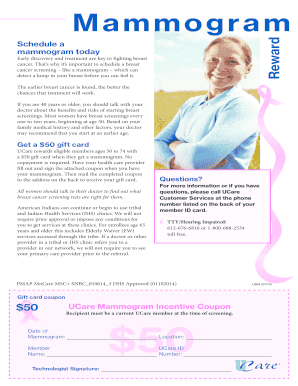
Mammogram screening appointment paperwork form
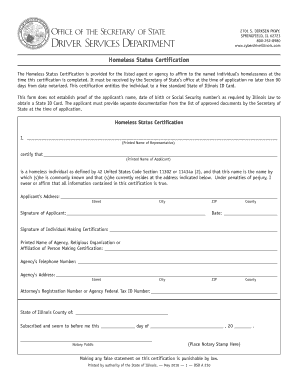
Homeless letter verification

CTS3460 - Response. Is a reply by the Respondent of a Claim made by an applicant to the Court for Orders to be granted under the Family Law Act. This form is a result of the new Family Law Act, which is in effect October 1, 2005. - - - - -
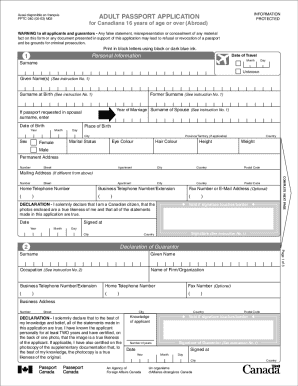
Pptc040a
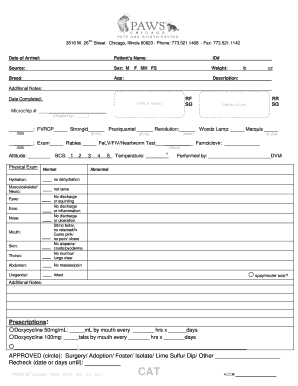
Cat Medical Intake Form - maddiesfund
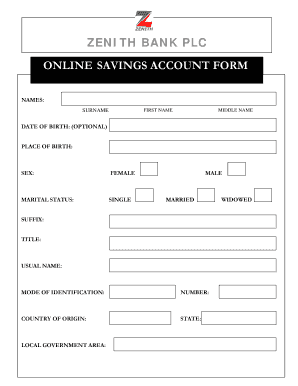
Zenith bank account opening form pdf
Student Information Update Form - Muscogee (Creek) Nation
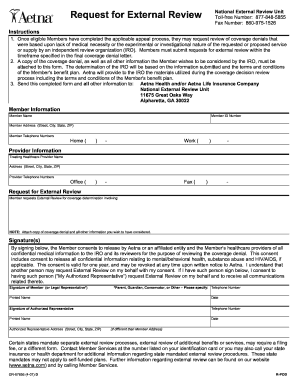
Aetna request for external review form
Benefit from the DocHub online library of fillable PDF forms
Searching the PDF forms doesn't have to be a tedious and time-consuming process. With the DocHub online library, it has become easier to find the fillable PDF forms and modify them in your browser. The service allows you to adjust the document to your needs using powerful editing tools.
You can use online document editing features to modify almost any type of document with ease. You just need to find the template of your choice, open it in the editor, and use the toolbar to make the necessary corrections.
Follow this guide to get your document done with DocHub:
- Find the PDF template you need.
- Click the Get Form button to open the file in the editor.
- Use the toolbar to fill out and edit the document.
- Easily add and highlight text, insert images, checkmarks, and symbols.
- Drop new fillable fields, and rearrange or delete pages from your file.
- Save changes and download your record.
DocHub empowers everyone to streamline document editing, signing, and distribution, and form completion. Create an account and benefit from our well-organized PDF Forms library and comprehensive editor.