




01. Edit your student observation form special education online
Type text, add images, blackout confidential details, add comments, highlights and more.

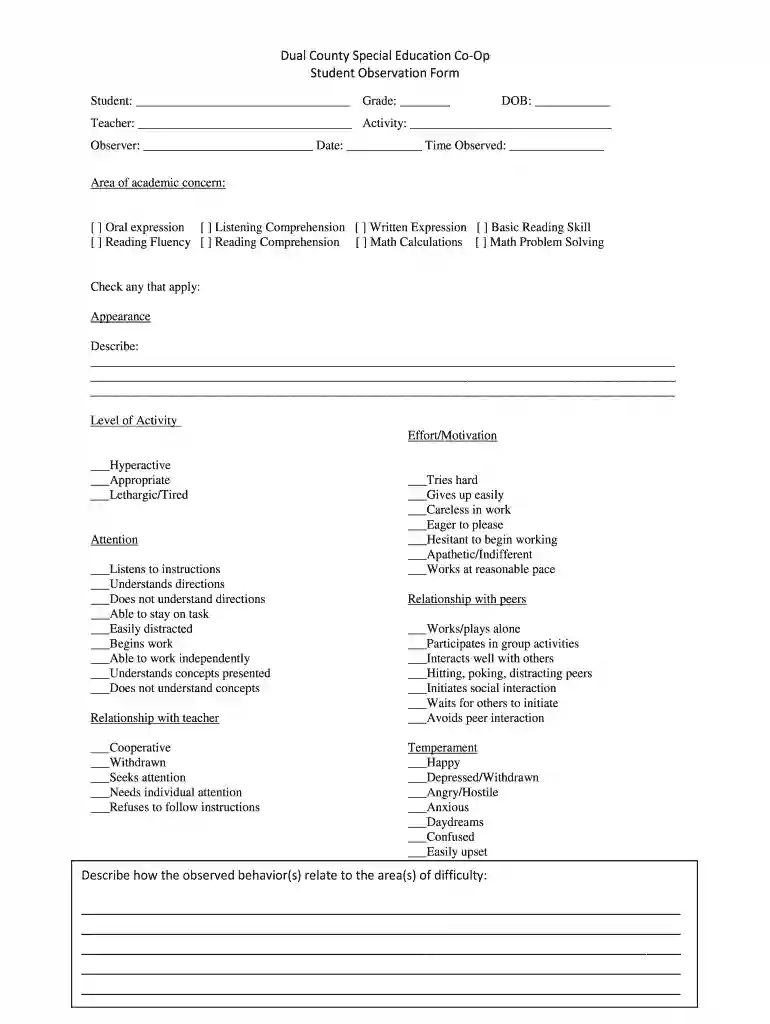
Type text, add images, blackout confidential details, add comments, highlights and more.

Draw your signature, type it, upload its image, or use your mobile device as a signature pad.

Send free printable student observation form via email, link, or fax. You can also download it, export it or print it out.

Start using our platform today to streamline your document editing and enhance your observation process for free!
Yes, electronically drawing your signature is acceptable, but only if you use a tool that complies with industry laws and regulations. Consider DocHub, which guarantees eSignature validity under ESIGN and UETA requirements. All you need to eSign your special education student observation form is an account with DocHub and an internet connection. After you open your paperwork in our editor, click Sign and choose the Draw tool.
As a comprehensive document modifying service, DocHub is accessible on mobile phones. Open DocHub in your choice of mobile browser and employ our smart mobile-friendly toolset to fill out your student observation form pdf.
At DocHub, your data security is our priority. We follow HIPAA, SOC2, GDPR, and other standards, so you can work on your documents with confidence.
The University Laboratory (Place) University Laboratory is a Laboratory of your own which offers a host of engaging experiments and many new opportunitiesRead more
Classroom Observation Checklist. 1. Date Teacher monitors student performance (Eyes and ears on students). 1. 2. 3. 4. 3. Teacher provides feedback thatRead more
Classroom Observation Form. Instructor (state location and physical attributes of classroom, number of students in attendance, layout of roomRead more


