
Get any PDF form from the DocHub library of ready-made templates - Page 2076
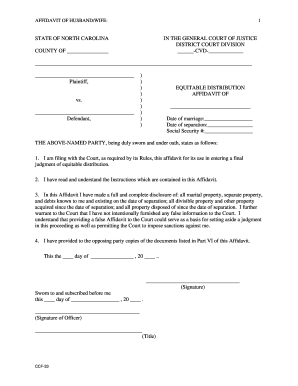
Ccf 33 distribution affidavit
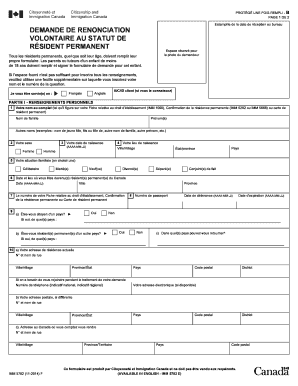
Imm 5257 pdf
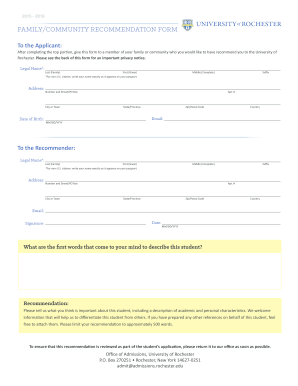
Family community recommendation
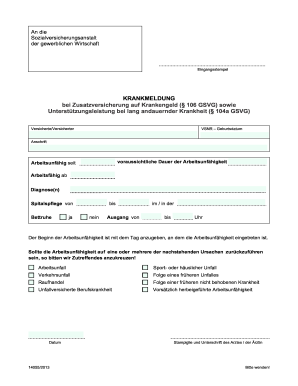
Krankmeldung pdf
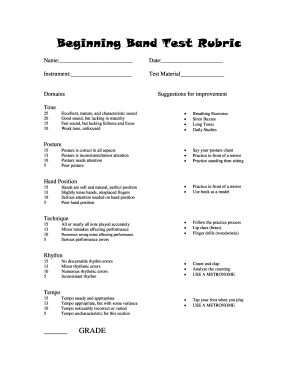
Beginning band test
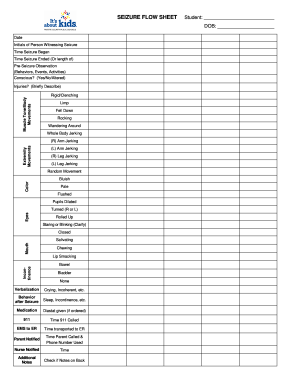
Flow Sheet - Seizure
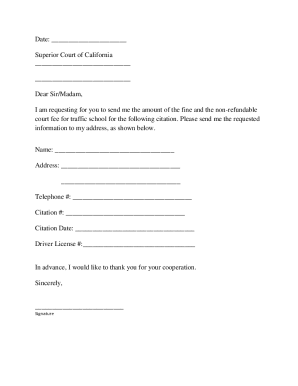
Traffic fine reduction letter example pdf
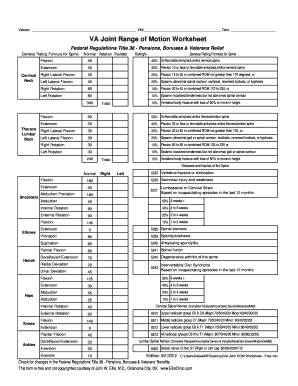
Range of motion assessment pdf
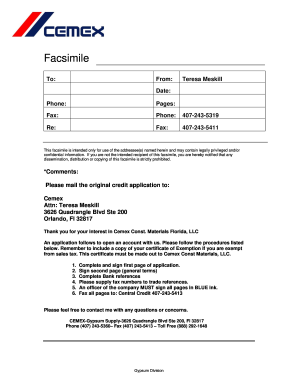
Cemex credit application
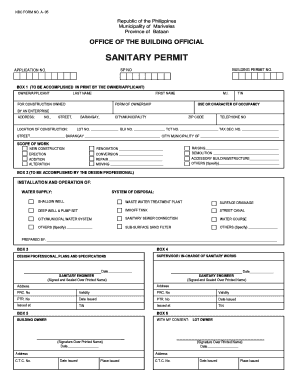
Sanitary permit sample
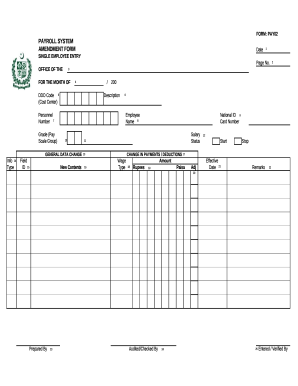
Change form education department

Standard Operating Procedures - Livingston County

Maryland healthcare connection forms pdf

West palm beach police alarm registration form
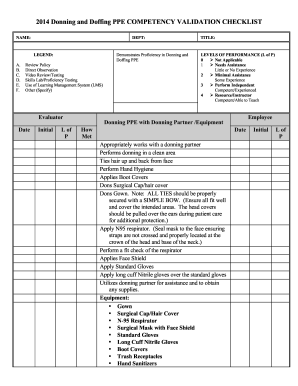
Donning doffing ppe checklist
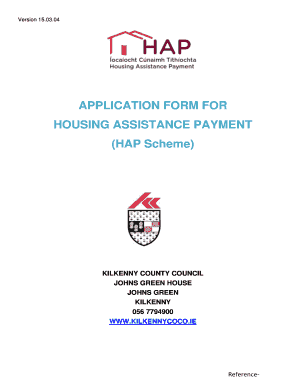
Hap application form pdf
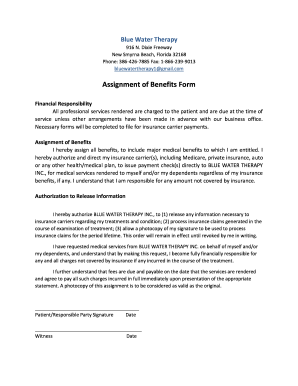
Assignment of benefits roofing form pdf
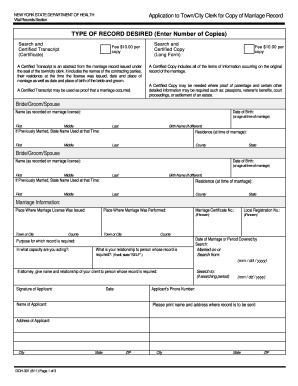
Online marriage certificate
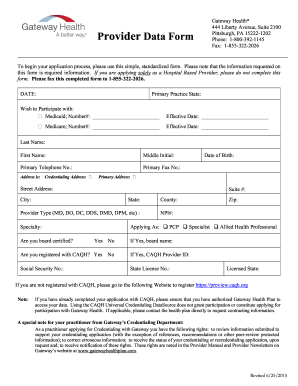
Data form gateway pdf
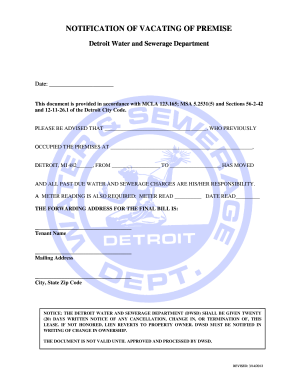
Notification vacating premise template

Storyboard template digital
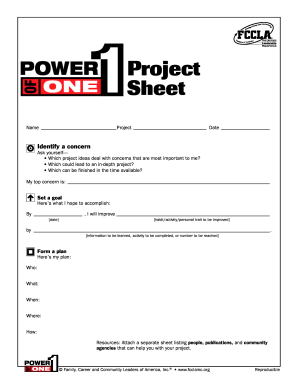
Power of one fccla
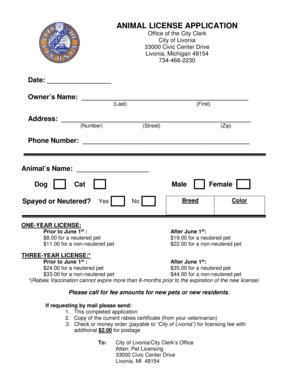
Livonia dog license
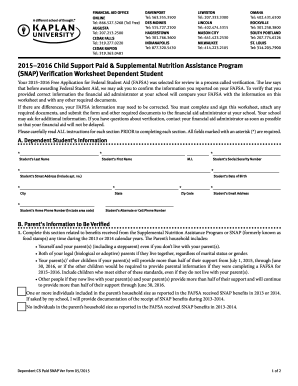
Snap verification

Form 876 transit visa australia
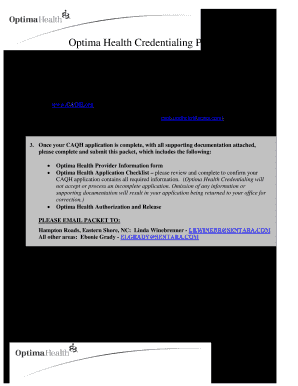
Optima credentialing
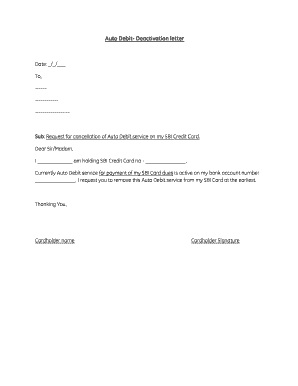
Sbi auto debit deactivation form
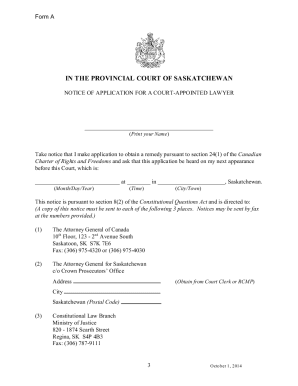
Court appointed counsel saskatchewan
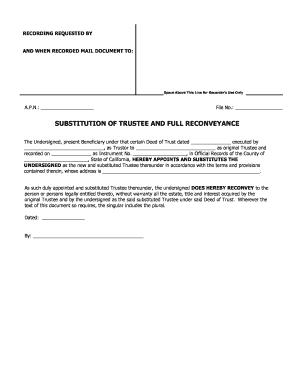
Substitution of trustee and full reconveyance - First American Title

Colorado tangible net benefit disclosure

Form d
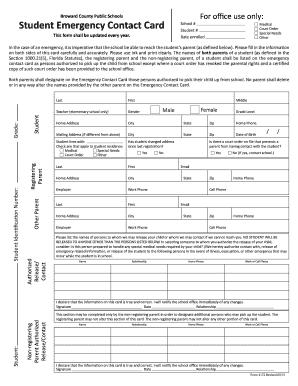
School board of broward county florida ese form
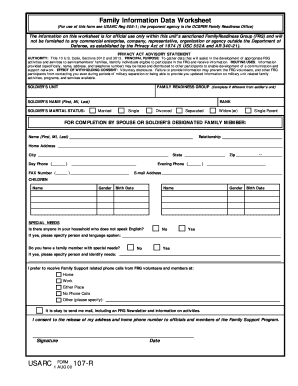
107 r fillable 2000 form

Program letter airworthiness certificate
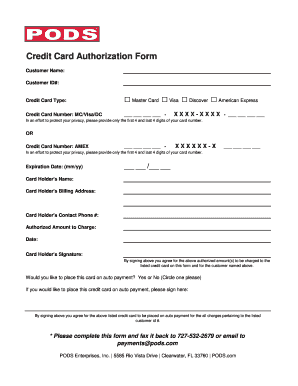
Pods card authorization form
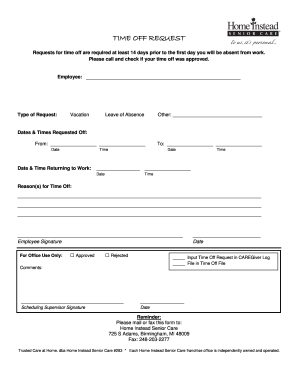
Home instead time off request

Gold gym admission form pdf
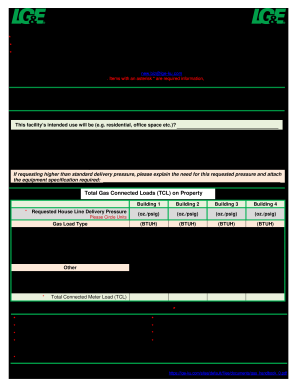
Gas load
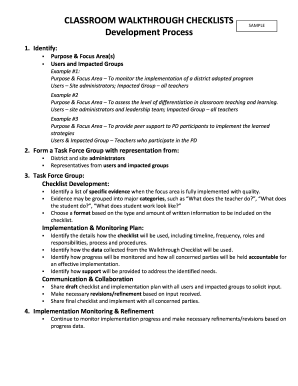
Checklist for 1 year warranty walkthrough
Programs to guide healthy eating for entire family school programs

Clermont county municipal court

Td letter of direction

Form 79

Mt103 manual download pdf
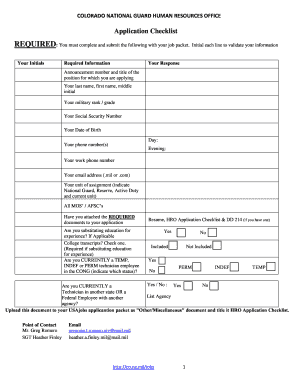
Co hro
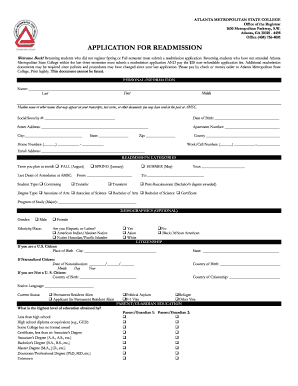
Atlanta metropolitan state college
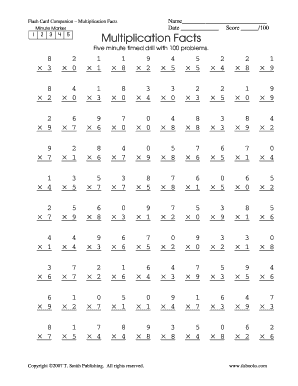
1 minute multiplication drills pdf

Sag final cast list
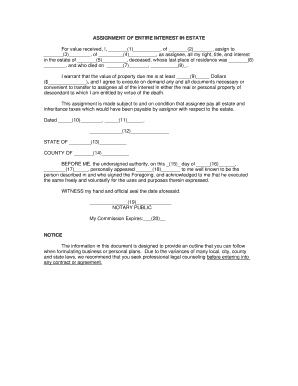
Assignment of interest in estate form
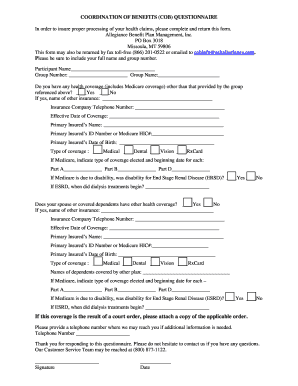
Benefits cob questionnaire

Pakistan visa application form houston
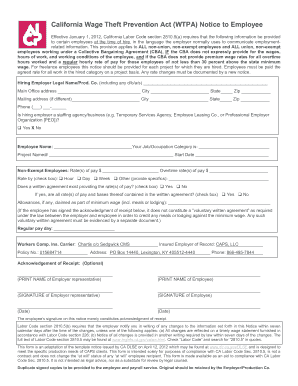
California wage theft form

Deed of distribution south carolina 2014 form
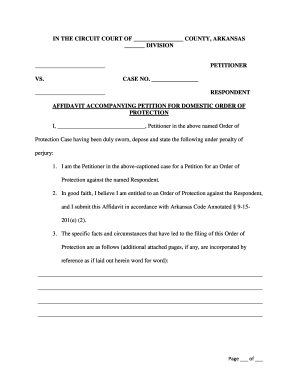
Arkansas affidavit order protection
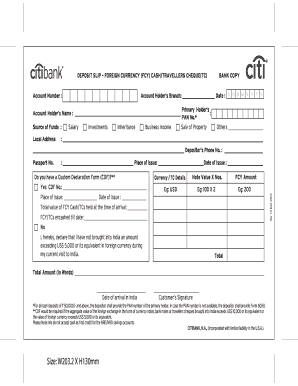
Money inheritance document pdf
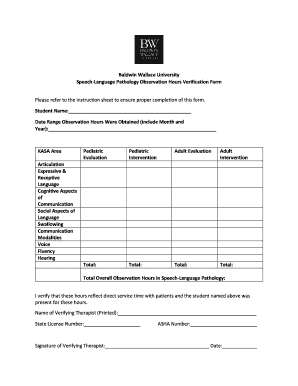
Speech-Language Pathology Observation Hours Verification Form - bw
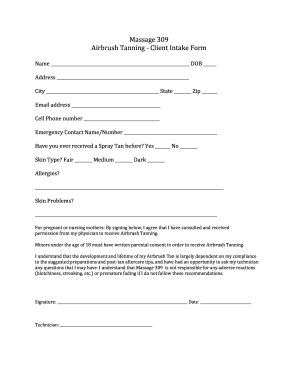
Spray tan intake form
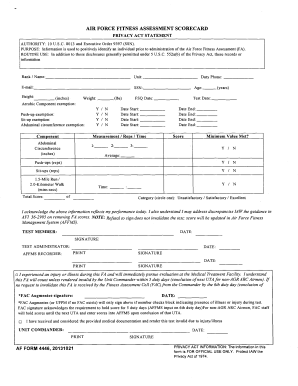
Af form 4446
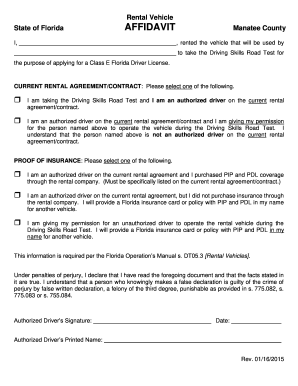
Rental Vehicle Affidavit - Taxcollectorcom
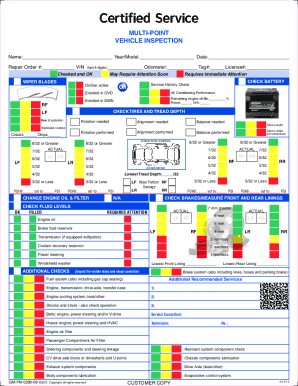
Printable multi point vehicle inspection
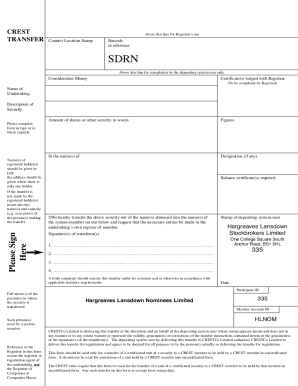
Crest transfer form
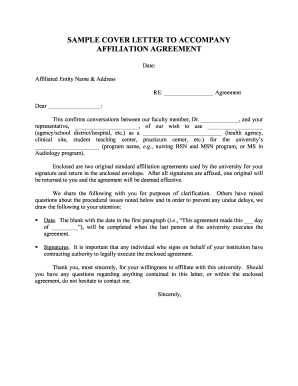
Letter of affiliation between companies

Denton county jury duty questionnaire

Marriage license denton

Pennsylvania subpoena
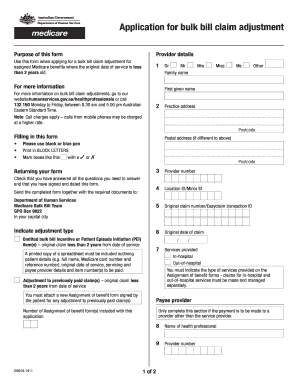
Db018
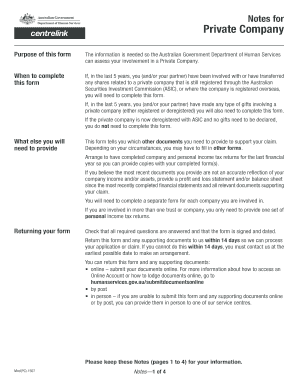
Notes for Private Company Purpose of this form The information is needed so the Australian Government Department of Human Services can assess your involvement in a Private Company - humanservices gov
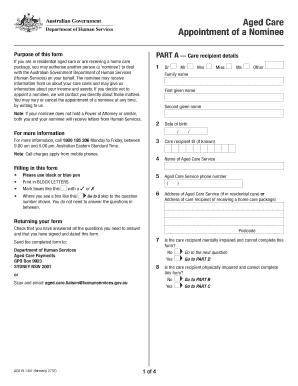
Ac019

Cs4649
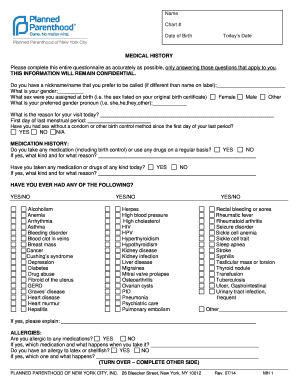
Medical History Form - Planned Parenthood - plannedparenthood

South sudan visa form
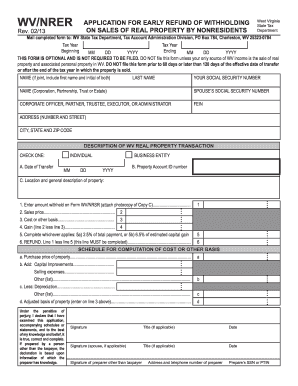
Wv wvnrer tax

Electrical load calculation worksheet
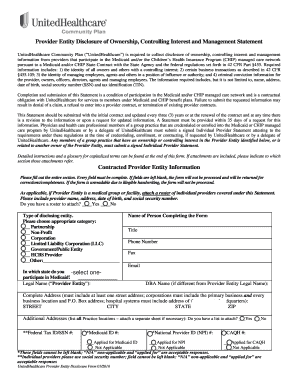
United healthcare disclosure of ownership control interest and management statement form
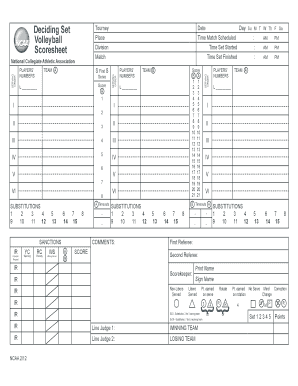
Ncaa volleyball scoresheet

Attendant care forms

Leistungsantrag debeka pdf

Triwest initial evaluation report

Isp1811
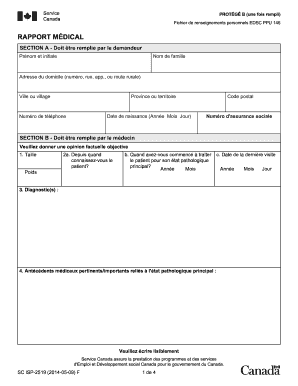
Isp 2519
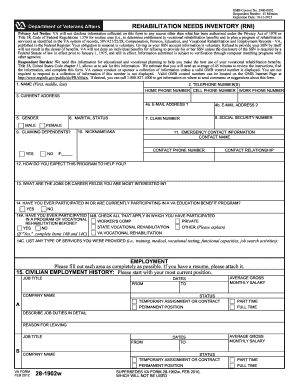
Va form 28 1902w
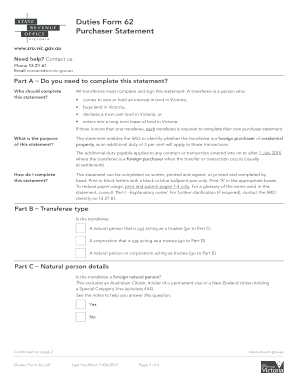
Form victoria statement state
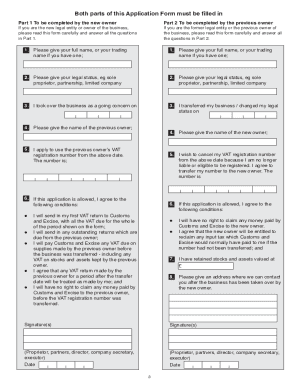
Vat 68 form online
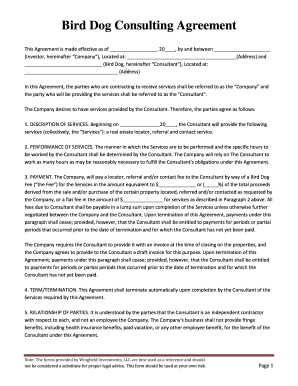
Bird Dog Consulting Agreement - Wingfield Investments
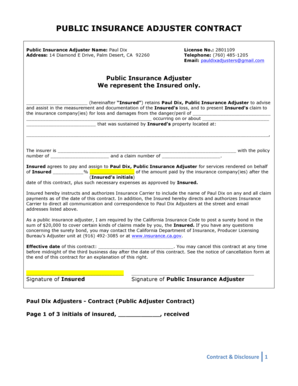
PJ Disclosure and Contract 3.doc
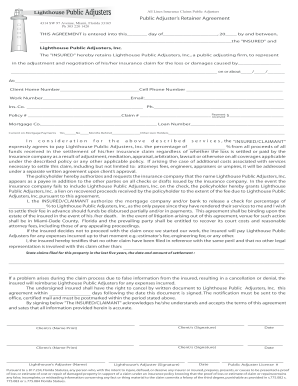
Adjusters retainer
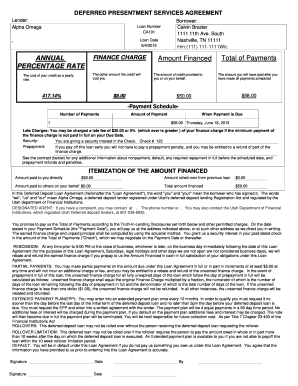
Title pledge agreement
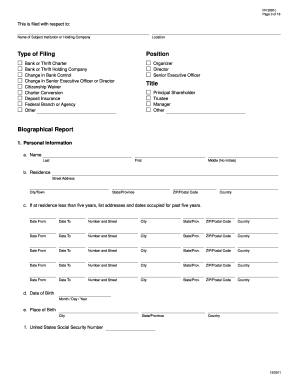
FR 2081c. Interagency Biographical and Financial Report - federalreserve
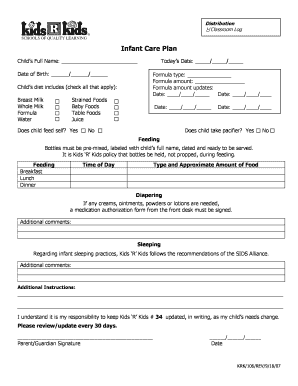
Printable baby information sheet
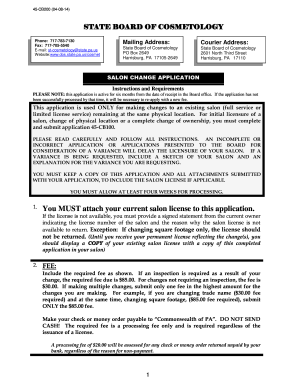
Application for Cosmetology Salon License - PA .gov
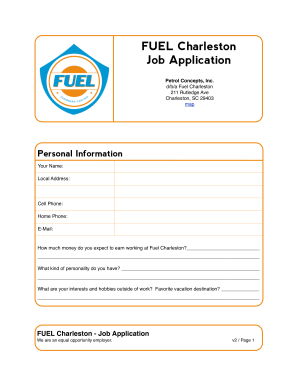
FUEL Charleston Job Application
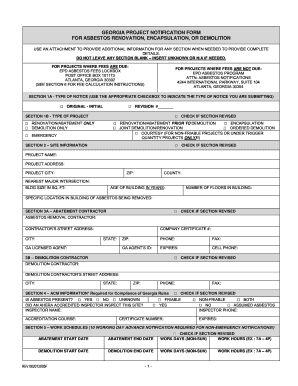
Edwp notification form
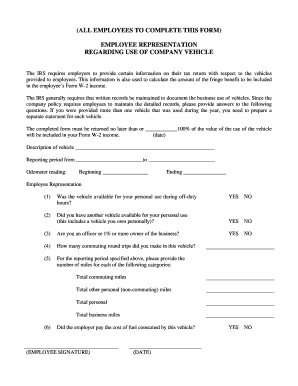
Company vehicle use agreement form pdf
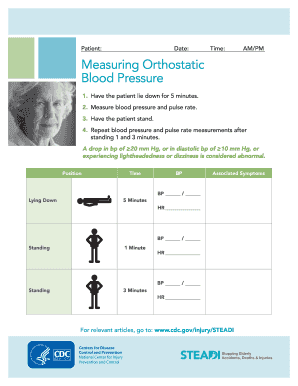
Orthostatic vitals
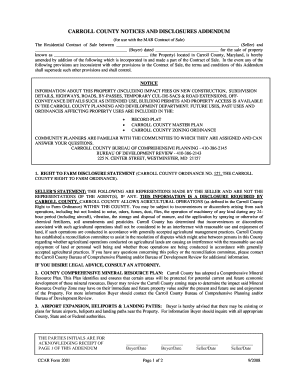
Carroll county addendum blank
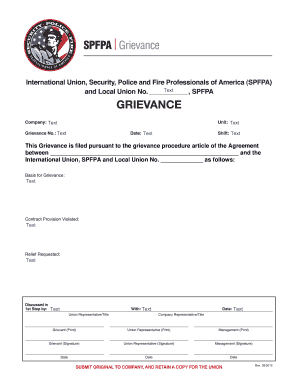
Spfpa form
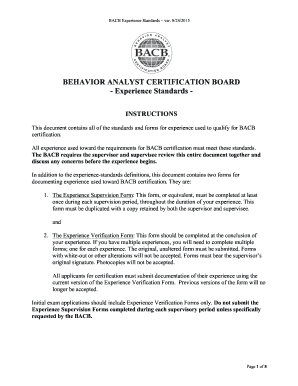
Bacb monthly verification form 2022
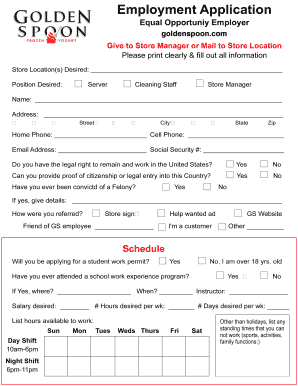
Golden spoon application
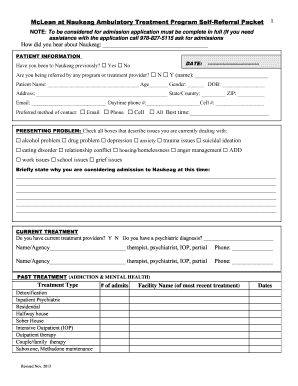
Naukeag referral packet 2013 form
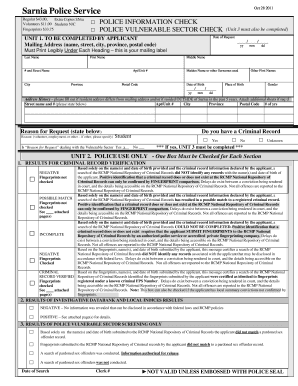
Sarnia police check
Benefit from the DocHub online library of fillable PDF forms
Searching the PDF forms doesn't have to be a tedious and time-consuming process. With the DocHub online library, it has become easier to find the fillable PDF forms and modify them in your browser. The service allows you to adjust the document to your needs using powerful editing tools.
You can use online document editing features to modify almost any type of document with ease. You just need to find the template of your choice, open it in the editor, and use the toolbar to make the necessary corrections.
Follow this guide to get your document done with DocHub:
- Find the PDF template you need.
- Click the Get Form button to open the file in the editor.
- Use the toolbar to fill out and edit the document.
- Easily add and highlight text, insert images, checkmarks, and symbols.
- Drop new fillable fields, and rearrange or delete pages from your file.
- Save changes and download your record.
DocHub empowers everyone to streamline document editing, signing, and distribution, and form completion. Create an account and benefit from our well-organized PDF Forms library and comprehensive editor.