



01. Edit your gateway prior auth form online
Type text, add images, blackout confidential details, add comments, highlights and more.

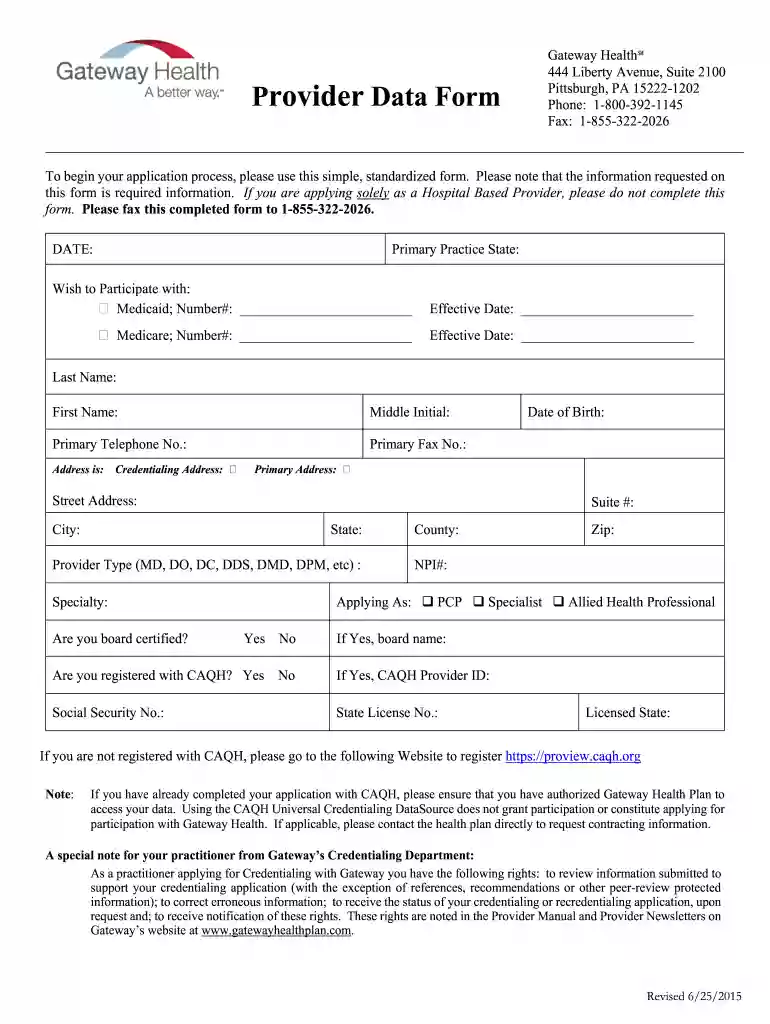
Type text, add images, blackout confidential details, add comments, highlights and more.

Draw your signature, type it, upload its image, or use your mobile device as a signature pad.

Send gateway prior authorization form via email, link, or fax. You can also download it, export it or print it out.

Start using our platform today for free to streamline your document editing and form completion!
We've got more versions of the gateway prior auth form form. Select the right gateway prior auth form version from the list and start editing it straight away!
| Versions | Form popularity | Fillable & printable |
|---|---|---|
| 2015 | 4.9 Satisfied (56 Votes) |
Sure, you’ll find many different apps for this on the web. However, if you need to eSign your data form gateway pdf without installing extra software, DocHub is the best choice you can make. This robust editor works on mobile devices just as on desktops. Open our editor in any internet browser, register or sign in to your account, and start managing your forms.
You need only a web connection and a browser to fill out your data form gateway pdf on an iOS phone. Open the DocHub website and authenticate. Then, add your file or choose it from the list in your dashboard. Then use our editing tools to fill out your form and preserve all your adjustments. You can also send it to a dedicated recipient right away.
At DocHub, your data security is our priority. We follow HIPAA, SOC2, GDPR, and other standards, so you can work on your documents with confidence.
Allot Service Gateway Sigma E (SG-Sigma E) is a carrier-grade, highly scalable DPI-based platform for service enablement and broadband optimization in fixed
Oct 7, 2022 The Data Exchange Gateway (DEG) is a method for agencies, payroll offices, and shared service centers to electronically transmit data toRead more
*0300404* *0300404*. DATA ADD/CHANGE FORM. Gateway Technical College. PLEASE COMPLETE WITH CURRENT DATA: Todays Date. Student IDRead more


