




01. Edit your california wage theft form online
Type text, add images, blackout confidential details, add comments, highlights and more.

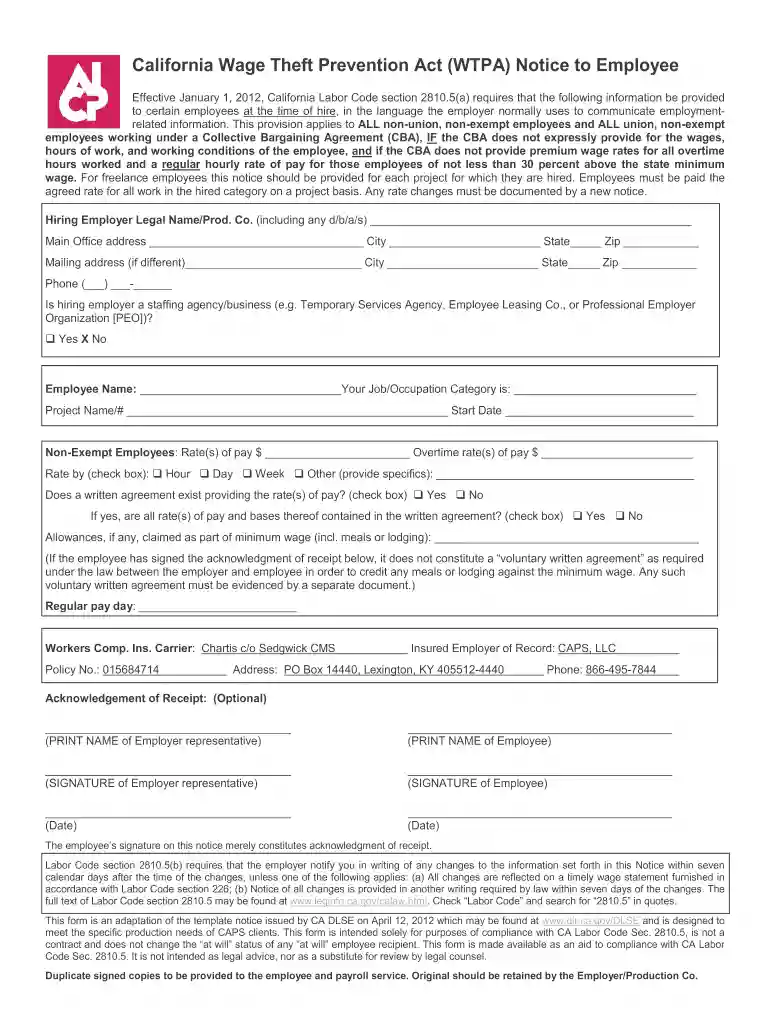
Type text, add images, blackout confidential details, add comments, highlights and more.

Draw your signature, type it, upload its image, or use your mobile device as a signature pad.

Send california wtpa via email, link, or fax. You can also download it, export it or print it out.

Start filling out your California Wage Theft form online for free today!
At DocHub, your data security is our priority. We follow HIPAA, SOC2, GDPR, and other standards, so you can work on your documents with confidence.
Labor Code section 2810.5(b) requires that the employer notify you in writing of any changes to the information set forth in this Notice within seven calendarRead more
Jan 30, 2018 Your employer will include it as wages in box 1 of your Form W-2. If you received Form 1099-S, the gross proceeds for the sale price shouldRead more
This article explains how to file a wage claim, including what. The name of the company should be listed on paystubs, mailing labels, product labels, or.Read more


