




01. Edit your af form 79 online
Type text, add images, blackout confidential details, add comments, highlights and more.

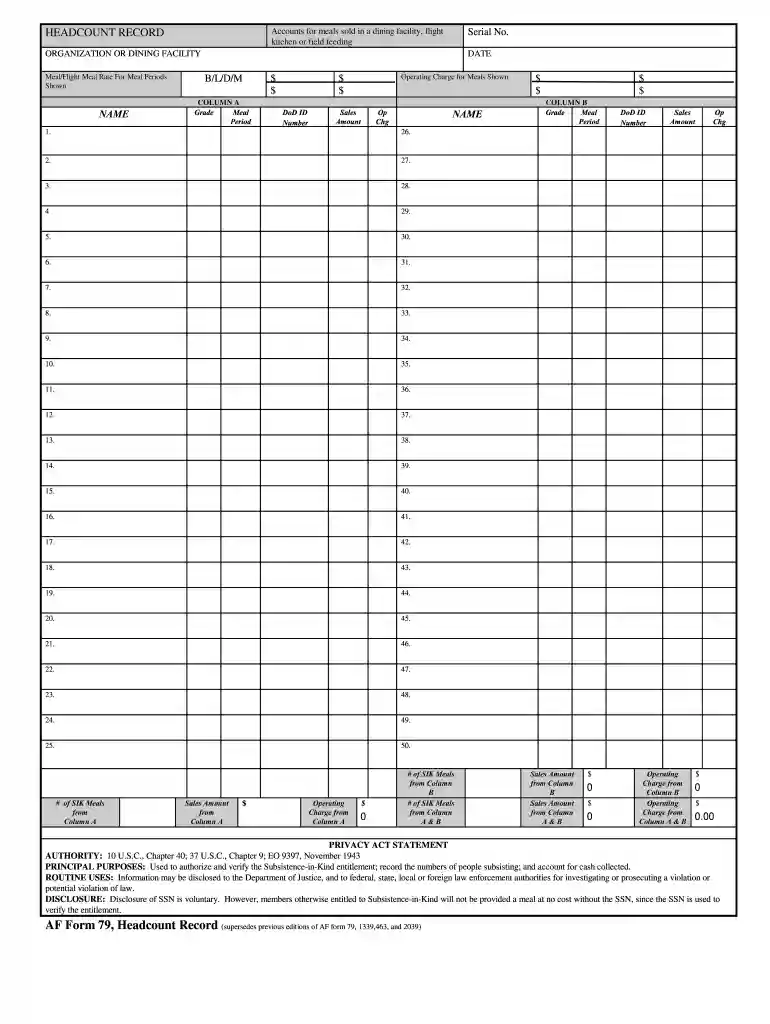
Type text, add images, blackout confidential details, add comments, highlights and more.

Draw your signature, type it, upload its image, or use your mobile device as a signature pad.

Send cbp form 79 via email, link, or fax. You can also download it, export it or print it out.

Start using our platform today to streamline your form completion process for free!
At DocHub, your data security is our priority. We follow HIPAA, SOC2, GDPR, and other standards, so you can work on your documents with confidence.
79-3606(00). Medical supplies and equipment purchased by a nonprofit skilled nursing home or intermediate nursing care home,. K.S.A. 79-3606(Read more
1. Signed, Initialed CBP LEOSA Photographic Identification Applications (CBP form 79) can be submitted within 90 days of the anticipated retirement or.Read more
Jul 28, 2023 Singular they is the standard English gender neutral pronoun for any individual whose gender is unknown or unspecified.Read more


