
Get any PDF form from the DocHub library of ready-made templates - Page 2032
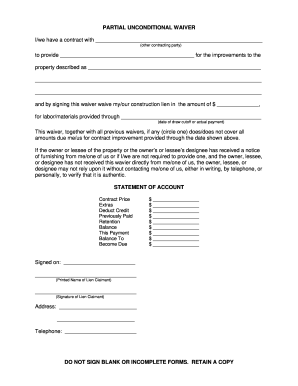
Partial unconditional waiver
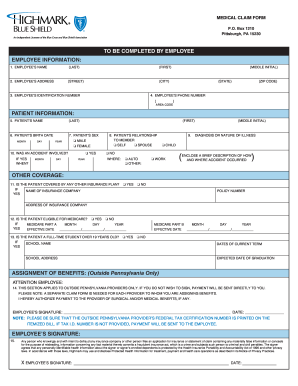
Highmark appeal form pa
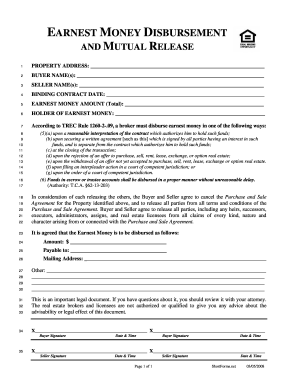
Form to pay earnest money to someone
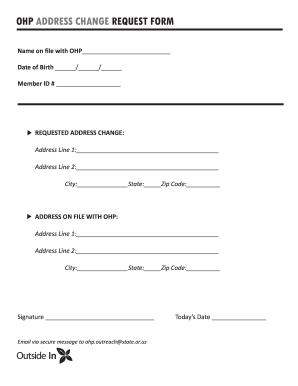
Ohp change form
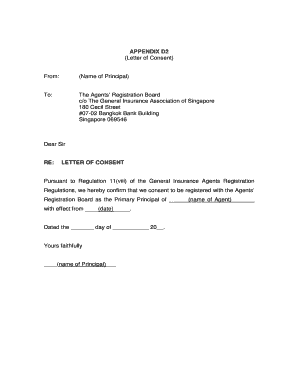
Letter of consent
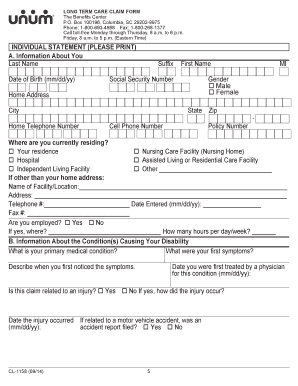
Unum long term care claim form
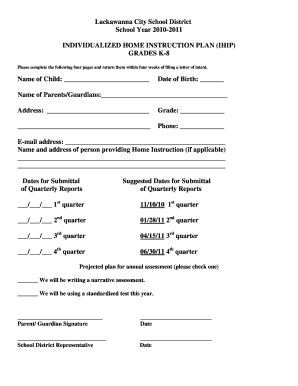
Ihip forms
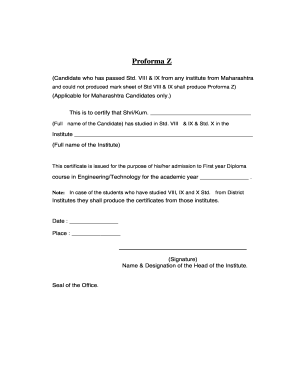
How to fill proforma form
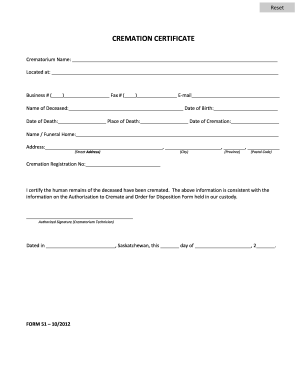
Cremation certificate pdf
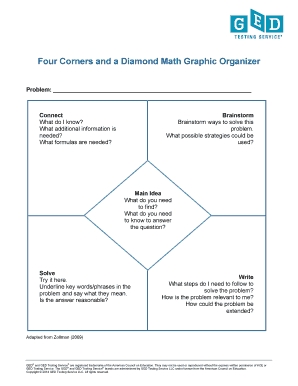
Four Corners and a Diamond Math Graphic Organizer
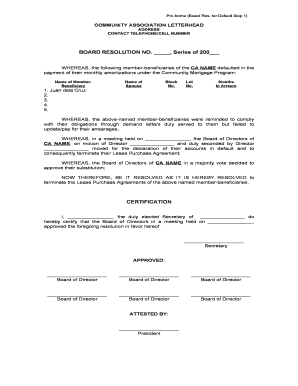
How to write meeting resolution in bengali
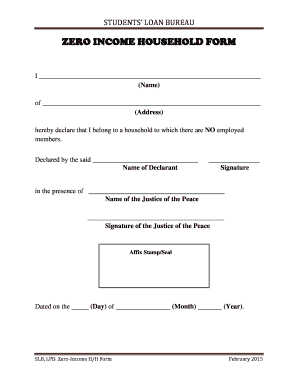
Zero income statement template
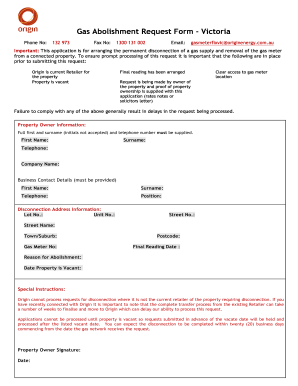
Gas abolishment form victoria

Sample meal break waiver form massachusetts
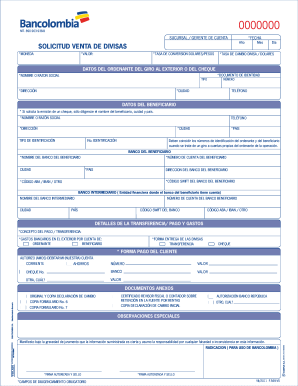
Solicitud venta de divisas bancolombia
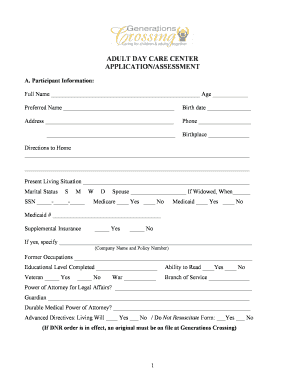
ADULT DAY CARE CENTER APPLICATIONASSESSMENT
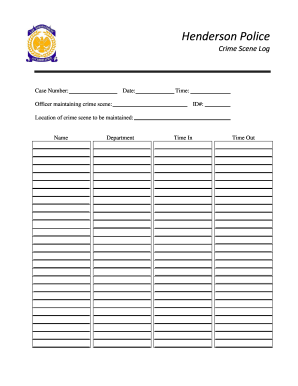
Crime scene log

NSW POLICE FORCE P 862 Application for Incident Report - police nsw gov
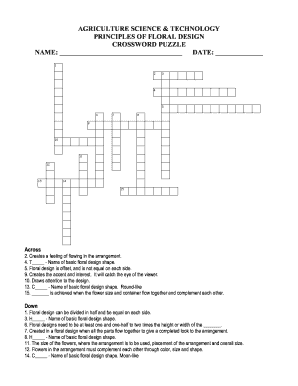
Agednet answers
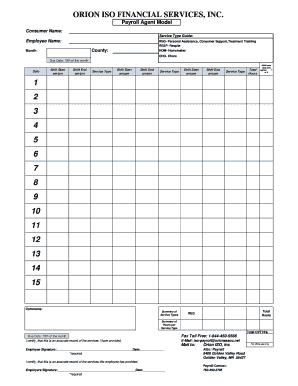
Orion forms
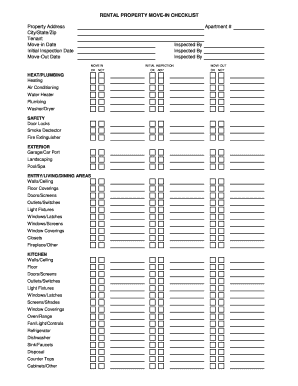
Move in checklist tenant
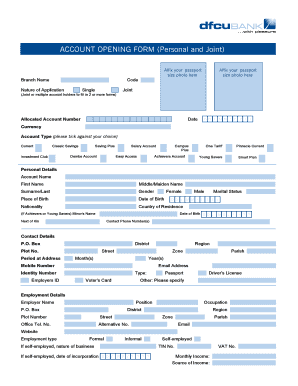
Dfcu online account opening uganda
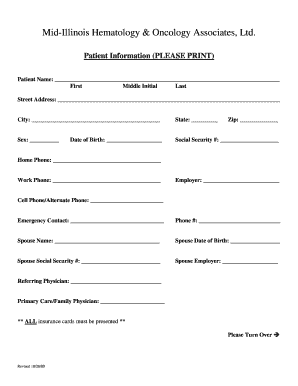
Face sheet
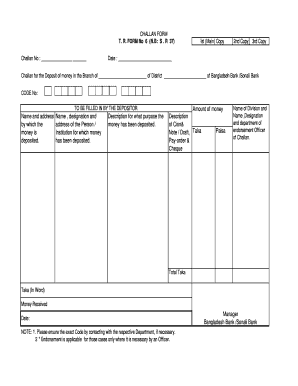
Editable challan form
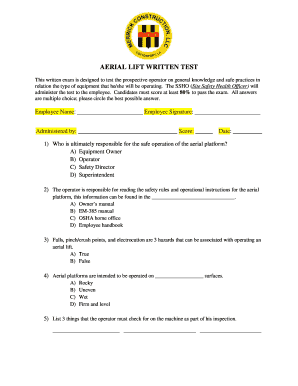
AERIAL LIFT WRITTEN TEST - Merrick Construction LLC
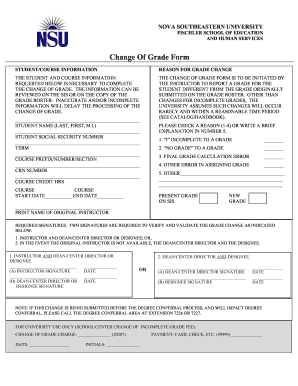
Change fgse online
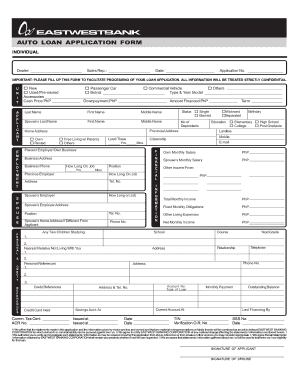
Auto loan application form

Band practice journal
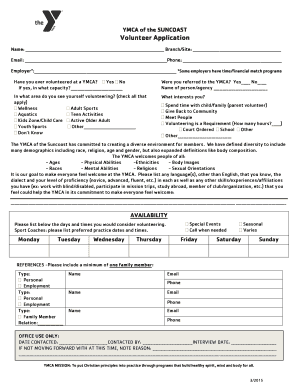
YMCA of the SUNCOAST Volunteer Application - ymcasuncoast

Child visitation log template
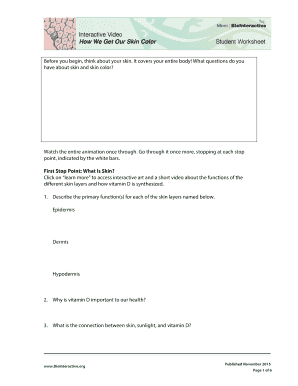
How we get our skin color biointeractive answers
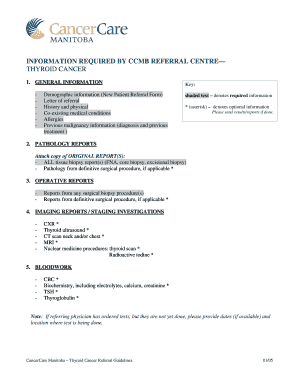
Thyroid Cancer Referral Guidelines
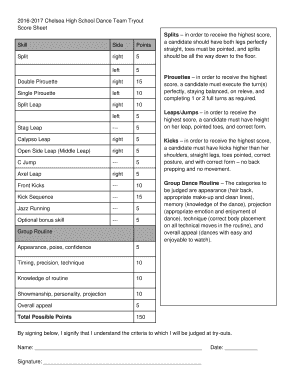
Dance Team Score Sheet b2016b
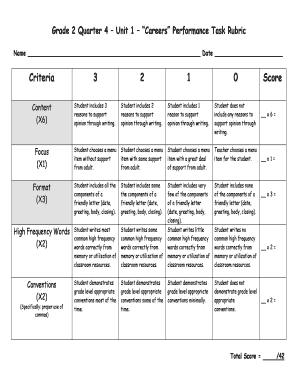
Rubrics for performance task
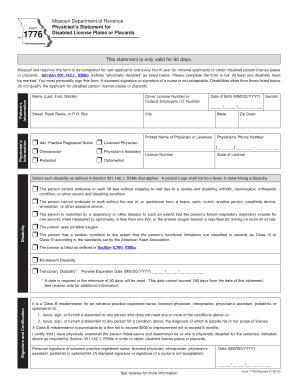
Form 1776
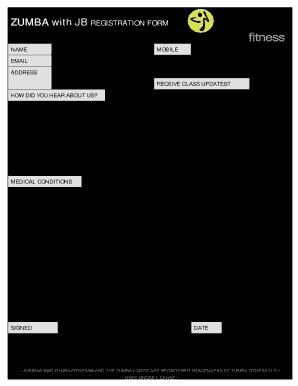
Zumba registration form
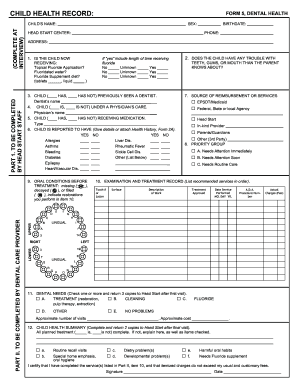
HEAD START CENTER PHONE COMPLETE AT INTERVIEW ADDRESS
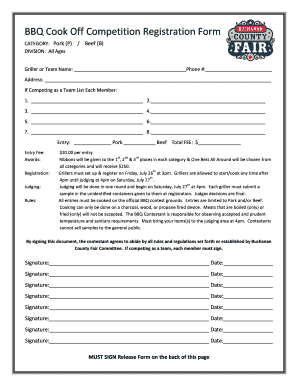
BBQ Cook Off Competition Registration Form

Recreational Vehicle Storage lease Agreement - stage palouseempirefair

Naphcare scholarship
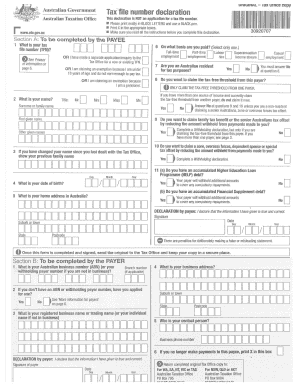
Tax declaration form
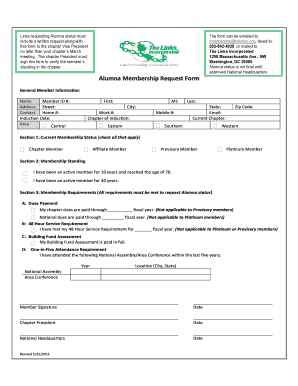
Draft Alumna Membership Request - membership linksinc
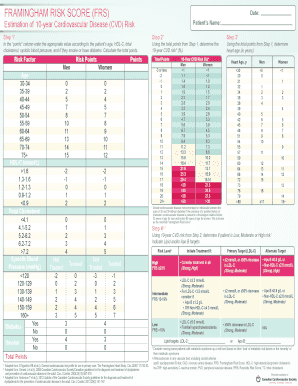
Framingham risk score pdf
National honor society certificate template
Shrs cover sheet
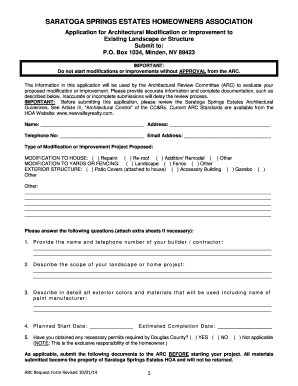
Saratoga springs hoa minden nv
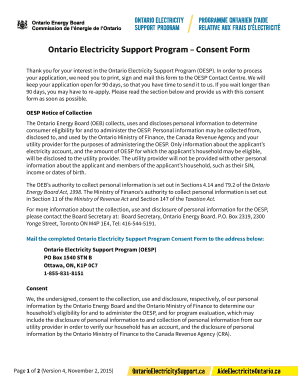
Oesp consent form
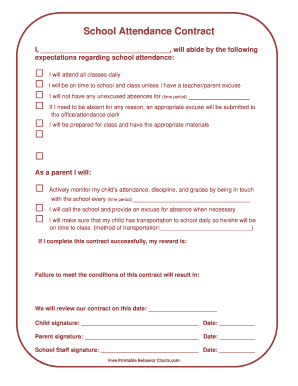
School attendance contract template
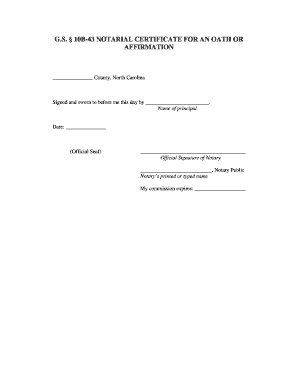
GS 10B-43 NOTARIAL CERTIFICATE FOR AN OATH OR AFFIRMATION
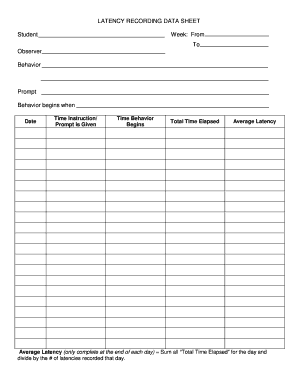
Latency data sheet
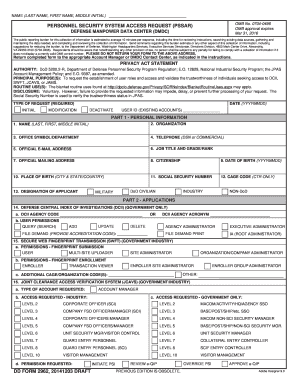
2962pdf 2014 form
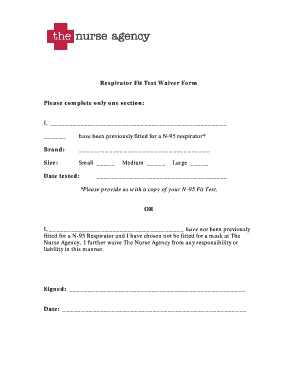
Respirator fit waiver printable

Lesson 59 agreement with indefinite pronoun antecedents
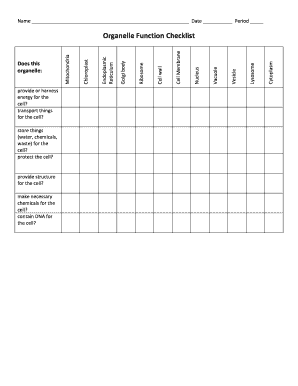
Organelle function checklist
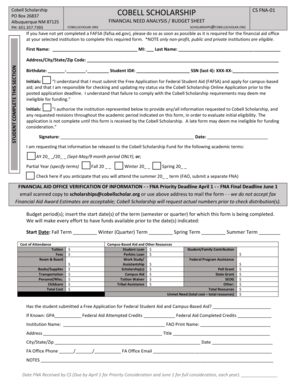
Cobell Scholarship bFinancialb Needs bAnalysisb - cobellscholar

PROFESSIONAL REFERENCE QUESTIONNAIRE - abih
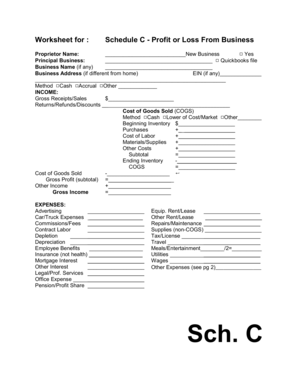
Schedule c worksheet

Treatment Authorization 20140211 - Texas MedClinic

Hawaii property taxes for seniors forms
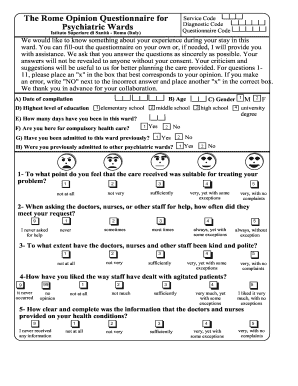
Rome opinion questionnaire
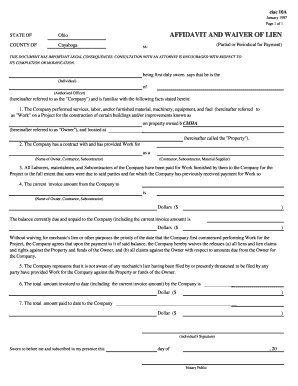
Ciac 10a form
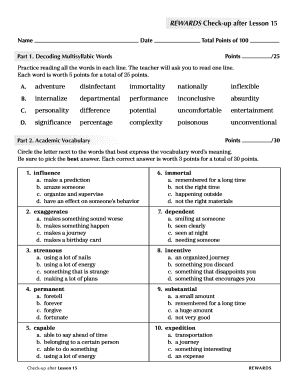
Rewards check up lesson 15
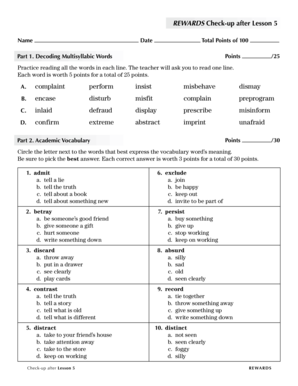
REWARDS Checkup after Lesson 5 Name Date Total Points of 100 Points Part 1
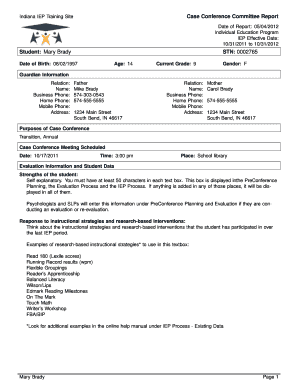
Indiana iep
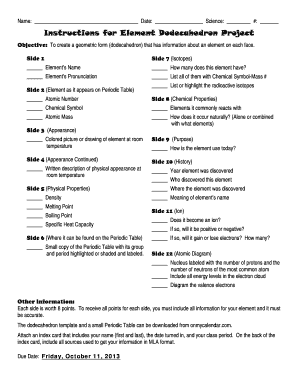
Dodecahedron template pdf

10 rules for dating my daughter pdf
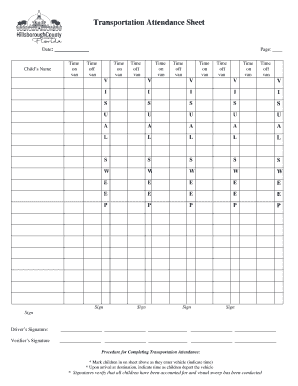
Transportation Attendance Sheet - Hillsborough County FL - hillsboroughcounty

Alberta adult health benefit application

Big kahuna application
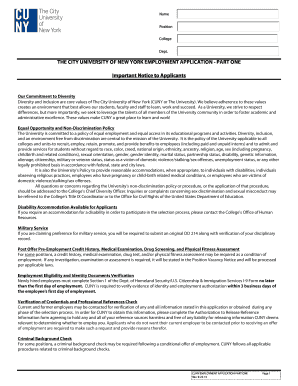
Cuny employment application part 1
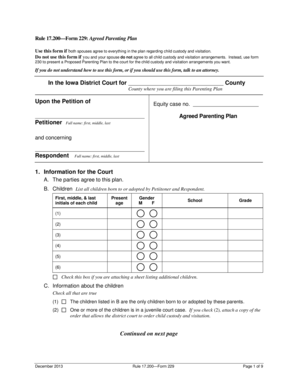
Iowa parenting plan
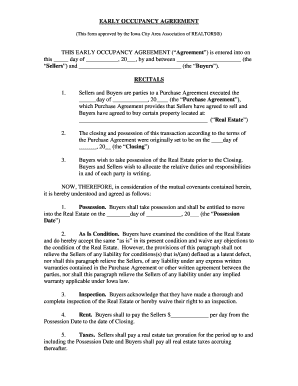
Iowa early occupancy form
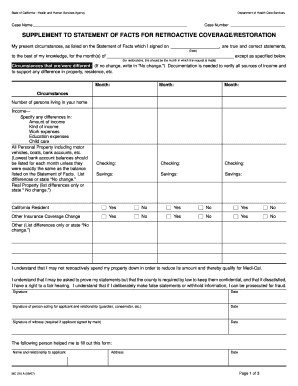
Mc210a form

Donation receipt template

Moonstruck bernedoodles
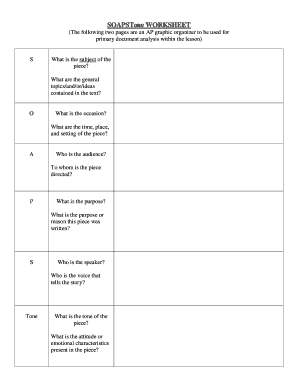
Soapstone template pdf
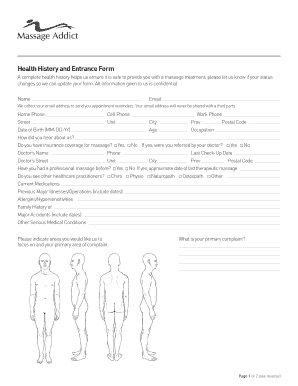
Health History and Entrance Form - Massage Addict
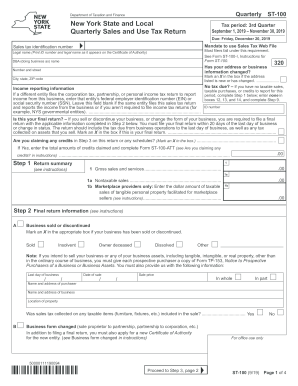
St 100

Marlene hamilton hall application form
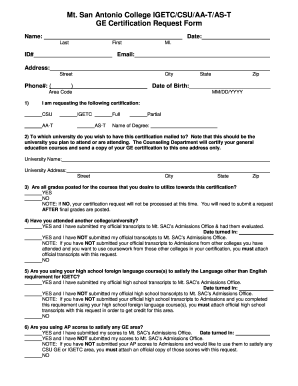
Mtsac igetc form

Moh tools

Chapter 8 test form a

Chapter 10 the union in peril answer key

Mechanics Lien Forms Free Mechanics Lien form for Georgia This forms should be filed with the County Recorder to make a mechanics lien claim against a private construction project

DYNO DAY REGISTRATION WAIVER DISCLAIMER ABSOLUTE RELEASE
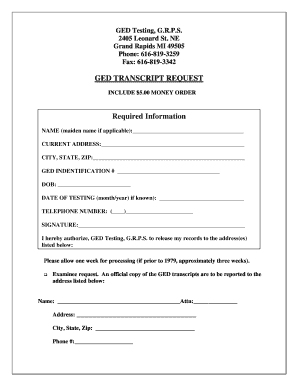
Michigan ged transcript request
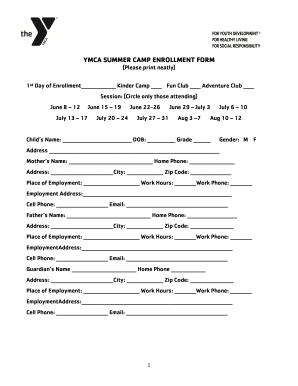
Camp enrollment form
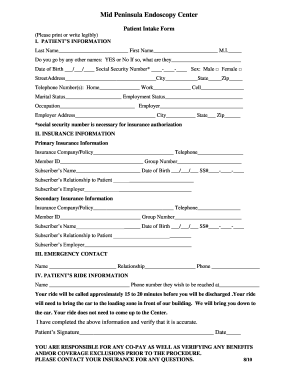
The patient bintake form
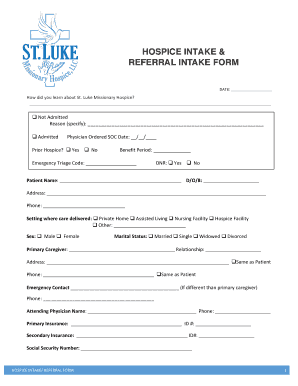
Hospice referral forms

Revised 6182010 RESIDENTIAL LEASE City of Takoma Park
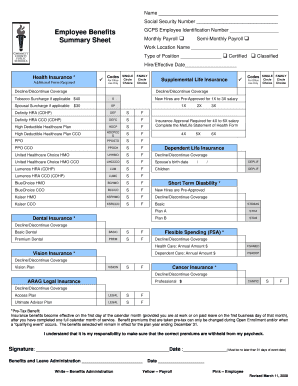
Benefit summary template
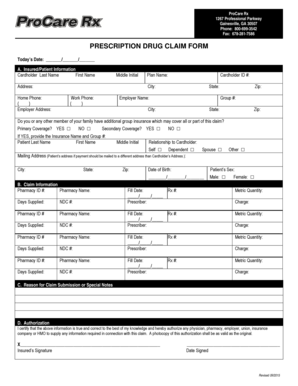
Prescription Drug Claim Form - ProCare Rx
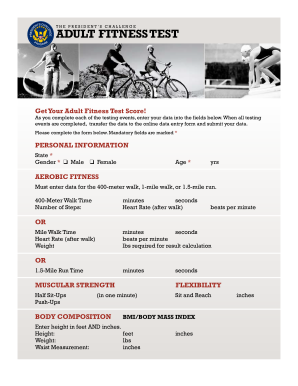
Adult fitness test form
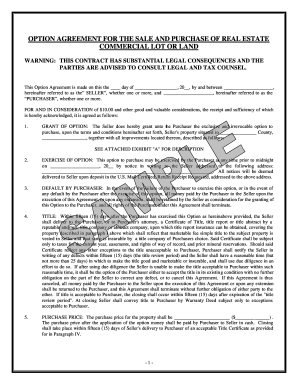
OPTION AGREEMENT FOR THE SALE AND PURCHASE OF REAL ESTATE

Metlife hospital indemnity forms
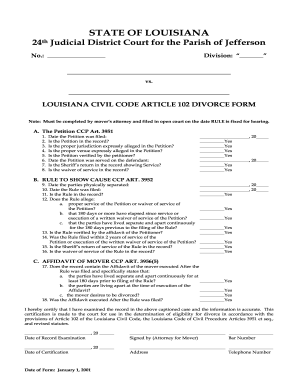
Louisiana 24th judicial civil code 102 divorce

Texas Dept of Family ADMISSION INFORMATION Form 2935 and

Kplc application form
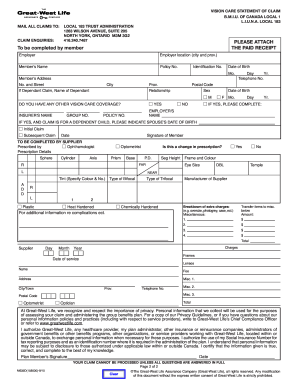
Local 183 vision claim form
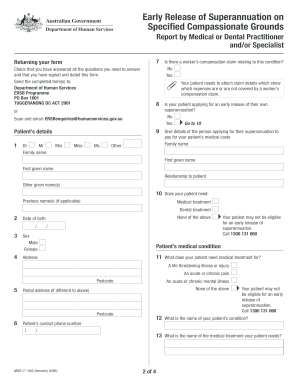
Compassionate release petition form
Benefit from the DocHub online library of fillable PDF forms
Searching the PDF forms doesn't have to be a tedious and time-consuming process. With the DocHub online library, it has become easier to find the fillable PDF forms and modify them in your browser. The service allows you to adjust the document to your needs using powerful editing tools.
You can use online document editing features to modify almost any type of document with ease. You just need to find the template of your choice, open it in the editor, and use the toolbar to make the necessary corrections.
Follow this guide to get your document done with DocHub:
- Find the PDF template you need.
- Click the Get Form button to open the file in the editor.
- Use the toolbar to fill out and edit the document.
- Easily add and highlight text, insert images, checkmarks, and symbols.
- Drop new fillable fields, and rearrange or delete pages from your file.
- Save changes and download your record.
DocHub empowers everyone to streamline document editing, signing, and distribution, and form completion. Create an account and benefit from our well-organized PDF Forms library and comprehensive editor.