
Get any PDF form from the DocHub library of ready-made templates - Page 2031
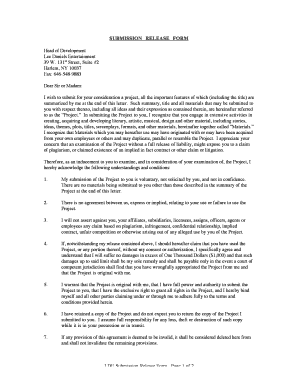
Lee daniels entertainment submission release form
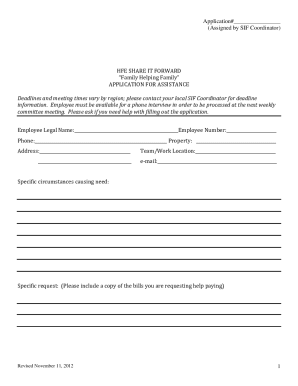
Share it forward

Gageverklaring

Executor of estate form pdf
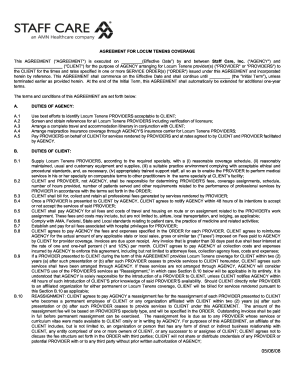
Locum tenens contract template

Pbgc pension guaranty power
Orea form 502
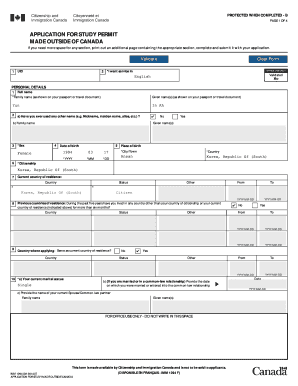
Application for a study permit made outside of canada
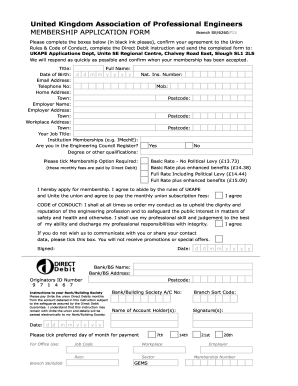
The united ukape
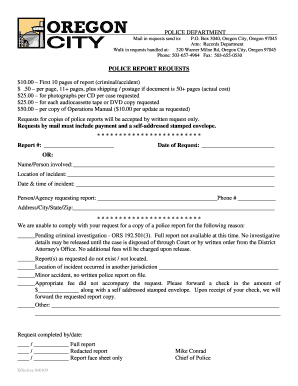
Police Report Requests - Oregon City Oregon
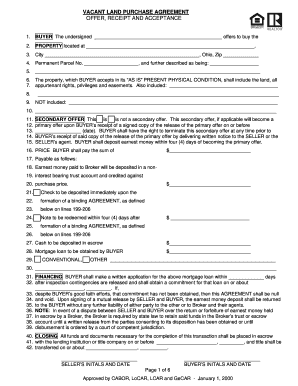
VACANT LAND PURCHASE AGREEMENT - 150344952homesconnectcom
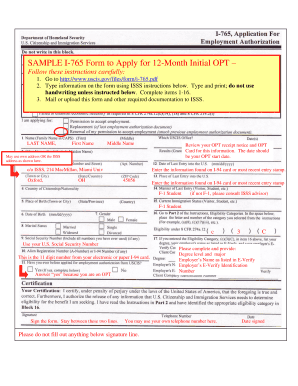
SAMPLE I-765 Form to Apply for 12-Month Initial

Affidavit report card
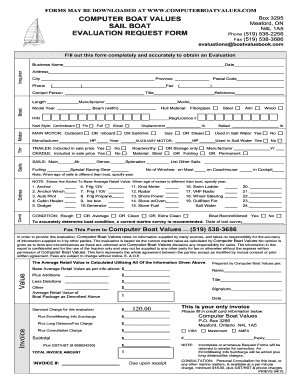
COMPUTER BOAT VALUES Box 3295 Meaford ON N4L 1A5
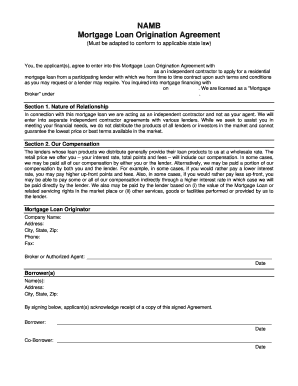
Mortgage originator checklist
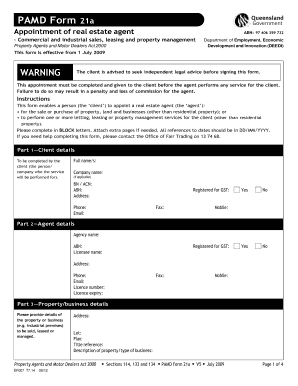
21a form
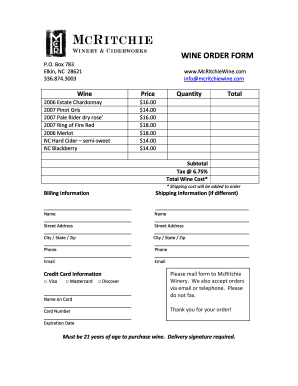
Wine order form template
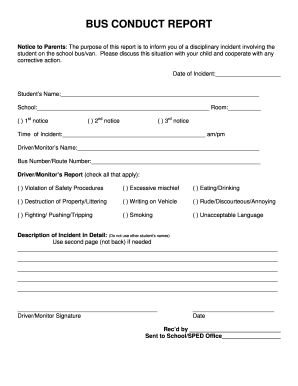
Bus conduct form

Ocps a4 form
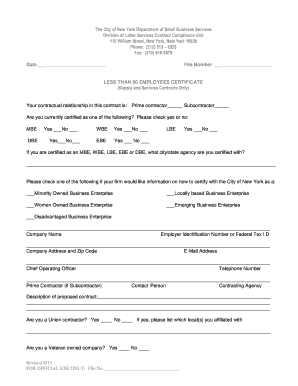
Than employees certificate template
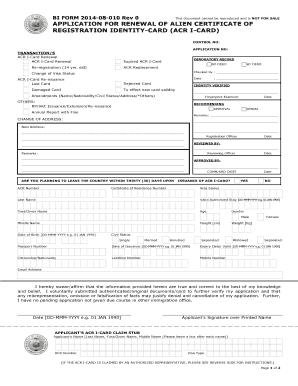
Biforms

For indiana indianatownshipassoc
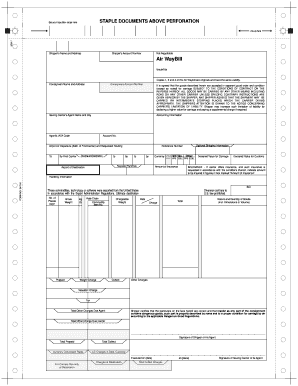
Staple documents above perforation

Kern sheriff writ
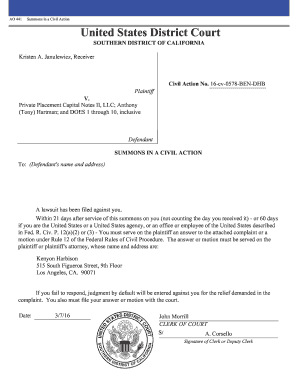
AO 441 Summons in a Civil Action United States District Court
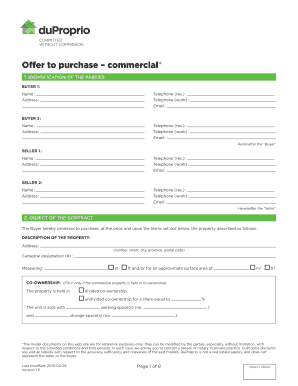
Duproprio offer to purchase pdf

Nrc form 313a
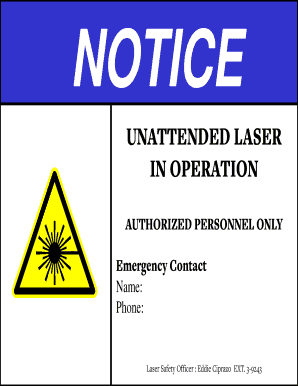
Business license template pdf
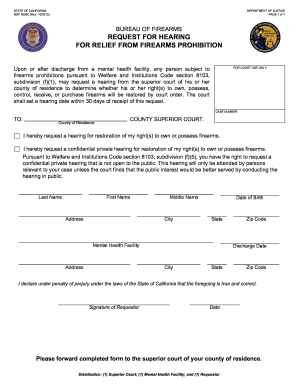
Request for Hearing from Firearms Prohibition BOF 4009C Request for Hearing from Firearms Prohibition BOF 4009C
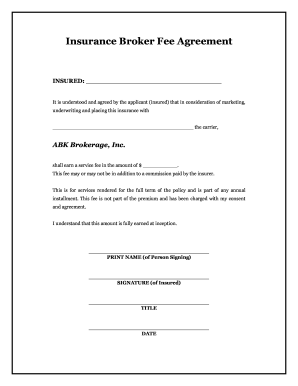
Insurance broker

Deceased employee compensation collection form
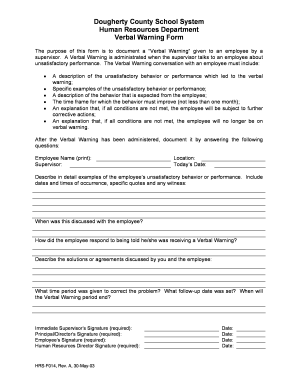
Verbal Warning Form - dcss schooldesk
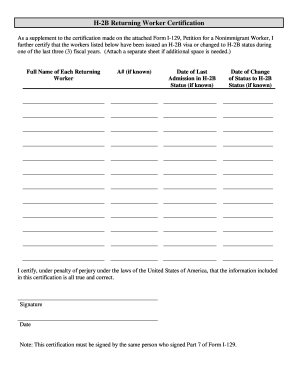
Returning worker

Medi cal notice action
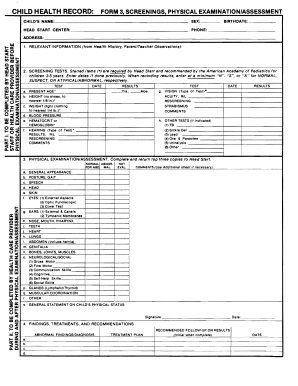
Physical form 3
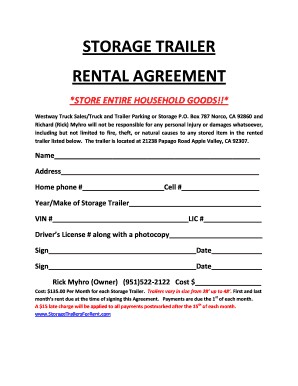
STORAGE TRAILER RENTAL AGREEMENT - YOU NAME IT WE STORE IT
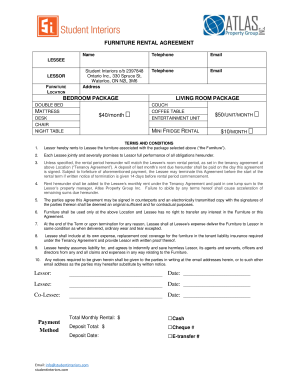
Furniture rental contract template
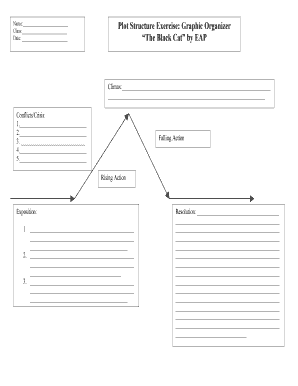
Plot structure graphic organizer pdf
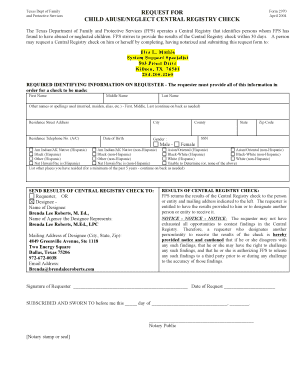
Form 2970 texas
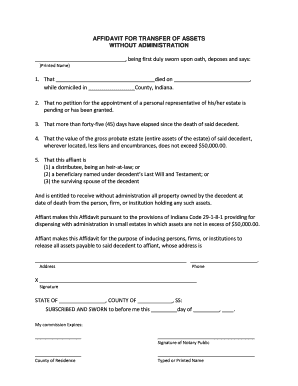
Affidavit for transfer of assets without administration indiana

General Forbearance Request. Use this form to request a general forbearance on yor Direct Loans, FFEL Program loans, or Federal Perkins Loans.
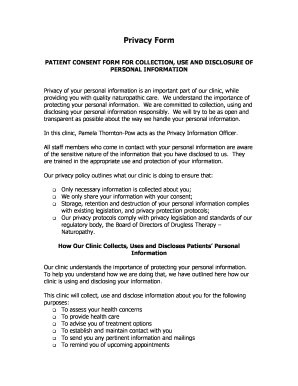
Personal information consent form template
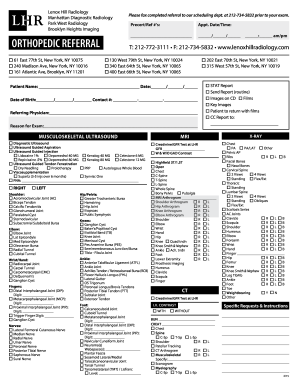
Lenox hill radiology referral form
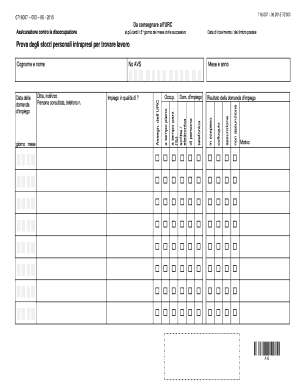
Prova degli sforzi personali intrapresi per trovare lavoro
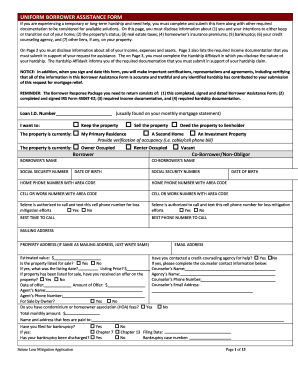
Selene form

Disclosure - ABUTTING ROADWAYS
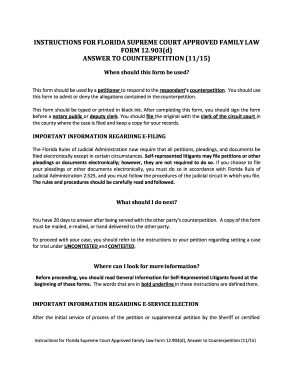
Florida answer sample
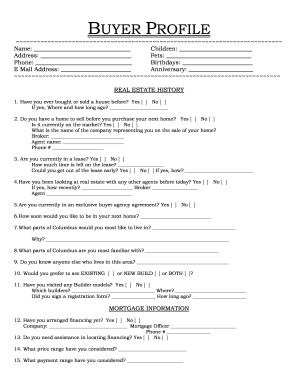
Real estate buyer questionnaire form pdf

Domain and range worksheet 1
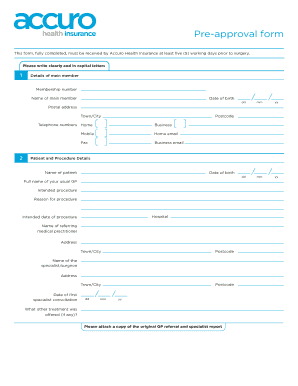
Accuro forms
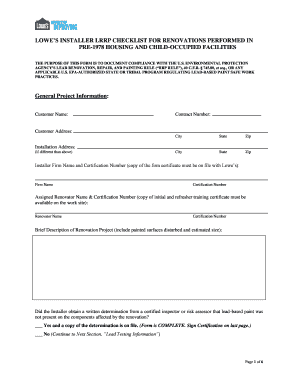
Lowe's installer lrrp checklist
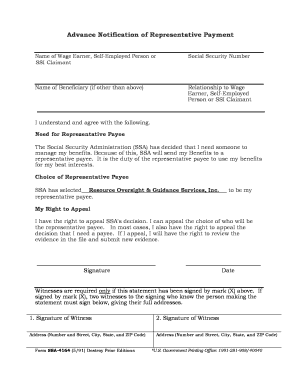
Ssa 4164
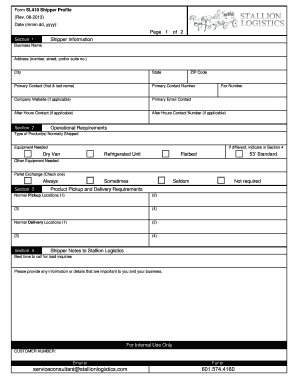
Sample shipper profile

Dental assistant application

Bcal 3239
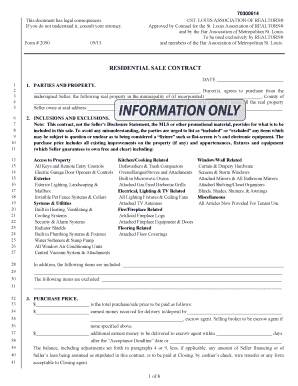
St louis association of realtors forms
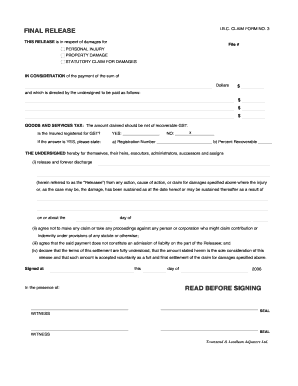
FINAL RELEASE IBC CLAIM FORM NO 3
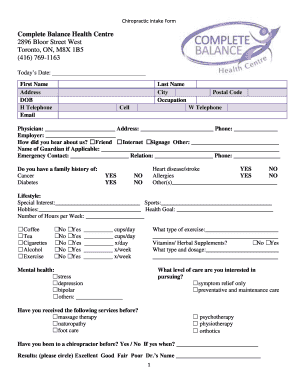
Chiropractic Intake Form - Complete Balance Health
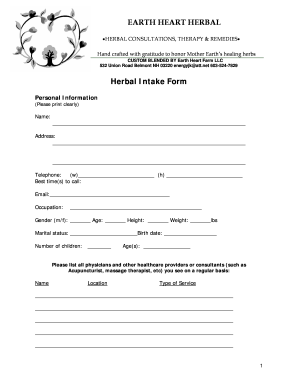
Herbalist intake form
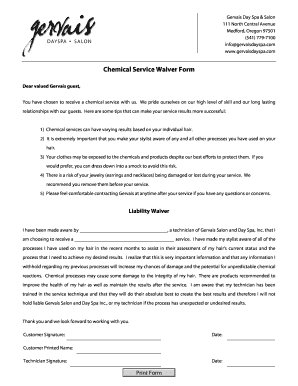
Chemical Service Waiver Form - Medford Oregon
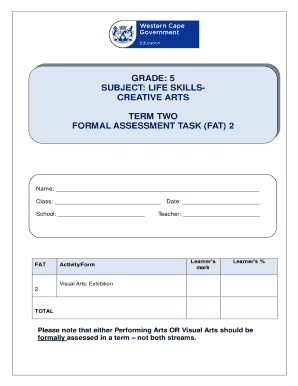
Creative arts grade 5 term 2
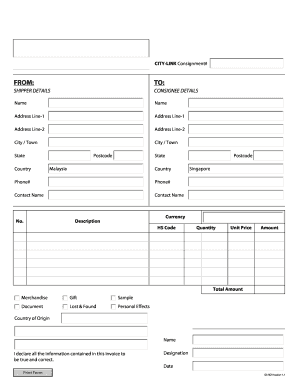
FROM TO - City-Link Express
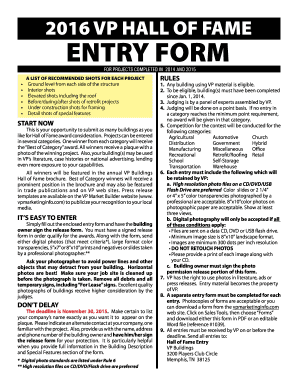
2016 VP HALL OF FAME ENTRY FORM - VP University
Heart application form
Kindergarten entry assessment
Arc application form

Usssa pick up player form

Tenant Move-In and Move-Out Checklist MOVE IN MOVE OUT
Steering testimonial
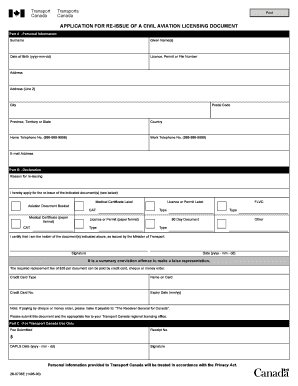
APPLICATION FOR RE-ISSUE OF A CIVIL AVIATION LICENSING DOCUMENT
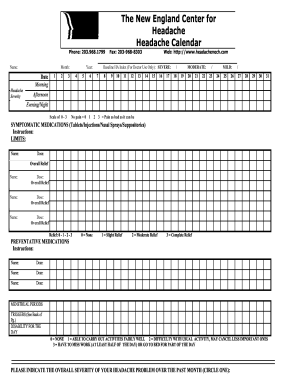
Headache calendar

Vanderbilt assessment

Tv licence cancellation form pdf download
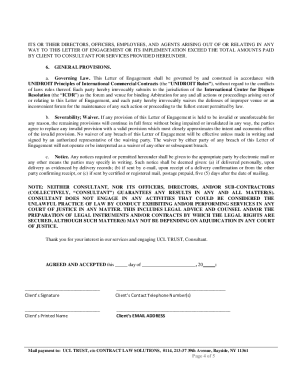
Understand contract law and you win
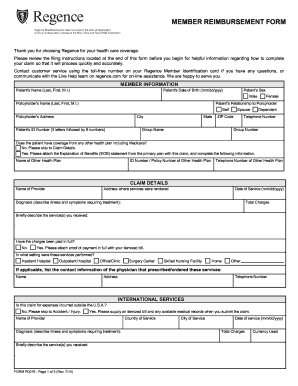
Regence form
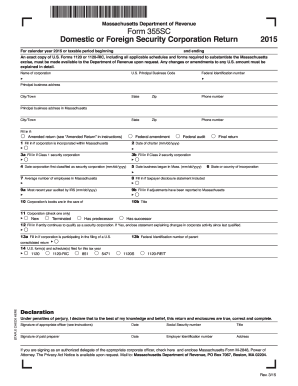
Massachusetts Department of Revenue Form 355SC Domestic or - mass
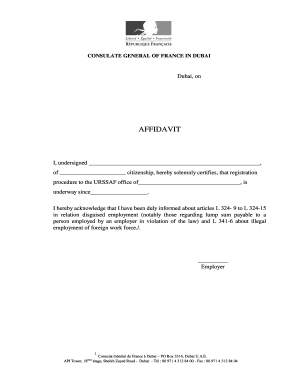
Consulat france dubai
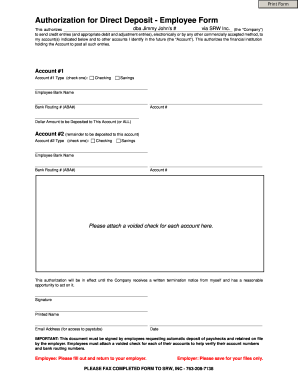
Srw authorization direct deposit employee form

SUPPLEMENTARY INFORMATION YOUR TRAVELS
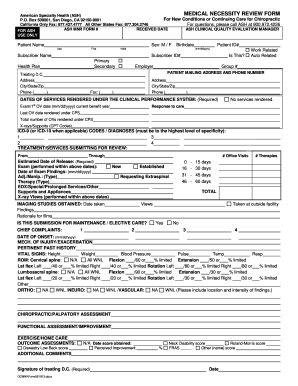
Ash medical necessity form
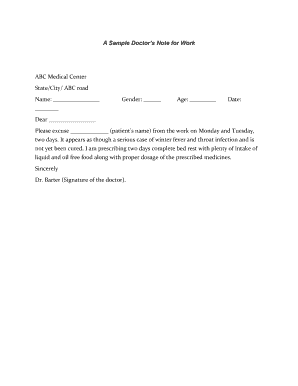
A Sample Doctors Note for Work ABC Medical Center
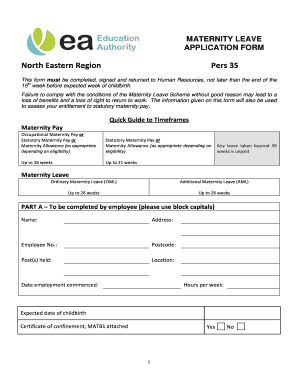
Maternity leave form for government employees
Tort claim form indiana

Sample Employment Contract32116 Nanny Contract Employment Agreement
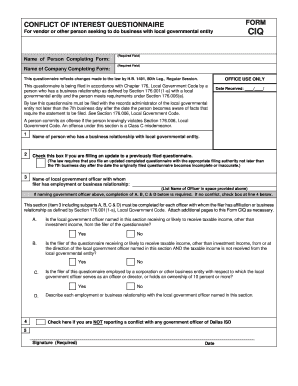
Form ciq form
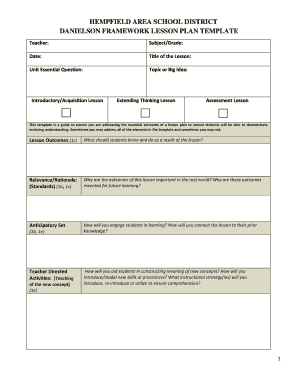
Danielson framework lesson plan template
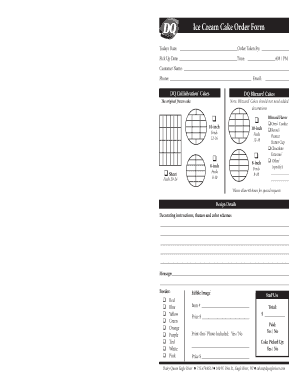
Cake order form
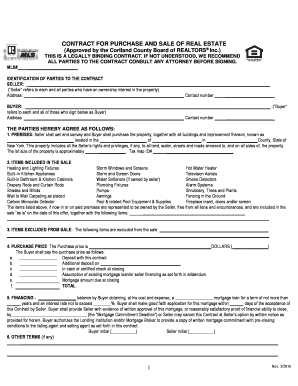
Cortland county board of realtors
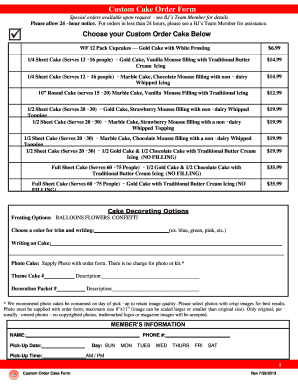
Bjs cake order form
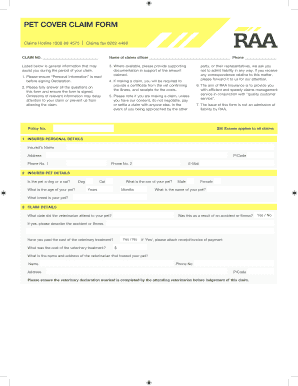
Petcover claim form

SUPERIOR COURT OF WASHINGTON - Probate Form
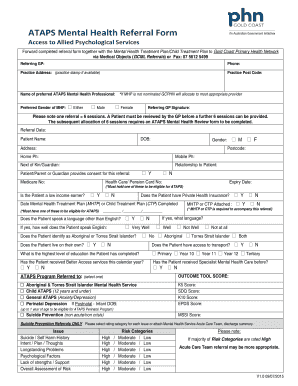
Psychiatry referral form
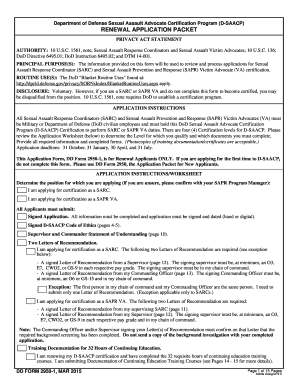
2950 1 form
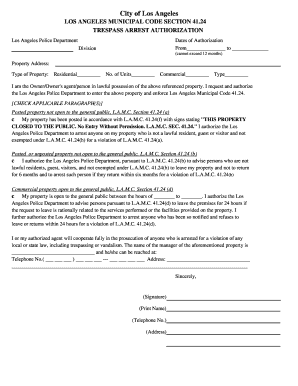
Lapd trespass authorization form
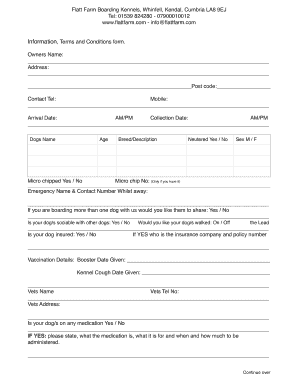
Flatt farm boarding kennels
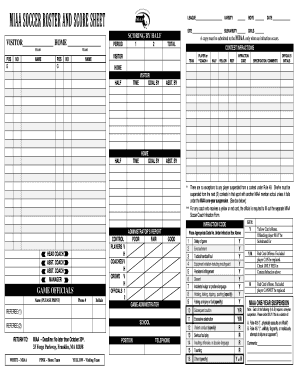
Soccer roster score sheet template
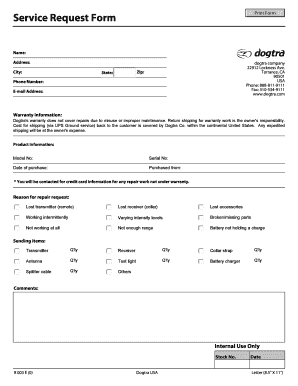
Service request form
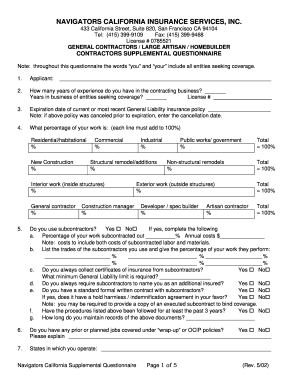
Navigator Supplemental Questionnaire w-homebuilder supp 5-04doc
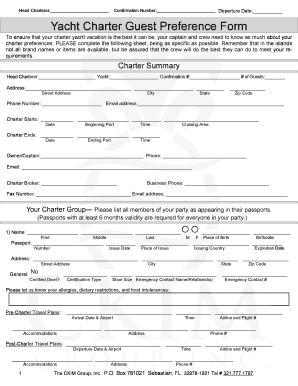
Yacht Charter Guest Preference bFormb - Luxury Yacht Charters

Omega psi phi form 9a 20
Benefit from the DocHub online library of fillable PDF forms
Searching the PDF forms doesn't have to be a tedious and time-consuming process. With the DocHub online library, it has become easier to find the fillable PDF forms and modify them in your browser. The service allows you to adjust the document to your needs using powerful editing tools.
You can use online document editing features to modify almost any type of document with ease. You just need to find the template of your choice, open it in the editor, and use the toolbar to make the necessary corrections.
Follow this guide to get your document done with DocHub:
- Find the PDF template you need.
- Click the Get Form button to open the file in the editor.
- Use the toolbar to fill out and edit the document.
- Easily add and highlight text, insert images, checkmarks, and symbols.
- Drop new fillable fields, and rearrange or delete pages from your file.
- Save changes and download your record.
DocHub empowers everyone to streamline document editing, signing, and distribution, and form completion. Create an account and benefit from our well-organized PDF Forms library and comprehensive editor.