




01. Edit your form online
Type text, add images, blackout confidential details, add comments, highlights and more.

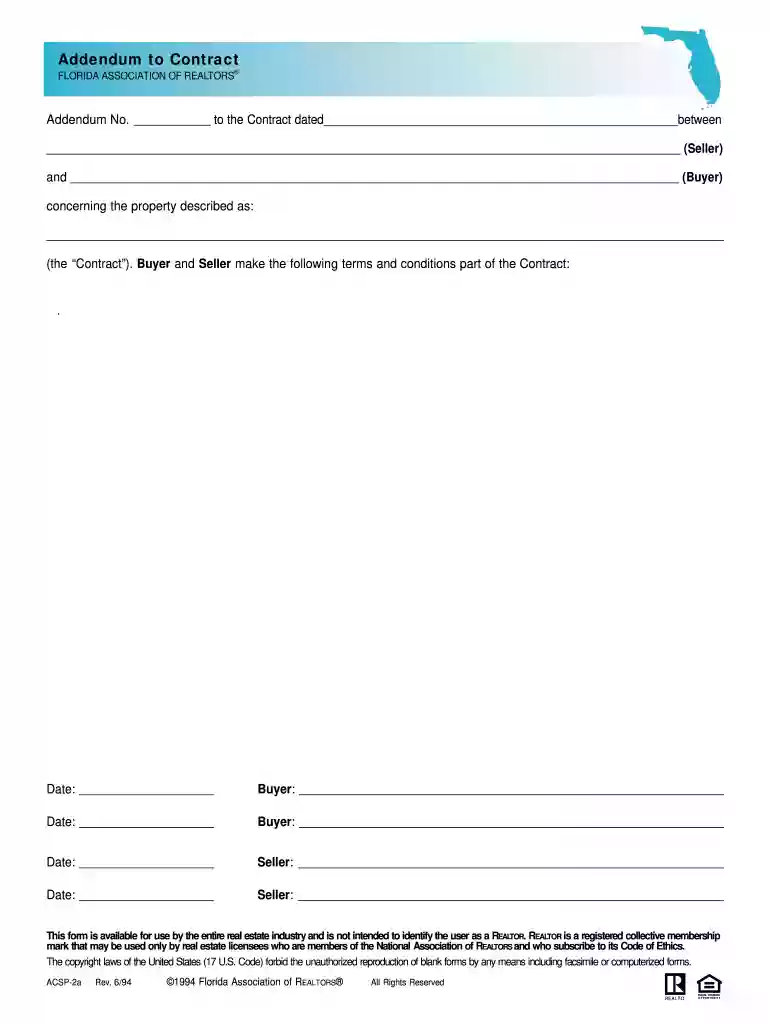
Type text, add images, blackout confidential details, add comments, highlights and more.

Draw your signature, type it, upload its image, or use your mobile device as a signature pad.

Send it via email, link, or fax. You can also download it, export it or print it out.

Start using our platform today to streamline your document editing and signing process for free!
At DocHub, your data security is our priority. We follow HIPAA, SOC2, GDPR, and other standards, so you can work on your documents with confidence.
Sep 24, 2004 To assist you in the consideration of this property prior to the submittal of an offer, the attached disclosures, reports and advisories areRead more
On the Attestation page, read the certification, select Yes, and click Submit to process the request. If you prefer, you can also submit the Application forRead more
Sep 10, 2021 The Contract Documents shall consist of the following, and in the event of any conflict or inconsistency between the provisions of theRead more


