




01. Edit your wv raffle license online
Type text, add images, blackout confidential details, add comments, highlights and more.

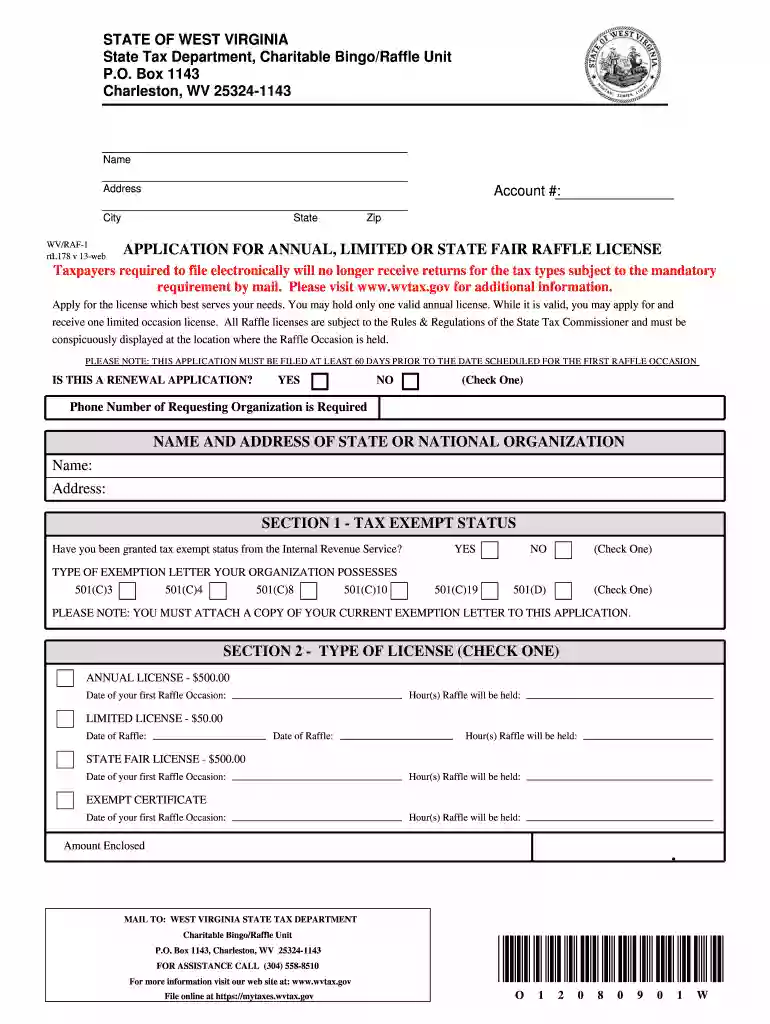
Type text, add images, blackout confidential details, add comments, highlights and more.

Draw your signature, type it, upload its image, or use your mobile device as a signature pad.

Send west virginia raffle via email, link, or fax. You can also download it, export it or print it out.

Start filling out your wv annual limited wv today on our platform for free!
At DocHub, your data security is our priority. We follow HIPAA, SOC2, GDPR, and other standards, so you can work on your documents with confidence.
Annual Reports are required for all active Limited Liability Companies formed on or before December 31 of the previous year which have not terminated orRead more
This comprehensive guide covers the steps in the process of forming a limited liability company in West Virginia under the. Uniform Limited Liability CompanyRead more


