
Get any PDF form from the DocHub library of ready-made templates - Page 2012
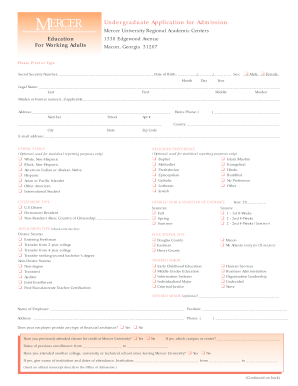
Mercer application
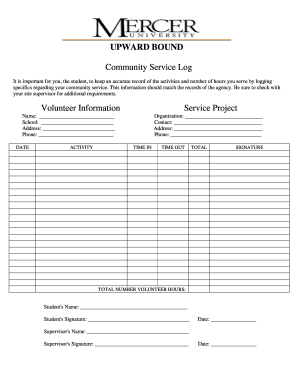
Community service documentation form
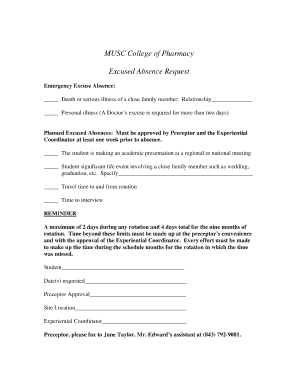
Musc doctors note
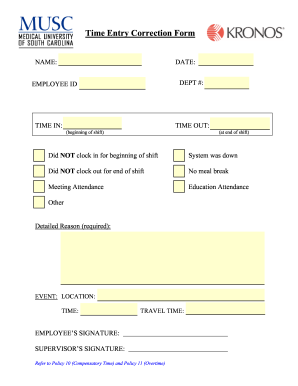
Musc time entry form
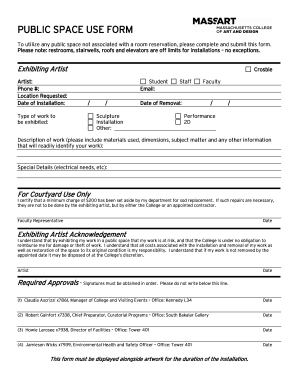
PUBLIC SPACE USE FORM - Inside MassArt - inside massart
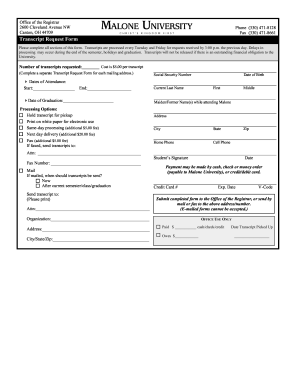
Malone form

Harvard university application form

90-Day Form - Cornell University Library - library cornell
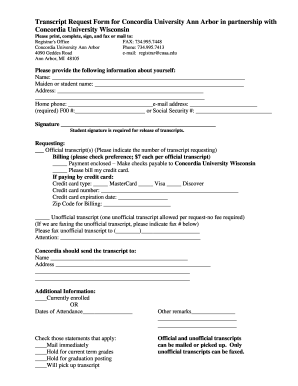
Concordia university transcript request
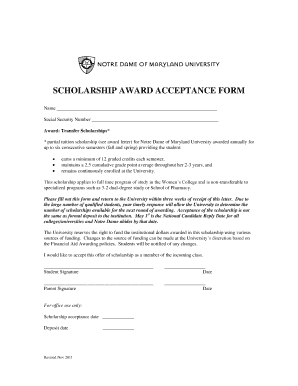
Scholarship acceptance form
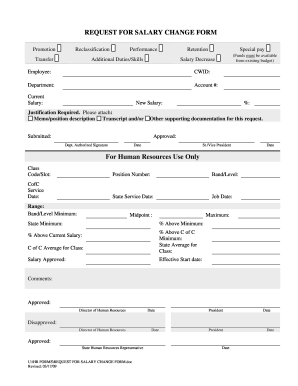
Request for salary change form - Office of Human Resources
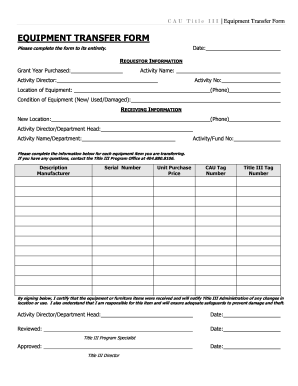
Equipment transfer form

Intra facility transfer form
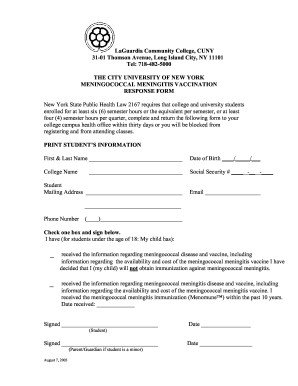
Meningitis form for college brooklyn ny
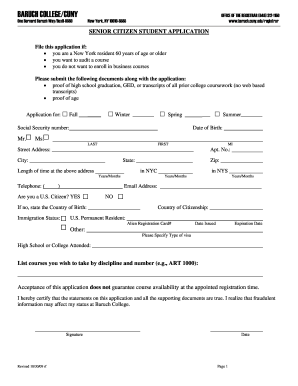
Auditing cuny seniors
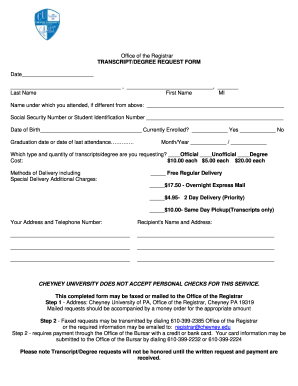
Cheyney transcript request
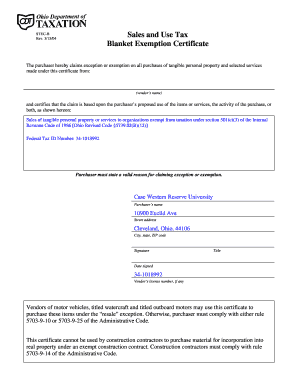
Case western tax exempt certificate
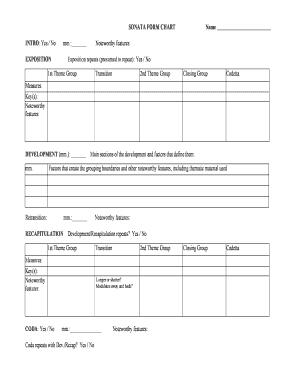
Sonata allegro form chart
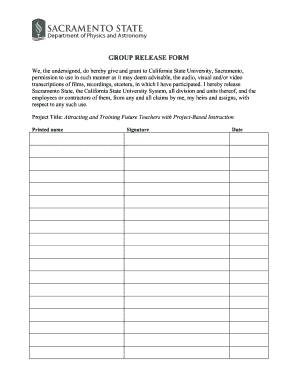
Video release form california
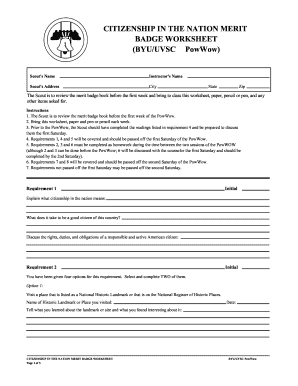
Citizenship in the nation worksheet
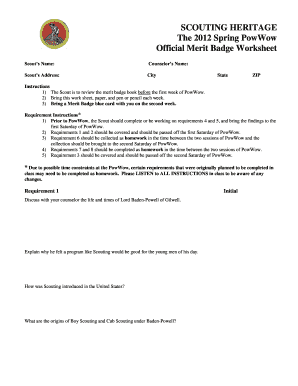
Scouts merit badge worksheets
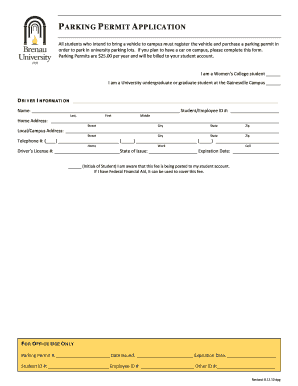
Parking permit microsoft
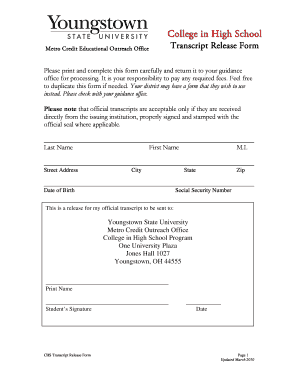
Download Transcript Request Form - Youngstown State University - web ysu
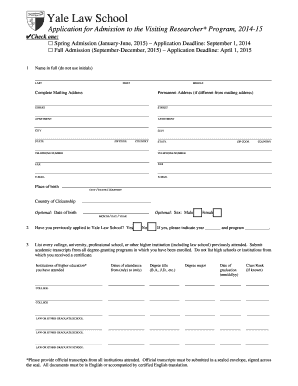
Get - law yale
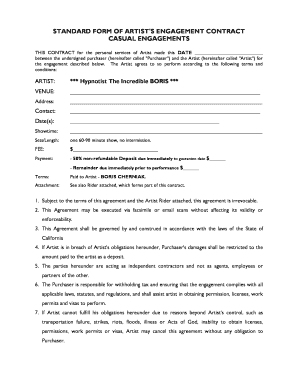
Artist engagement contract
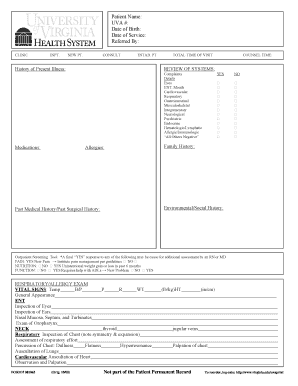
Hpi form
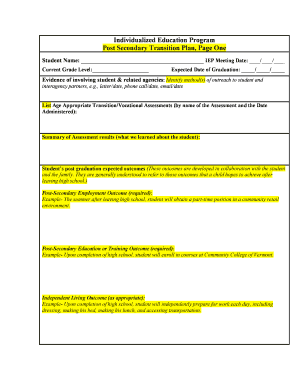
Iep transition plan example
Printable scantron
Etep program form
Harry hscquad from pdf
Idp eligibility applicant form
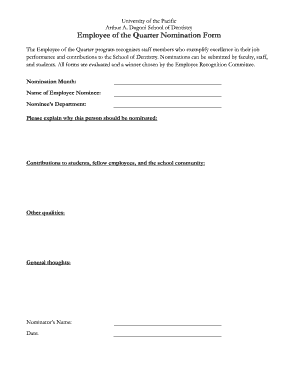
Employee of the quarter template
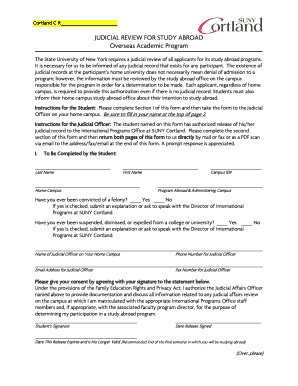
Cortland C #: JUDICIAL REVIEW FOR STUDY ABROAD Overseas Academic Program The State University of New York requires a judicial review of all applicants for its study abroad programs - www2 cortland

EMPLOYER AFFIDAVIT STATE OF NY COUNTY ... - Student Affairs - studentaffairs stonybrook
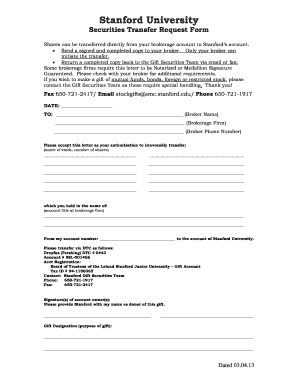
Stanford university securities reansfer form
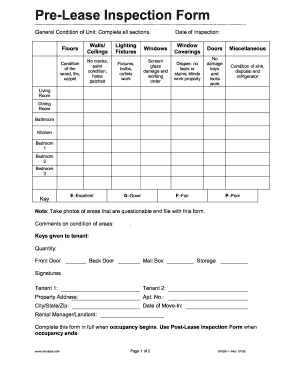
Pre lease inspection form

Siu cc form 104r
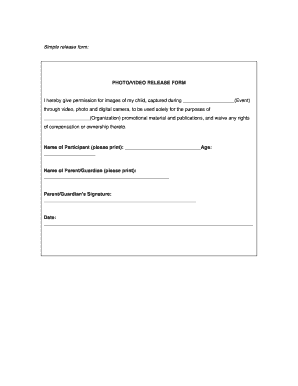
Photo video release form template
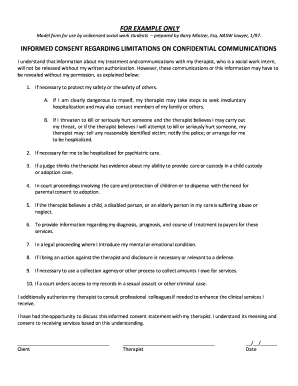
For example only informed consent regarding limitations on ...
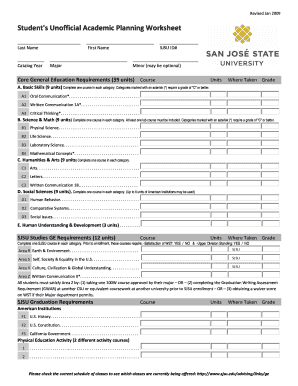
Sjsu worksheet

Employee Emergency Contact Form - shark eas sjsu
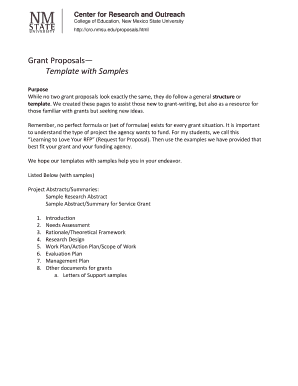
Grant proposal template fill the blanks
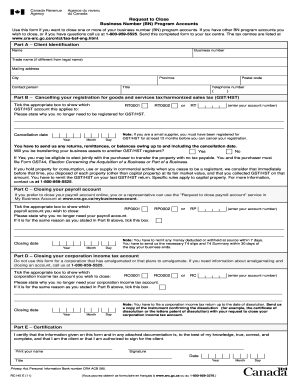
Rc 145 forms to print 2011
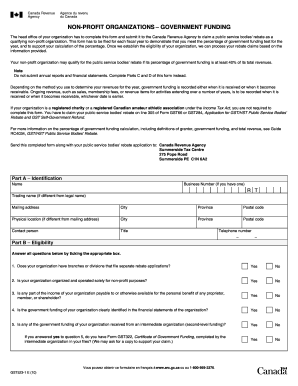
Gst523 form
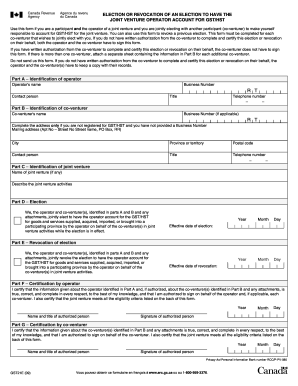
Joint Venture Election - Agence du revenu du Canada - cra-arc gc
Petty cash audit checklist
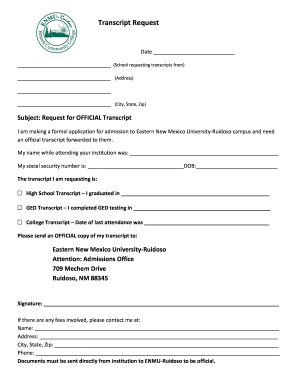
Ruidoso transcript
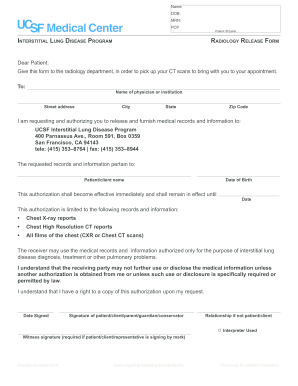
Radiology release form

Orthopedic surgery forms
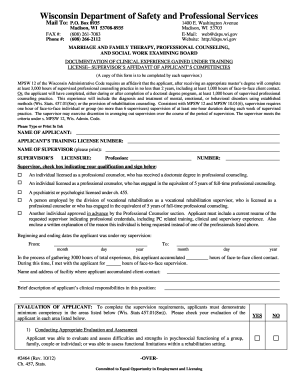
Form #2464 - Department Of Safety & Professional Services - dsps wi

Form 504 articles of amendment limited liability company 2012
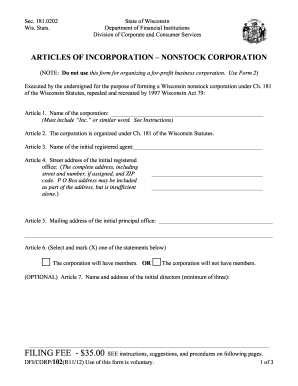
Form102
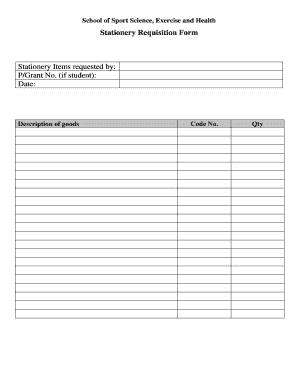
Stationery requisition form
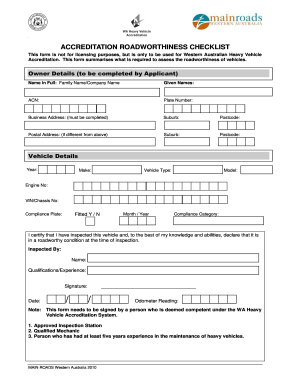
Roadworthiness test sheet pdf
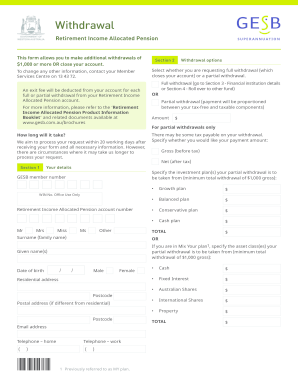
Gesb com au
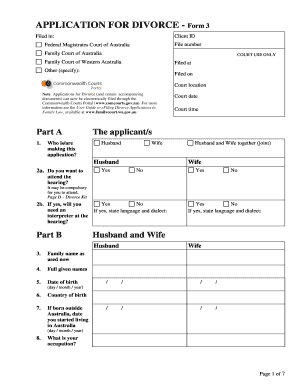
Divorce papers australia
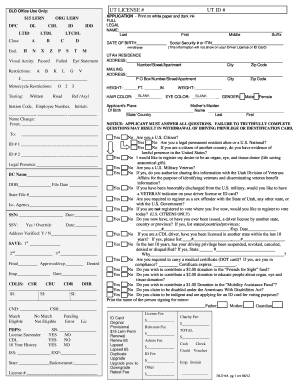
Utah drivers license application pdf
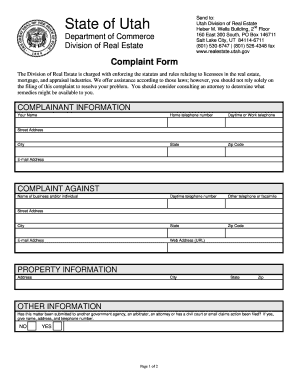
Utah real estate complaint form
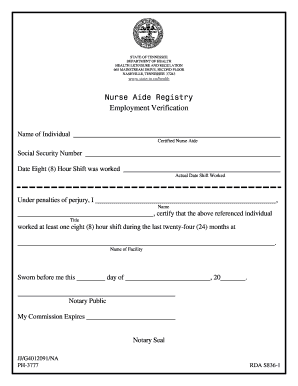
Employment verification tennessee
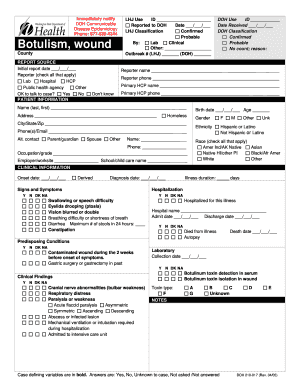
Wa doh wound
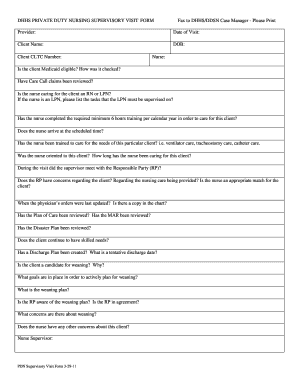
Supervisory visit form for home health
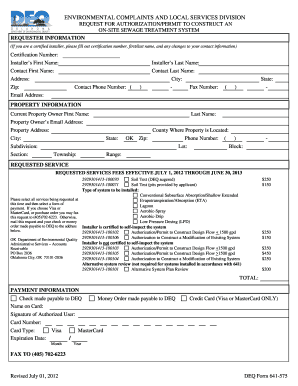
Deq oklahoma forms
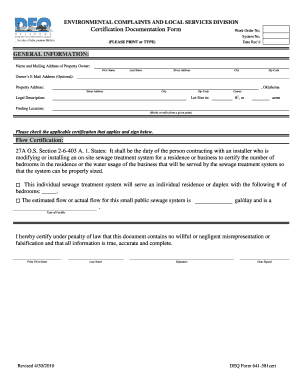
Oklahoma deq 641

Dhec ambulance inspection

SC DHEC Division of EMS & Trauma State Re-Certification Form ... - scdhec

Plcb 866
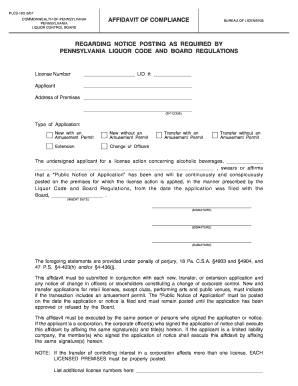
Plcbplus
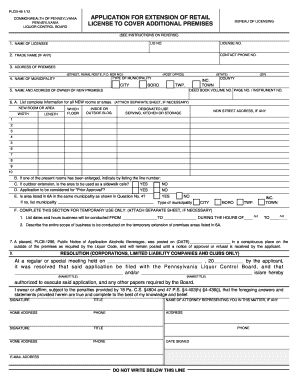
Plcb 1296

Pde-279 qualifications of instructor - portal state pa

Pennsylvania spoa representative
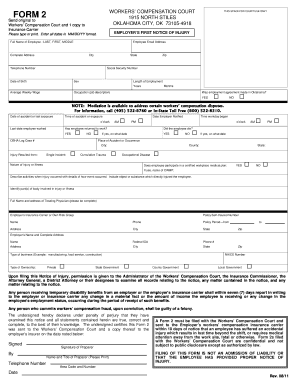
Oklahoma workers compensation court form 2 fillable 2011
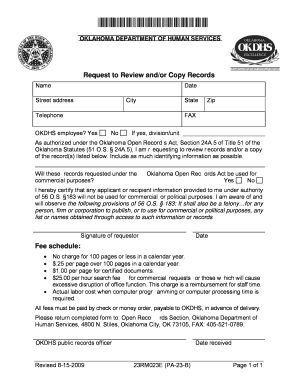
Form 23RM023E (PA-23-B) - Oklahoma Department of Human ... - okdhs
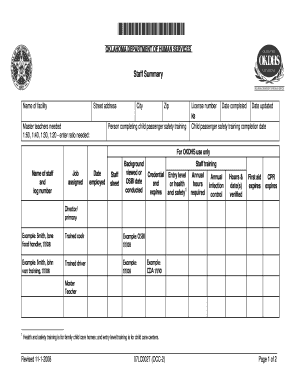
07lc002t
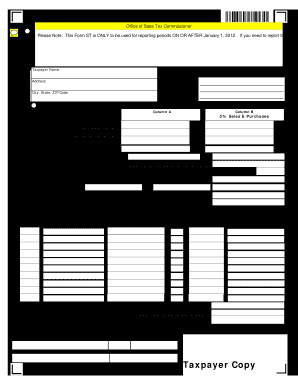
North dakota form sales 2012
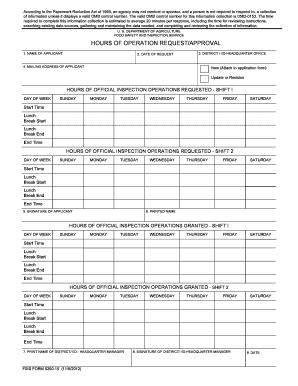
Fsis form 5200 15

NC DHSR ACLS: Infection Control Course Certificate of Completion - ncdhhs

North carolina leave request
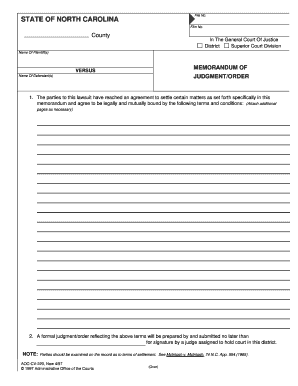
Nc memorandum

Motion to modify custody forms nc
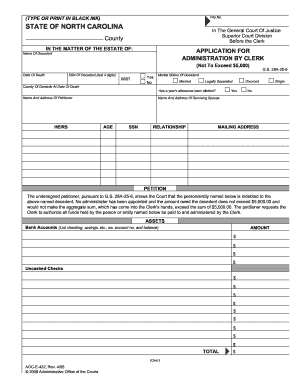
Nc form aoc e 432
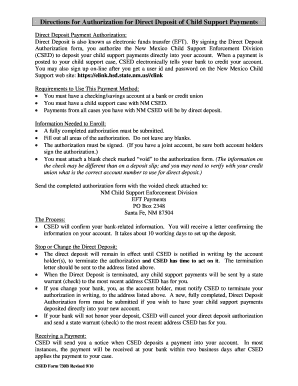
Child support direct payment form
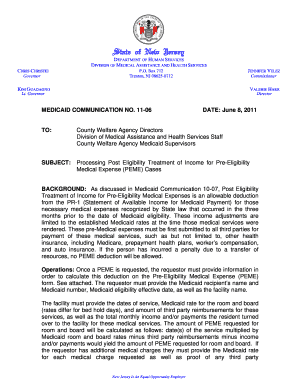
4-25-02 letterhead - State of New Jersey - nj
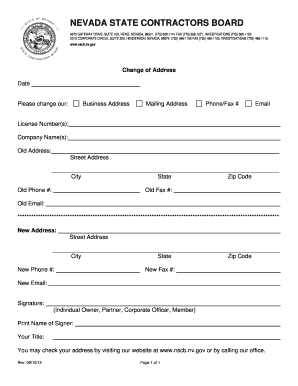
Nevada state boards
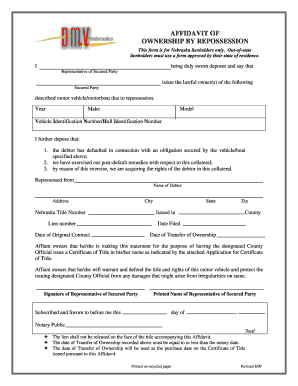
House document in usa pdf
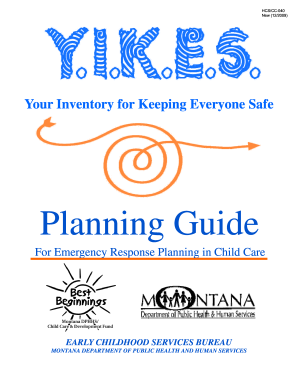
Your Inventory for Keeping Everyone Safe - Department of Public ... - dphhs mt

Application for unemployment

Mo support review
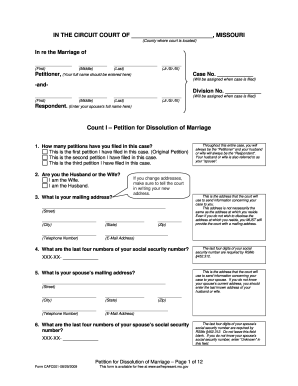
Petition for dissolution of marriage kansas city mo
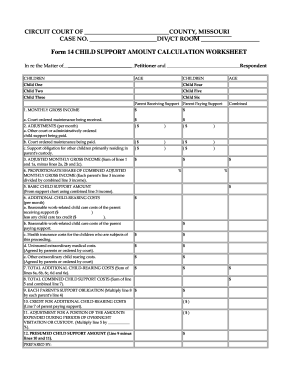
Missouri support form
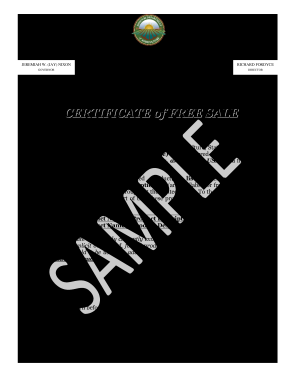
Sale certificate format
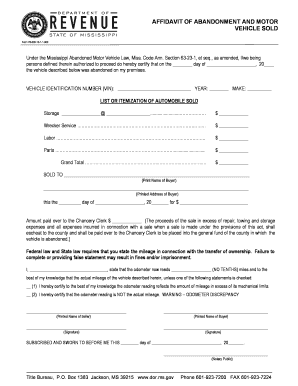
Affidavit of abandonment and motor vehicle sold - MS.gov - dor ms
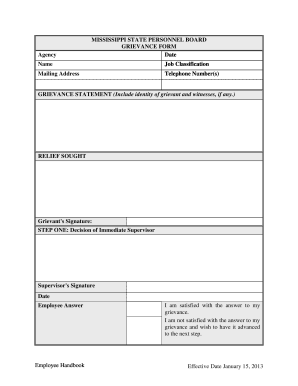
Mspb
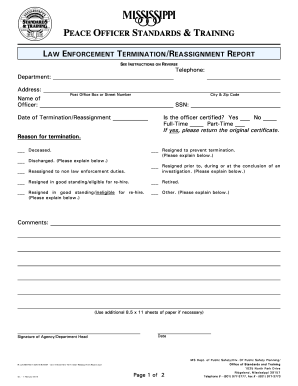
Law enforcement termination reassignment

Mississippi birth certificate application pdf
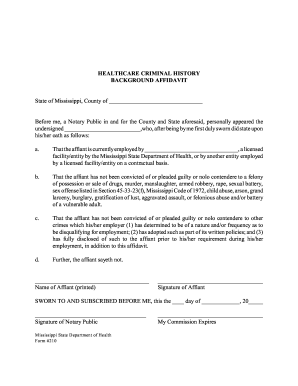
Healthcare Criminal History Background Affidavit - Mississippi State ... - msdh ms

Mississippi state board architecture

Adult immunization record
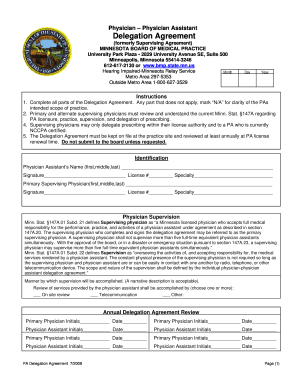
Delegation Agreement - Minnesota.gov - mn

Badge office logan airport
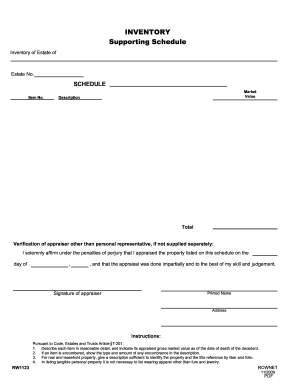
Rw1123
Benefit from the DocHub online library of fillable PDF forms
Searching the PDF forms doesn't have to be a tedious and time-consuming process. With the DocHub online library, it has become easier to find the fillable PDF forms and modify them in your browser. The service allows you to adjust the document to your needs using powerful editing tools.
You can use online document editing features to modify almost any type of document with ease. You just need to find the template of your choice, open it in the editor, and use the toolbar to make the necessary corrections.
Follow this guide to get your document done with DocHub:
- Find the PDF template you need.
- Click the Get Form button to open the file in the editor.
- Use the toolbar to fill out and edit the document.
- Easily add and highlight text, insert images, checkmarks, and symbols.
- Drop new fillable fields, and rearrange or delete pages from your file.
- Save changes and download your record.
DocHub empowers everyone to streamline document editing, signing, and distribution, and form completion. Create an account and benefit from our well-organized PDF Forms library and comprehensive editor.