
Get any PDF form from the DocHub library of ready-made templates - Page 2011
Response to petition to modify child custody

Interlock wisconsin circuit
Dog license in luzerne county pa 2010 form
Ionia parenting
Hernando county boat ramp pass
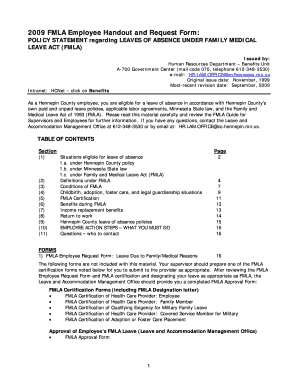
Handout request hennepin template

Form client placement authorization
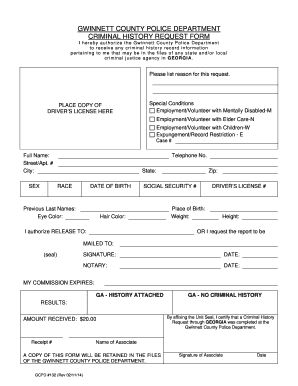
Gwinnett county police department criminal history request form
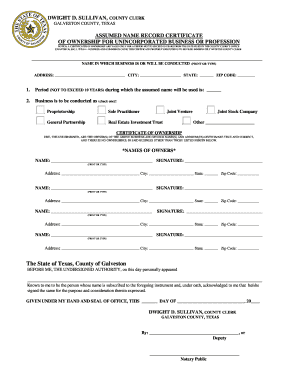
Galveston county dba

Ohio department of labor separation notice
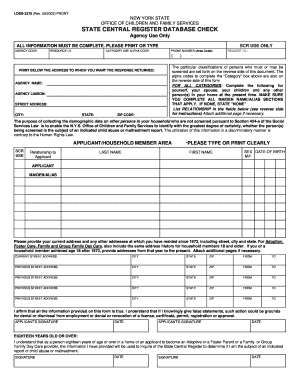
Ldss 3370 2003 form

Homestead Application - Mower County, Minnesota - co carver mn

Check consent cabarrus county
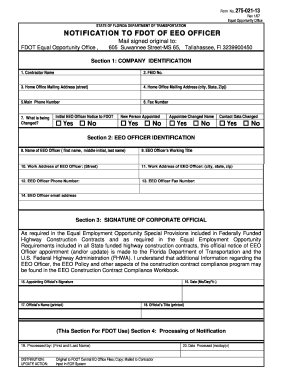
Eeo officer notification

Vaccine usage worksheet

Florida doh adult hiv confidential case report 2013 form

Experience attestation 2013 form
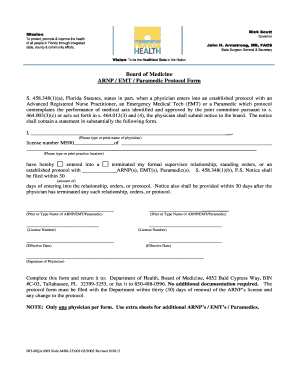
Florida protocol

Form 05 169 texas instruction 2011

Basketball waiver form
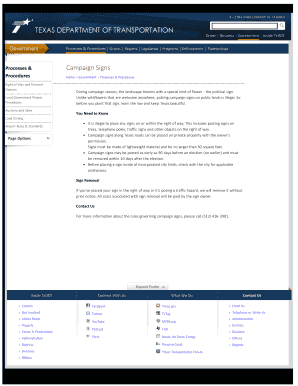
2013 texas election form
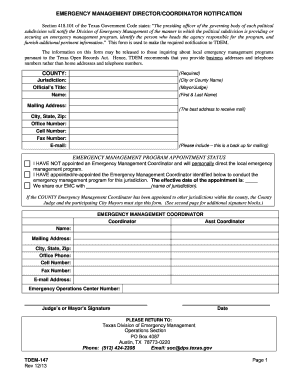
Tdem form
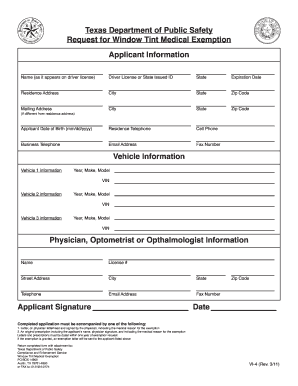
State of texas window tint exemption 2011 form
AP-178 International Fuel Tax Agreement License Application - window state tx

Lgccc forms

NOTICE OF LIS PENDENS Minnesota Uniform Conveyancing ...

Quality improvement form

Web Consumer Complaint Form - New York State Attorney General - oag state ny
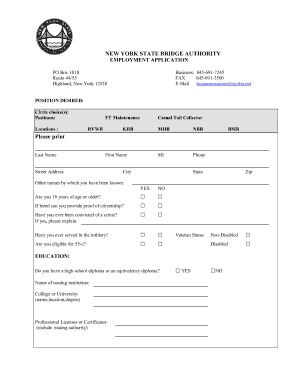
Authority application employed form
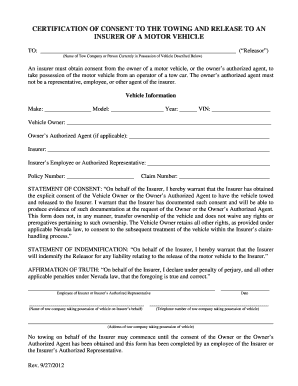
Nevada consent to tow form
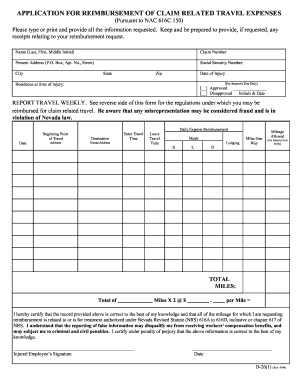
Nv application claim online
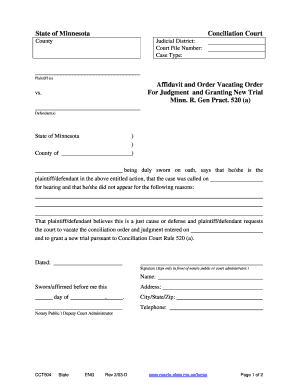
State of Minnesota - Minnesota Judicial Branch
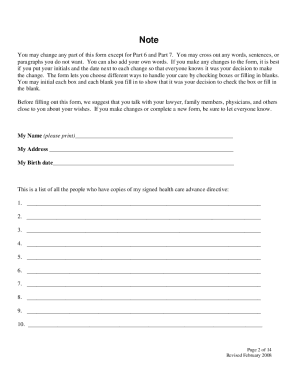
Care advance directive form
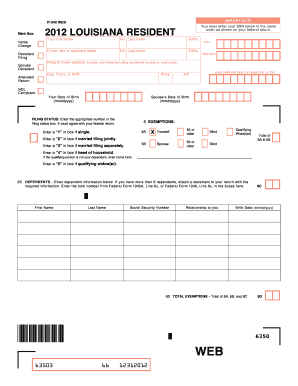
Louisiana state 2012 it 540 form online
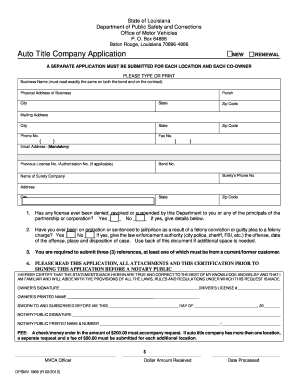
Louisiana dpsmv title application
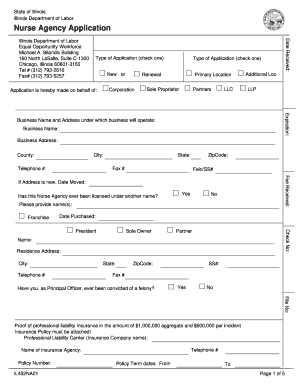
Illinois nurse agency application
Subp 015
Fresno county divorce fee waiver
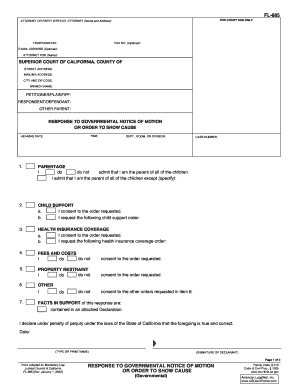
Fl 685

Adult HIV AIDS Confident Case Report Form - Department of Health - doh dc
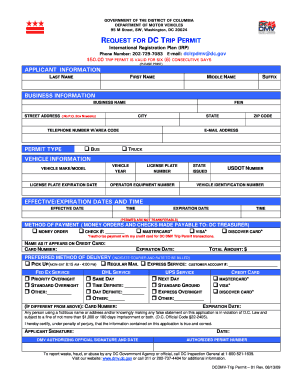
Dc request for dc permit

Dc driver's license application
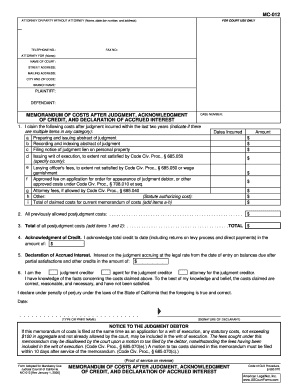
Mc-012 memorandum of costs after judgment, acknowledgment of ... - alpine courts ca
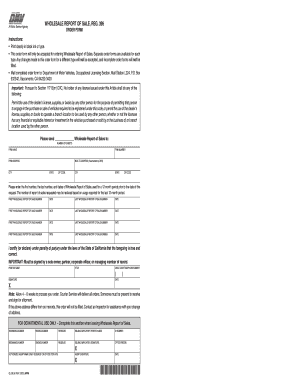
Reg 396
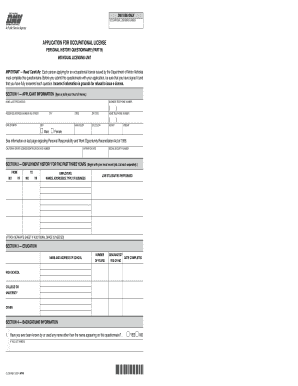
OL 29 I, Application for Occupational License, Personal ... - apps dmv ca
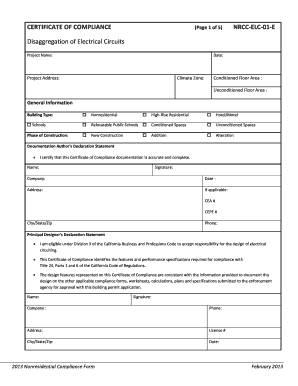
Elc 01 form
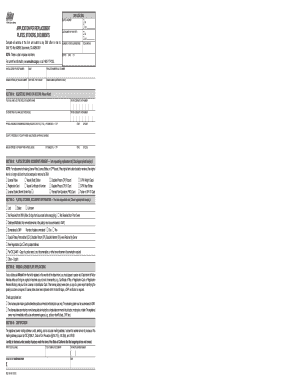
Application for replacement plates stickers documents

Sba form 994 pdf

OMB Form:. SF-424B Assurances (Non-Construction) - sba
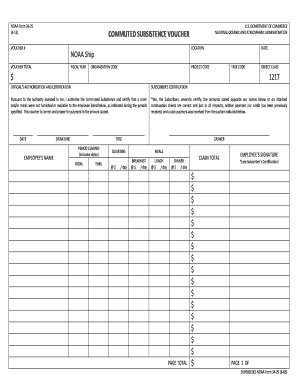
Beacon forms registratio
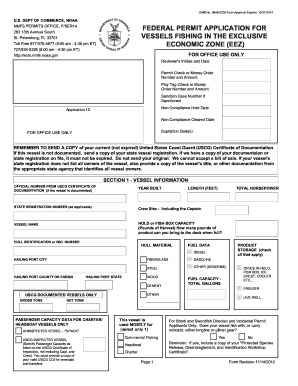
Federal permit application for vessels fishing in the exclusive ... - sero nmfs noaa
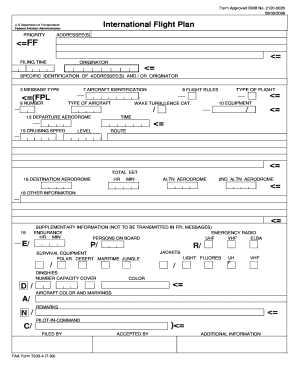
Icao flight plan form pdf download
Truck Carrier Tool-Worksheets, All (PDF) - US Environmental ... - epa
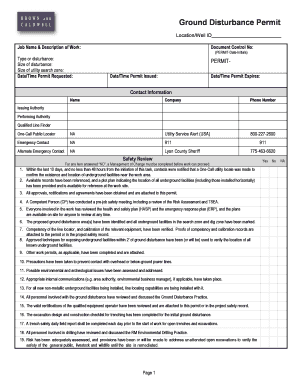
Ground disturbance permit
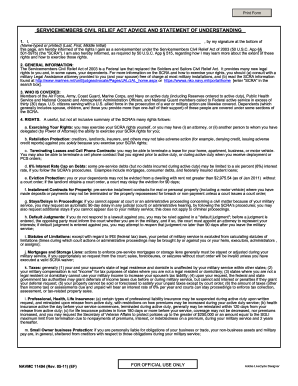
Navmc 11494
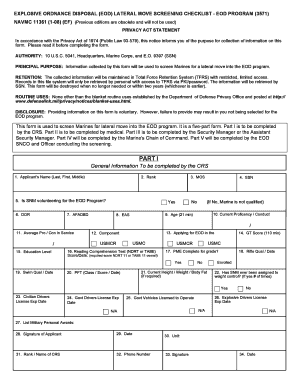
Navmc 11361

Navy aa e screening form
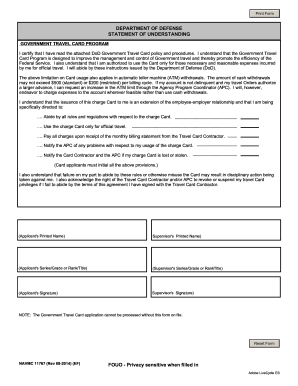
Statement understanding form template

Navmc 11386
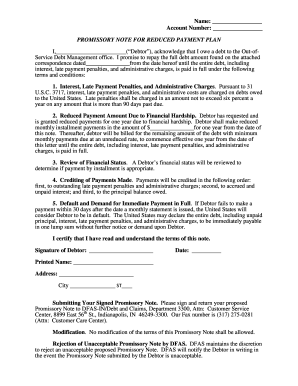
Dfas financial hardship
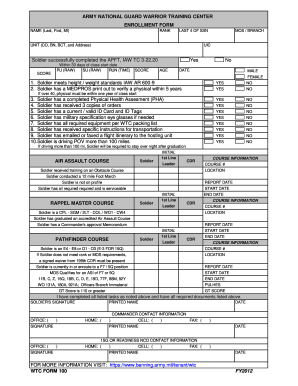
Wtc form 100
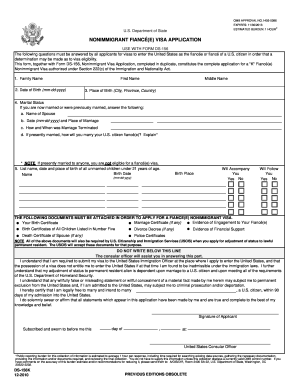
Ds 160 and ds 156 forms 2010
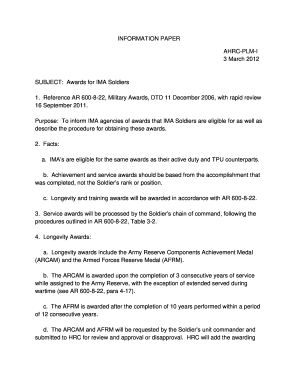
Information paper army

Dd form 2900
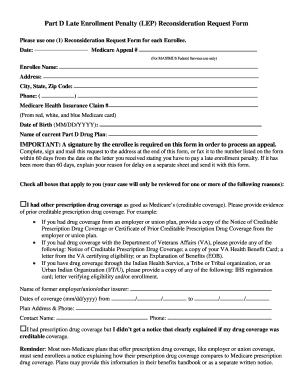
Part d lep reconsideration form
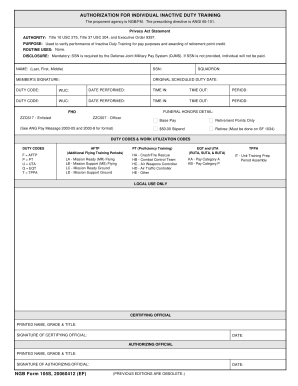
Af form 105
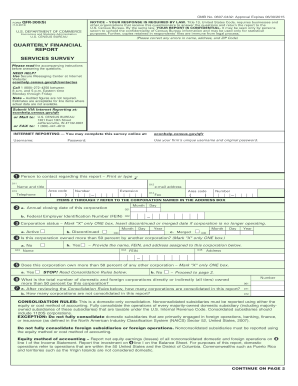
Qfr 300
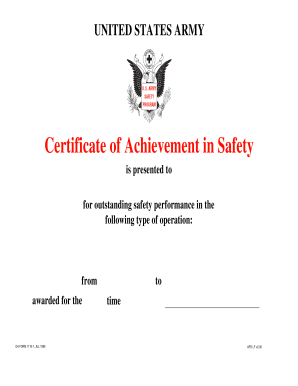
Form 1119
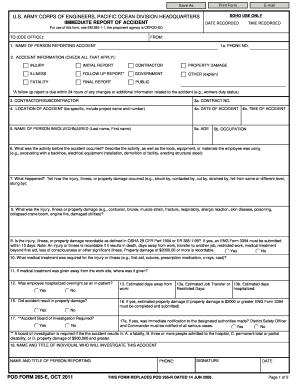
Printable payable on death form

Da form 3947

Af 1466d form
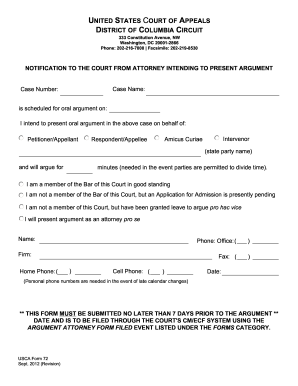
Form 72 - US Court of Appeals - DC Circuit - cadc uscourts
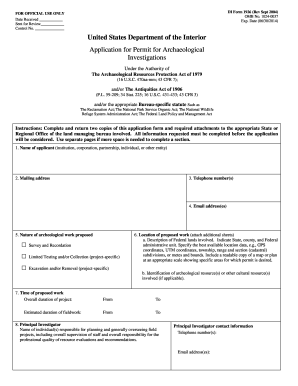
Di form 1926
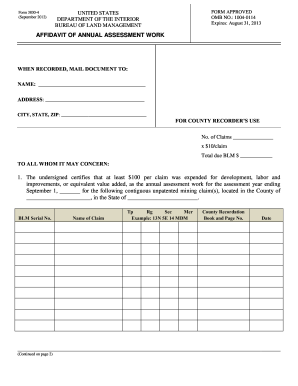
BLM Form 3830-004 Affidavit of Annual Assessment Work - blm
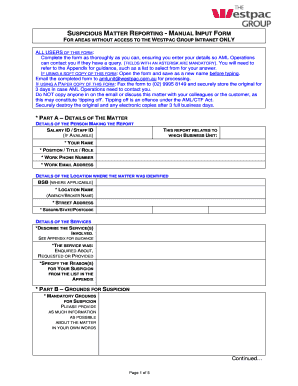
Suspicious matter report example
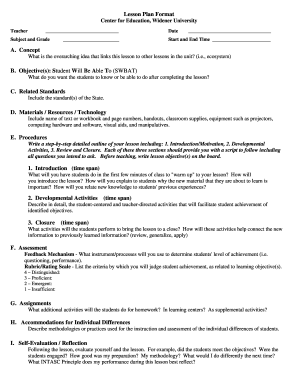
Widener university lesson form template
Waiver
Eye wash station risk assessment template
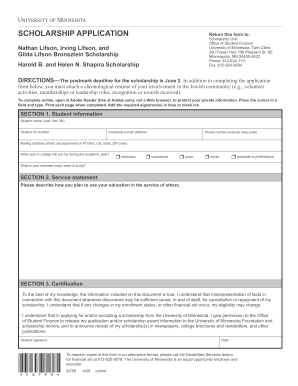
Lifson Scholarship application form - University of Minnesota - policy umn

Mock voter registration
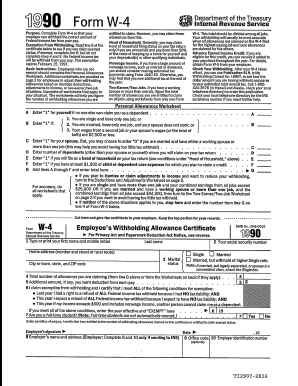
1990 w 4 form

(Please complete in English print)
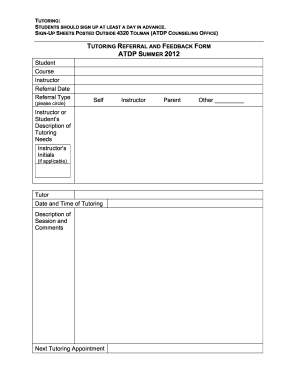
Tutor feedback form

Uams fax cover sheet
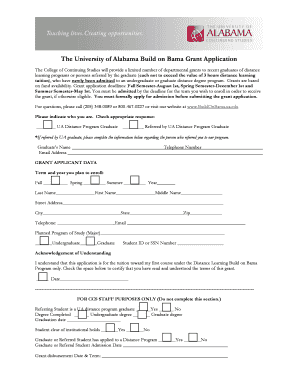
The University of Alabama Build on Bama Grant Application - bamabydistance ua
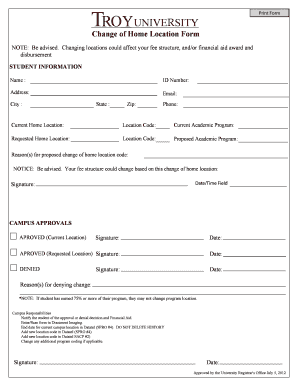
Change of Home Location Form - Troy University
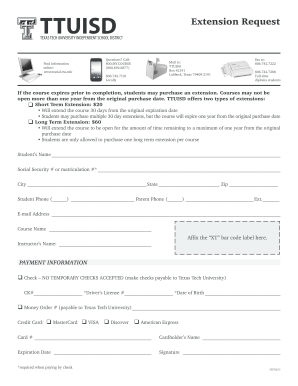
Ttuisd extension request
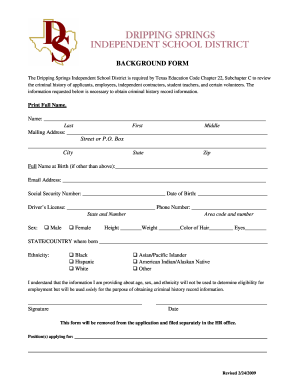
Dripping Springs ISD Background Check form - education txstate
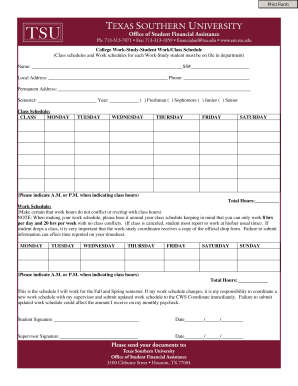
Tsu class schedule

Spat service pesticide online
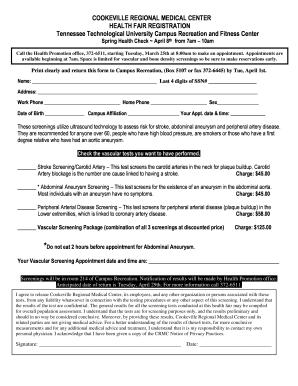
Health fair registration form template
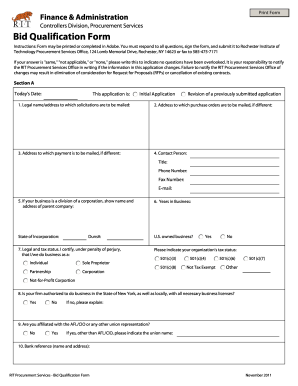
Bid qualification form
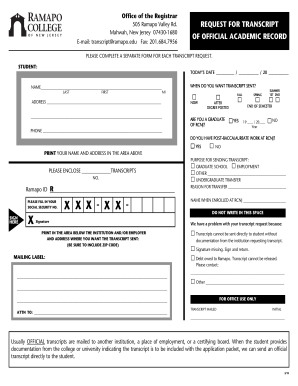
Ramapo college request transcript new jersey
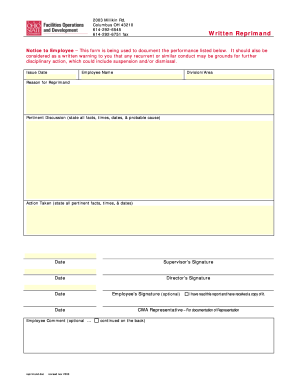
Legacypaydocs osu taxdocument
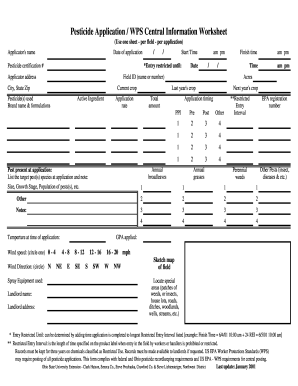
Central information worksheet
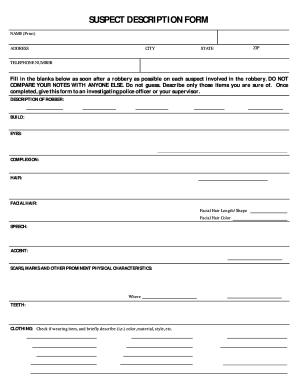
Suspect description form
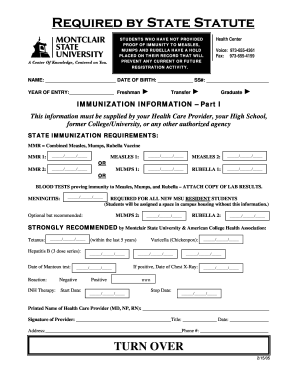
Montclair immunization form
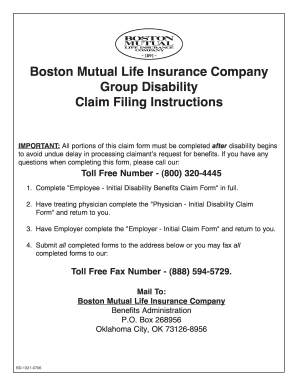
Boston life claim form
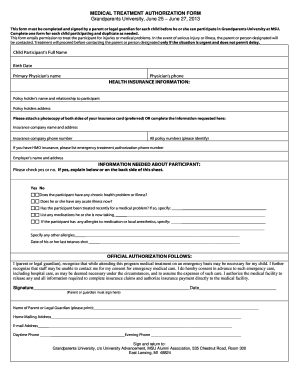
Grandparents poa form
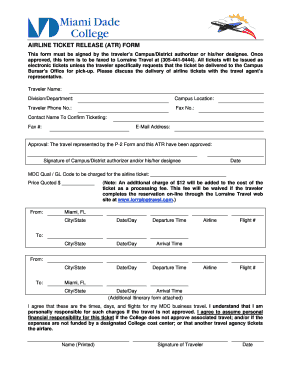
Mock airline tickets editable pdf download
Benefit from the DocHub online library of fillable PDF forms
Searching the PDF forms doesn't have to be a tedious and time-consuming process. With the DocHub online library, it has become easier to find the fillable PDF forms and modify them in your browser. The service allows you to adjust the document to your needs using powerful editing tools.
You can use online document editing features to modify almost any type of document with ease. You just need to find the template of your choice, open it in the editor, and use the toolbar to make the necessary corrections.
Follow this guide to get your document done with DocHub:
- Find the PDF template you need.
- Click the Get Form button to open the file in the editor.
- Use the toolbar to fill out and edit the document.
- Easily add and highlight text, insert images, checkmarks, and symbols.
- Drop new fillable fields, and rearrange or delete pages from your file.
- Save changes and download your record.
DocHub empowers everyone to streamline document editing, signing, and distribution, and form completion. Create an account and benefit from our well-organized PDF Forms library and comprehensive editor.