
Get any PDF form from the DocHub library of ready-made templates - Page 2013

Md certified statemeny 2007 form

FAILURE TO PAY RENT - LANDLORD'S ... - Maryland Courts
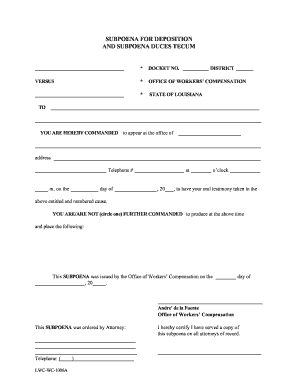
Subpoena documents
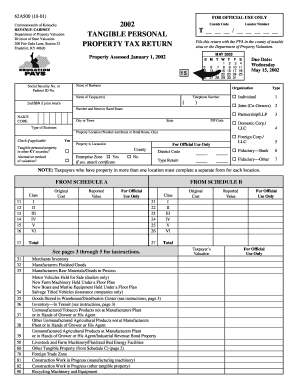
Ky rev form 62a500 2002
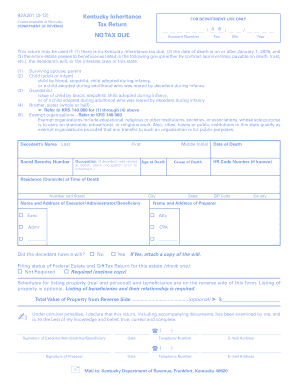
Biyl ky dor 2012 form
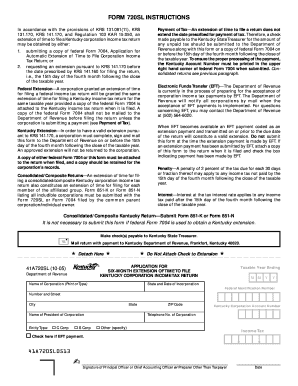
Form 720ext
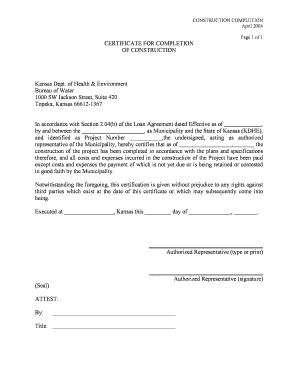
Construction Completion Form - Kansas Department of Health ... - kdheks
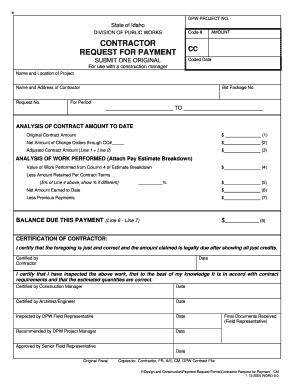
Contractor Request for Payment - for use with a construction manager - Public Works - Administration - State of Idaho

Healthy connections referral form idaho
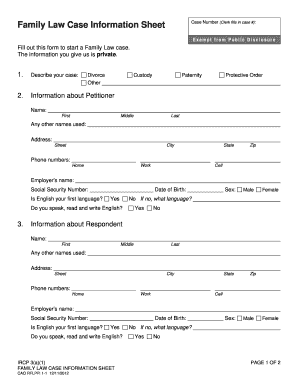
Idaho family law case information sheet
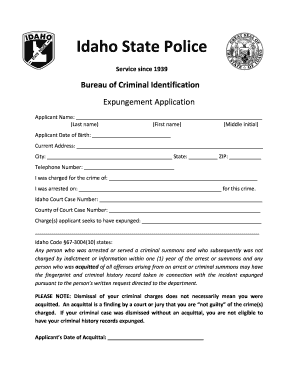
Idaho expungement application

Hawaii guardianship
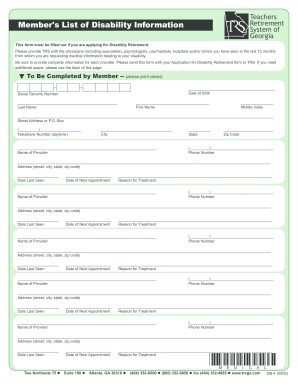
Georgia trs list information form
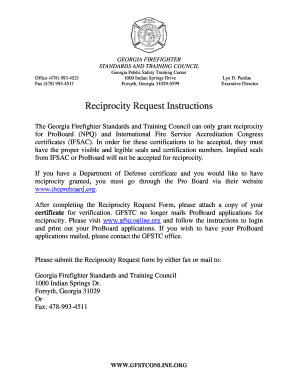
Georgia firefighter certification reciprocity
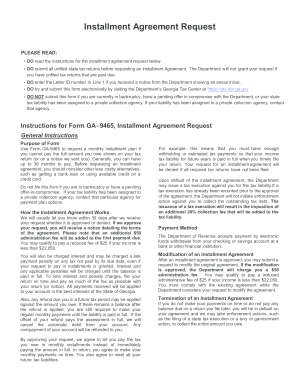
Ga dept of revenue installment agreement 2011 form
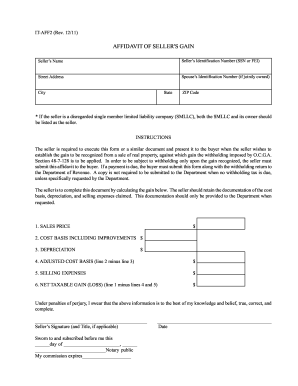
How to complete affidavit of seller's gain

Georgia form 525 tv
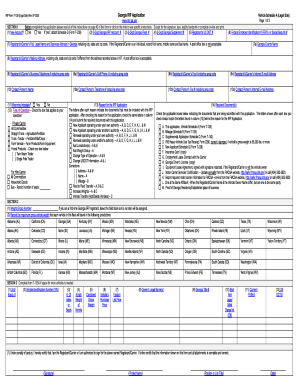
Irp form
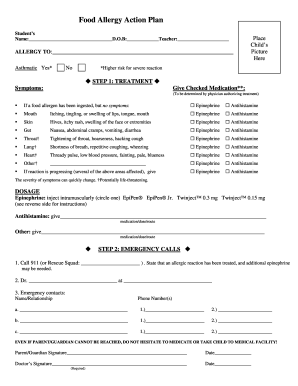
Food allergy action plan form

Bright from the start forms
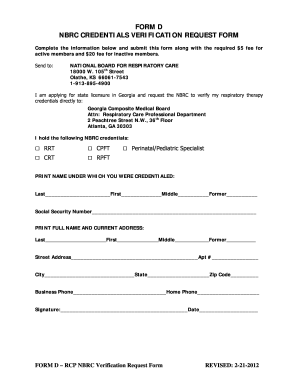
Nbrc verification request online
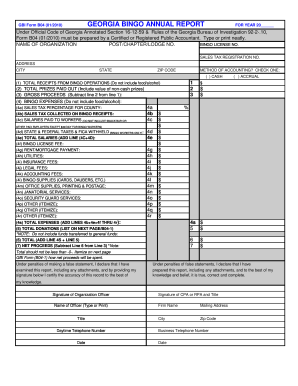
Georgia bingo annual report 2010 form
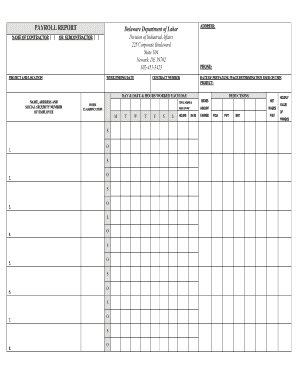
Payroll form
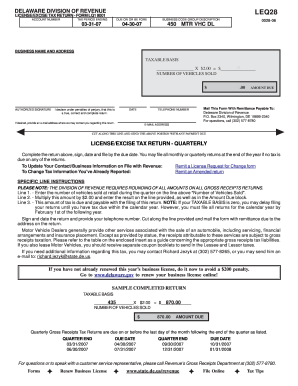
Delaware form lq 1

Workers comp form with medical history
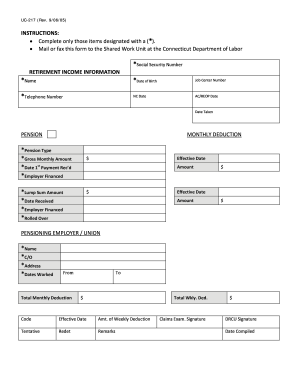
Uc 217
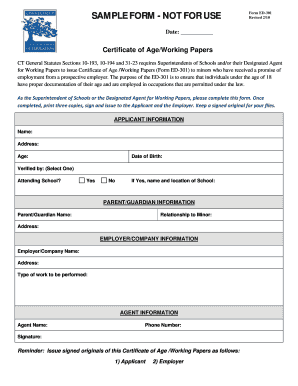
Ed301

Gws32 form

Colorado intent to homeschool form
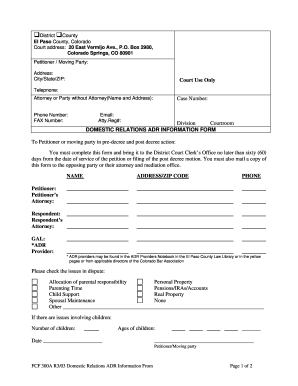
Colorado 300a

Card No: --- - Colorado State Judicial Branch - courts state co
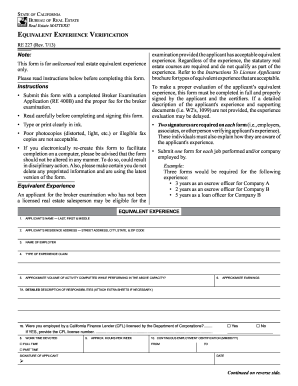
Form re 227 2013
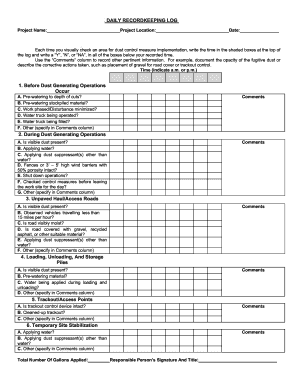
Dust Control Plan 090728.docx - cpuc ca

California Advance Health Care Directive ... - Attorney General - ag ca
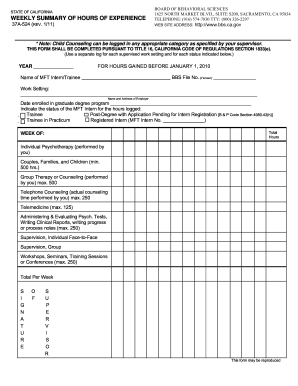
37a524

Bbs responsibility statement
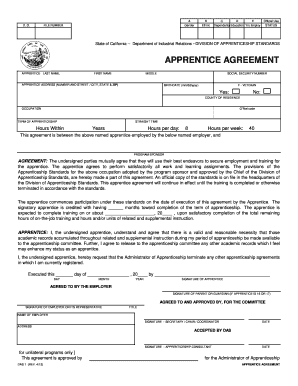
Das 1 form
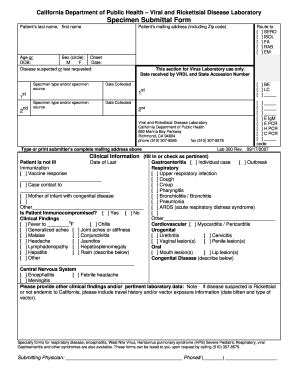
Vrdl form
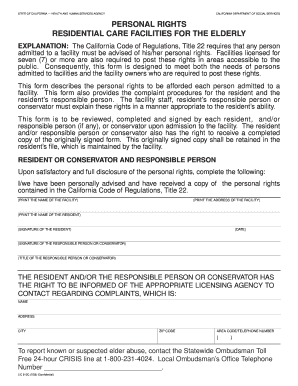
Lic 613c form
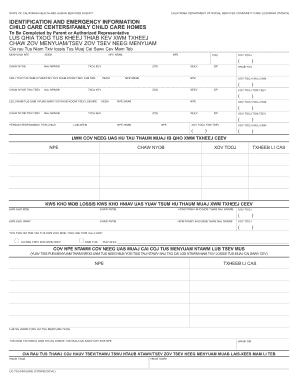
Lic 700
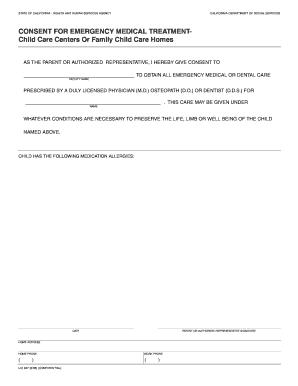
Lic 627
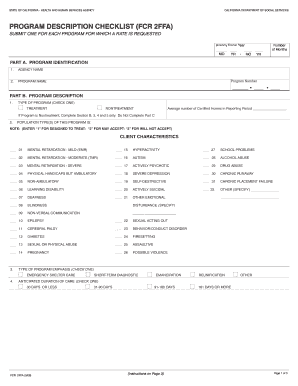
Fcr 2ffa
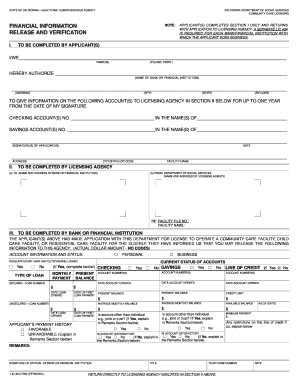
Lic 404

Trustline application live scan form tlr 2
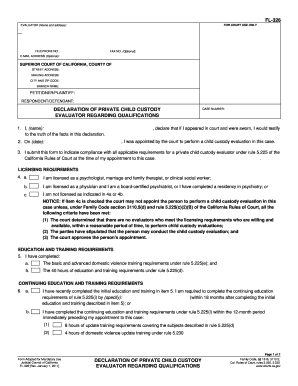
Fl 326
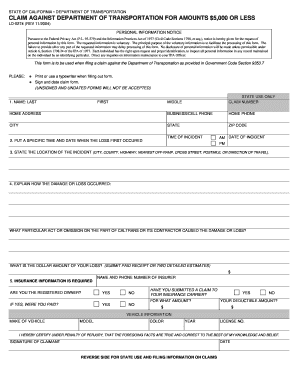
Ld 0274 form 2004
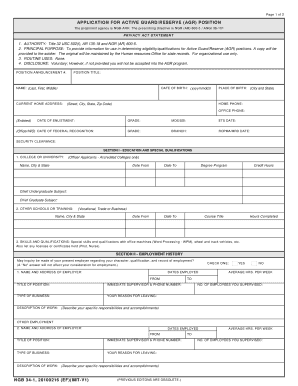
Ngb 34 1
Ar elderchoices

Disposition form meaning

Arizona boat bill of sale
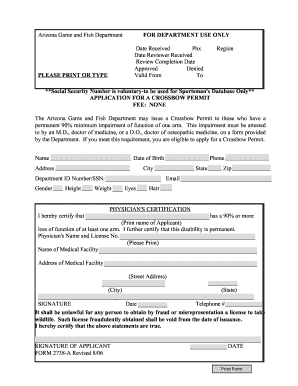
Form 2738-A pdf, 528kb - Arizona Game and Fish Department - azgfd
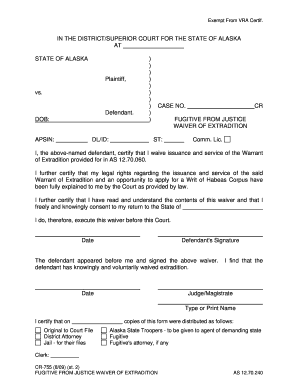
Extradition waiver form
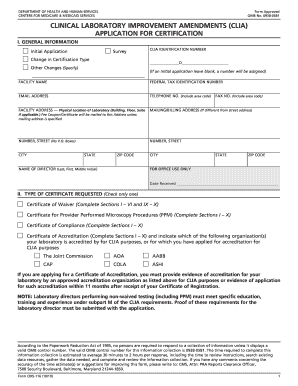
0938 0581 2010 form

How to 25d 042
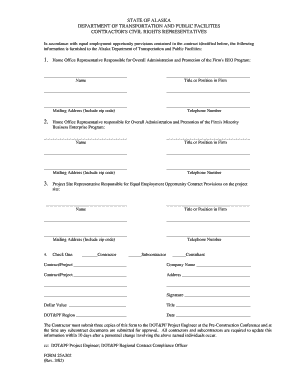
Alaska contractor civil representatives download
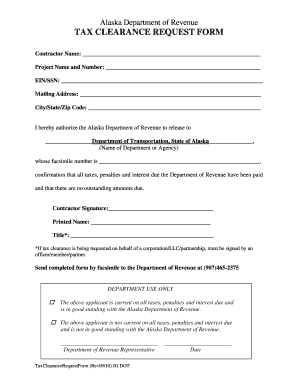
Request for tax clearance certificate
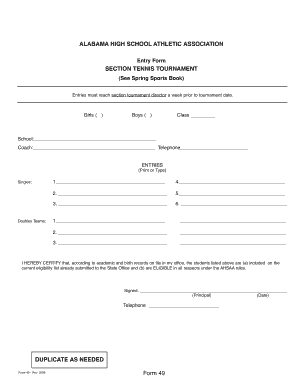
Ahsaa entry form
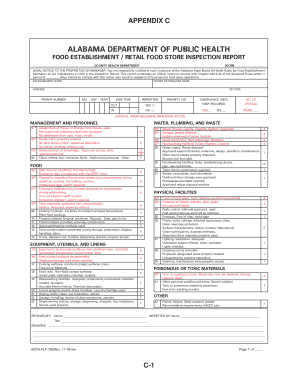
Alabama health inspection checklist
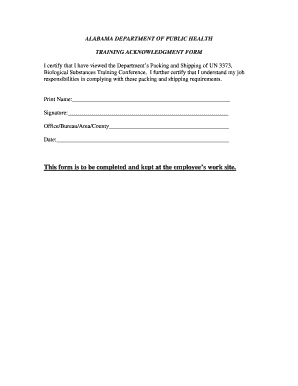
Training acknowledgement form
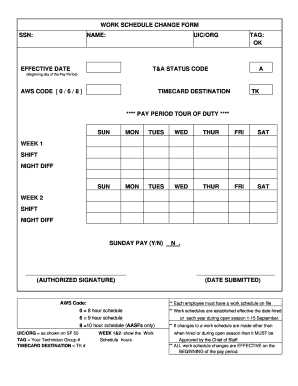
Fill in work schedule
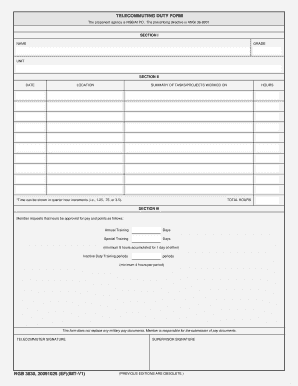
Ngb 3630 fillable
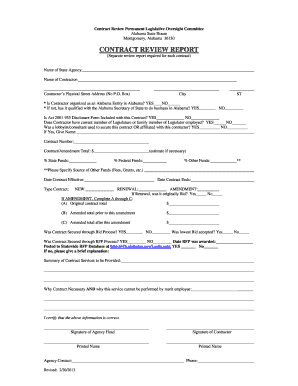
Contract Review Report Form - Alabama Legislature - legislature state al
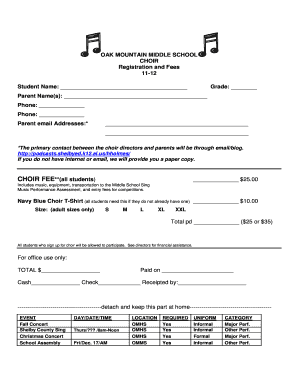
Choir application letter pdf
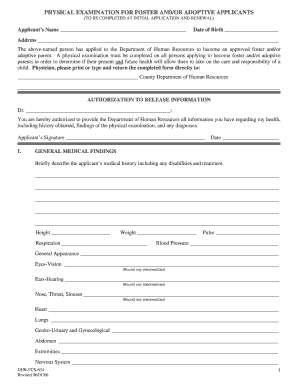
Dhr fcs 634

Alabama cosmetology state board form

Alc renewal application alabama
American airlines form
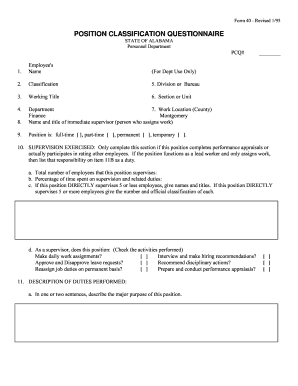
Alabama 40 questionnaire
Nc food service application

Vilas county zoning application form
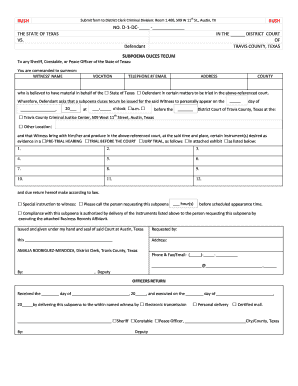
Subpoena form texas
Texas declaration of informal marriage form 2008
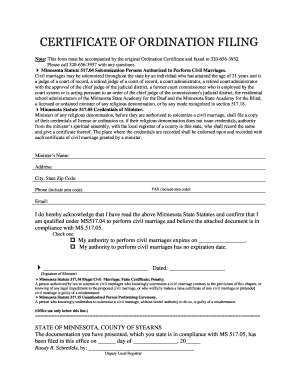
Minnesota certificate ordination
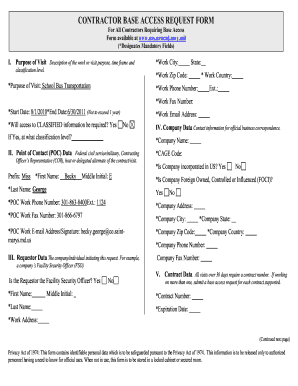
Online form filling jobs without investment daily payment
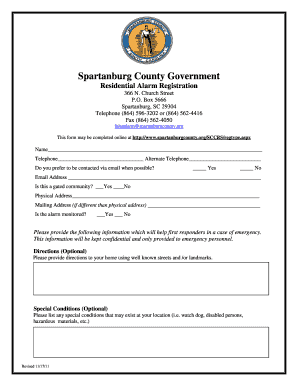
Spartanburg County Government Residential Alarm Registration - spartanburgcounty
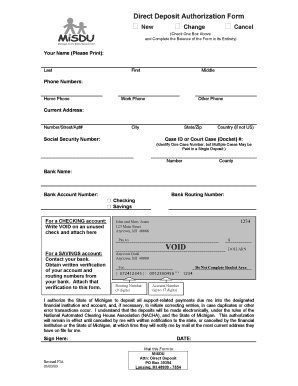
Misdu
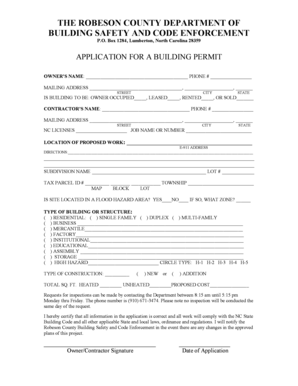
Robeson county permit office
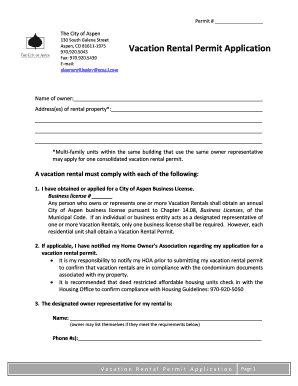
City aspen vacation rental permit

Nc exclusive property management agreement 2009 form
523 - Brokerage Cooperation Agreement - North Carolina ... - ncrealtors
Standard form 2a8 t
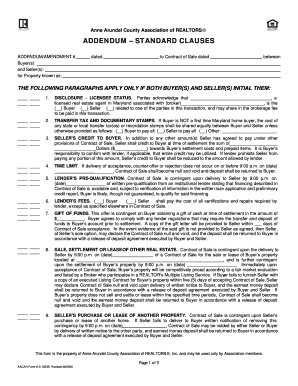
Anne arundel addendum
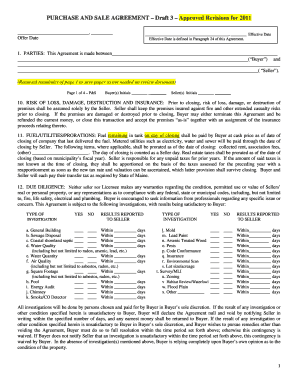
Maine association of realtors forms
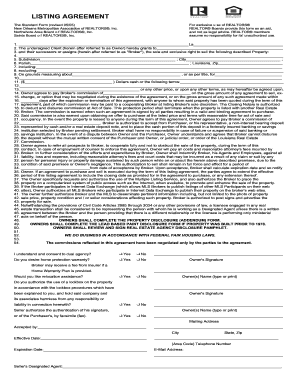
Listing agreement standard form new orleans undersigned client 2005

Mileage form orangeburg
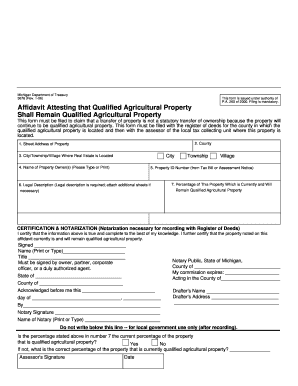
Pa 260 michigan

Pretrial statement oakland
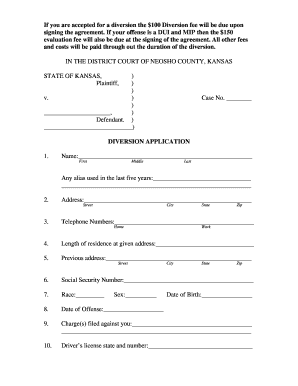
Diversion neosho
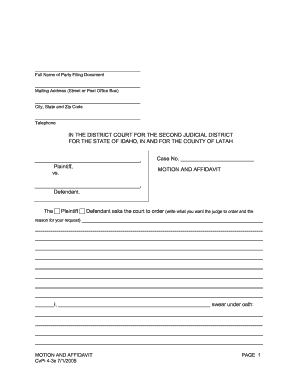
Cvpi motion

Fa 4119v
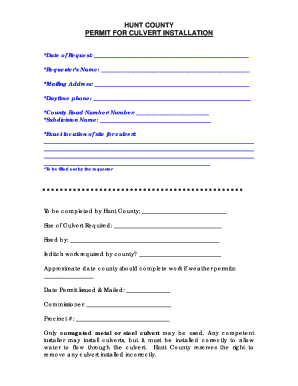
Culvert hunt permit
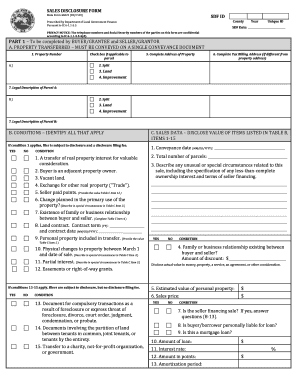
Sales disclosure form 46021 hendricks
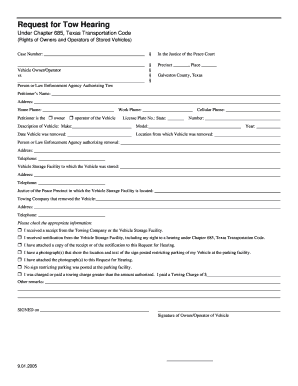
Texas request hearing galveston form
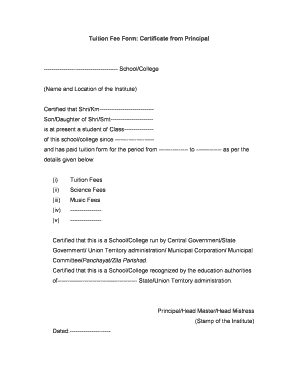
Tuition fee certificate from principal pdf
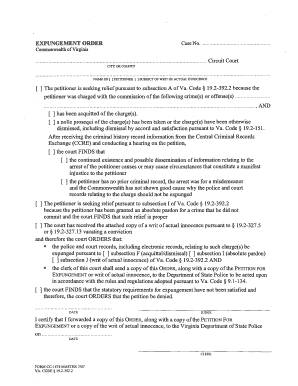
Expungement Order - Form CC-1474 - Fairfax County Government - fairfaxcounty
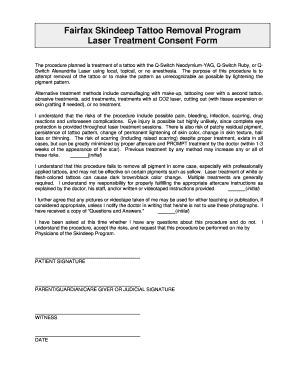
Laser tattoo removal consent form
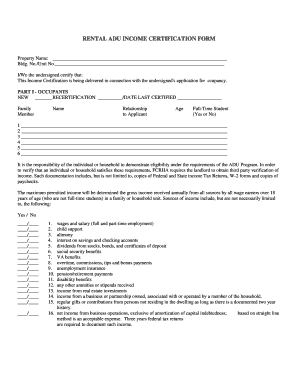
Adu income certification form
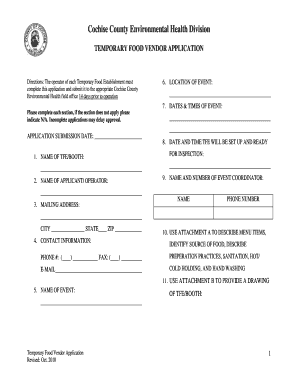
Cochise temporary food
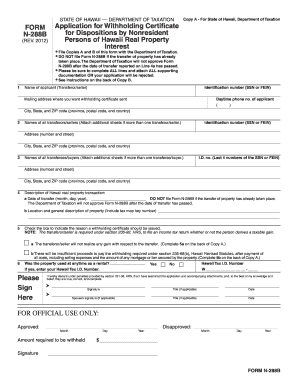
N 288b 2012 form

2018 Form 3805V Net Operating Loss (NOL) Computation and NOL ...
Benefit from the DocHub online library of fillable PDF forms
Searching the PDF forms doesn't have to be a tedious and time-consuming process. With the DocHub online library, it has become easier to find the fillable PDF forms and modify them in your browser. The service allows you to adjust the document to your needs using powerful editing tools.
You can use online document editing features to modify almost any type of document with ease. You just need to find the template of your choice, open it in the editor, and use the toolbar to make the necessary corrections.
Follow this guide to get your document done with DocHub:
- Find the PDF template you need.
- Click the Get Form button to open the file in the editor.
- Use the toolbar to fill out and edit the document.
- Easily add and highlight text, insert images, checkmarks, and symbols.
- Drop new fillable fields, and rearrange or delete pages from your file.
- Save changes and download your record.
DocHub empowers everyone to streamline document editing, signing, and distribution, and form completion. Create an account and benefit from our well-organized PDF Forms library and comprehensive editor.