
Get any PDF form from the DocHub library of ready-made templates - Page 2004
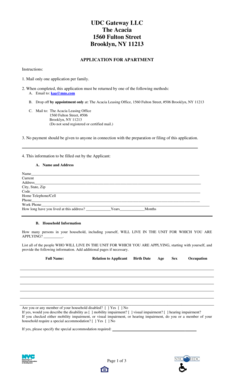
1560 fulton street
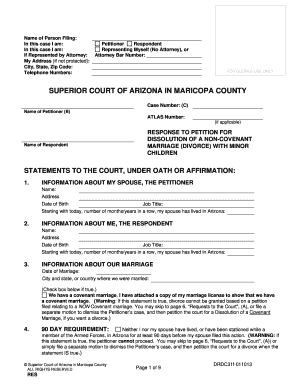
SUPERIOR COURT OF ARIZONA IN MARICOPA COUNTY - superiorcourt maricopa
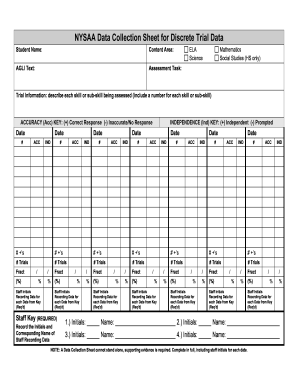
Dtt data sheet pdf
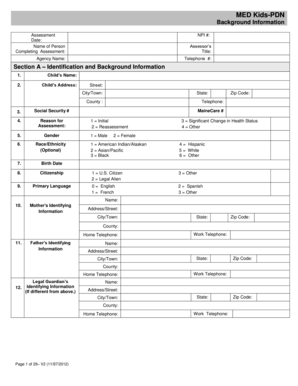
MED Kids-PDN - Maine.gov - maine

Small estate affidavit indiana
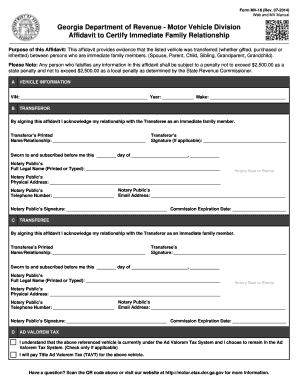
Mv16
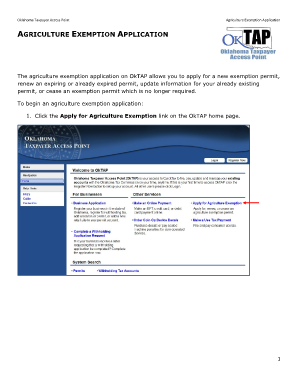
Oktap agriculture exemption
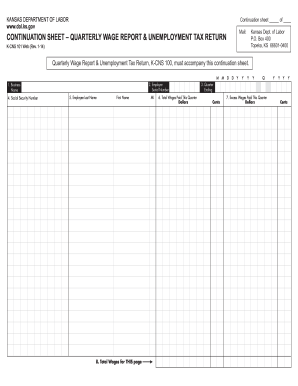
Kansas continuation unemployment
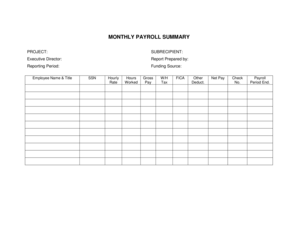
MONTHLY PAYROLL SUMMARY
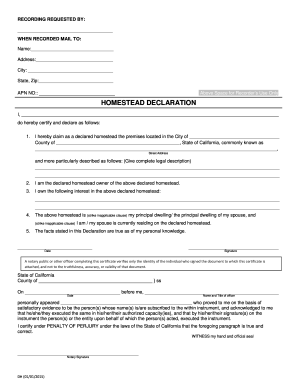
Fillable HOMESTEAD DECLARATION - State of California
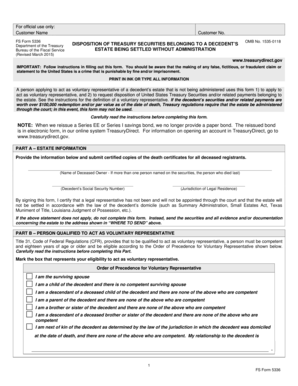
Treasurydirect form 5336
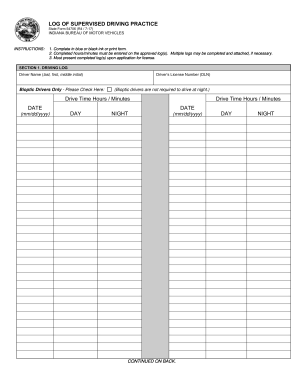
Driving practice log sheet 2013 form
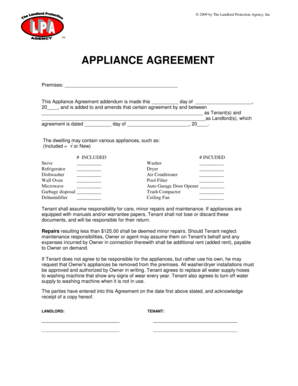
2009 by The Landlord Protection Agency, Inc APPLIANCE AGREEMENT Premises: This Appliance Agreement addendum is made this day of , 20 , and is added to and amends that certain agreement by and between as Tenant(s) and as Landlord(s), which
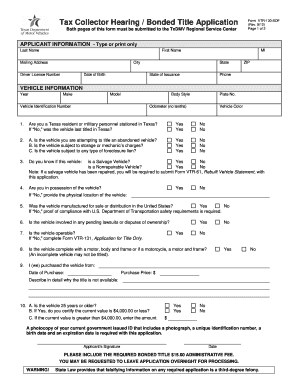
Bonded title texas
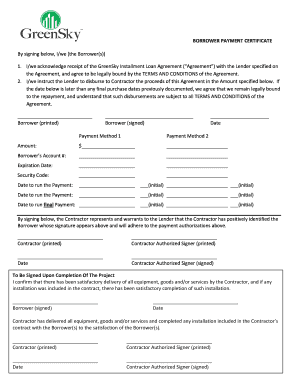
Paymentcertificateform

Work capacity medical certificate
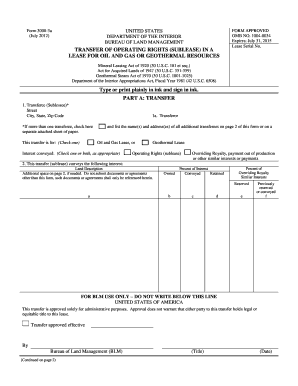
Blm form 3000 3a 2012
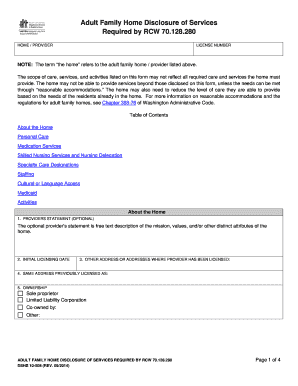
Content 2014 form

Kentucky partnership income and llet retuen

- dmv ca

Grocery game plan

Bcal 4590
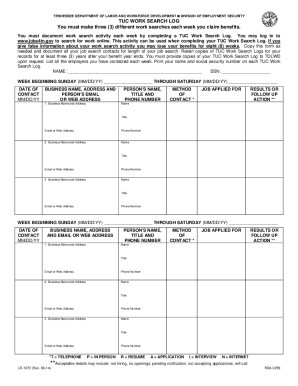
How to fill out job search log for unemployment online

Baseball Field Rental Agreement - lehi-ut

U.S. Department of Labor Duty Status Report - blm
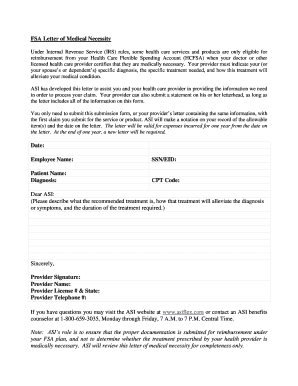
Letter of medical necessity hsa sample
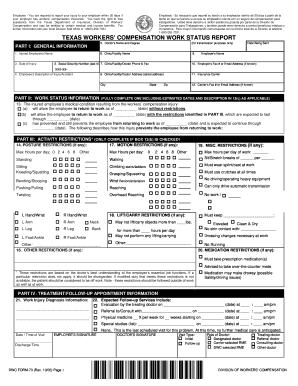
Dwc73 2005 form

Printable va form 21 534ez
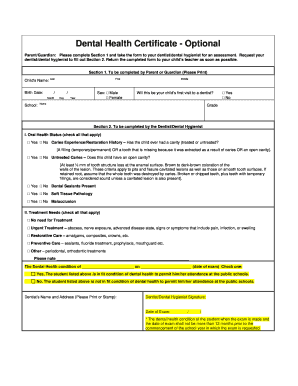
Dental certificate
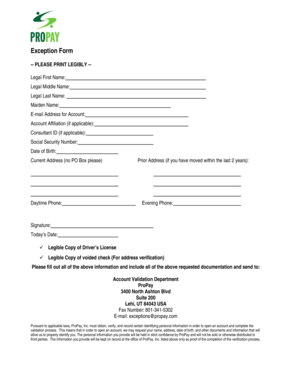
Propay exception form

Blank plan of care forms
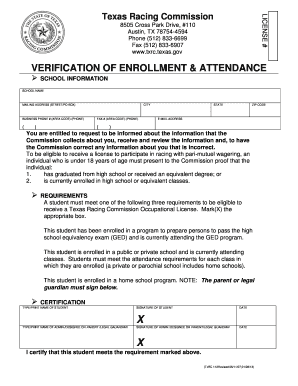
Proof of school enrollment

Loan agreement template doc
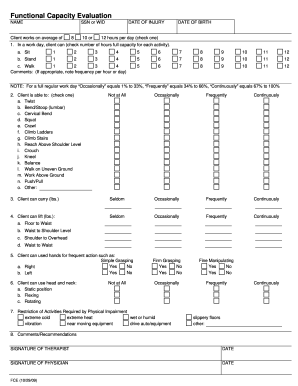
Fce form
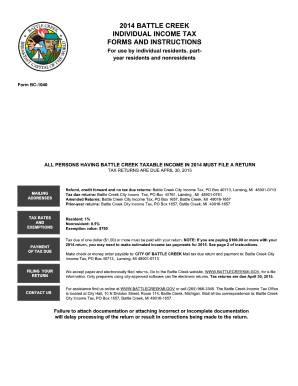
Form creek tax 2014
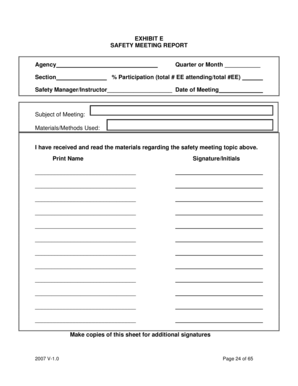
Safety Meeting Form - doa louisiana
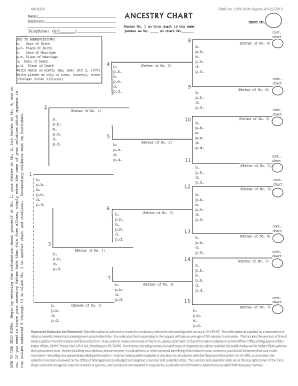
Bia8305

California 7478 form
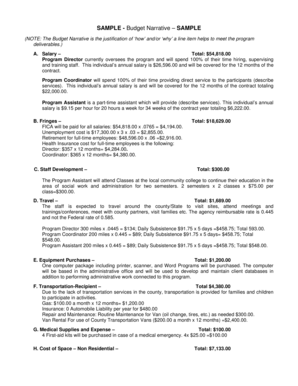
Budget justification narrative example

2014 ar form
Cf2 philhealth
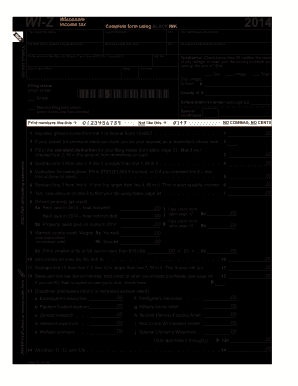
Wi z 2014 form
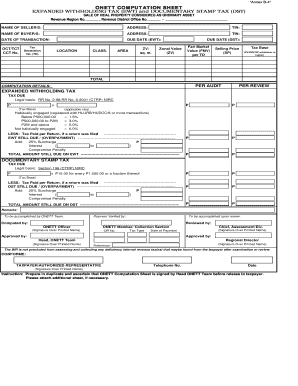
Onett computation sheet

2014 mo ptc form
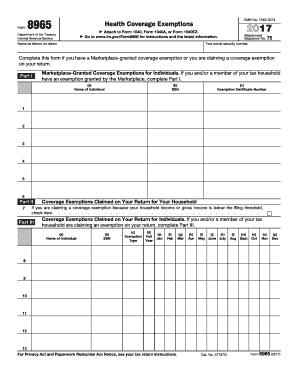
2014 irs form 8965
Universal tax systems forms
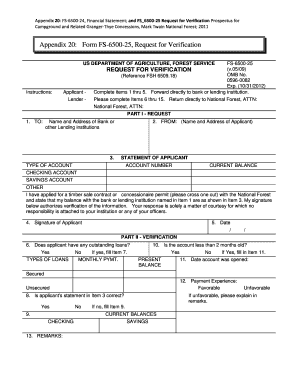
Fs 6500 25
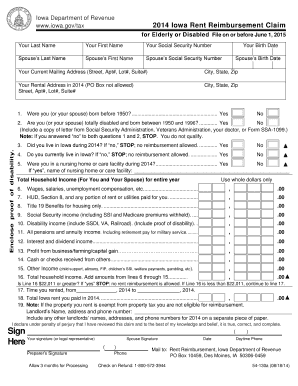
Rent reimbursement form 2014

Child Care Center Risk Reduction Plan - dhs state mn
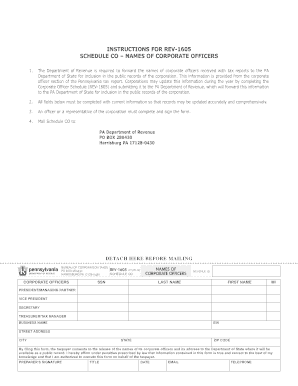
Rev 1605

2015 california form

Cr 266
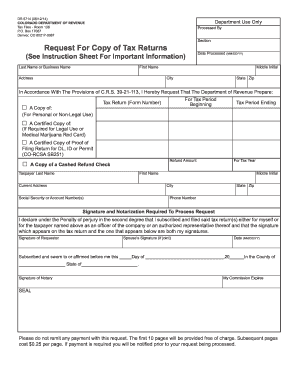
Form dr 5714 2014
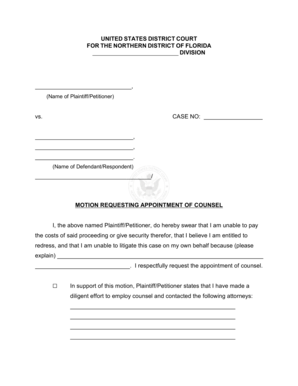
Sample motion for appointment of counsel
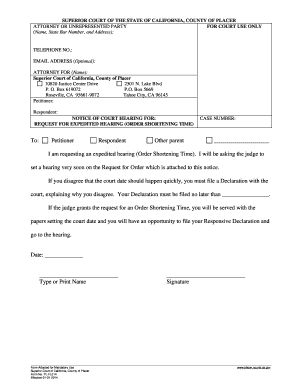
Expedited shortening

Indiana st 103

Refund/Cancellation Request form - get wa

Aoc 805 2005 form
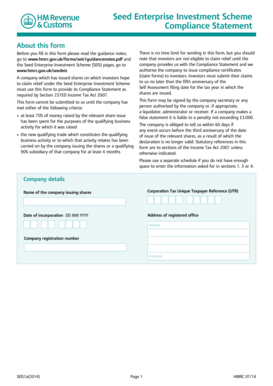
Seis3 form download
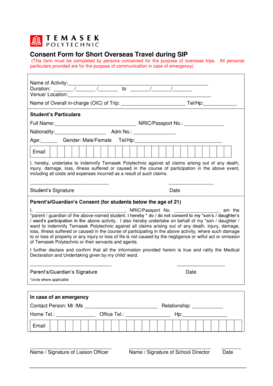
Tp medical form

Imm5645e instruction guide
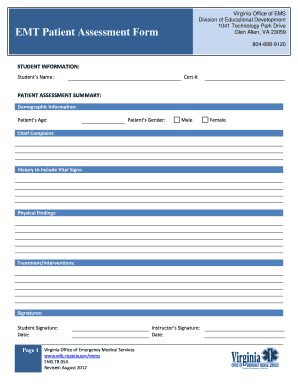
Virginia ems patient assessment forms emt class
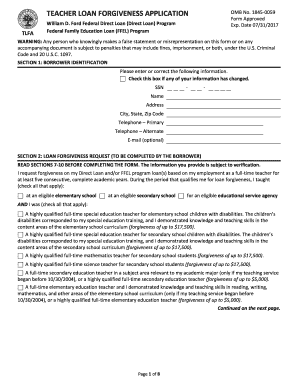
Teacher loan forgiveness application
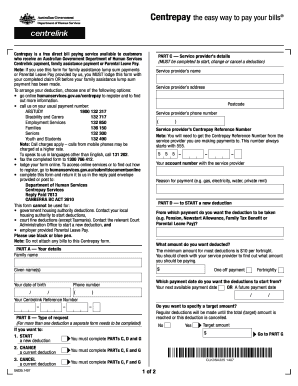
Sa325
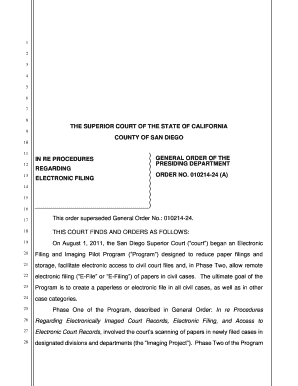
San diego general order
Voya financial sep ira beneficiary designation
Motor carrier permit renewal
Soc 2255

Pa 238 form
Community-Based Care Recipient Assessment Report

Bishops storehouse order online
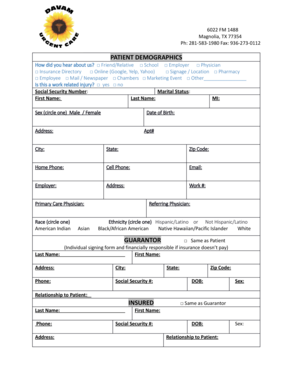
Davam com patient registration form
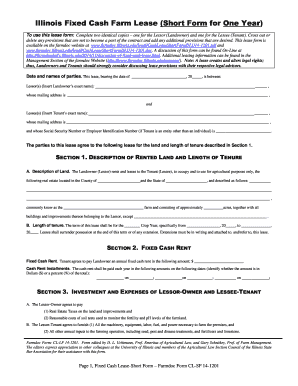
Cl sf 14 1201
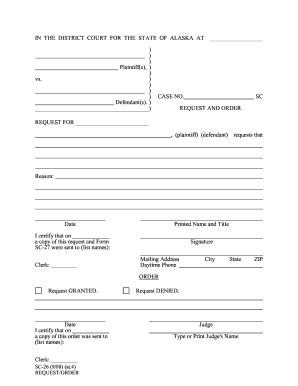
SC-26 - Alaska Court System - State of Alaska - courts alaska
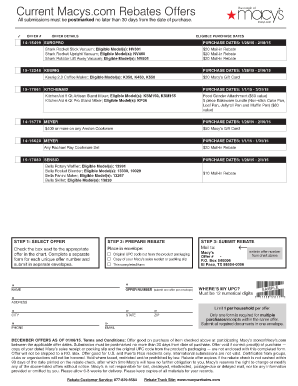
Macys rebate november 2020
Nco evaluation reportDocHubcom form
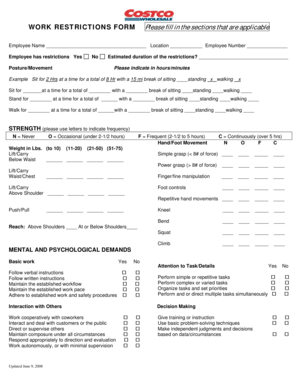
Work restrictions

Provider Fax Cover Sheet - myTRICARE.com

Affidavit for change of name after marriage by a woman applicant

Vehicle service status report
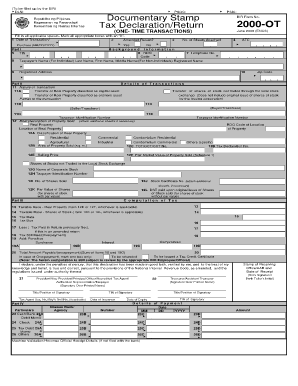
Bir form 2000 ot excel format
Child Custody Parenting Plan
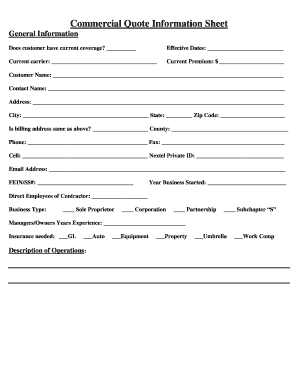
Group information form

Ford g cm3 online

Oath of professional teachers
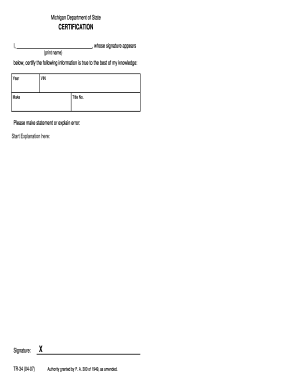
State of michigan form tr 34 2007
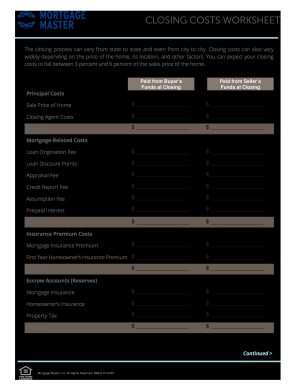
Closing costs worksheet
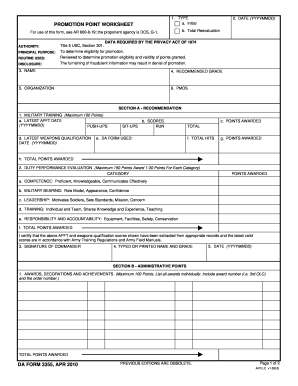
Da form 3355
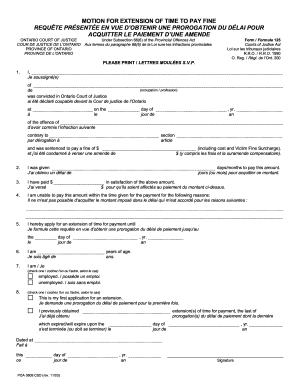
Motion extension pay fine
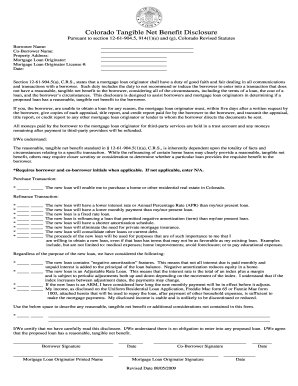
Colorado net tangible benefit form
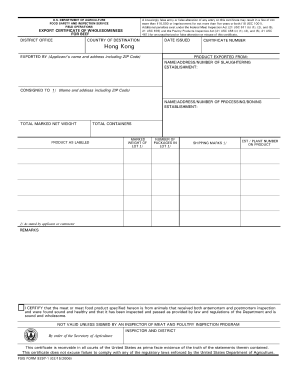
Fsis 9297 fill
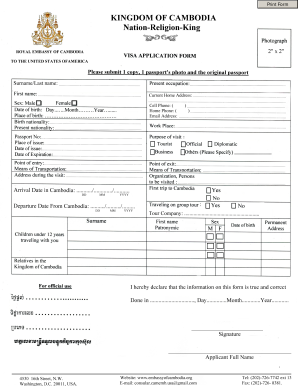
How to fill out cambodia visa application form
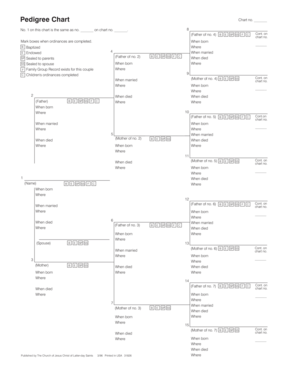
Pedigree chart lds
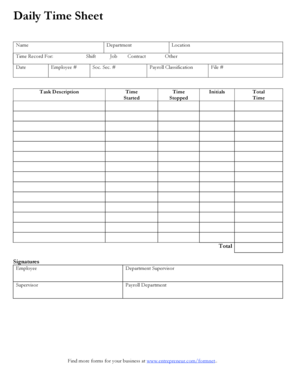
Daily Time Sheet.pdf

New zealand visa application form

Sca daily signature log
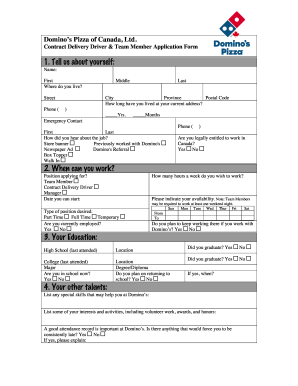
Dominos application pdf
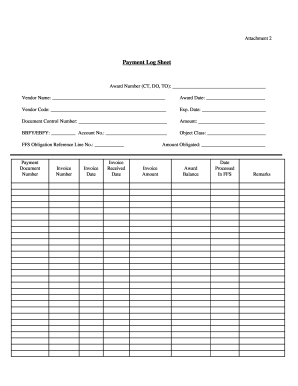
Payment sheet pdf
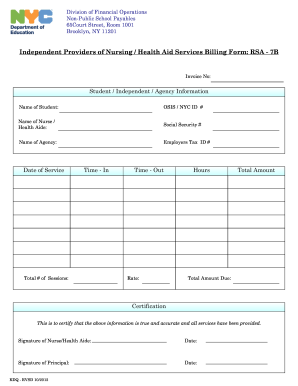
Independent providers of nursing health aid services billing form rsa 7b
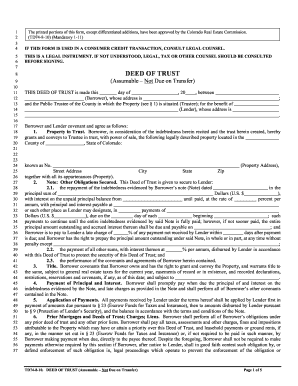
Td74 8 10
Benefit from the DocHub online library of fillable PDF forms
Searching the PDF forms doesn't have to be a tedious and time-consuming process. With the DocHub online library, it has become easier to find the fillable PDF forms and modify them in your browser. The service allows you to adjust the document to your needs using powerful editing tools.
You can use online document editing features to modify almost any type of document with ease. You just need to find the template of your choice, open it in the editor, and use the toolbar to make the necessary corrections.
Follow this guide to get your document done with DocHub:
- Find the PDF template you need.
- Click the Get Form button to open the file in the editor.
- Use the toolbar to fill out and edit the document.
- Easily add and highlight text, insert images, checkmarks, and symbols.
- Drop new fillable fields, and rearrange or delete pages from your file.
- Save changes and download your record.
DocHub empowers everyone to streamline document editing, signing, and distribution, and form completion. Create an account and benefit from our well-organized PDF Forms library and comprehensive editor.