




01. Edit your annuity surrender charge online
Type text, add images, blackout confidential details, add comments, highlights and more.

Type text, add images, blackout confidential details, add comments, highlights and more.

Draw your signature, type it, upload its image, or use your mobile device as a signature pad.

Send how to avoid surrender charge via email, link, or fax. You can also download it, export it or print it out.

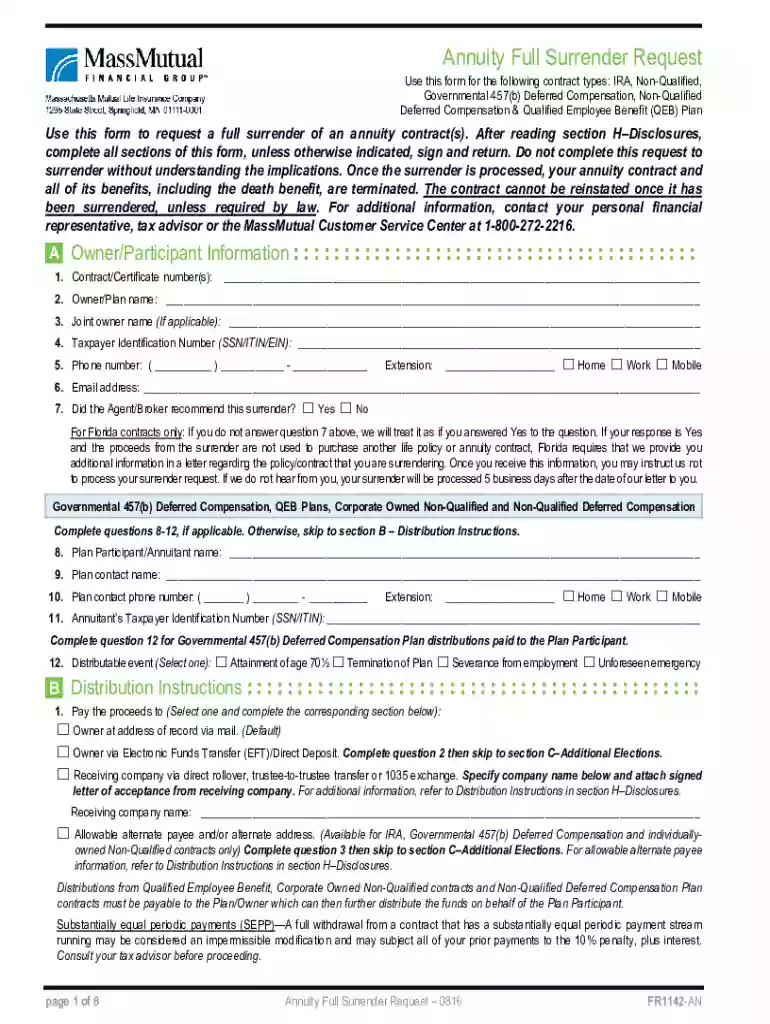
Start using our platform today to complete your Annuity Full Surrender Request easily and efficiently!
We've got more versions of the annuity surrender charge form. Select the right annuity surrender charge version from the list and start editing it straight away!
At DocHub, your data security is our priority. We follow HIPAA, SOC2, GDPR, and other standards, so you can work on your documents with confidence.
When the annuity ends, remaining assets are used by the charitable organization. According to the American Council on Gift Annuities (ACGA), a charitableRead more
Jan 23, 2018 If your pension or annuity is fully taxable, enter it on line 17b. Dont make an entry on line 17a. Example. You are a Form 1040 filer and youRead more
(a). To initiate a surrender of an annuity contract, a contract owner must submit a surrender request on a form required by the insurer. An insurer that


