
Get any PDF form from the DocHub library of ready-made templates - Page 1964

I-539, Application to Extend/ Change Nonimmigrant Status - nationalparalegal
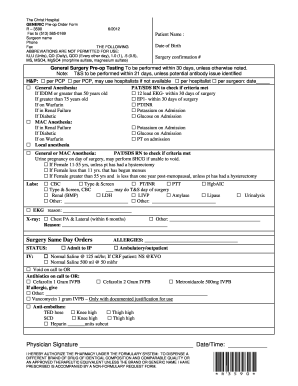
Forms for pre operation

Lumberton storm water
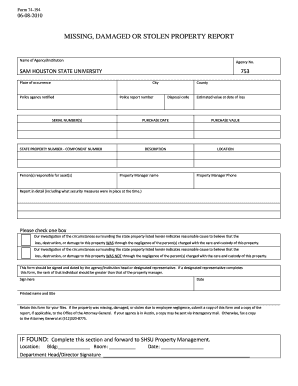
Missing damaged or stolen property report - Sam Houston State bb

Supply request form for fire departments
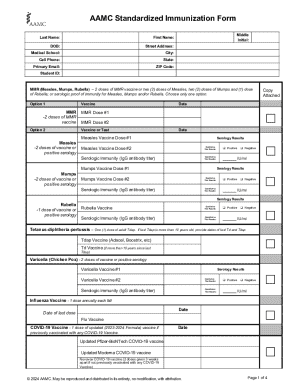
Cat vaccine record printable
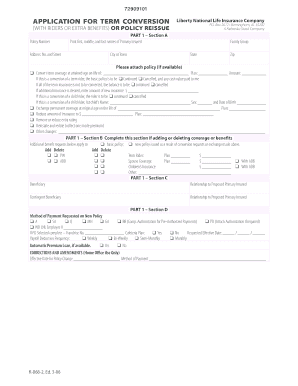
National r 868 2
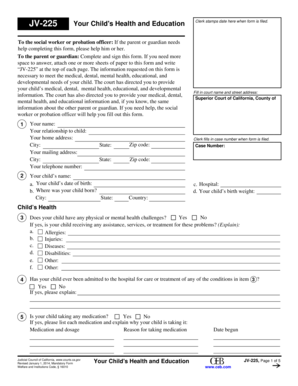
Jv 225
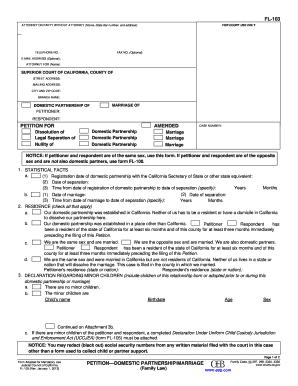
Petition domestic partnership
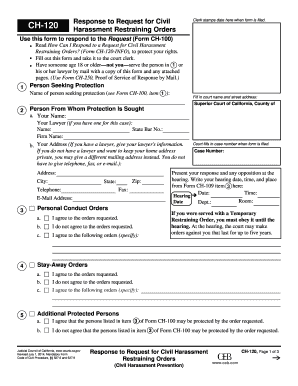
Ch 120 fillable form 2014
Redbook forms

Foia form pdf arkansas
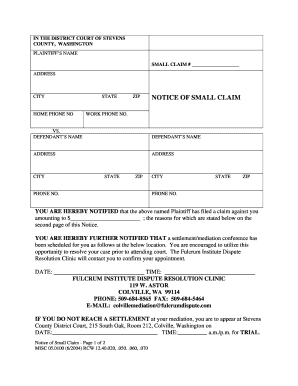
Stevens county washington small clams

New employee address request
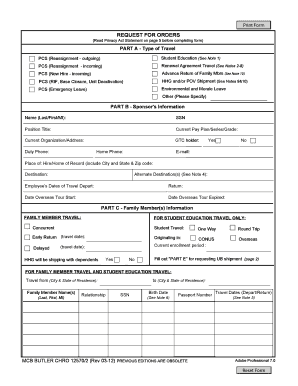
Request for Travel Orders - Marine Corps Base Camp Smedley D ...

Form 619 form
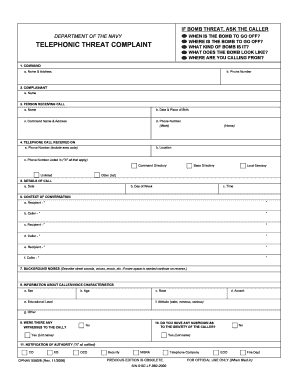
Opnav 5580 8

Navmc 11296

Safety patrol application

Gip application form
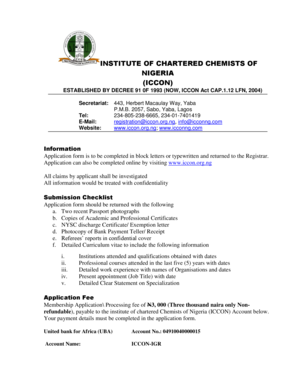
Iccon membership form
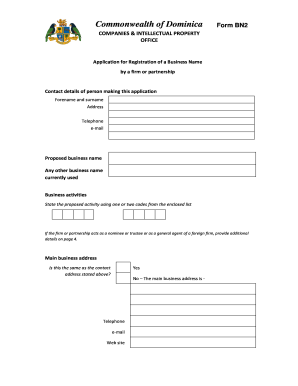
Bn 2 form

Iz:i la;k&5
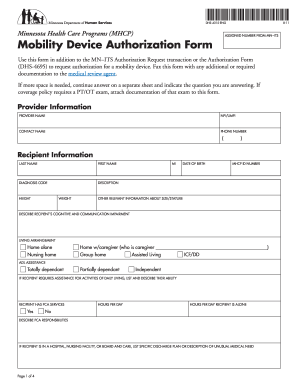
Mobility device authorization

Station model lab answer key
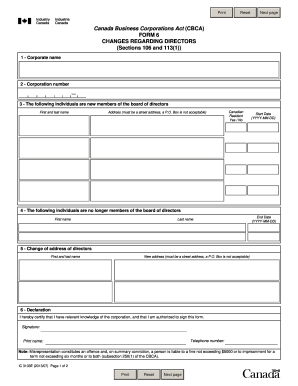
Form 6 changes regarding directors
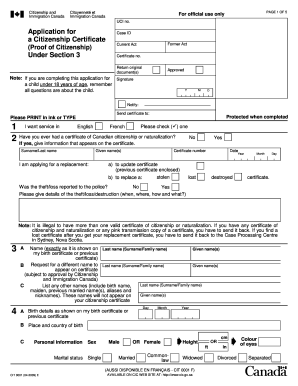
CIT 0001E : Application for a Citizenship Certificate (Proof of ...
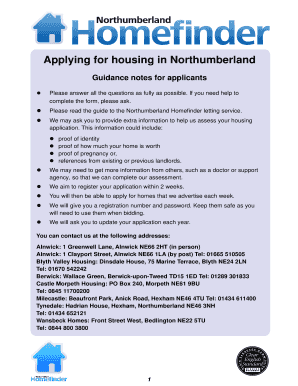
Northumberland homefinder
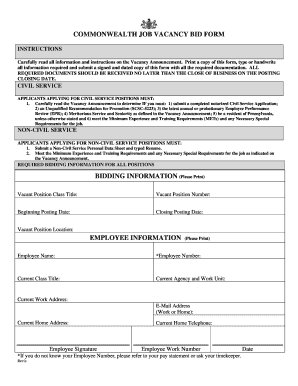
Job bid form

New zealand travel request form
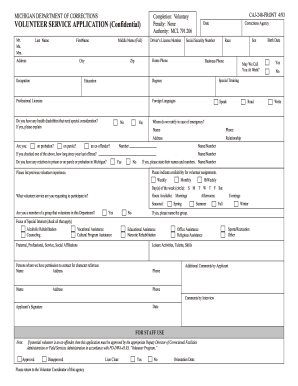
Mdoc volunteer application

Food bank application form
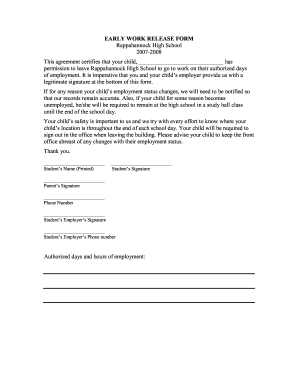
High school work release form
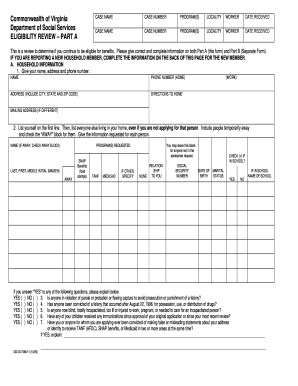
Social services online forms
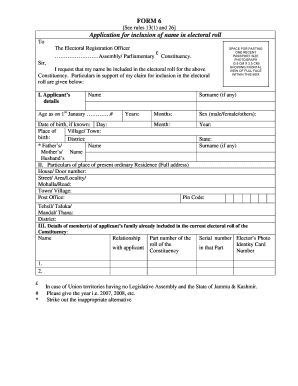
Election form sample 2020
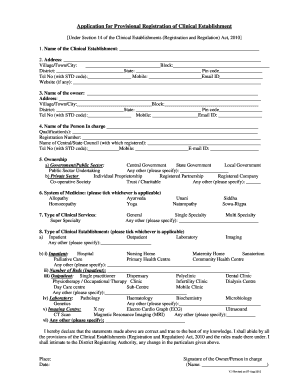
Clinic registration form
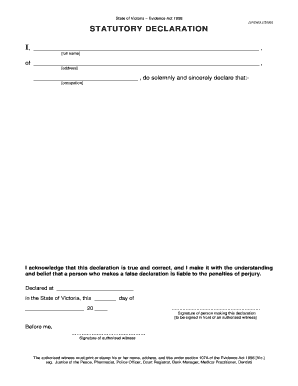
Stat dec
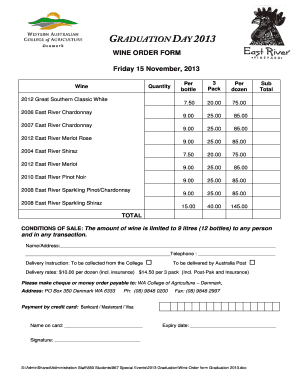
Wine order form
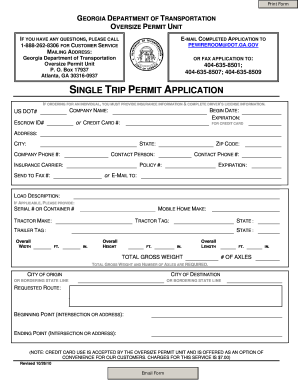
Georgia single trip permit
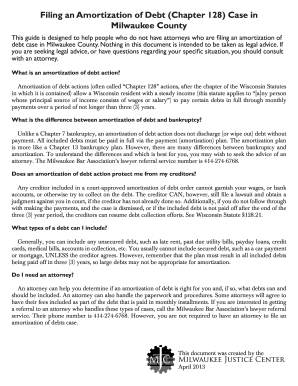
Debt amortization
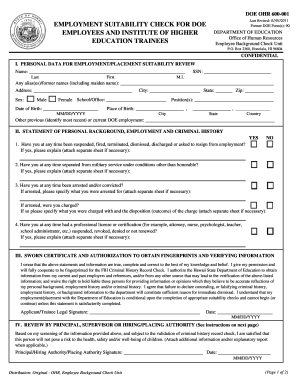
Doe 600 001
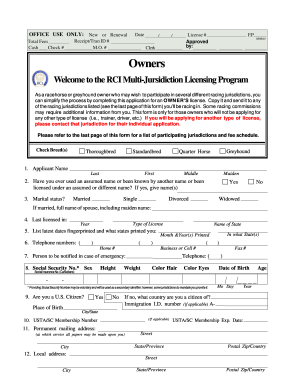
Rci jurisdiction licensing
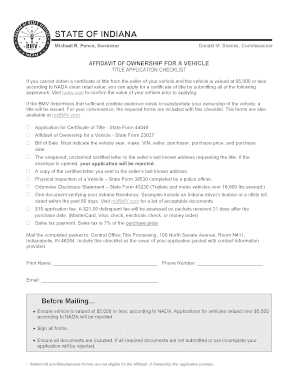
Indiana odometer statement
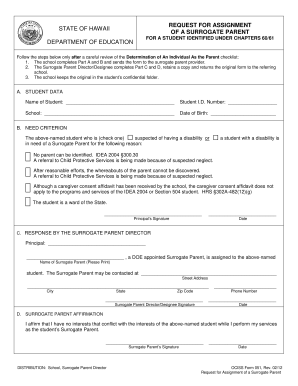
Hawaii form surrogate
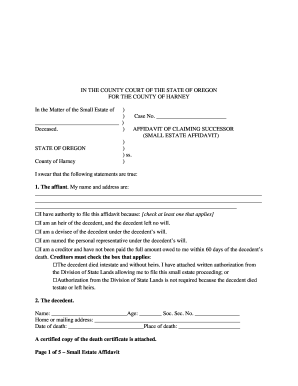
Oregon small estate affidavit form
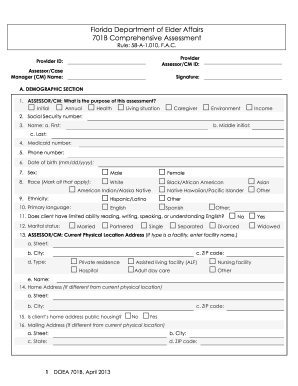
701b certification
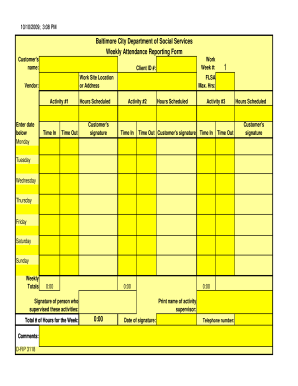
Attendance fip forms
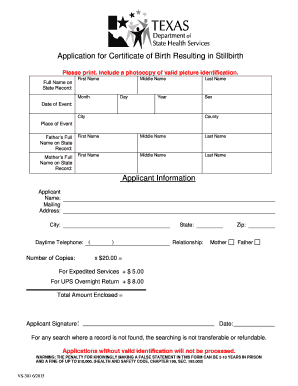
Stillborn certificate form

Authentication Request Form - Colorado Secretary of State - sos state co
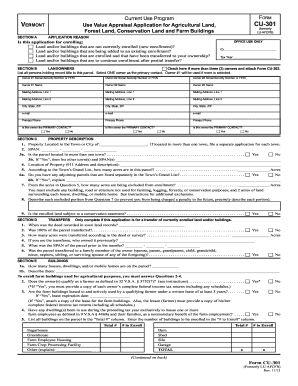
Current Use Program, Form CU-301 (Formerly LU ... - Vermont.gov - state vt
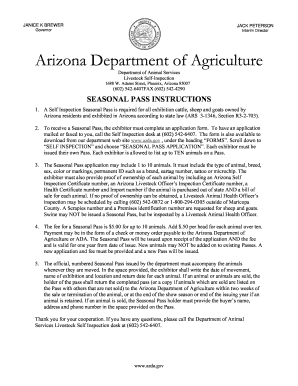
Arizona seasonal pass application

Dd form 2807 1 printable
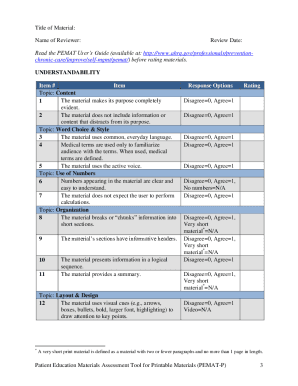
Pemat p
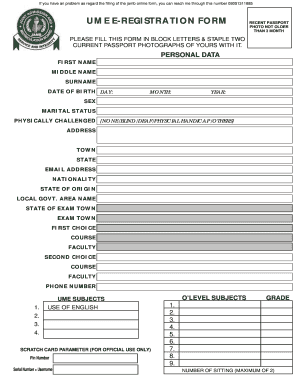
How to fill jamb form

Physician Referral Fax Form Fax # 954.355.4881 - Broward Health - browardhealth

Flu declination form

Nmprc
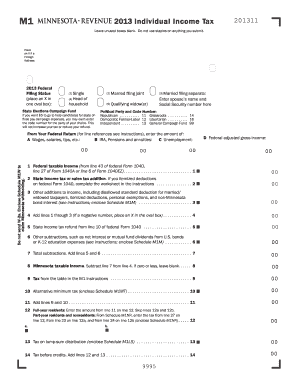
2013 minnesota form tax

State of Minnesota District Court County Judicial District: Court File Number: Case Type: , Plaintiff(s) ANSWER or ANSWER AND COUNTERCLAIM vs - mncourts
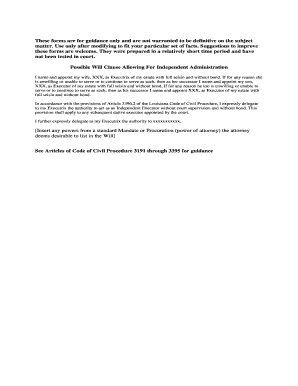
Independent administration form lsba

Severed Minerals (ED-10) - Division of Oil and Gas - oilandgas ky
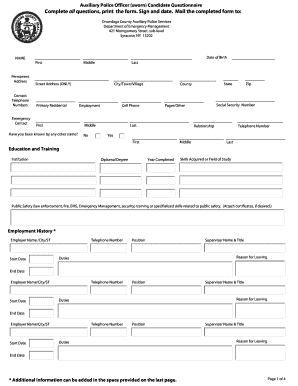
Auxiliary onondaga county
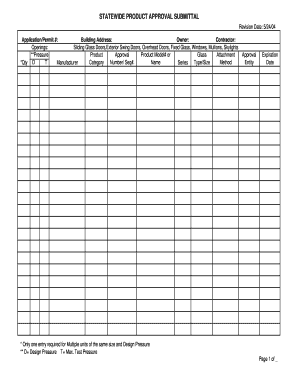
Statewide Product Approval Form - co hernando fl

Texas disclosure of equity in trade in form

Application for Pawnshop Employee License - Office of Consumer ... - occc state tx
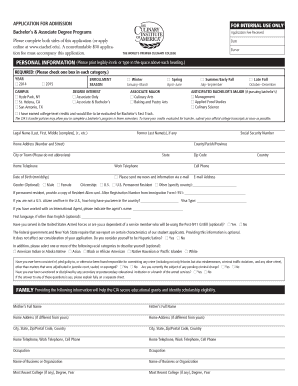
Culinary school registration form
Wi 212003 mortgage online

Blank death certificate picture 2004 form
Application refund 2008 form
Bank application form
Social Insurance Number Application Form
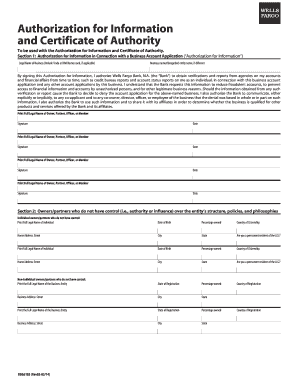
Wells fargo certificate of authority form 2014
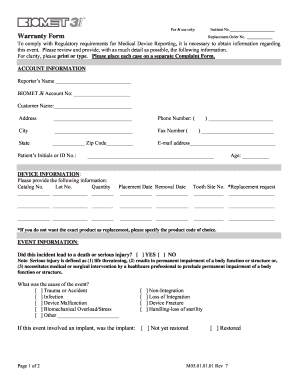
3i form biomet
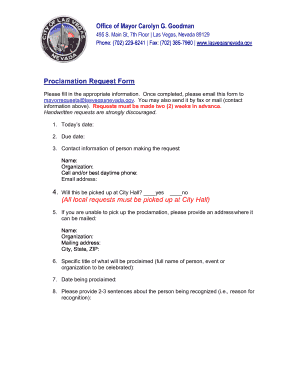
Nevada las vegas proclamation request
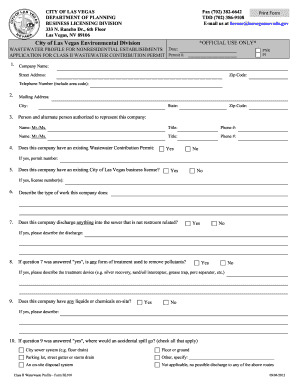
Wastewater Profile BL010 - City of Las Vegas - lasvegasnevada
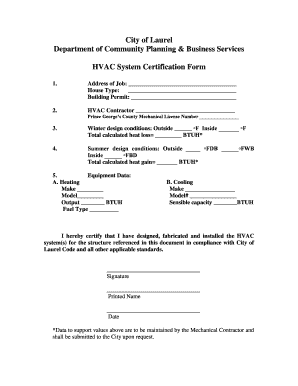
Heater certification form
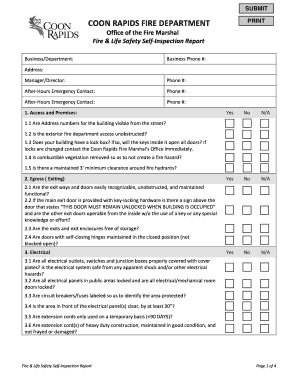
Fire Life Safety Self Inspection Form - Coon Rapids, Minnesota
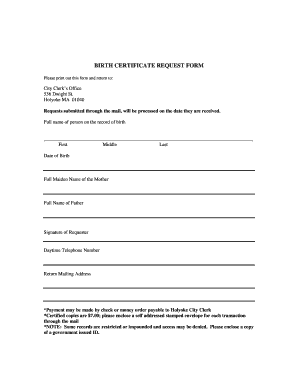
Holyoke city clerk
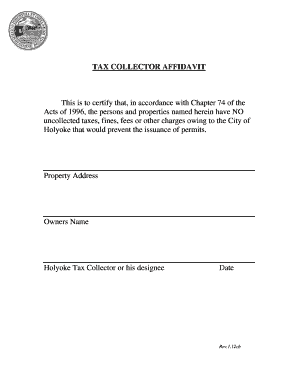
Holyoke building department

Cpic clearance request form 2012
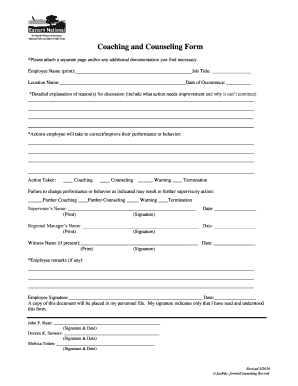
Coaching and counseling form
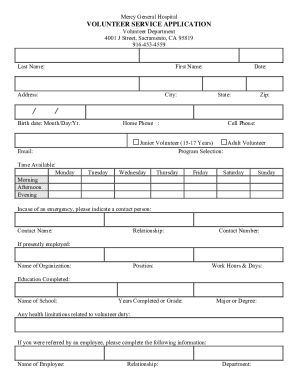
Mercy general hospital volunteer
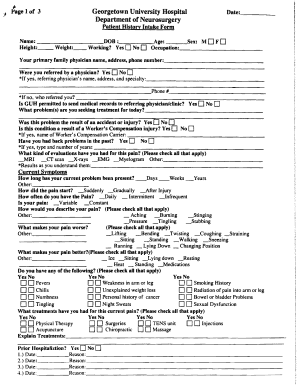
Patient Intake Form - MedStar Health
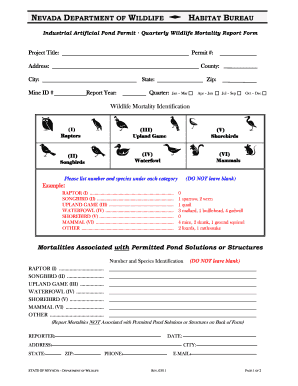
Wildlife nevada v
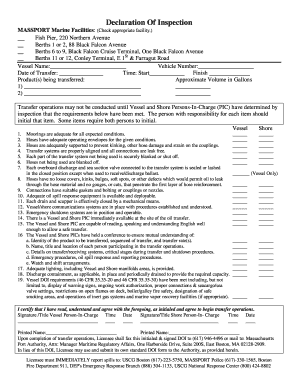
Declaration of inspection form

Alabama child care food
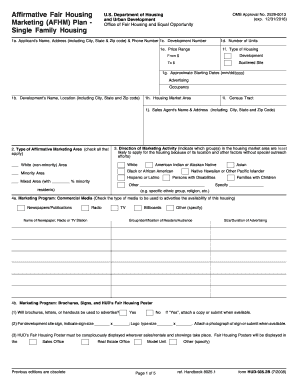
Form hud 935 2b
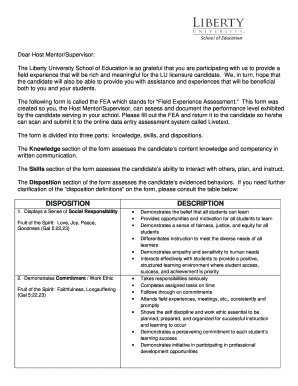
Liberty university field experience assessment
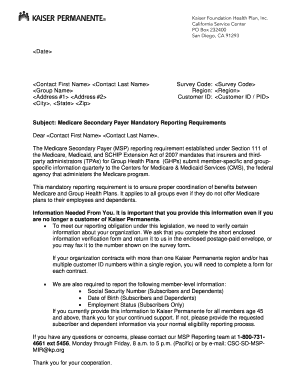
Kaiser decline form
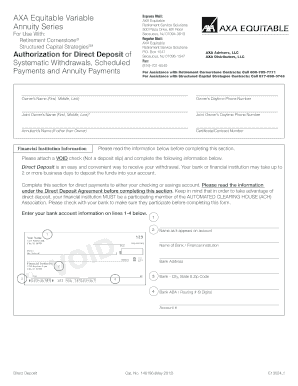
Direct Deposit Authorization (PDF*) - AXA Equitable
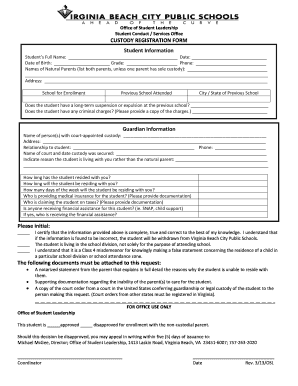
Wv temp custudy
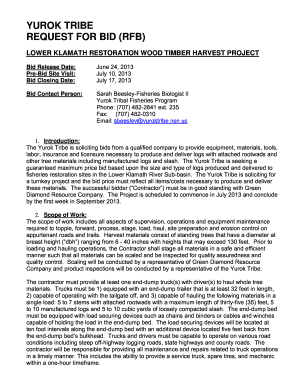
Timber contracts
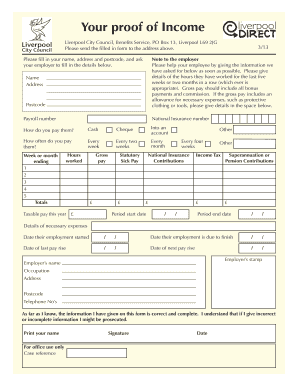
Proof of income form (pdf) - Liverpool City Council
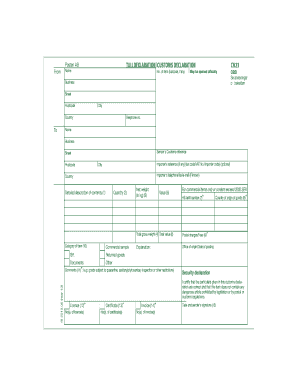
Cn23 formular
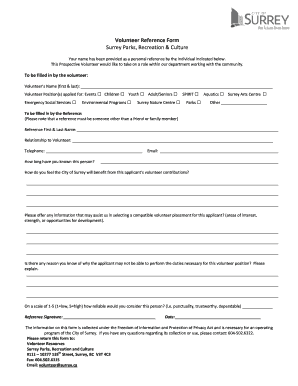
Reference city surrey
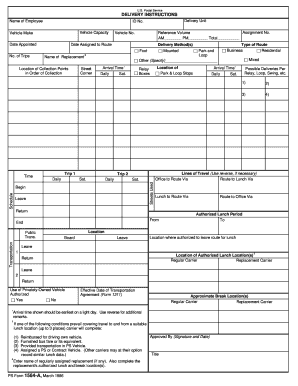
Usps form 1564
Society kemper school
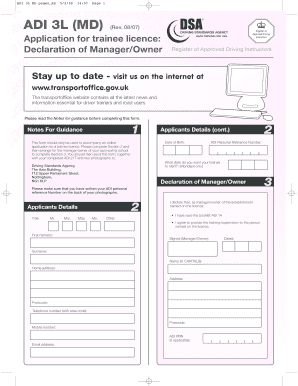
Adi 3l form

Gndu form
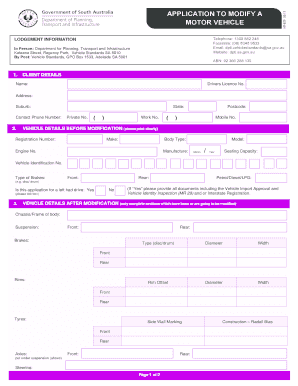
Mr620
Benefit from the DocHub online library of fillable PDF forms
Searching the PDF forms doesn't have to be a tedious and time-consuming process. With the DocHub online library, it has become easier to find the fillable PDF forms and modify them in your browser. The service allows you to adjust the document to your needs using powerful editing tools.
You can use online document editing features to modify almost any type of document with ease. You just need to find the template of your choice, open it in the editor, and use the toolbar to make the necessary corrections.
Follow this guide to get your document done with DocHub:
- Find the PDF template you need.
- Click the Get Form button to open the file in the editor.
- Use the toolbar to fill out and edit the document.
- Easily add and highlight text, insert images, checkmarks, and symbols.
- Drop new fillable fields, and rearrange or delete pages from your file.
- Save changes and download your record.
DocHub empowers everyone to streamline document editing, signing, and distribution, and form completion. Create an account and benefit from our well-organized PDF Forms library and comprehensive editor.