
Get any PDF form from the DocHub library of ready-made templates - Page 1966
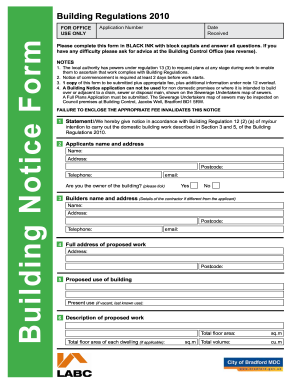
Building notice examples
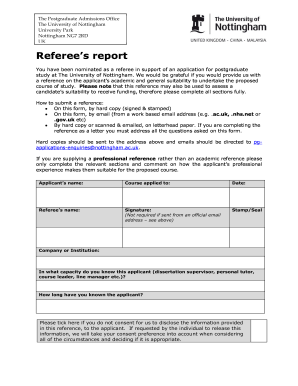
University of nottingham reference letter
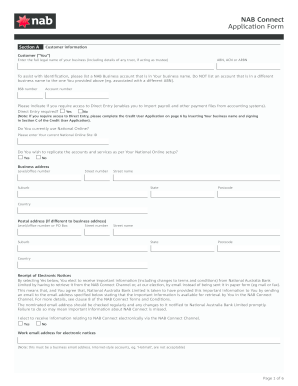
Nab any form

Geolinc
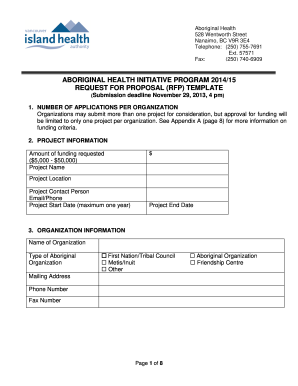
Initiative ahip request

Ecosystem Field Form.pdf - Ministry of Environment - env gov bc

Orange county application for examination/employment
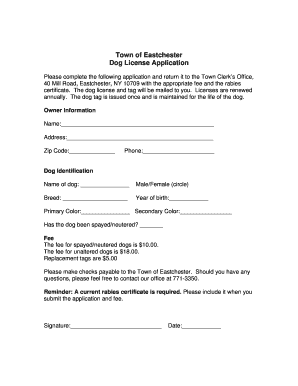
Click here for an application - Town of Eastchester - eastchester
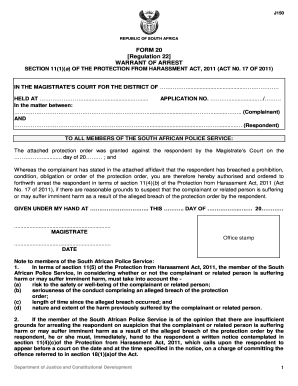
Warrant of arrest south africa
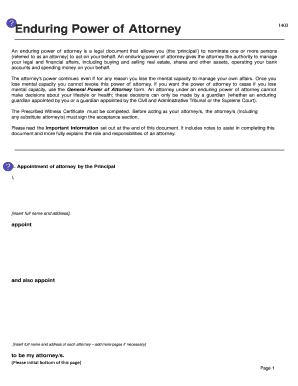
Enduring power of attorney nsw interactive form
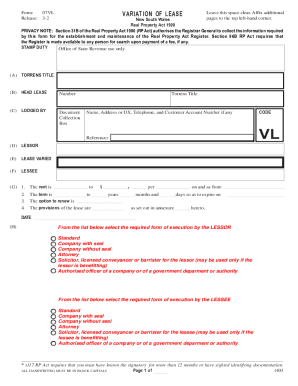
Variation of lease

Ing dispute transaction

Form BOE-502-A - Fresno County - www2 co fresno ca

R11 form
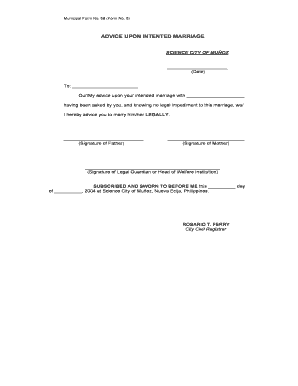
Advice upon intended marriage

First Aid Recording Form - SafeWork SA
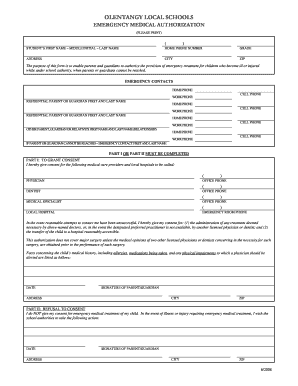
Medical emergency form
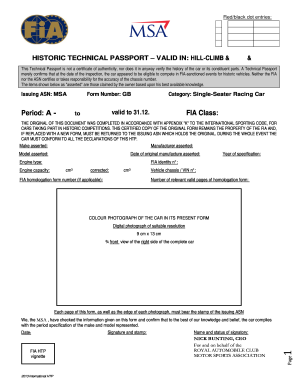
Fia htp papers

Pagibigfundservices
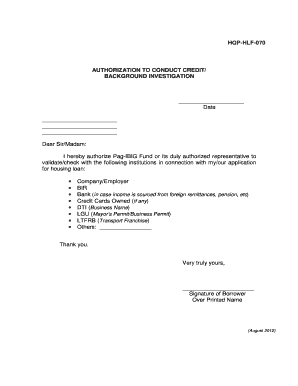
Authorization to conduct credit investigation pag ibig form
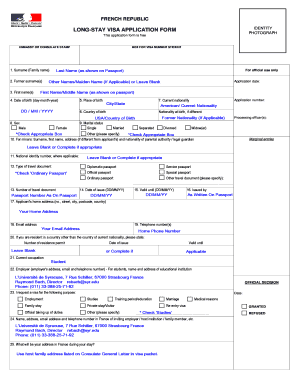
Long stay visa france application form
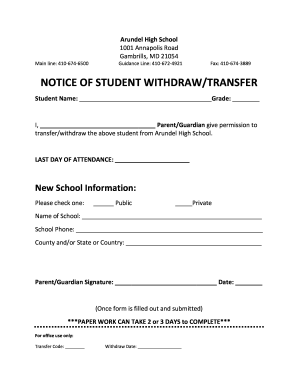
Withdraw bApplicationb - Arundel High School
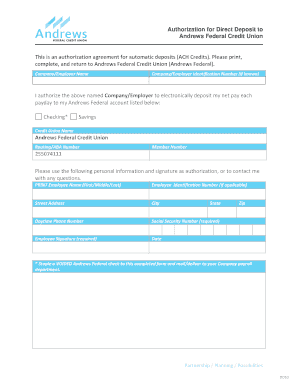
Andrews federal credit union direct deposit form
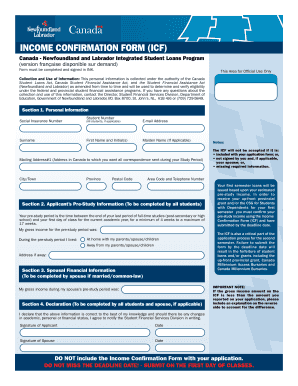
Income confirmation form
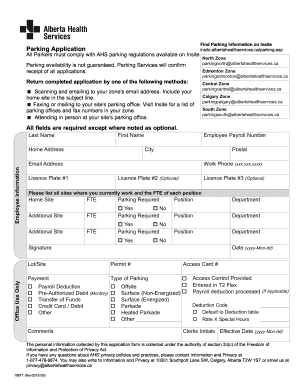
Ahs insite
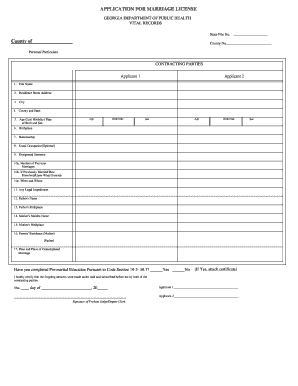
Marriage license savannah ga
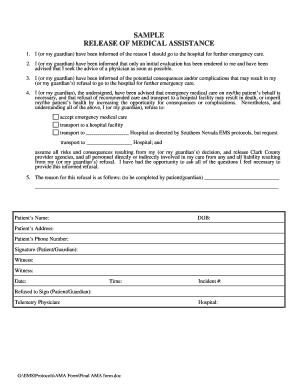
Sample release medical form
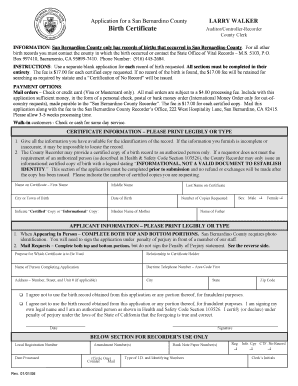
Blank birth certificate
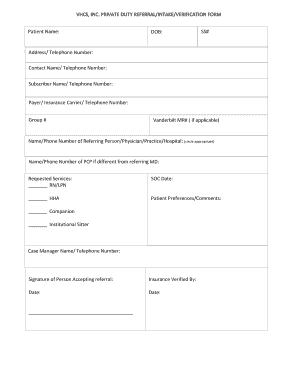
Private duty patient intake form
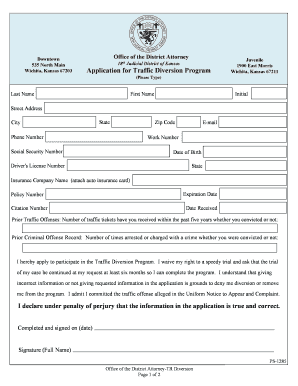
Sedgwick county traffic diversion
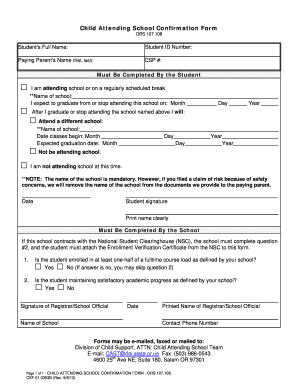
Confirmation form for teachers
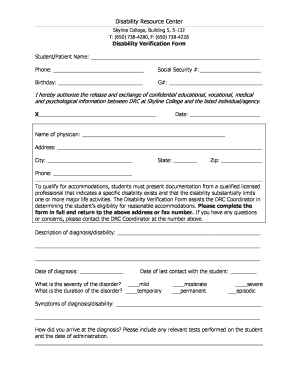
Bmv 3811 form
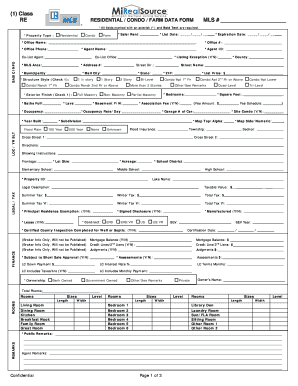
Michigan mirealsource non online

Vessel title
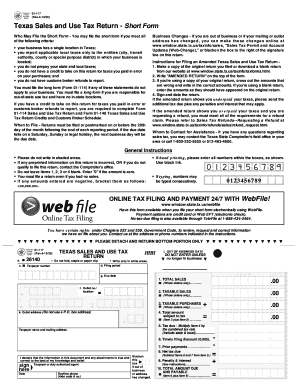
01 117 form
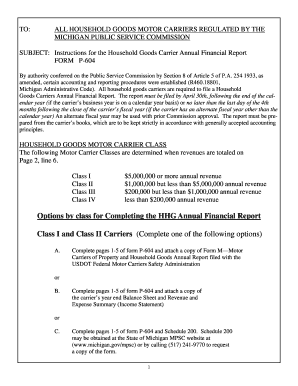
Michigan household carrier
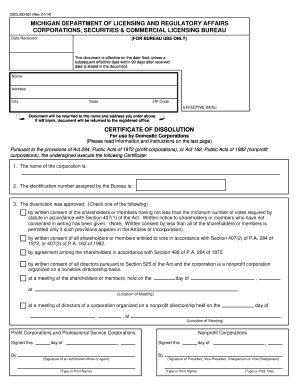
Cscl cd 531
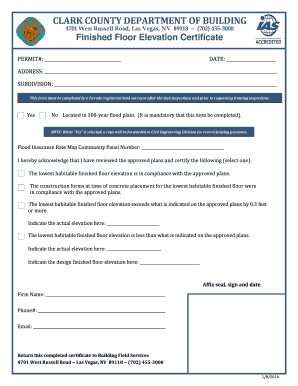
Finished Floor Elevation Certificate Form - Clark County Nevada - clarkcountynv
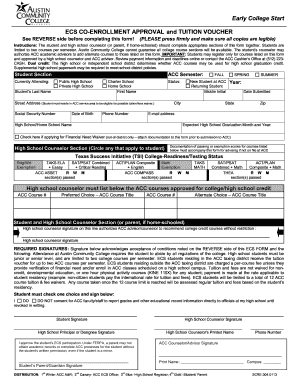
Acc high school co enrollment form

Renew forklift licence nsw
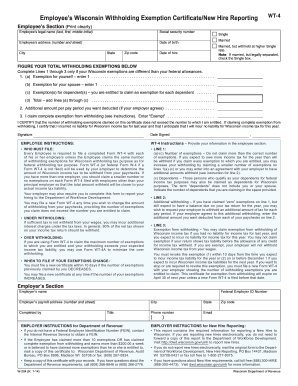
Form WT-4 - Wisconsin Department of Revenue - dor state wi
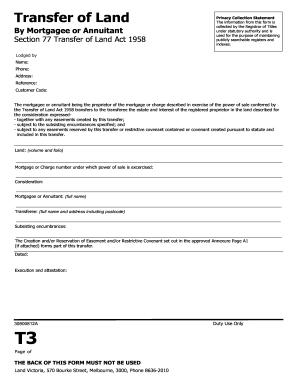
Transfer form
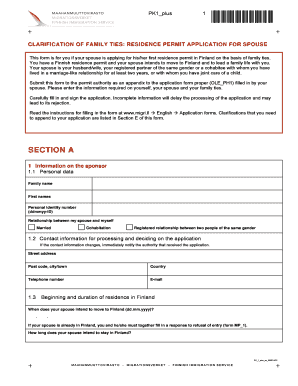
Pk1 plus
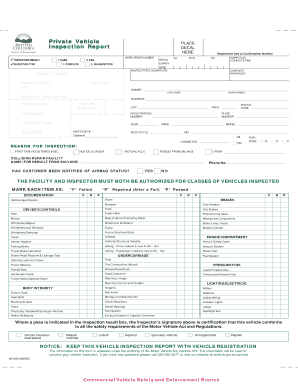
Bc vehicle inspection

Small raffle financial report
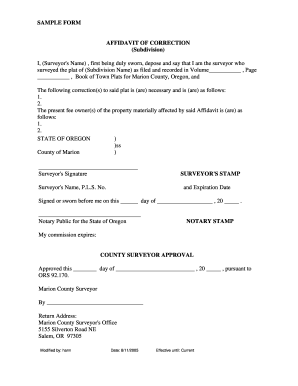
Sample affidavit for spelling mistake in name
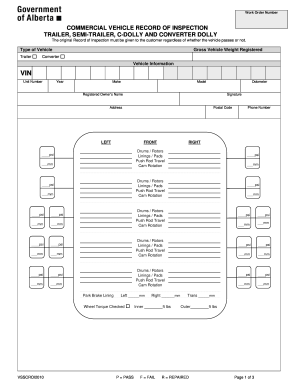
Commercial Vehicle Record of Inspection - Alberta Ministry of ... - transportation alberta
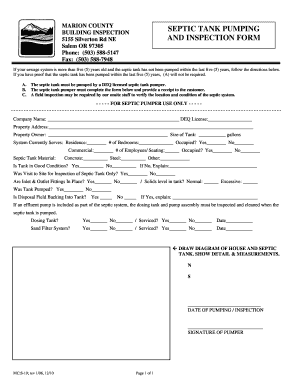
Septic clearance letter
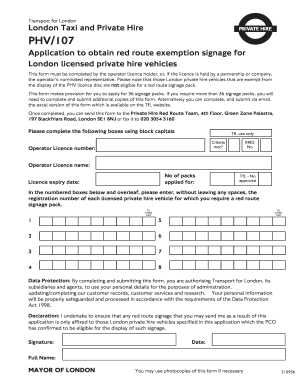
Self certification form
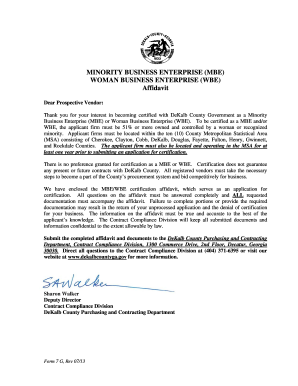
G mbe wbe form

Oregon pollution control plan

Oregon out state farm verification form

Oregon statement of error

Repossession of motorcycle letter sample from bank

DMV Form #7122 - Oregon Department of Transportation - State of ... - odot state or
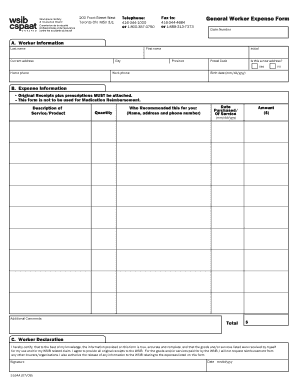
Wsib general worker expense form
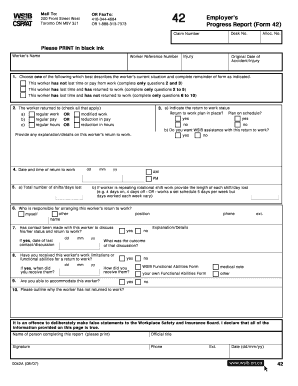
Wsib form 42
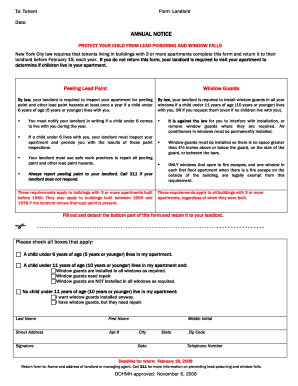
Download the lead and window guard notice form (PDF). - NYC.gov - nyc
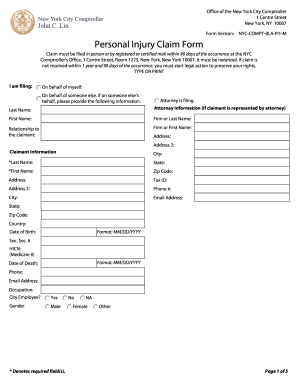
Nyc comptroller claim
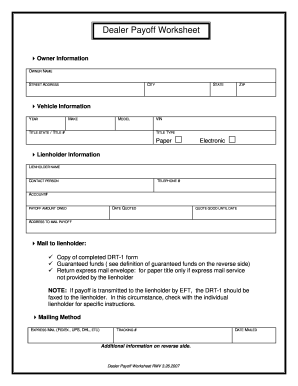
Pay off authorization template

06347 b lottery report
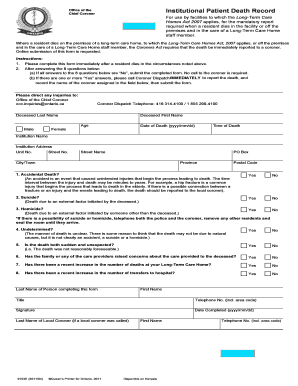
Institutional patient death record

1997 2014 cd 401s form - dor state nc
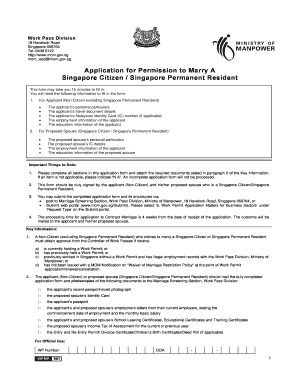
Mom form

Form 8 application for an employment pass for sponsorship case for year 2018 form no mm wpd 008s 16112018
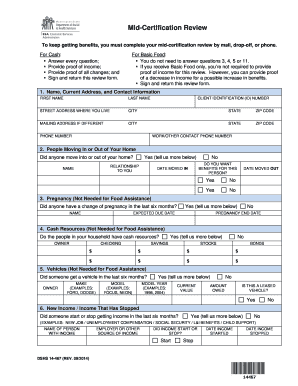
Washington state food stamp application 2013 form

Pa form mv 1
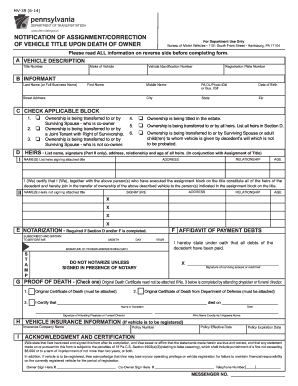
PennDOT Form MV-39 - PennDOT Driver and Vehicle Services - dmv state pa
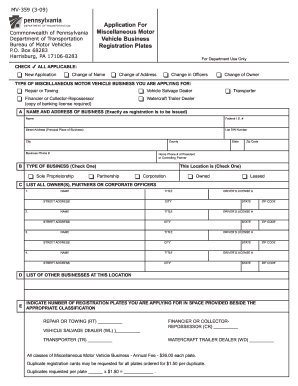
Mv359 2009 form
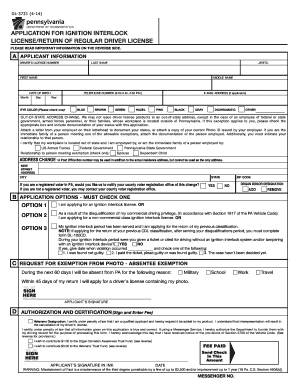
Penndot dl 3731 form 2014
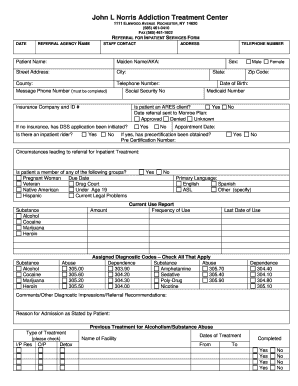
Treatment inpatient form
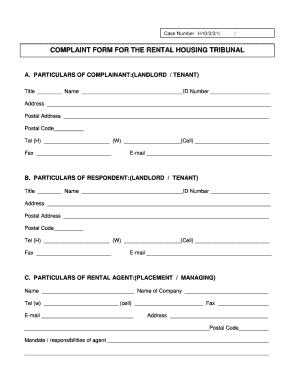
Housing tribunal complaint form
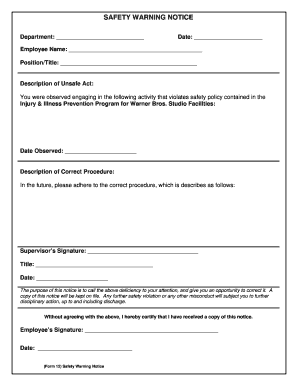
Safety warning notice

Mmr declination form
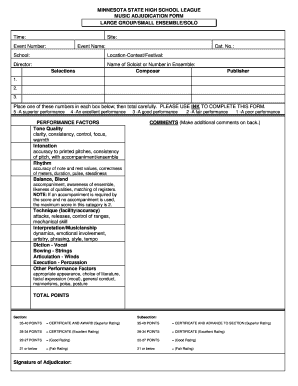
Mshsl music

Sevier notary application

Charter credit form

Insurance form
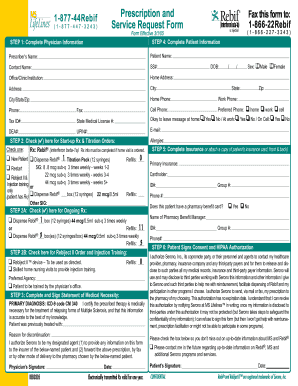
Rebif start form
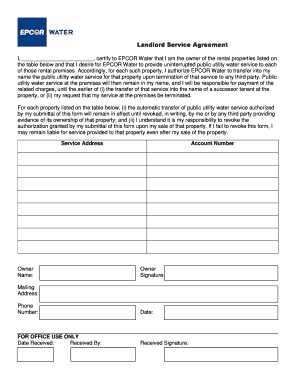
Epcor landlord agreement
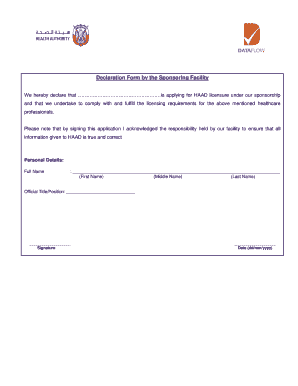
Dataflow facility online

Form irtiqaa

Best buddies application pdf

Aces enrollment application
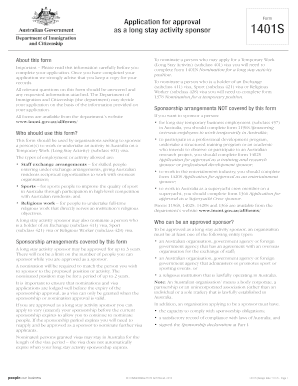
1401s - Application for approval as a long stay activity sponsor
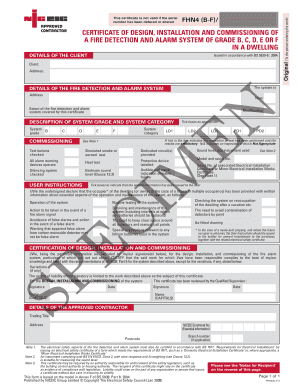
Fire alarm commissioning certificates

Starbucks transfer request form
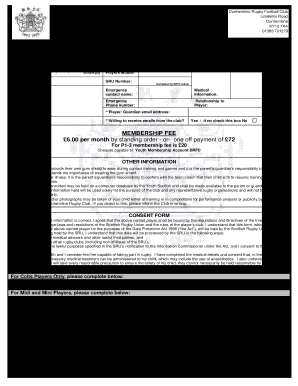
Football registration form online 2021
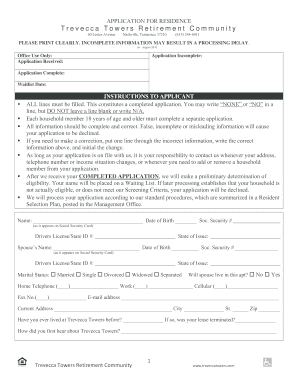
Trevecca towers application
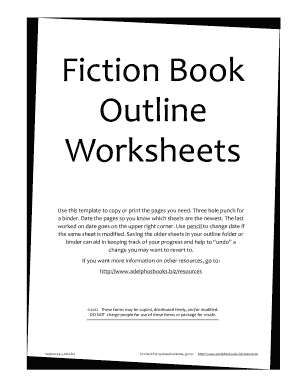
Book outline template
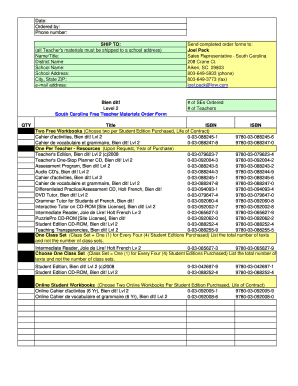
Bien dit french 1 textbook pdf
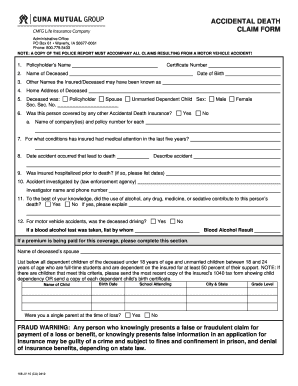
Cuna forms
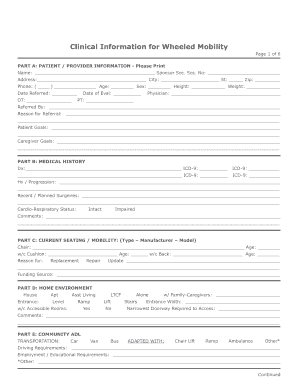
Flexible wfl explain template
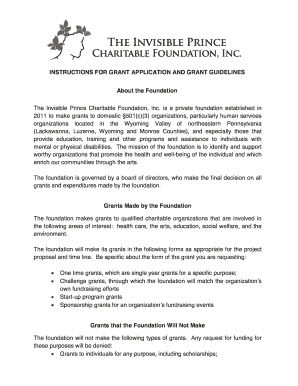
Grant charitable invisible
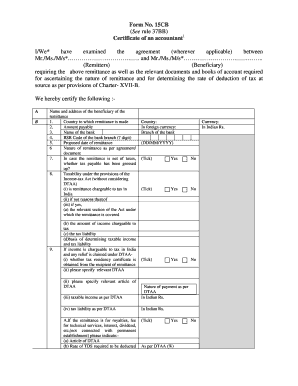
Form 15ca in word format
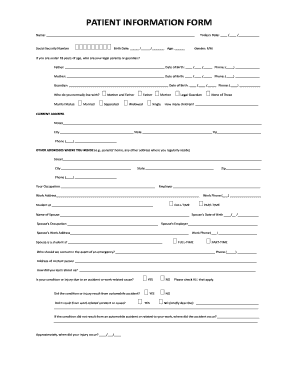
PATIENT INFORMATION FORM

Ta8 form
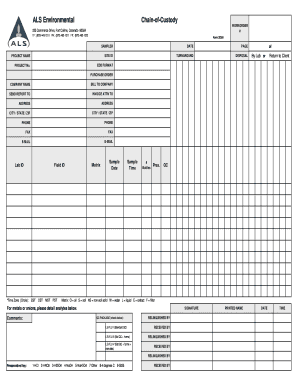
Als coc

Missouri tattoo consent form
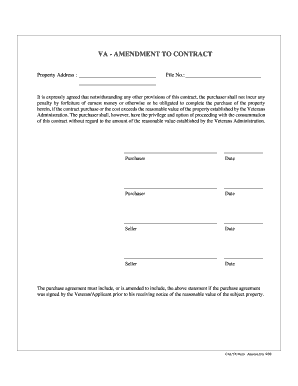
VA Amendment to Contract
Benefit from the DocHub online library of fillable PDF forms
Searching the PDF forms doesn't have to be a tedious and time-consuming process. With the DocHub online library, it has become easier to find the fillable PDF forms and modify them in your browser. The service allows you to adjust the document to your needs using powerful editing tools.
You can use online document editing features to modify almost any type of document with ease. You just need to find the template of your choice, open it in the editor, and use the toolbar to make the necessary corrections.
Follow this guide to get your document done with DocHub:
- Find the PDF template you need.
- Click the Get Form button to open the file in the editor.
- Use the toolbar to fill out and edit the document.
- Easily add and highlight text, insert images, checkmarks, and symbols.
- Drop new fillable fields, and rearrange or delete pages from your file.
- Save changes and download your record.
DocHub empowers everyone to streamline document editing, signing, and distribution, and form completion. Create an account and benefit from our well-organized PDF Forms library and comprehensive editor.