




01. Edit your form online
Type text, add images, blackout confidential details, add comments, highlights and more.

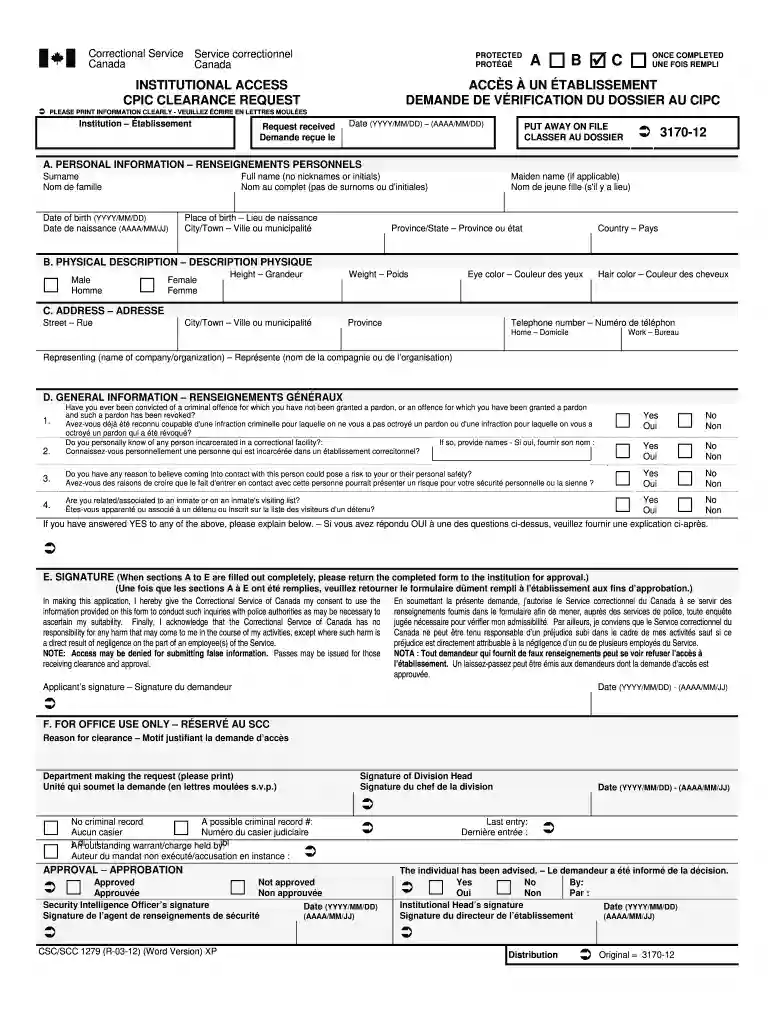
Type text, add images, blackout confidential details, add comments, highlights and more.

Draw your signature, type it, upload its image, or use your mobile device as a signature pad.

Send it via email, link, or fax. You can also download it, export it or print it out.

Start using our platform today for free to streamline your document editing and signing process!
We've got more versions of the cpic clearance request form 2012 form. Select the right cpic clearance request form 2012 version from the list and start editing it straight away!
At DocHub, your data security is our priority. We follow HIPAA, SOC2, GDPR, and other standards, so you can work on your documents with confidence.
by JK Hicks 2017 Cited by 800 This document is an update to the 2012 Clinical. Pharmacogenetics Implementation Consortium (CPIC) guideline for CYP2D6 and CYP2C19. Genotypes and Dosing ofRead more
Clearance requests shall be sent through SAF/AQC, safaqc.workflow@pentagon.af.mil . *****. MP5301.170(a). March 30, 2012. OSD Pre-Award Peer Reviews forRead more


