




Here's how it works

01. Edit your liberty sign out form online
Type text, add images, blackout confidential details, add comments, highlights and more.

02. Sign it in a few clicks
Draw your signature, type it, upload its image, or use your mobile device as a signature pad.

03. Share your form with others
Send liberty sign out sheet via email, link, or fax. You can also download it, export it or print it out.
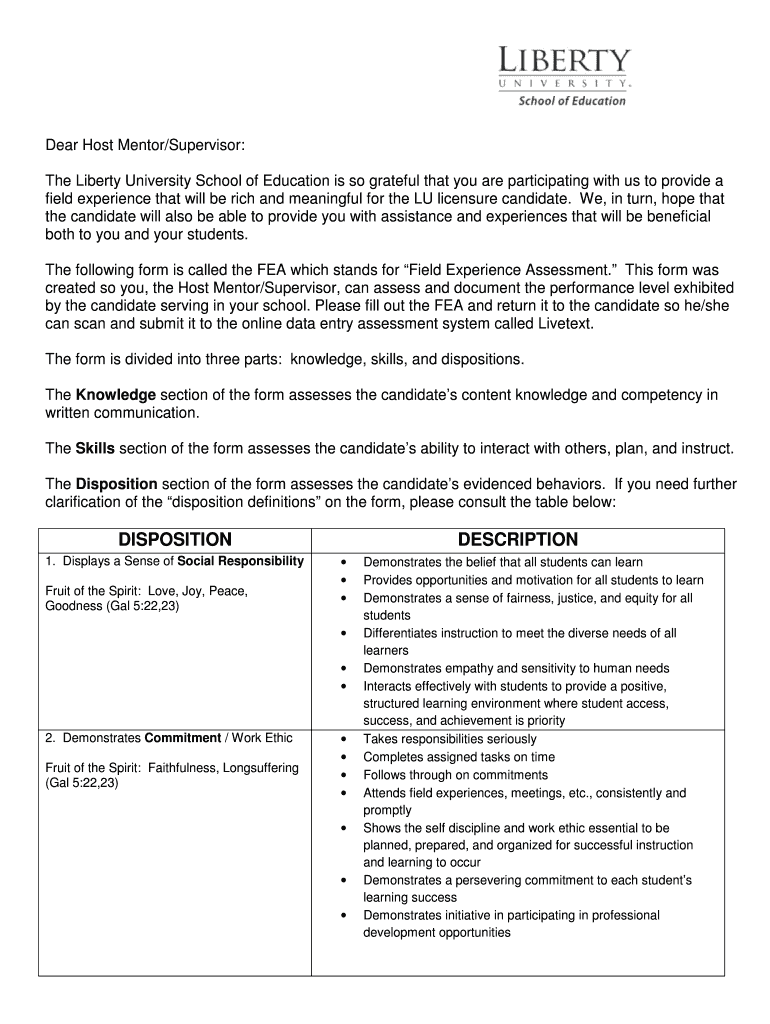
How to use or fill out Liberty University Field Experience Assessment with our platform

- Click ‘Get Form’ to open the Liberty University Field Experience Assessment in the editor.
- Begin by filling in the candidate's name and date at the top of the form. Ensure accuracy as this information is crucial for identification.
- In the 'Supervising School' section, provide the school’s name, phone number, and address. This helps in maintaining clear communication.
- Assess the candidate's performance by marking an 'X' in the appropriate column for each statement under 'Performance'. Use a scale from 0 (Strongly Disagree) to 4 (Strongly Agree).
- Move to the 'Dispositions' section and similarly mark an 'X' based on your evaluation of the candidate’s social responsibility, commitment, reflective practice, integrity, and professionalism.
- In the 'Open Response Section', provide detailed feedback on commendable aspects of the candidate and areas for improvement. This qualitative input is invaluable for their growth.
- Finally, sign and date at the bottom of the form before returning it to the candidate for submission.
Start using our platform today to streamline your document editing and ensure a smooth completion of assessments!
Fill out liberty university field experience assessment online
It's free
It's free
Security and compliance
At DocHub, your data security is our priority. We follow HIPAA, SOC2, GDPR, and other standards, so you can work on your documents with confidence.
Learn more


