




01. Edit your oregon small estate affidavit pdf online
Type text, add images, blackout confidential details, add comments, highlights and more.

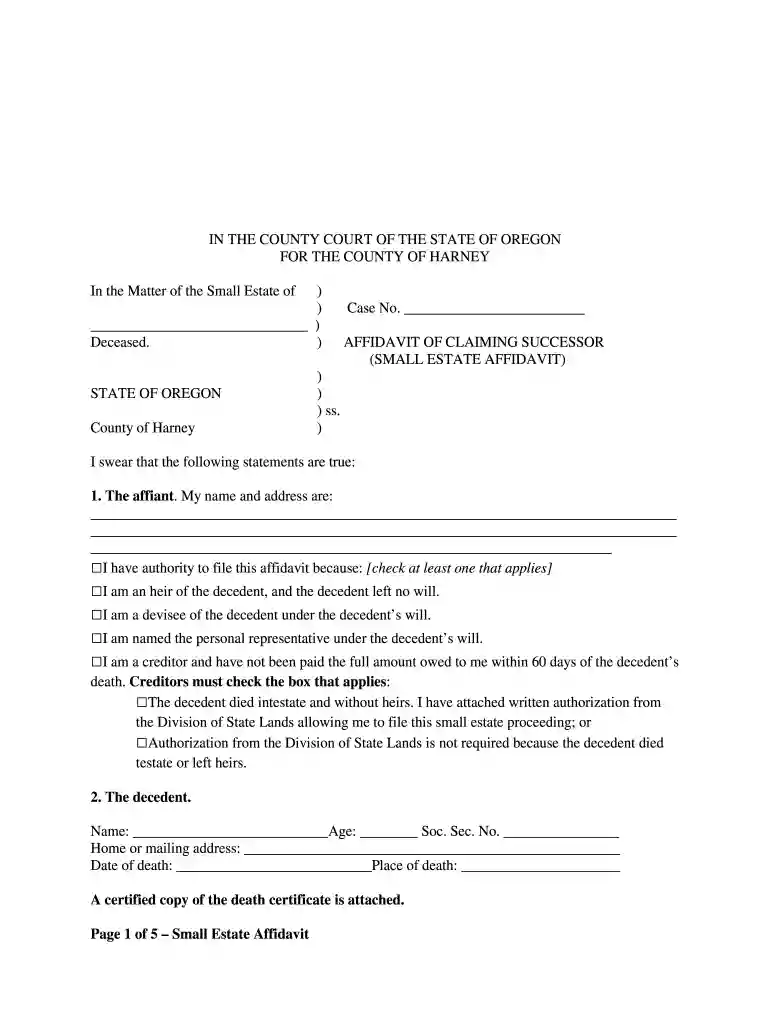
Type text, add images, blackout confidential details, add comments, highlights and more.

Draw your signature, type it, upload its image, or use your mobile device as a signature pad.

Send affidavit of small estate form via email, link, or fax. You can also download it, export it or print it out.

Start using our platform today for free to simplify your document editing and form completion!
At DocHub, your data security is our priority. We follow HIPAA, SOC2, GDPR, and other standards, so you can work on your documents with confidence.
Feb 12, 2015 In short, Murrays affidavit would fail even if EPA had completed its rulemaking process. C. The Intervenors also lack Article III standingRead more
The small estate affidavit must be filed by one or more claiming successors. A claiming successor is: 1. An heir or devisee of the decedent. (depending onRead more
Oregons small estate proceedings under ORS 114.505-560 do offer a simplified form of probate administration in some cases. The small estate proceedingRead more


